


Description
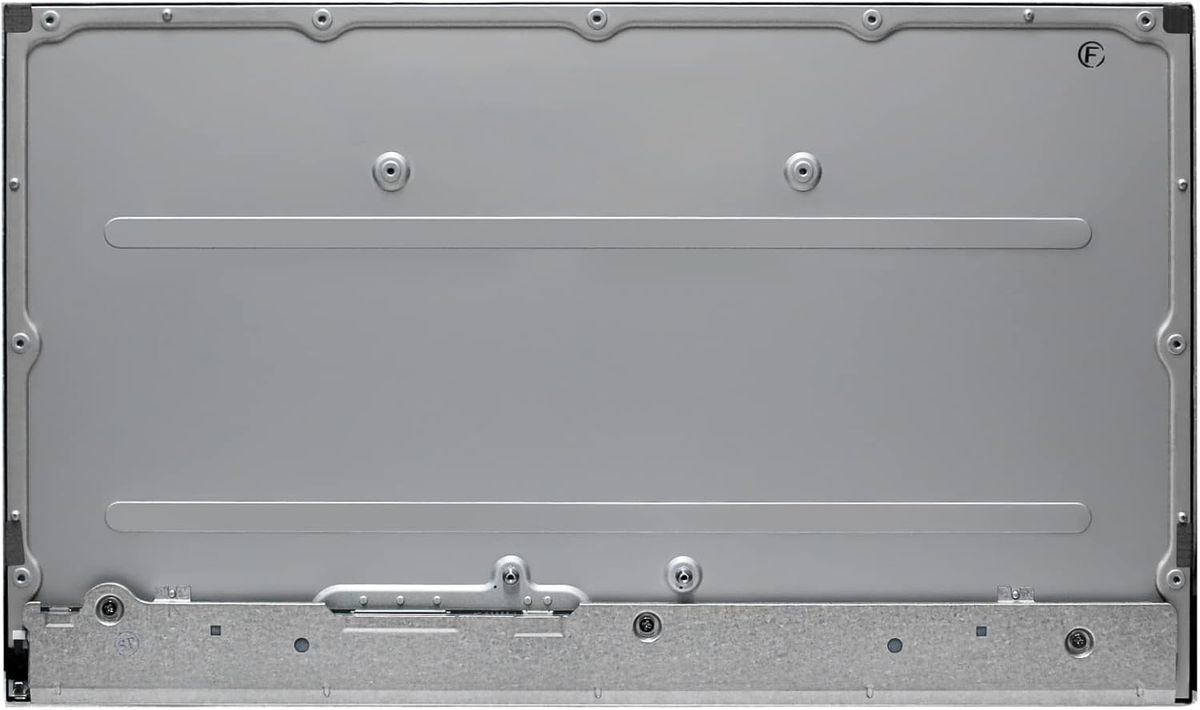
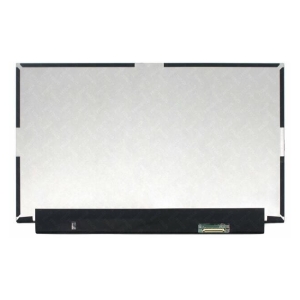
21.5″ FHD Replacement screen Dell Optiplex 5260 5270 3275 Inspiron 3280
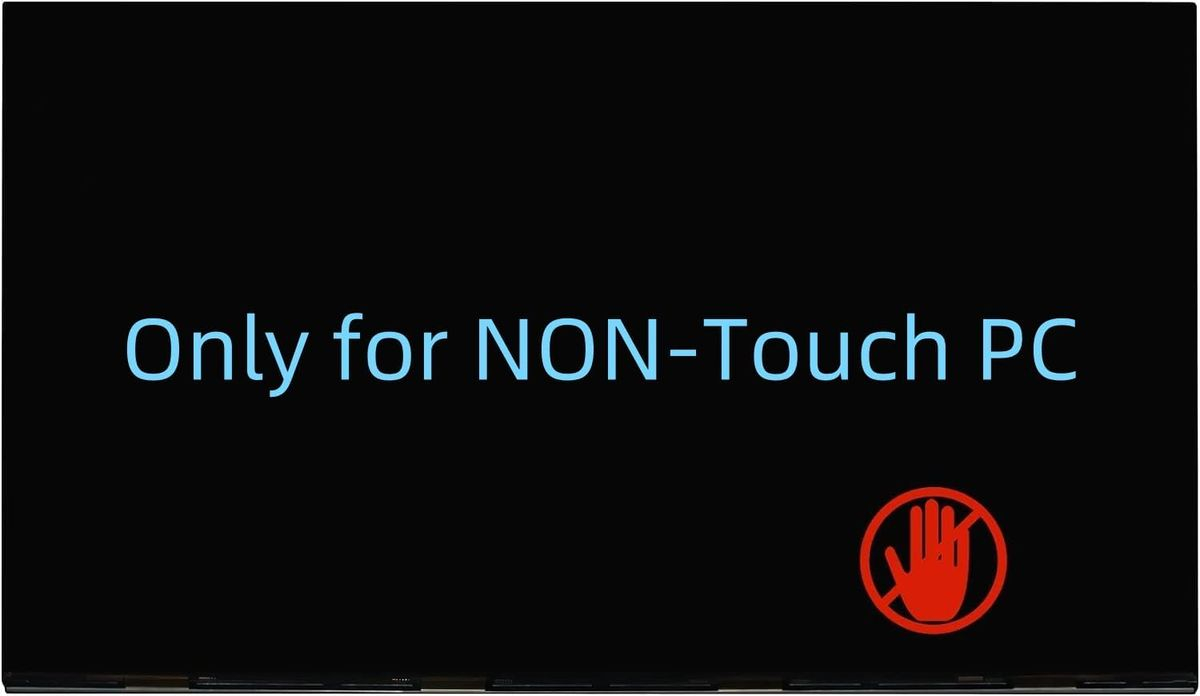
Dell OptiPlex 5260 5270 3275 Series 30 Pin Non Touch LCD 0NHYJR 0W13YY LM215WF9-SLA2
Specifications
Size: 21.5 inch
Resolution: 1920×1080
P/N
0XPKGK
0NHYJR
0W13YY
Compatible Unit
Dell Optiplex 5260
Dell Optiplex 5270
Dell Optiplex 3275
Dell Inspiron 3280
What’s in the Box
1 x 21.5″ FHD Replacement screen Dell Optiplex 5260 5270 3275 Inspiron 3280
Tips for Matching and Fitting a Replacement Laptop Screen
The part number on the label on the back of your old screen is the surest match: any part number listed above will fit. If you can’t read the label, compare the size, resolution, connector (number of pins and where the socket sits), mounting brackets and surface finish with the details above, and check whether your current screen is a touch screen. Send us the part number or your laptop model and we’ll confirm the fit before you order.
When fitting, switch the laptop off and disconnect the battery first. Lift the connector tape gently, keep fingers off the panel surface, and test the new screen before you clip the bezel back on.


Reviews
There are no reviews yet.