


Description
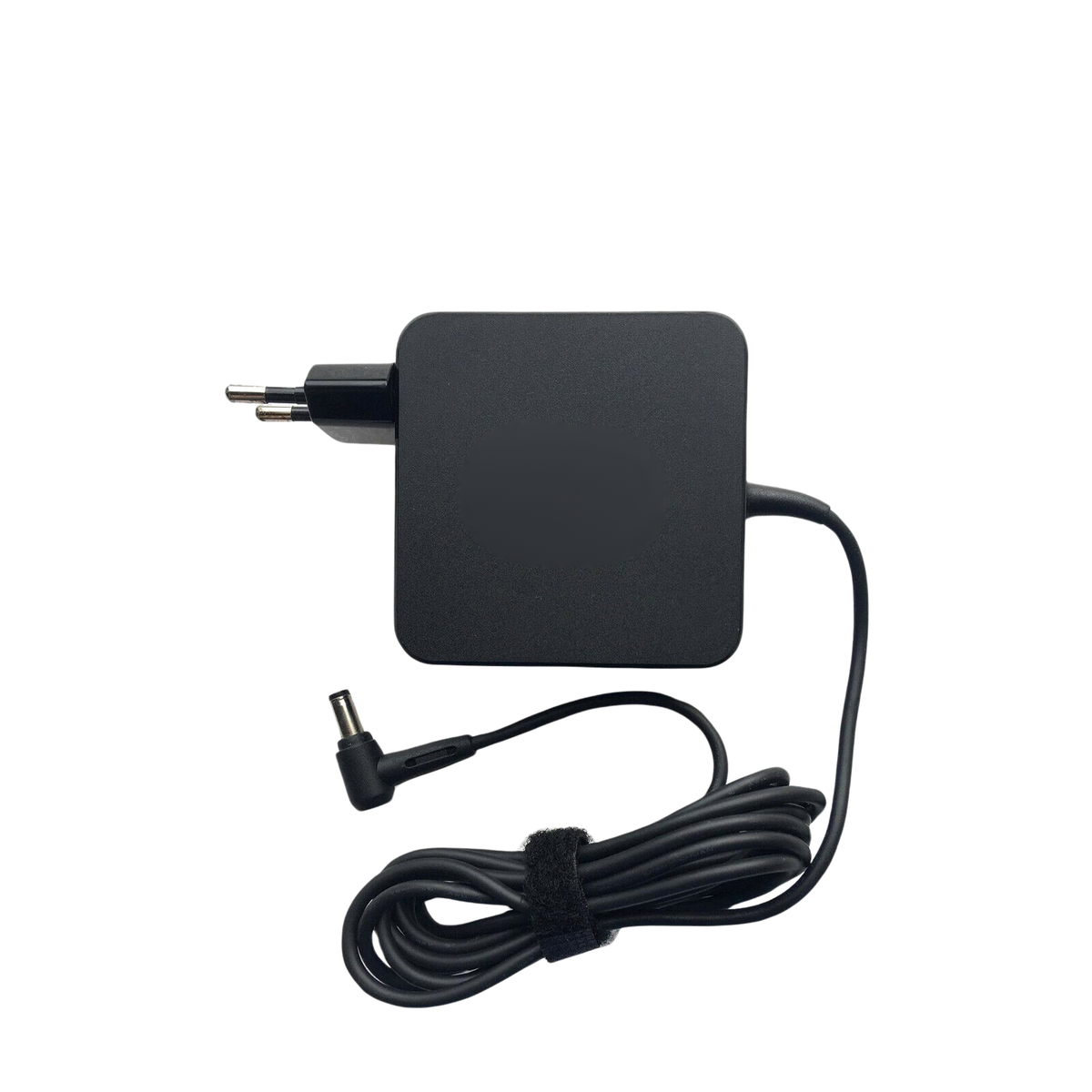
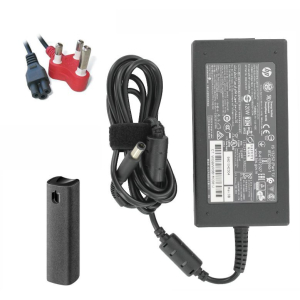
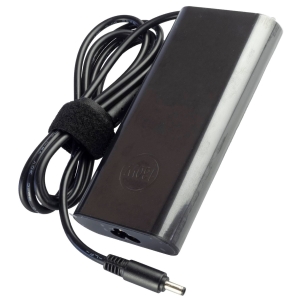
4.0×1.35mm 65W Charger AC Adaptor Compatible with Asus Laptops ADP-65DW C
Compare SPECIFICATIONS, IMAGES and given PART or MODEL NUMBER before purchase for perfect compatibility.
Specifications
19V 3.42A 65W
Charger Model
ADP-65DW C
Compatible Devices
ASUS ZenBook Series
| ZenBook UX21A | ZenBook UX31A | ZenBook UX32A | ZenBook UX32V |
| ZenBook UX32VD | ZenBook UX301 | ZenBook U38N | ZenBook U38DT |
| ZenBook UX42VS | ZenBook UX50 | ZenBook UX52VS | ZenBook UX305 |
| ZenBook UX305L | ZenBook UX305LA | ZenBook UX305UA | ZenBook UX303U |
| ZenBook UX303L | ZenBook UX310UA | ZenBook UX330U | ZenBook UX330UA |
| ZenBook 13 UX331UA | ZenBook UX331UA | ZenBook UX360 | ZenBook UX360CA |
| ZenBook UX360UA | ZenBook UX560U | ZenBook UX305U | ZenBook UX302LG |
| ZenBook UX433FN | ZenBook UX430U | ZenBook UX303UA |
ASUS VivoBook Series
| VivoBook F201E | VivoBook Q200E | VivoBook S200E |
| VivoBook X200CA | VivoBook X201E | VivoBook X202E |
| VivoBook Flip TP301 | VivoBook Flip TP501 | VivoBook Flip 12 TP202NA |
| VivoBook Flip 12 TP202N | VivoBook Flip 12 J202NA | VivoBook Flip 12 J202N |
| VivoBook 15 X542UN-GQ213T | VivoBook 15 X51f | VivoBook F510U |
| VivoBook F510UA |
ASUS Transformer Book Flip Series
Flip TP300L
Flip TP300LA
Flip TP301U
Flip TP301UA
ASUS X Series
| X553S | X553SA | X553M | X556UA |
| X540 | X540L | X540LA | X540S |
| X540SA | X541S | X541SA | X541N |
| X541U | X541UA | X543NA | X509JB |
| X543U |
ASUS F Series
| F200m | F200CA | F200MA | F541 |
| F541N | F541NA | F541SA | F541U |
| F541UA | F541UV | F541S | F541SC |
| F556 | F556U | F556UA | F540 |
| F540S | F540UP |
ASUS A Series
| A540L | A541N | A541S | A541SA |
| A541SC | A541UA |
ASUS B Series
B8430ua
What’s in the box
1 x 65W Replacement Charger for Asus Laptops
Tips for Choosing and Using a Replacement Charger
Always match the voltage and connector tip size to your original charger exactly – a mismatched voltage or tip can damage your device even if it appears to fit. A replacement rated at a higher wattage than the original is safe to use, since your device only draws the current it needs; never go lower than the original wattage.
Inspect the cable and connector tip periodically for fraying, bending or corrosion, and unplug the charger when it isn’t in use to help it last longer. If your laptop isn’t charging, check that the tip is fully and securely inserted before assuming the charger itself has failed.



Reviews
There are no reviews yet.