
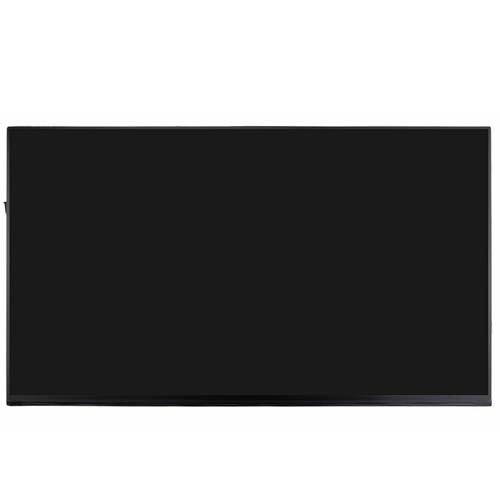


Description
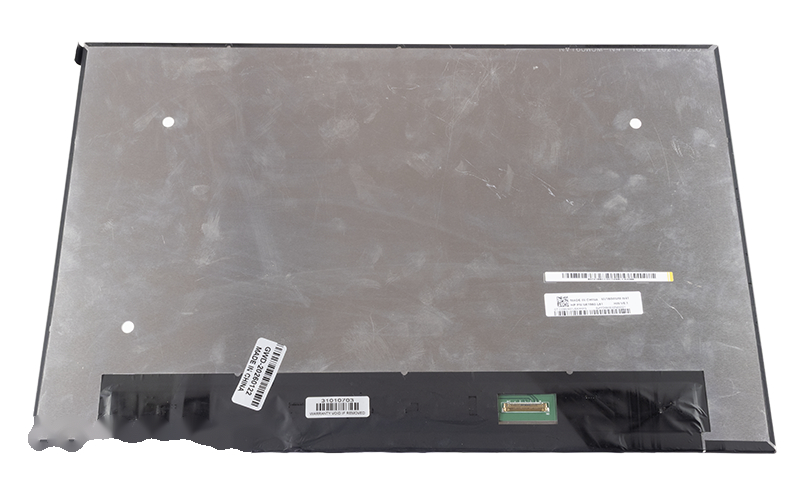
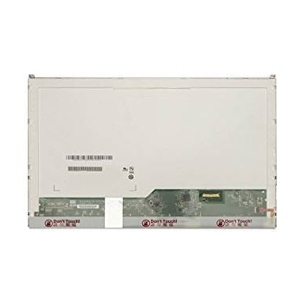
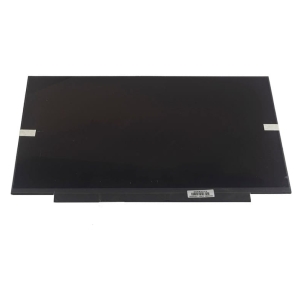
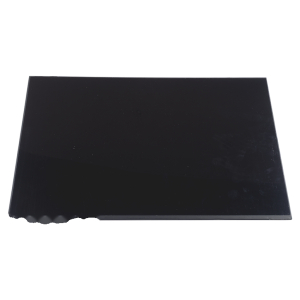
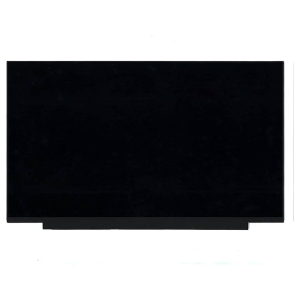
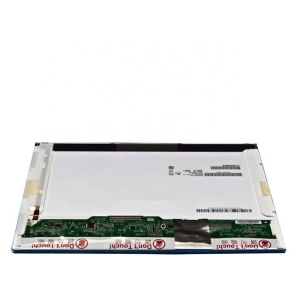
16.0″ FHD+ LCD Screen – 1920X1200 – Matte Surface – 30-Pin eDP1.2 Bottom-Right Connector (socket closer to bottom-right edge compared to 160AB) – No Mounting Bracket – No Bottom Tab
Screen Diagonal 16.0″,
Resolution FHD+,
Pixels 1920X1200,
Surface Finish Matte,
Connector Type 30-Pin eDP1.2,
Connector Socket Location Bottom-right,
with mounting bracket? No,
with bottom tab? No
Compatible Part Numbers
- B160UAN03.0
- B160UAN04.4
- B160UAN04.9
- N160JCA-EEK Rev.C2
- 5D11P79784
- 5D11P79783
- SD11M38961
- SBB1R89485
- N96423-001
- LP160WU3(SP)(D2)
- LP160WU1(SP)(B1)
- NV160WUM-N41
- NV160WUM-N4D
Compatible Devices
- ProBook 460 G11
- EliteBook 860 G11
- ThinkPad T16 Gen 4 Type 21QF
- ThinkPad T16 Gen 4 Type 21QE
- TravelMate P2 16
Tips for Matching and Fitting a Replacement Laptop Screen
The part number on the label on the back of your old screen is the surest match: any part number listed above will fit. If you can’t read the label, compare the size, resolution, connector (number of pins and where the socket sits), mounting brackets and surface finish with the details above, and check whether your current screen is a touch screen. Send us the part number or your laptop model and we’ll confirm the fit before you order.
When fitting, switch the laptop off and disconnect the battery first. Lift the connector tape gently, keep fingers off the panel surface, and test the new screen before you clip the bezel back on.


Reviews
There are no reviews yet.