


Description
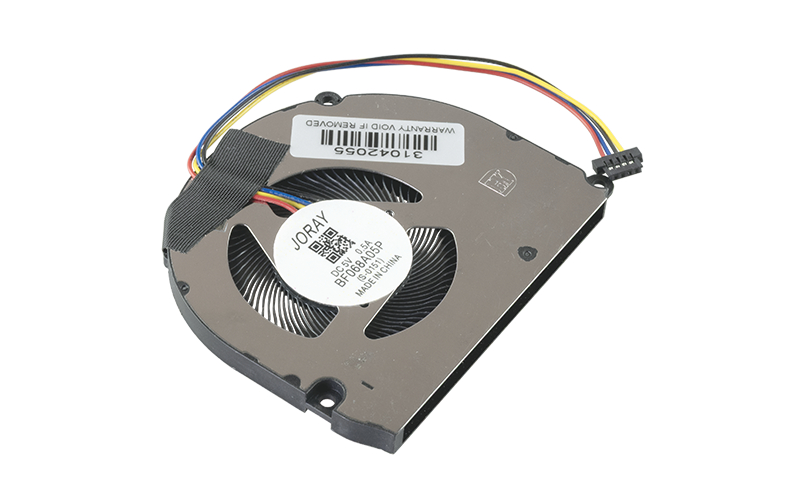
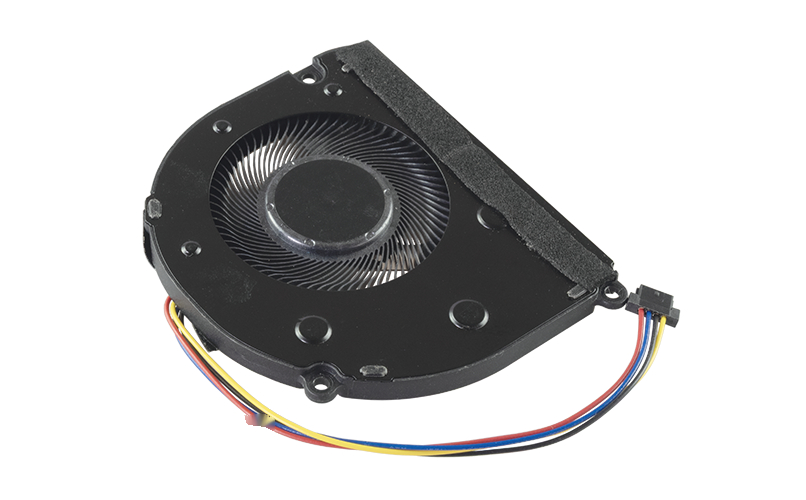
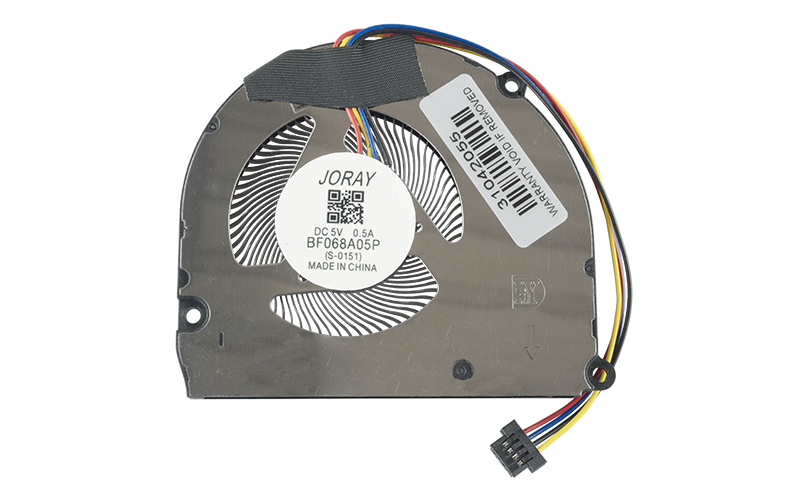
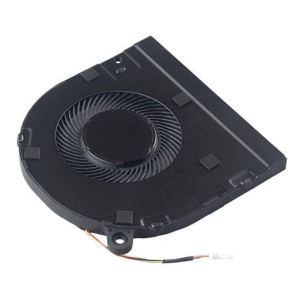
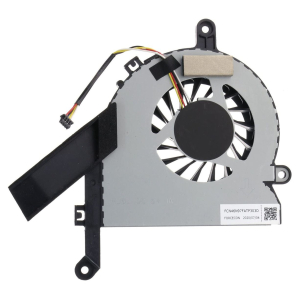
Dynabook Satellite Pro C50-J-10I CPU Fan (without heatsink)
Genuine Toshiba part,
without heatsink
Compatible Part Numbers
Toshiba
- BF068A05P
Compatible Devices
Toshiba
- Dynabook Satellite Pro C50-J-10I
Dynabook
- Satellite Pro C50-J-10I
Tips for Replacing a Laptop Fan
Match the part number on the sticker on your old fan, or your exact laptop model and generation, to the details above, and check whether you need the fan only or the complete fan and heatsink assembly. We’re happy to confirm the fit before you order.
Switch the laptop off and disconnect the battery before you start. Unplug the fan cable gently from the motherboard, clean the dust out of the heatsink fins, and replace the thermal paste on the processor whenever you lift the heatsink.


Reviews
There are no reviews yet.