
Many laptop issues start with one simple mistake: using a charger or battery with the wrong voltage or amperage. If you don’t match these specs exactly, you risk damaging your device and losing time and money. This checklist from Computech Solutions shows you how to read labels, confirm compatibility, and pick the right part with confidence. Follow the steps, avoid common pitfalls, and keep your laptop powered safely and reliably.
Understanding Laptop Charger Compatibility
When it comes to laptop charger compatibility, knowing the exact voltage and amperage is crucial. Getting these numbers right ensures your device stays safe and operational.
Exact Voltage and Amperage Match
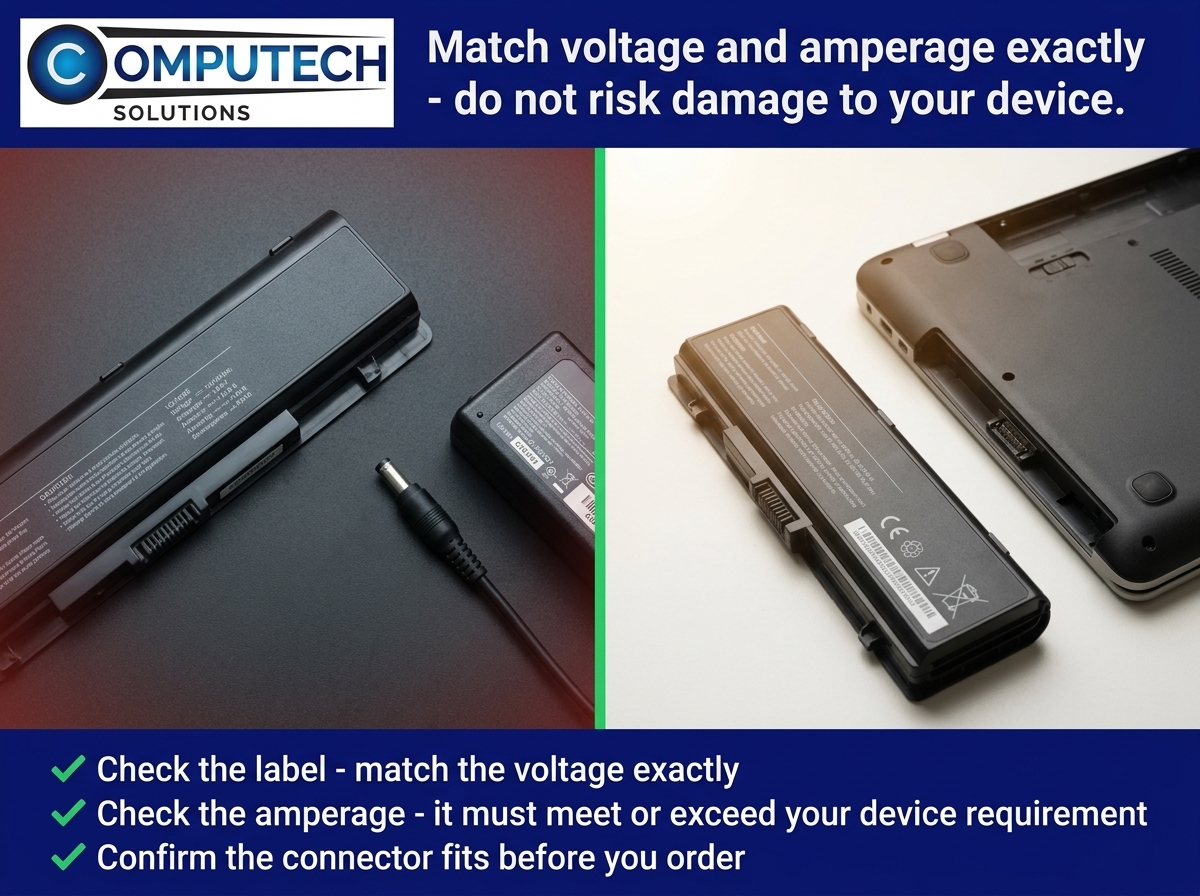
The Key Insight: Always match the voltage and amperage of your charger to your laptop’s requirements. A mismatch can lead to overheating or undercharging. Check your laptop’s manual or the label on your existing charger for these numbers. Most chargers will have labels that clearly state their voltage and amperage ratings, such as a 19V 3.42A charger. Stick to these exact figures to maintain your laptop’s health.
Why Exact Numbers Matter: Using a 65W laptop charger with a device that requires a 90W charger can lead to slow charging or no charging at all. Conversely, a higher wattage charger can cause damage over time. By keeping the numbers exact, you’re not only avoiding potential damage but also ensuring your device operates efficiently.
Reading the Charger Label
How to Read the Label: Charger labels might seem technical, but they often contain all the information you need. Look for sections that mention “Output” to find the voltage (V) and amperage (A). This is typically printed on the charger itself or in the accompanying documentation.
Common Mistakes: A frequent error is assuming all chargers are universal. For instance, just because a tip fits doesn’t mean it’s the right charger. Always confirm the numbers before plugging it in. If you’re unsure, consult with an expert or the manufacturer.
Choosing the Right Replacement
Once you understand the importance of matching voltage and amperage, the next step is selecting a replacement that fits your device perfectly.
Universal vs Dedicated Chargers
Universal Chargers: These chargers are adaptable to many devices but require manual adjustment for voltage and amperage. They may seem convenient, but they come with a risk if settings are incorrect. When using a universal charger, double-check every setting before use.
Dedicated Chargers: These are designed specifically for your device, ensuring a perfect fit without the need for manual adjustments. They might be a bit more expensive but offer peace of mind with a guaranteed match. For most people, a dedicated charger is the safer bet.
Checking Laptop Charger Tip Sizes
Why Tip Size Matters: Even if voltage and amperage match, an incompatible tip can render a charger useless. Check the tip size by comparing it with your current charger or consulting your laptop’s specifications.
Avoiding Common Pitfalls: Most people overlook the importance of the tip size, assuming all laptop chargers are the same. This can lead to unnecessary frustration and wasted money.
Making Your Purchase with Confidence
You’ve learned the importance of voltage, amperage, and tip size. Now, let’s talk about purchasing with confidence and ensuring your laptop stays charged even during loadshedding.
Ensuring Loadshed Backup for Laptops
Backup Solutions: Loadshed backup for laptops is essential in areas with frequent power outages. Consider solar or battery backup systems that can seamlessly integrate with your laptop charger. These solutions ensure uninterrupted usage, protecting your device from sudden shutdowns and potential data loss.
Planning for Power Cuts: Most people think about a charger only when it fails. Being proactive by investing in a reliable backup system can save time and stress later on.
Navigating Computech Solutions Offers
Why Choose Computech Solutions: At Computech Solutions, we offer a diverse range of compatible laptop batteries and chargers. Our products are high-quality generic replacements, ensuring you get the best without compromising on quality.
Start Your Search: Visit our website to find the perfect replacement laptop power adapter for your needs. With our expert advice and extensive inventory, you can shop confidently, knowing that each product is tailored to fit your requirements.
Frequently Asked Questions
1. How do I find the right voltage and amperage for my laptop charger?
Check the labels on your current charger or your laptop’s manual for these details. They are typically listed under “Output” on the charger.
2. What happens if I use the wrong charger for my laptop?
Using a charger with incorrect specifications can damage your laptop, cause overheating, or fail to charge the device properly.
3. Are universal chargers safe to use?
Universal chargers can be safe if configured correctly, but there’s a risk of incorrect settings. Dedicated chargers are generally a safer choice.
4. How can I ensure my laptop stays on during loadshedding?
Consider investing in a solar or battery backup system specifically designed for laptops. These systems provide continuous power even during outages.
5. Where can I find reliable replacement chargers and batteries?
Computech Solutions offers a wide range of high-quality generic replacements for various laptop brands. Visit our website to explore our offerings.
