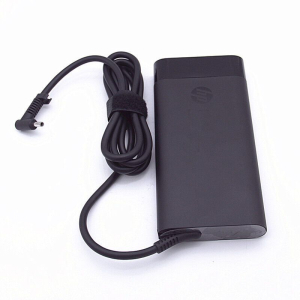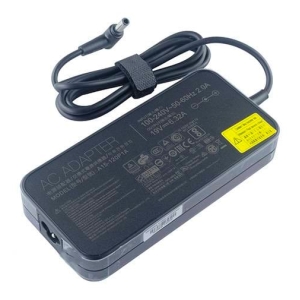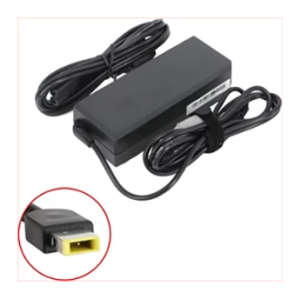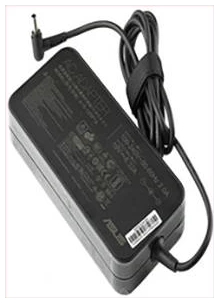
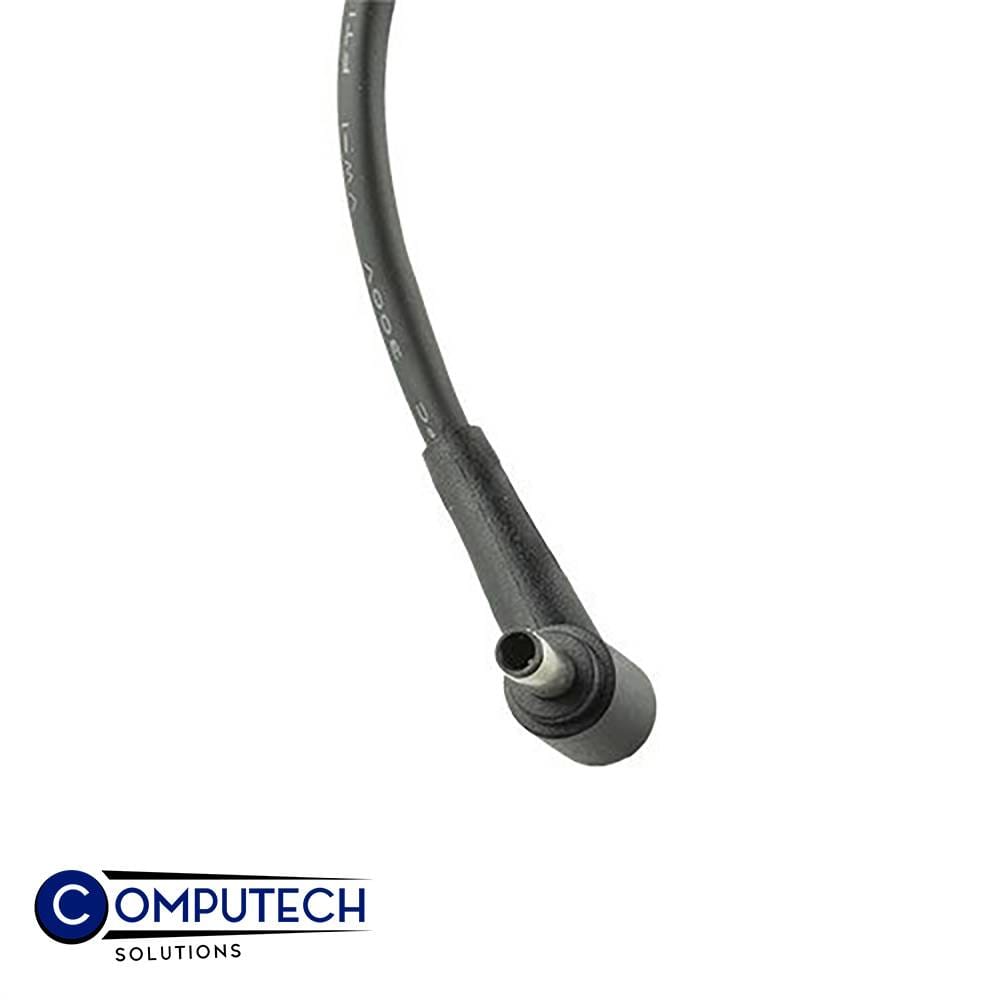


Description
Specifications
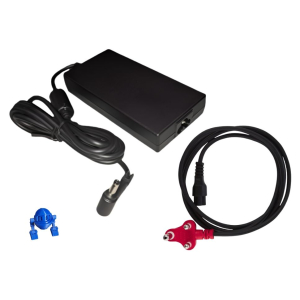
Voltage – 19V,
Ampere – 6.32A,
Maximum Capacity – 120W,
Colour – Black,
Connector Tip Dimension – 4.5mm/3.0mm round tip with middle pin
Compatible Part Numbers
- PA-1121-28
Compatible Devices
- Zenbook Pro UX501J
- Zenbook Pro UX501JW
- Zenbook Pro UX501VW
- ROG G501
- ROG G501J
- ROG G501V
- FX570U
- ZenBook Flip 15 UX563FD
- UX563FD
- TUF Gaming FX505G
Important Compatibility Notice
Charger model PA-1121-28 is available with three different tip sizes. While the voltage and power output are the same, the connector shape varies depending on your device.
Please check your original charger’s tip size and match it with the product description before placing your order. If you're unsure, feel free to contact us — we're happy to help confirm compatibility.
This applies to the following SKUs:
- AC19632AS4_ORG
- AC19632AS3_ORG
- AC19632N
Tips for Choosing and Using a Replacement Charger
Always match the voltage and connector tip size to your original charger exactly – a mismatched voltage or tip can damage your device even if it appears to fit. A replacement rated at a higher wattage than the original is safe to use, since your device only draws the current it needs; never go lower than the original wattage.
Inspect the cable and connector tip periodically for fraying, bending or corrosion, and unplug the charger when it isn’t in use to help it last longer. If your laptop isn’t charging, check that the tip is fully and securely inserted before assuming the charger itself has failed.