
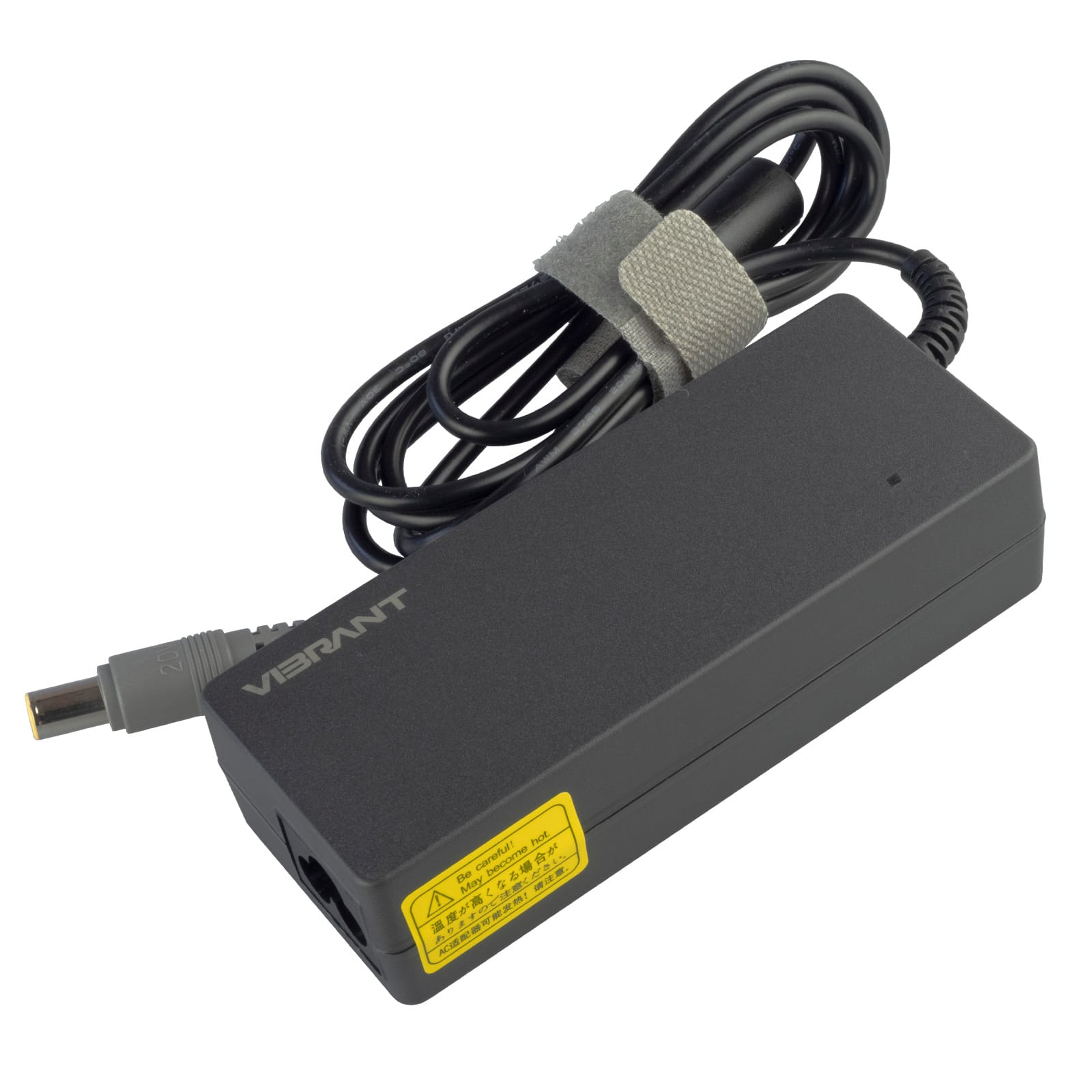
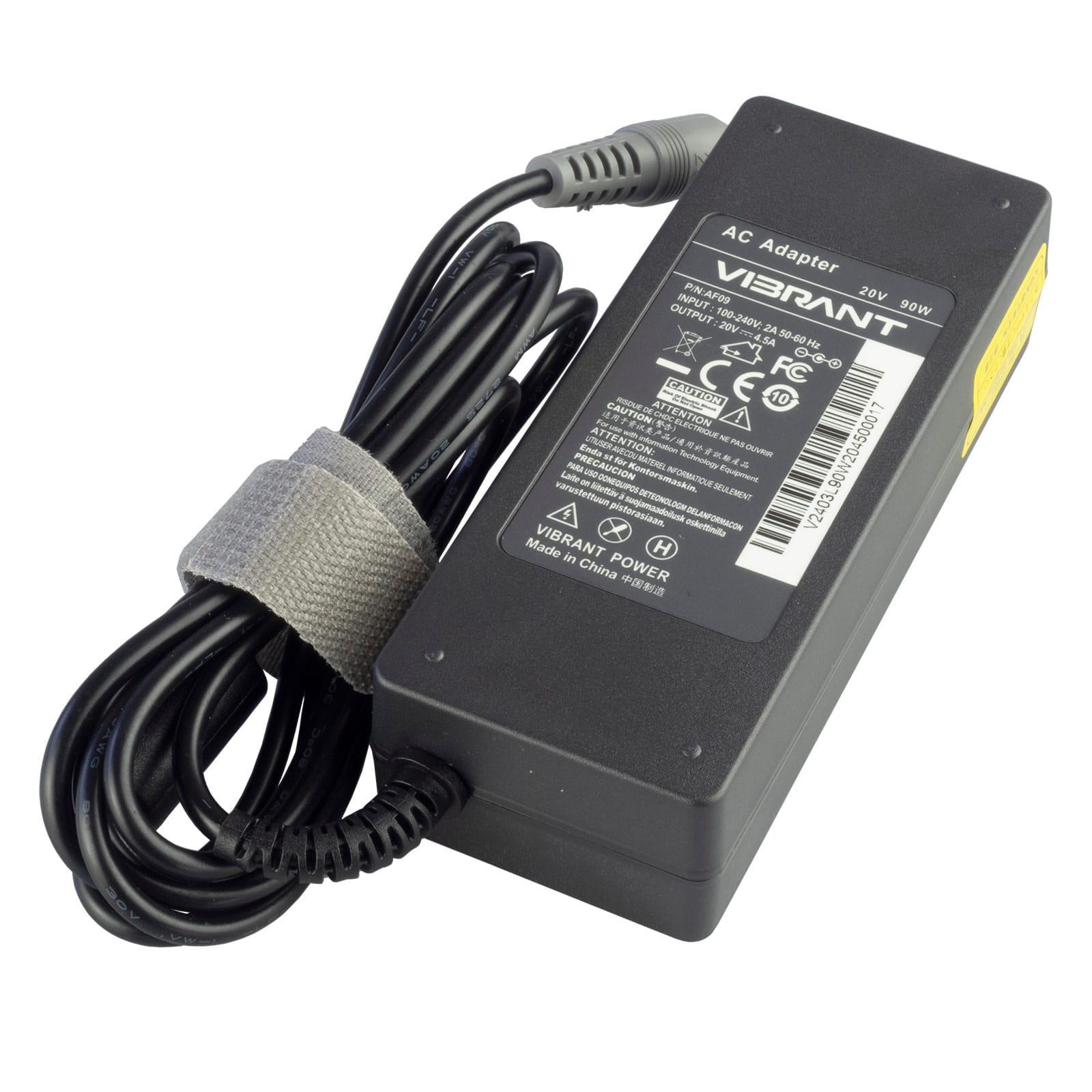


Description
Specifications
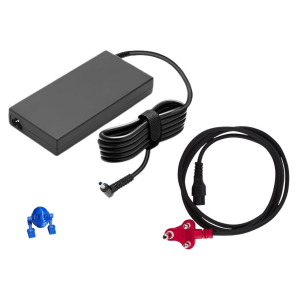
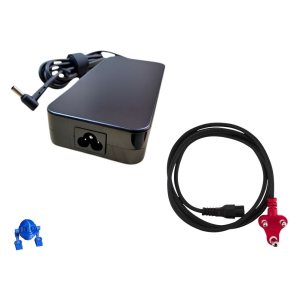
Voltage – 20V,
Ampere – 4.5A,
Maximum Capacity – 90W,
Colour – Black,
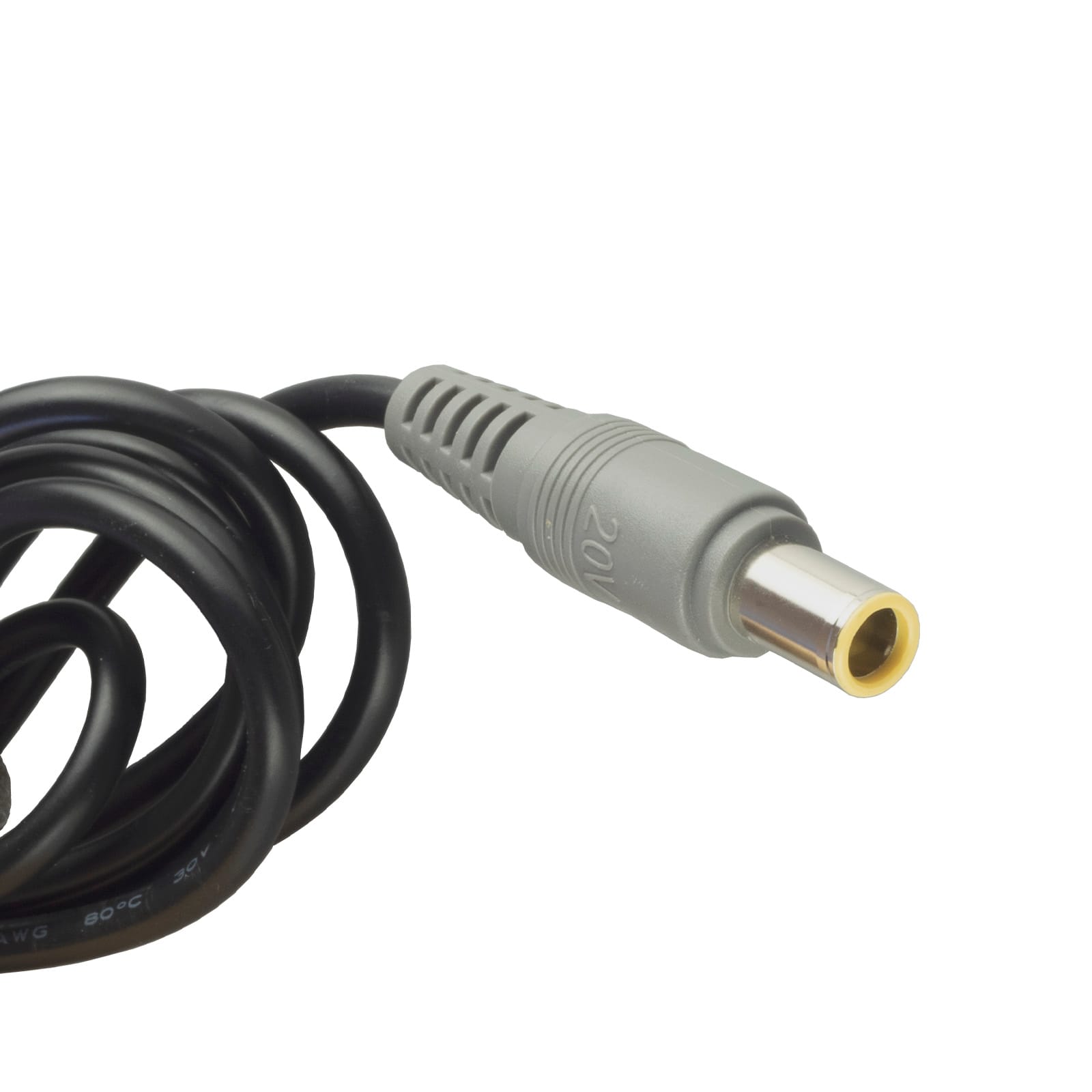
Connector Tip Dimension – 7.7mm/5.5mm round tip with middle pin
Compatible Part Numbers
IBM
- 40Y7649
- 40Y7659
- 40Y7660
- 92P1104
- 92P1106
- 92P1107
- 92P1109
- 92P1110
- 92P1114
- 92P1154
- 92P1157
- 92P1159
- 93P5026
- LAI2045
- PA-1900-17
- PA-1900-081
Lenovo
- PA-1900-081
- 42T4425
Compatible Devices
IBM Lenovo
- 3000 C100
- 3000 C200
- 3000 N100
- 3000 N200
- 3000 V100
- 3000 V200
- Z60m
- Z60t
- Z61e
- Z61m
- Z61p
- Z61t
IBM
- ThinkPad X60
- ThinkPad X60s
- ThinkPad X61
- ThinkPad X60 Tablet
- ThinkPad T60
- ThinkPad T60p
- ThinkPad T61
- ThinkPad T61p
- ThinkPad R60
- ThinkPad R60e
- ThinkPad R60i
- ThinkPad R61
- ThinkPad R61e
Lenovo
- ThinkPad SL400
- ThinkPad SL410
- ThinkPad SL500
- ThinkPad SL510
- ThinkPad T60
- ThinkPad T60p
- ThinkPad T61
- ThinkPad T410
- ThinkPad T410s
- ThinkPad T510
- ThinkPad T500
- ThinkPad X60
- ThinkPad X60s
- ThinkPad X61
- ThinkPad X61s
- ThinkPad X201
- ThinkPad X301
- ThinkPad Z60m
- ThinkPad Z60t
- ThinkPad Z61e
- ThinkPad Z61m
- ThinkPad Z61p
- ThinkPad Z61t
- B590
- ThinkPad X230
- ThinkPad T530
- ThinkPad T520 Type 4243
Tips for Choosing and Using a Replacement Charger
Always match the voltage and connector tip size to your original charger exactly – a mismatched voltage or tip can damage your device even if it appears to fit. A replacement rated at a higher wattage than the original is safe to use, since your device only draws the current it needs; never go lower than the original wattage.
Inspect the cable and connector tip periodically for fraying, bending or corrosion, and unplug the charger when it isn’t in use to help it last longer. If your laptop isn’t charging, check that the tip is fully and securely inserted before assuming the charger itself has failed.


Reviews
There are no reviews yet.