
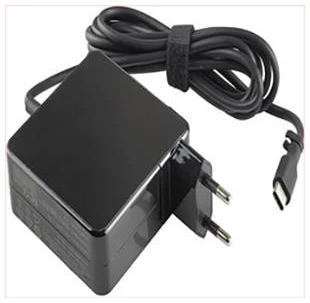
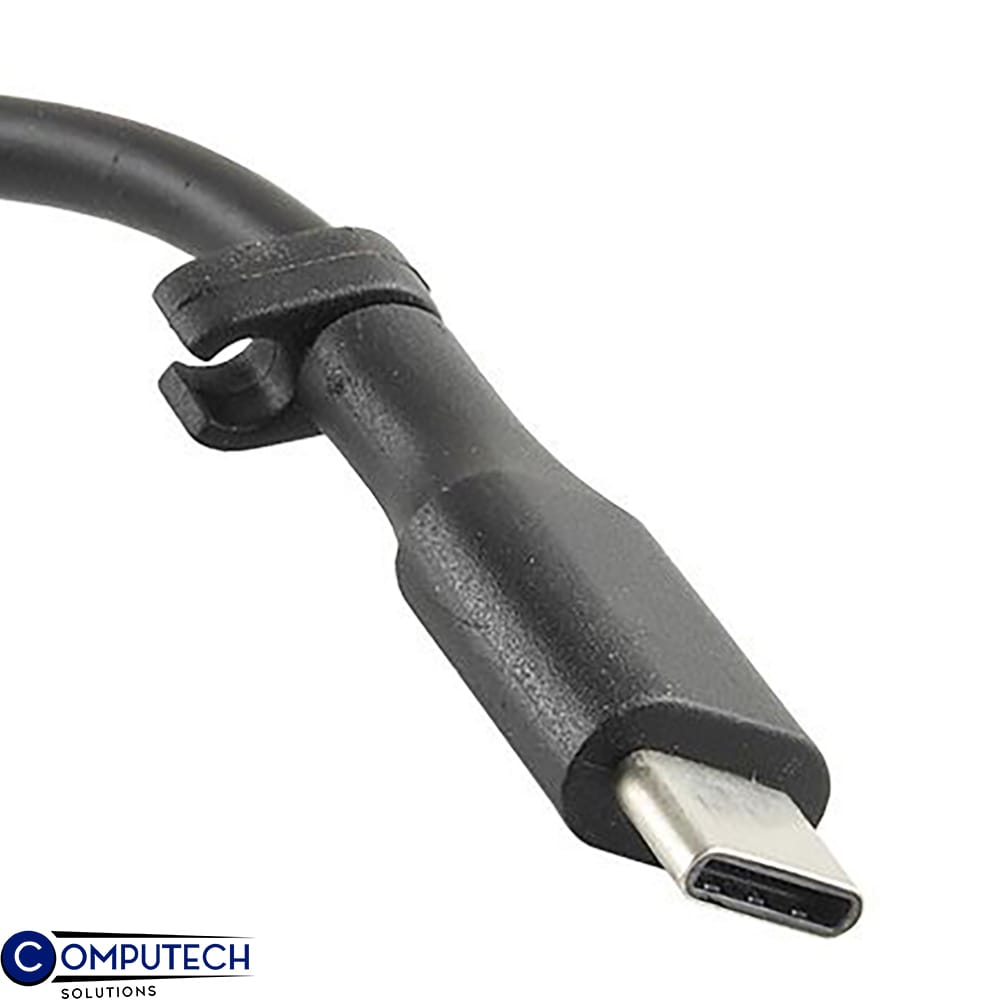


Description
Specifications
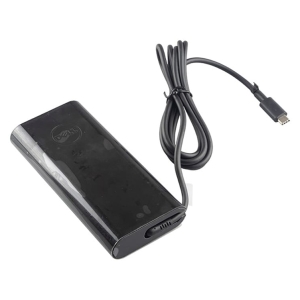
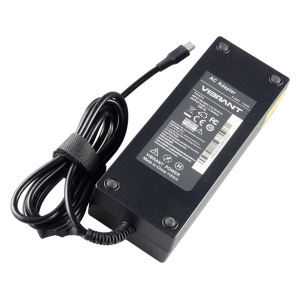
Voltage – 5/9/15/20V
Ampere – 3/3/3/3.25A
Maximum Capacity – 65W,
Colour – Black,
Connector Tip Dimension – USB-C
Compatible Part Numbers
- X7W50AA
- 1HE08AA
- 860209-850
- L45962-001
- L04540-007
- L04650-850
- L67440-001
- L43180-005
- L42206-002
- L42206-003
- L43407-001
- L42206-004
- L65505-009
- L65505-001
- AC65-00
- 90XB04EN
- 0A001-00699100
- 4X20M26268
- ADLX65YLC2A
- 01FR025
- 01FR026
- 01FR030
- SA10M13948
- ADLX65YCC3A
- ADLX65YAC3A
- ADLX65YDC3A
- 4X20M26272
- SA10M13946
- ADLX65YLC3A
- 01FR024
- SA10M13945
- SBB0L63522
- SA10M13950
- 02DL126
- 02DL124
- SA10R16872
- SBB0S70256
- ADLX65YLC3D
- 5A10W86250
- 5A10W86254
- SA10R16917
- ADLX65YSDC3A
- 02DL151
- ADLX65YCC3D
- ADLX65YDC3D
- ADLX65YLC2D
- ADLX65YCC2A
- ADLX65YDC2D
- ADLX65YCC2D
- ADLX65YSCC2A
- ADLX65UDGU2A
- 36HFH
- 450-AGVP
- VT148
- CJG9W
- T3JDJ
- 723JG
- JJV9D
- WMDHR
- ADP-65JH DB
Compatible Devices
- UX21E
- UX31E
- B121
- EP121
- UX21A
- UX31A.EP
- UX32A
- UX32VD
- U38N.DT
- UX42VS
- UX50
- UX52VS
- X202E
- UX31A TOUCH
- Taichi21
- Taichi31
- Pro B9440ua
- ZenBook Flip 13 UX363E
- UX363E
- Chromebook C214MA
- Expertbook B1502
- Expertbook B1 B1502
- ThinkPad 13 Windows 2nd Gen
- Essential 13.3" UltraBook
- Thinkpad T480s
- X1 Carbon 6th Gen Type 20KH
- X1 Carbon 6th Gen Type 20KG
- Yoga 720
- Yoga C930-13ikb Type 80C4
- ThinkPad E480 Type 20KN
- ThinkPad E480 Type 20KQ
- Yoga 730-13ikb
- ThinkPad L580 Type 20LW
- ThinkPad L580 Type 20LX
- ThinkPad E590
- ThinkPad L490
- ThinkPad L590
- ThinkPad T580 Type 20L9
- ThinkPad T580 Type 20LA
- ThinkPad E15 Type 20RD
- ThinkPad E15 Type 20RE
- ThinkPad X280
- Yoga 730-13IWL Type 81JR
- ThinkPad E15 Gen 2 Type 20TD
- Spectre X360 13-ae007ni
- 13-ae007ni
- ProBook 430 G6
- ELITE X2 G4
- EliteBook 840 G9
- Spectre x360 13-aw0017ni
- ProBook 650 G8
- ProBook 4 G1a
- Latitude 5410
- Latitude 7420
- XPS 13 9320
- XPS 13 9305
- XPS 13 9310
- XPS 13 9315
- MateBook D 14 2021
- NbD-WDH9
- Aspire Lite 14
- AL14-31P-37JX
- N23G1
Tips for Choosing and Using a Replacement Charger
Always match the voltage and wattage to your original charger exactly – USB-C chargers negotiate power with your laptop, so a mismatched or underpowered charger may charge slowly or not at all. A replacement rated at a higher wattage than the original is safe to use, since your device only draws the power it needs; never go lower than the original wattage.
Inspect the cable and USB-C connector periodically for wear, bent pins or debris, and unplug the charger when it isn’t in use to help it last longer. If your laptop isn’t charging, check that the USB-C connector is fully and securely inserted before assuming the charger itself has failed.


Reviews
There are no reviews yet.