


Description
Specifications
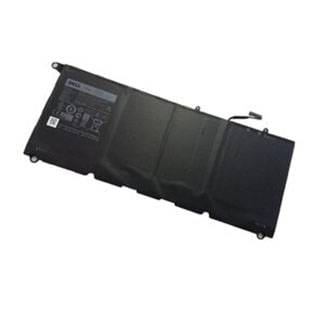
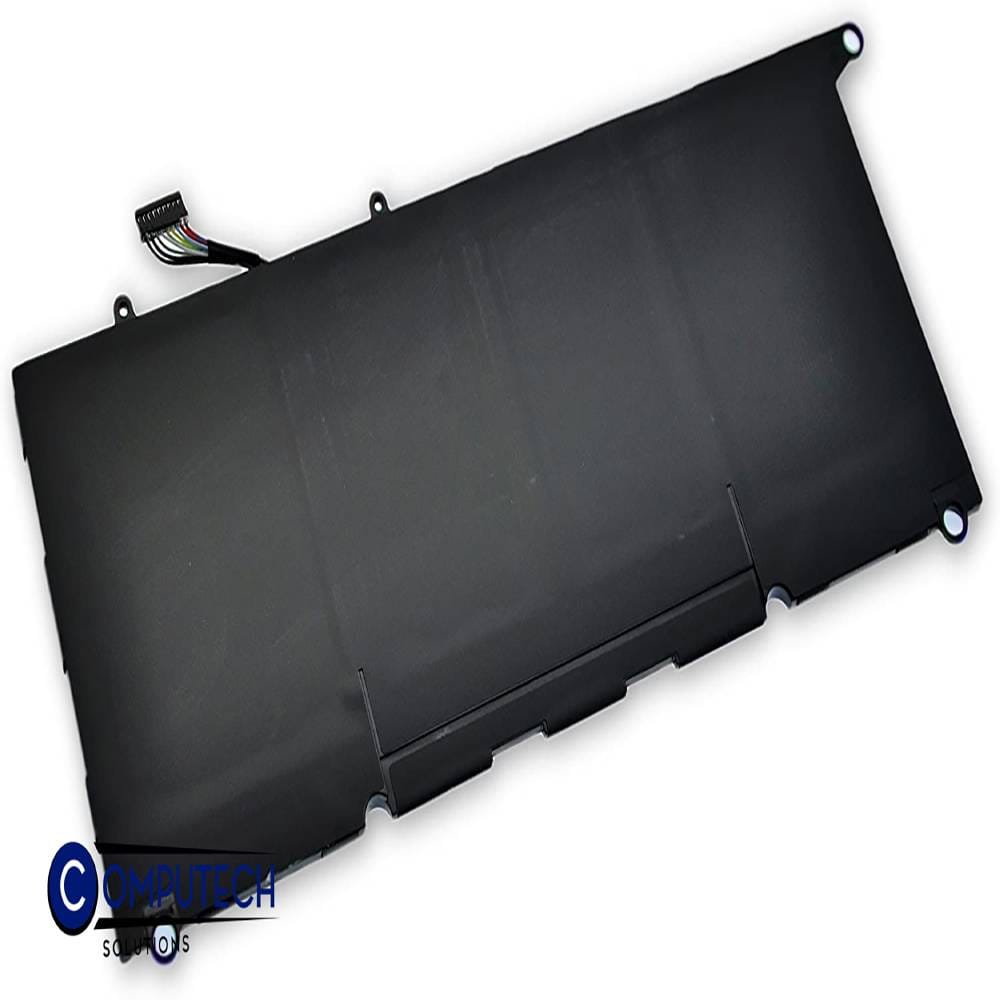
Dell XPS 13 9343 9350 Battery – 7.4V 41Wh 4-Cell Li-Polymer (P/N: JD25G 90V7W RWT1R 0N7T6 5K9CP)
Voltage 7.4V,
Capacity 5600mAh/41Wh,
Number of Cells/type 4 (Li-Poly),
Colour Black,
Compatible Part Numbers
- JD25G
- 90V7W
- RWT1R
- 0N7T6
- 5K9CP
- JHXPY
- 05K9CP
- 0DRRP
- 0RWT1R
- CN-0N7T6
- DIN02
- RNP72
Compatible Devices
- XPS 13 9343
- XPS 13-9343
- XPS 13 (9343)
- XPS 9343
- XPS 13 9350
- XPS 13-9350
- XPS 13 (9350)
- XPS 9350
- XPS 13 9360
- XPS 13-9360
- XPS 13 (9360)
- XPS 9360
Note:
This battery can work on some versions of Dell XPS 13 9360 provided the original
battery part number appears below in the compatible part number list
Tips to Extend Your Battery’s Lifespan
1. Keep it cool – heat is the biggest cause of battery wear, so avoid leaving your Dell laptop in direct sun, a hot car, or on soft surfaces that block the vents.
2. Avoid charging to 100% every time – Dell Power Manager’s battery-extender/primarily-AC-use setting can cap charging around 50-80%, which can meaningfully extend your battery’s usable lifespan.
3. Don’t let it run flat – regularly draining the battery to 0% wears it out much faster than topping up before it gets critically low.
4. Store at around 50% charge – if you won’t be using the laptop for a few weeks or more, store it half-charged in a cool, dry place rather than fully charged or fully empty.
5. Go easy on fast charging – rapid chargers generate extra heat, so standard charging (especially overnight or while idle) is gentler on the battery over time.


Reviews
There are no reviews yet.