


Description
Specifications
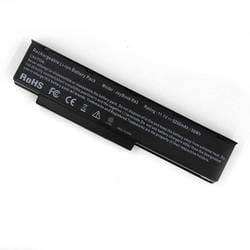
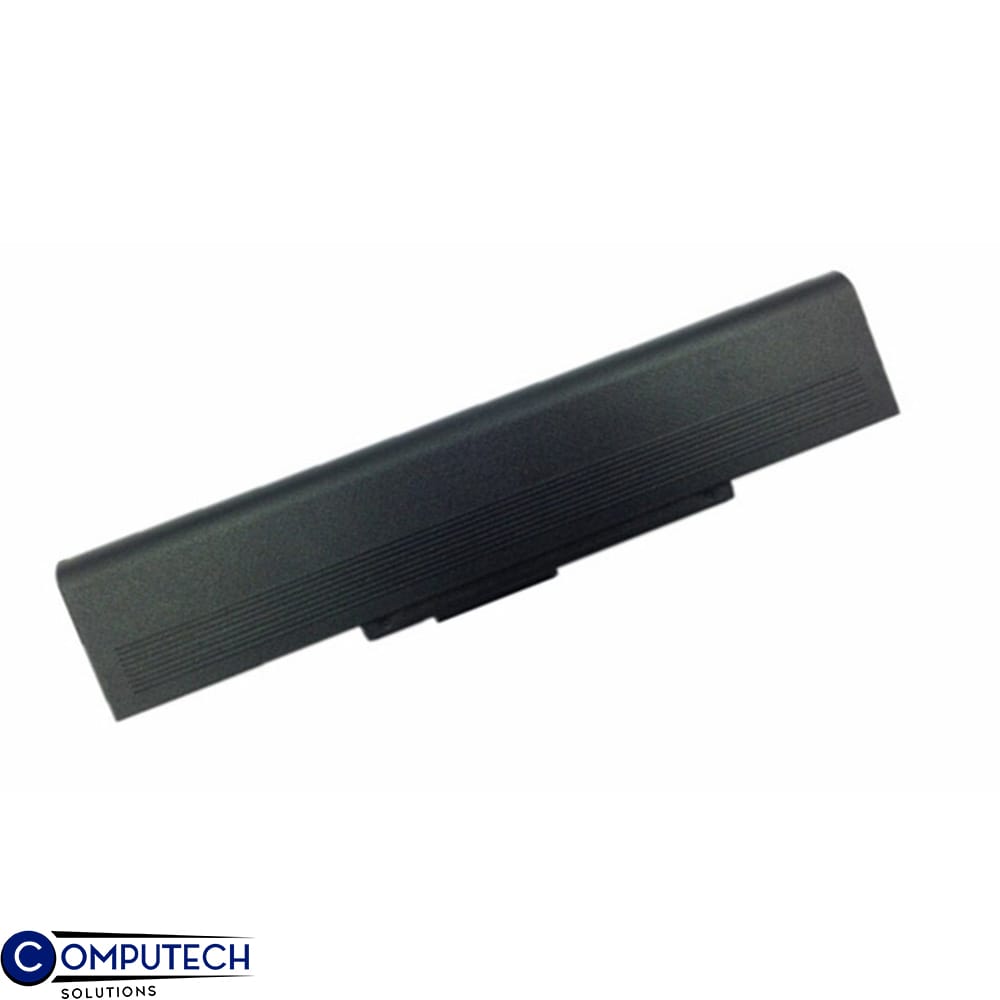
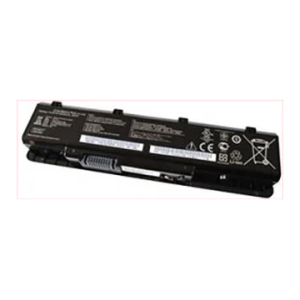
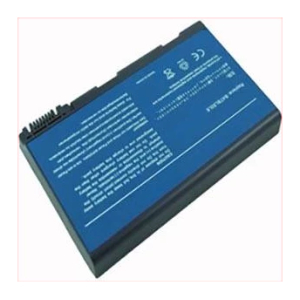
Packard Bell EasyNote MH35 MH36 MH45 Hera C, Voltage 11.1V, Capacity 5200mAh/58Wh, Number of Cells/type 6, Colour Black, Compatible part number EUP-PE1-4-22, SQU-701, 916C5810F
Compatible Devices
- Packard Bell EasyNote MH35
- Packard Bell EasyNote MH36
- Packard Bell EasyNote MH45
- Packard Bell EasyNote Hera C
- Packard Bell EasyNote MH85
- Packard Bell EasyNote MH88
- Packard Bell EasyNote Ares GP3
- BenQ JoyBook R41
- BenQ JoyBook R42
- BenQ JoyBook R43
- BenQ JoyBook R56
- BenQ JoyBook C41
- BenQ JoyBook A52
- BenQ JoyBook A53
- BenQ JoyBook Q41
- EasyNote MH35-W-200UK
- EasyNote MH35-U-077
- EasyNote MH35-U-010HK
- EasyNote MH35-U-042
- EasyNote MH35-U-073NL
- EasyNote MH35-U-019HK
- EasyNote MH35-T-111
- EasyNote MH35-U-073FR
- EasyNote MH35-T-078TK
- EasyNote MH35-U-402NC
- EasyNote MH35-U-041
- EasyNote MH35-U-021
- EasyNote MH36-U-010
- EasyNote MH36-U-071GE
- EasyNote MB55 ARES GMDC
- EasyNote MB65 ARES GM
- EasyNote MB66 ARES GM2
- EasyNote MB68 ARES GM2
- EasyNote MB68 ARES GM2W
- EasyNote MB85 ARES GM
- EasyNote MB85 ARES GP
- EasyNote MB86 ARES GP2
- EasyNote MB87 ARES GP3
- EasyNote MB88 ARES GP2W
- EasyNote MB89 ARES GP3W
- EasyNote Hera C G
- Packard Bell EasyNote MV/V
- Packard Bell EasyNote HGL1
- A52 Series
- A52-114
- A52E
- A52E-111
- A52E-107
- A52E-104
- A53 A53E Series
- JoyBook R43 series
- JoyBook R43-HC09
- Joybook R43-LC01
- Joybook R43-LC02
- JoyBook R43-LC05
- JoyBook R43-LC06
- Joybook R43-LC10
- JoyBook R43-M01
- JoyBook R43-M07
- JoyBook R43-PV03
- JoyBook R43-R03
- JoyBook R43-R08
- JoyBook R43C-LC01
- JoyBook R43C-LC03
- Joybook R43C-LC04
- Joybook R43C-LC15
- Joybook R43CE-LC01
- Joybook R43CE-LC04
- Joybook R43E-LC02
- Joybook R43E-LC04
- JoyBook R56 Series
- Joybook Q41 Series
- Joybook C41 Series
- Joybook C41E Series
Compatible Part Numbers
- EUP-P2-4-24
Tips to Extend Your Battery’s Lifespan
1. Keep it cool – heat is the biggest cause of battery wear, so avoid leaving your Packard Bell laptop in direct sun, a hot car, or on soft surfaces that block the vents.
2. Avoid charging to 100% every time – many modern laptops have a battery care or conservation mode in their power settings that limits charging to around 80%, which can roughly double your battery’s usable lifespan.
3. Don’t let it run flat – regularly draining the battery to 0% wears it out much faster than topping up before it gets critically low.
4. Store at around 50% charge – if you won’t be using the laptop for a few weeks or more, store it half-charged in a cool, dry place rather than fully charged or fully empty.
5. Go easy on fast charging – rapid chargers generate extra heat, so standard charging (especially overnight or while idle) is gentler on the battery over time.


Reviews
There are no reviews yet.