


Description
Specifications
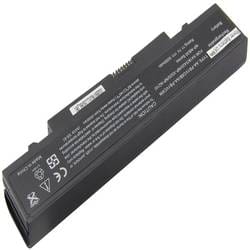
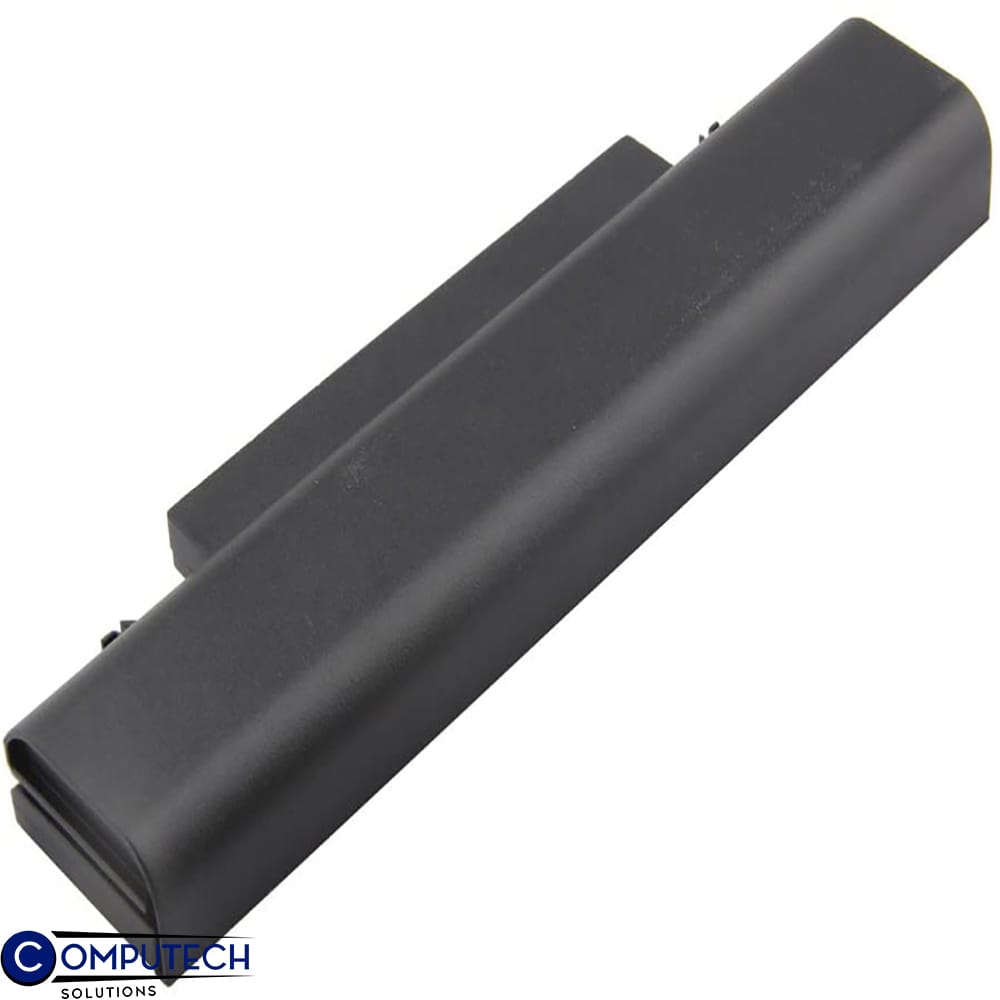
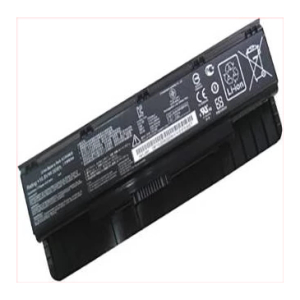
Samsung N210 N220 NB30 NB30 Pro X420 X520, Voltage 11.1V, Capacity , Number of Cells/type 6, Colour Black, Compatible part number AA-PL1VC6B, AA-PL1VC6B/E
Compatible Devices
- Samsung N210
- Samsung N220
- Samsung NB30
- Samsung NB30 Pro
- Samsung X420
- Samsung X520
- Samsung N218
- Samsung N230
- Samsung NB30 Plus
- Samsung X318
- Samsung X320
- Samsung X418
- Samsung Q328
- Samsung Q330
- N210-Malo
- N210-Malo Plus
- N210-Mavi Plus
- N220 Maroh
- N220 Marvel
- N220 Mito
- N220-11
- N220-Maroh Plus
- N220-Marvel Plus
- N220-Miri Plus
- N220-Mito Plus
- NB30 Pro Palm
- NB30 Pro Palm Touch
- NB30 Touch
- NB30-JA02
- X420-Aura SU2700 Aven
- X420-Aura SU3500 Anno
- X420-Aura SU4100 Kami
- X420-Aura SU4100 Logan
- X520-Aura SU2700 Addi
- X520-Aura SU3500 Alon
- X520-Aura SU4100 Akivasamsung
- NP-X420-FA03DE
- NP-X520
Tips to Extend Your Battery’s Lifespan
1. Keep it cool – heat is the biggest cause of battery wear, so avoid leaving your Samsung laptop in direct sun, a hot car, or on soft surfaces that block the vents.
2. Avoid charging to 100% every time – many modern laptops have a battery care or conservation mode in their power settings that limits charging to around 80%, which can roughly double your battery’s usable lifespan.
3. Don’t let it run flat – regularly draining the battery to 0% wears it out much faster than topping up before it gets critically low.
4. Store at around 50% charge – if you won’t be using the laptop for a few weeks or more, store it half-charged in a cool, dry place rather than fully charged or fully empty.
5. Go easy on fast charging – rapid chargers generate extra heat, so standard charging (especially overnight or while idle) is gentler on the battery over time.



Reviews
There are no reviews yet.