

Black Friday: 15% off any laptop battery + charger bought together. Buying a screen? Add adhesive strips and they are free. Ends Monday 30 November.

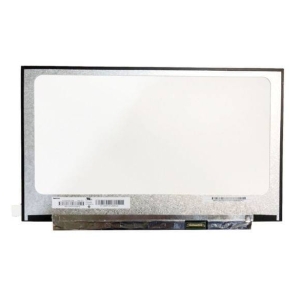
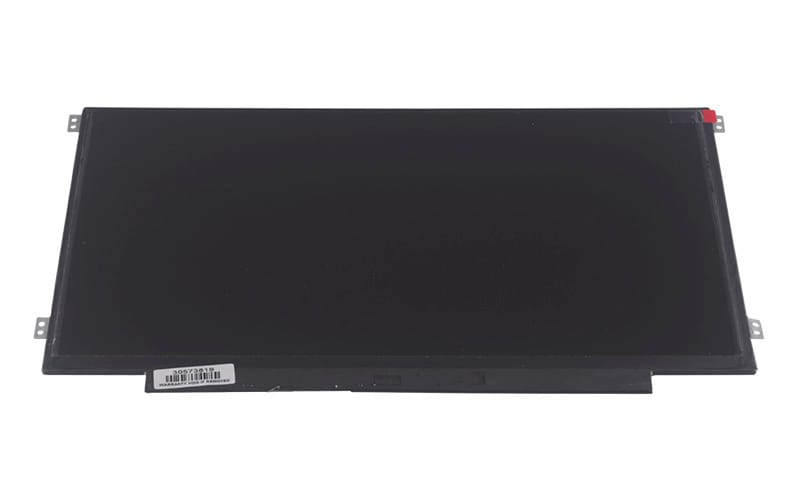
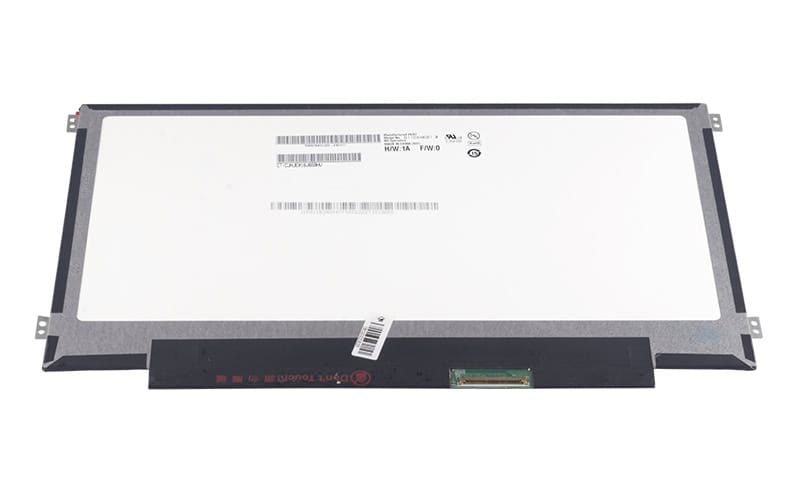
11.6″ WXGA LCD Screen – 1366X768 – Glossy Surface – Built-in Touch Digitizer – IPS Panel – 40-Pin eDP Bottom-Right Connector – Left and Right Mounting Brackets

Pricing visible is already subject to a 3% discount applicable only to EFT payments.R1657.00

Buy Now, Pay Later available at checkout with
  • All prices include VAT
  • Paid before 10am? Dispatched the same day
  • Overnight delivery to major city centres

Images are for illustration only. The actual product may differ slightly.

Secure checkoutVisa and Mastercard acceptedEFTStitch Pay Later
SKU 116AG Categories ,

NATIONWIDE SHIPPING

We have people placed to serve you all over the country.

ESTIMATED DELIVERY

Usually 2–3 working days to major centres; outlying areas can take longer.
Standard delivery: R130. Items over 25 kg: R350.

HASSLE FREE RETURNS

If a product is faulty, you’ll get a full refund.

SHARE:

Description

11.6″ WXGA LCD Screen – 1366X768 – Glossy Surface – Built-in Touch Digitizer – IPS Panel – 40-Pin eDP Bottom-Right Connector – Left and Right Mounting Brackets

Specifications

Screen Diagonal – 11.6″
Resolution – WXGA (1366X768)
Surface Finish* – Glossy
Connector Socket Type – 40-Pin eDP1.2
Connector Position – Bottom-Right
Mounting Brackets – Left and Right
Built-In Touch Screen – Yes
Panel Type : IPS

Compatible Part Numbers

AUO
  • B116XAK01.2
  • BOE- NV116WHM-T05 V8.0

Tips for Matching and Fitting a Replacement Laptop Screen

The part number on the label on the back of your old screen is the surest match: any part number listed above will fit. If you can’t read the label, compare the size, resolution, connector (number of pins and where the socket sits), mounting brackets and surface finish with the details above, and check whether your current screen is a touch screen. Send us the part number or your laptop model and we’ll confirm the fit before you order.

When fitting, switch the laptop off and disconnect the battery first. Lift the connector tape gently, keep fingers off the panel surface, and test the new screen before you clip the bezel back on.

RELATED PRODUCTS

Satisfaction Guaranteed

Jason@computech-solutions.co.za

Need Help, Talk To Us

info@computech-solutions.co.za

Delivery Nationwide

dispatch@computech-solutions.co.za