Description
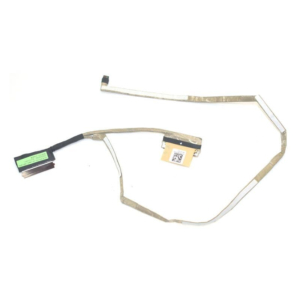
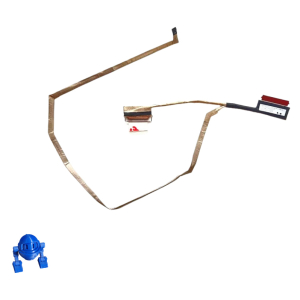
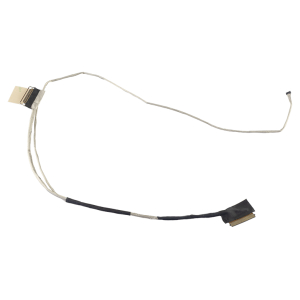
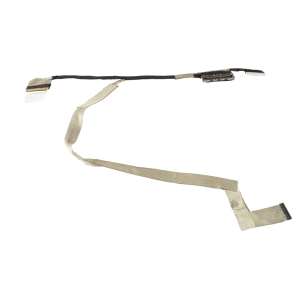
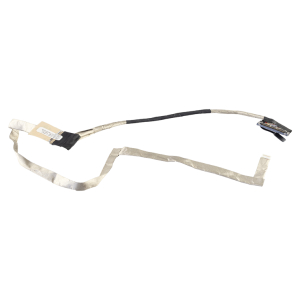
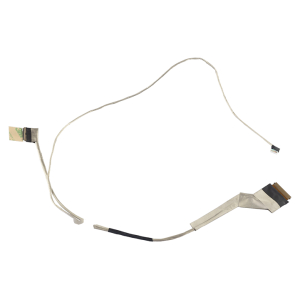
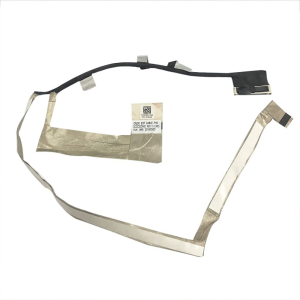
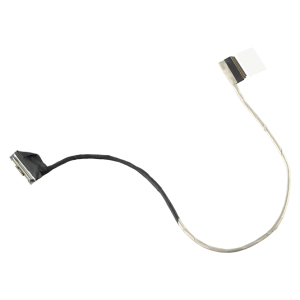
Dell Latitude E7240 12.5″ LCD Video Ribbon Cable – No TS – JTJY5
Specifications
30-Pin LCD Display Cable for Dell
Compatible Part Numbers
Dell
- JTJY5
- 0JTJY5
- VAZ50
- DC02C004Y00
Compatible Devices
- Dell E7240
Tips for Choosing and Fitting an LCD Display Cable
Flickering, lines on the screen or a screen that only works at certain lid angles are often caused by a damaged display cable rather than the screen itself. Match the part number, the number of pins (30-pin or 40-pin eDP) and whether your laptop has a touch screen, because touch and non-touch cables are different. Send us the part number or your laptop model and we’ll confirm the fit.
Switch the laptop off and disconnect the battery first. Route the new cable along the same path through the hinge, and press both connectors fully home before testing the screen.