


Description
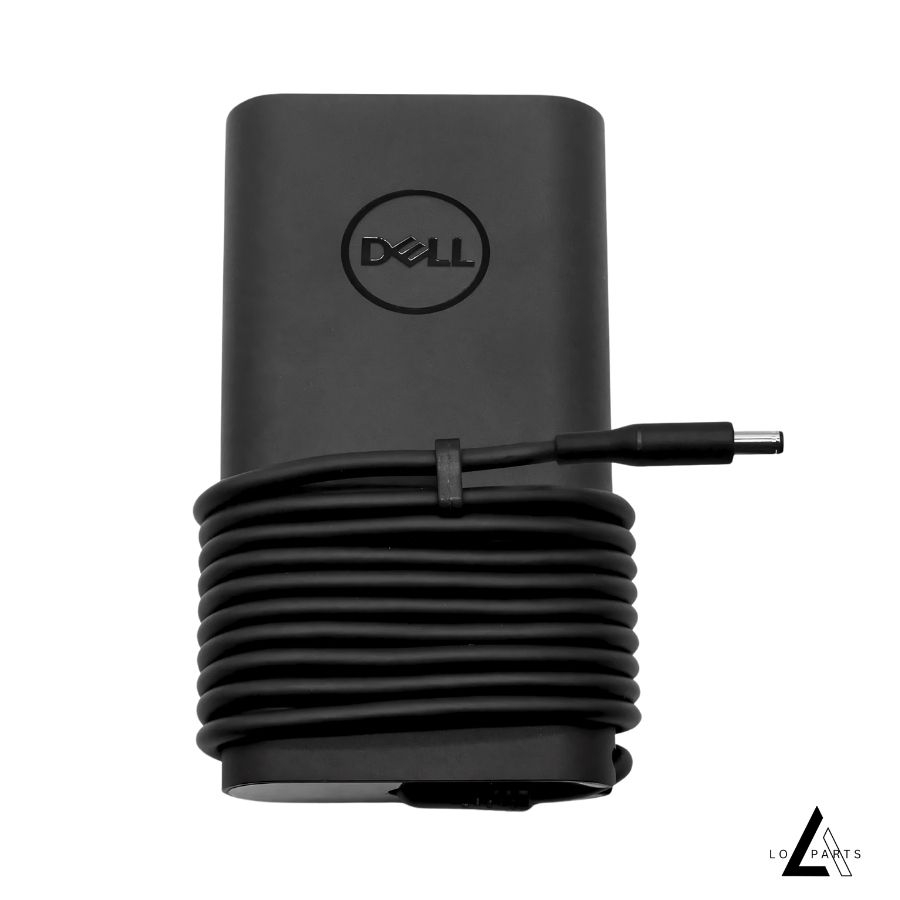
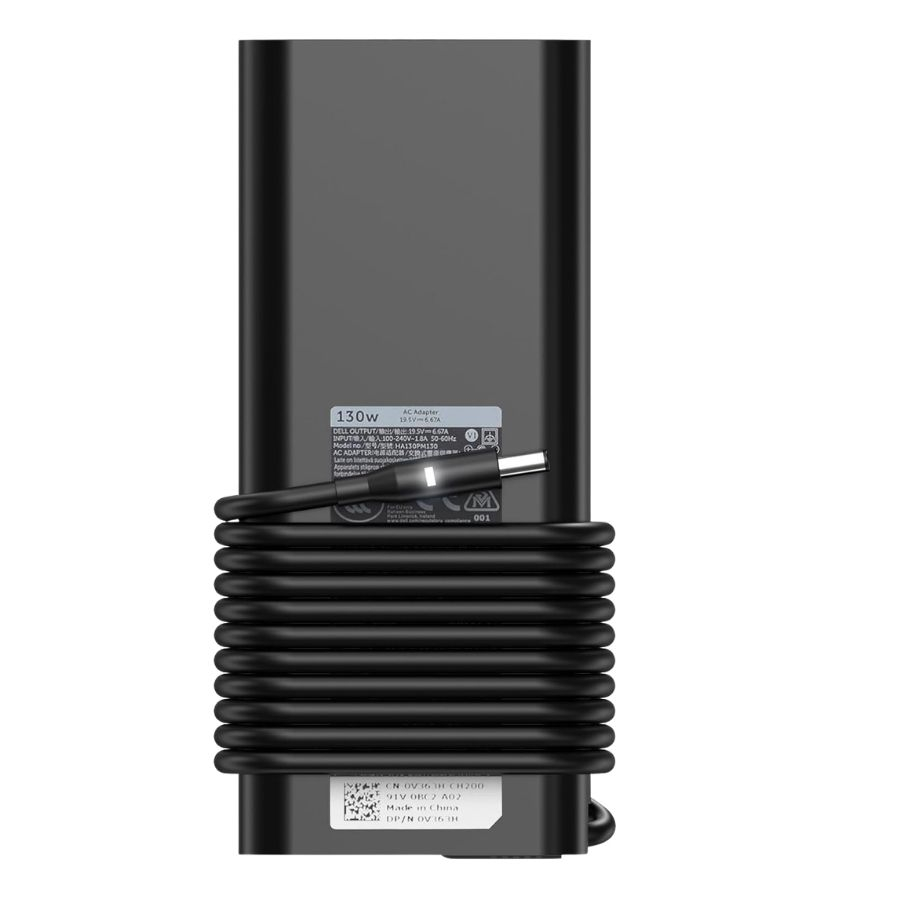
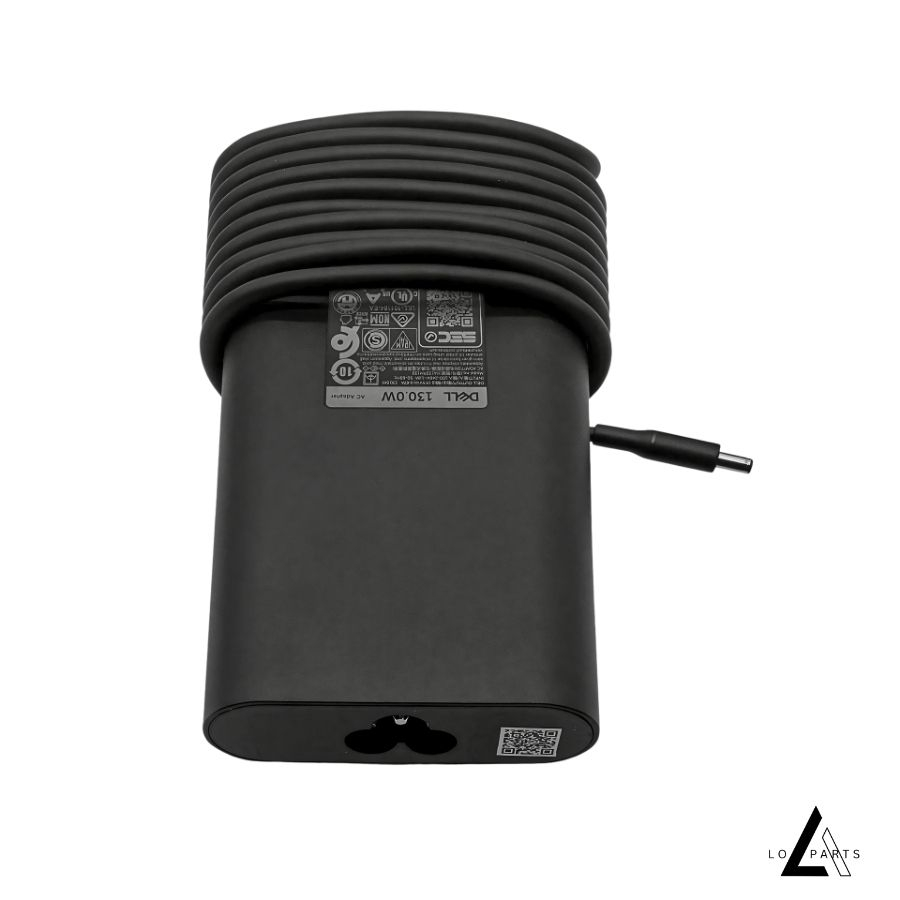
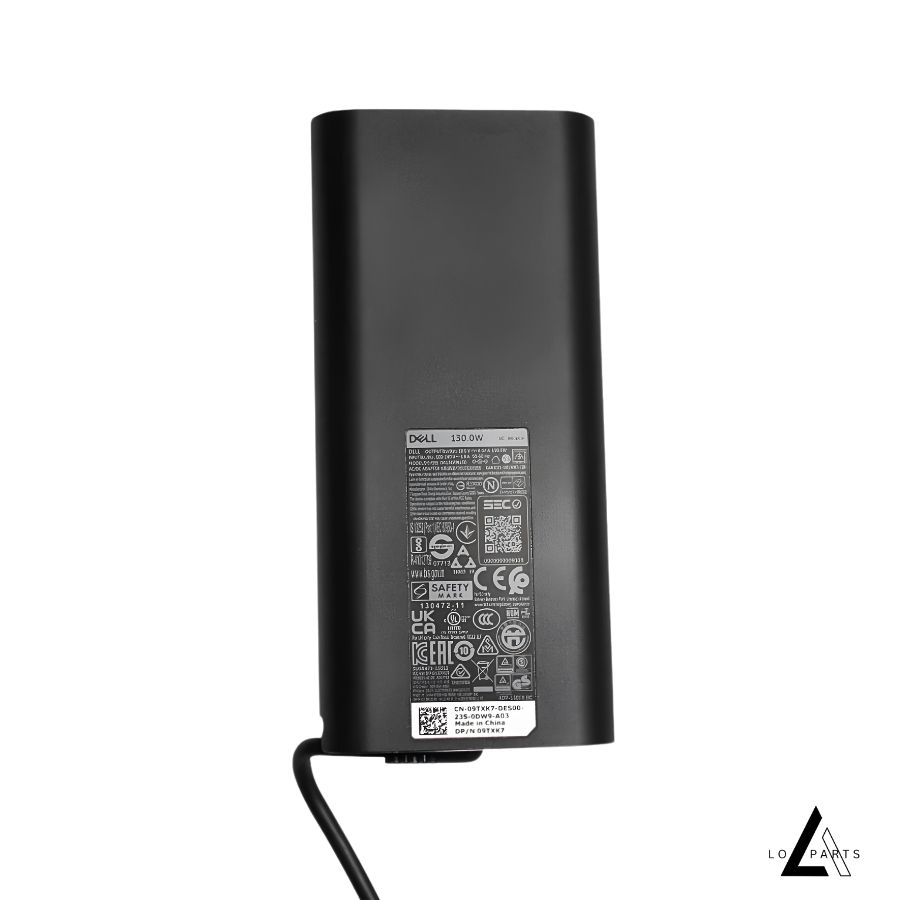
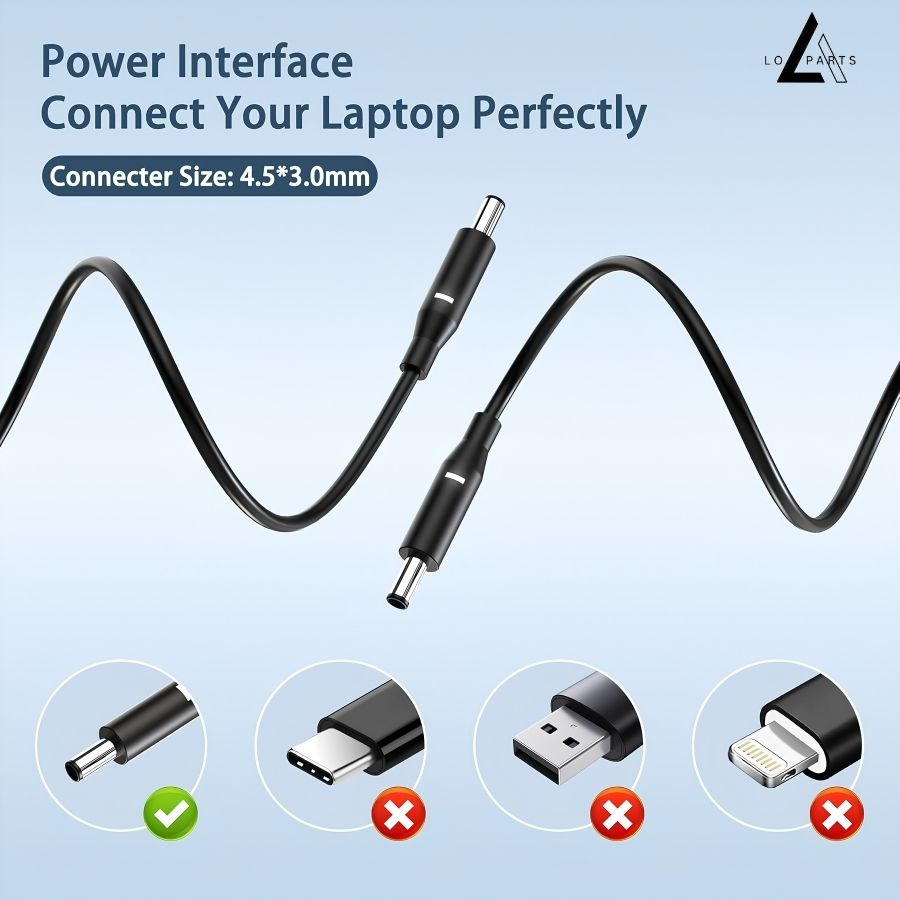
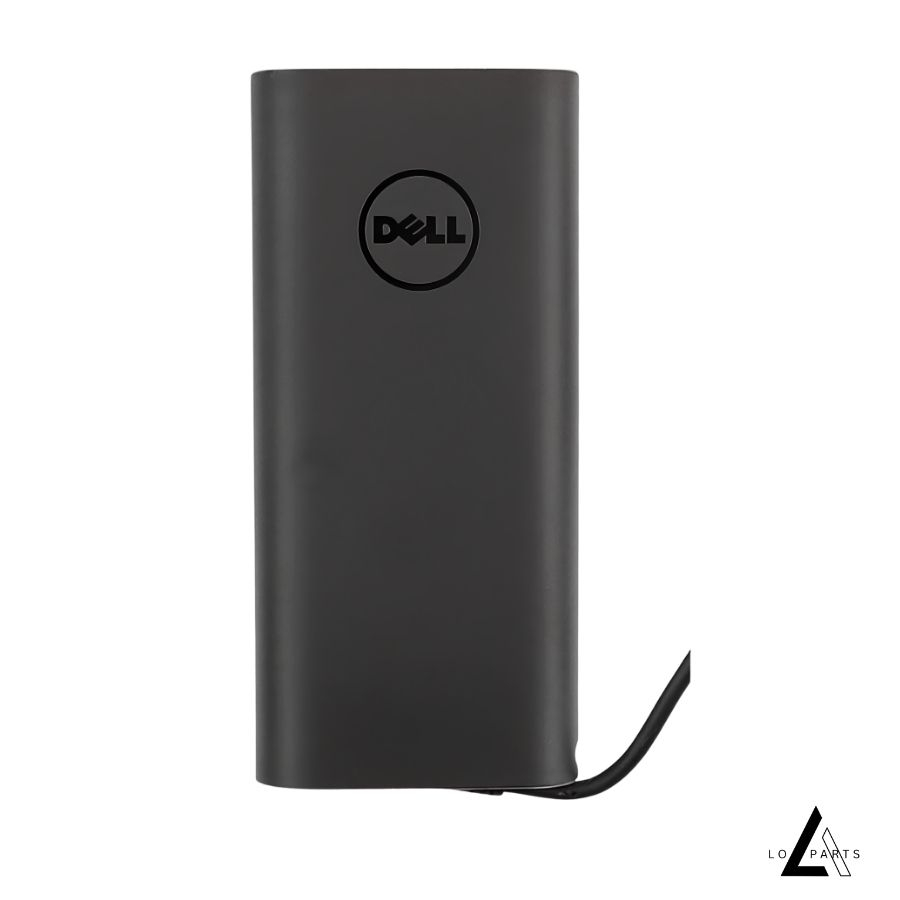
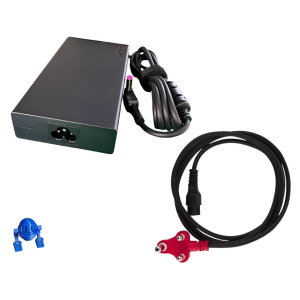
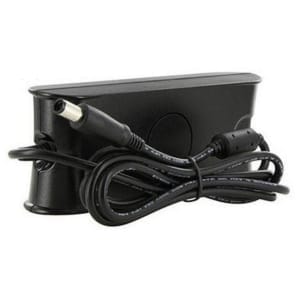
Original Dell 130W Charger 19.5V 6.67A 4.5mm Small Pin 0V363H
Brand: Dell
Sold By
Compatible Devices
Dell XPS 15 9530 (older model, Precision M3800 generation)
| Dell XPS 15 9550 | Dell XPS 15 9560 | Dell XPS 15 9570 | Dell XPS 15 7590 |
| Dell Precision M3800 | Dell Precision M2800 | Dell Precision 5510 | Dell Precision 5520 |
| Dell Precision 5530 | Dell Precision 5540 | Dell Inspiron 13 7347 |
Dell Inspiron 13 7348 (2-in-1)
Dell Inspiron 15 7590
Dell Inspiron 15 7590 2-in-1
Dell Inspiron 7591 2-in-1
Dell OptiPlex 3050 All-in-One
Dell OptiPlex 7050 All-in-One
Compatible Part Numbers
| 0V363H / V363H | HA130PM130 | DA130PM130 | 06TTY6 / 6TTY6 |
| 0RN7NW / RN7NW | 332-1829 | 332-1892 | TX73F / 0TX73F |
| ADP-130EB BA | 5JDV6 / 05JDV6 | 3XC39 | 492-BBIP |
Incompatibility Notice
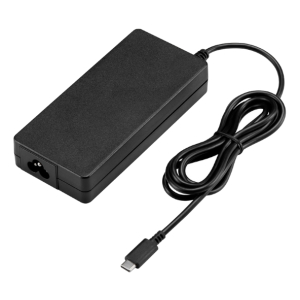
Older Models: Only fits Dell models that use the small 4.5mm x 3.0mm pin, it is not compatible with older Dell models that use the larger 7.4mm pin, or with models that charge via USB-C (such as the Precision 5530 2-in-1 and XPS 15 9575 2-in-1). Check your original charger’s pin size before ordering.
Comes with High Quality Power Cable (Red Tip) – IEC C13
Power Cable (Red Tip) – IEC C13 Features
Standard IEC C13 clover cable
Red tip connector for easy identification
1.8m length
3-pin South African plug
Durable heavy-duty cable
Proper Safety Ratings 250V & 10A
This high-quality PC power cable is designed for reliable use with Power Supplies. It features thicker internal wiring and durable moulded connectors for improved safety and long-lasting performance compared to cheaper generic cables. The red tip makes it easy to identify in busy workspaces or office environments.
What’s in the box
1 x Original Dell 130W Charger 19.5V 6.67A 4.5mm Small Pin 0V363H
1 x Power Cable Red Tip IEC C13
Tips for Choosing and Using a Replacement Charger
Always match the voltage and connector tip size to your original charger exactly – a mismatched voltage or tip can damage your device even if it appears to fit. A replacement rated at a higher wattage than the original is safe to use, since your device only draws the current it needs; never go lower than the original wattage.
Inspect the cable and connector tip periodically for fraying, bending or corrosion, and unplug the charger when it isn’t in use to help it last longer. If your laptop isn’t charging, check that the tip is fully and securely inserted before assuming the charger itself has failed.

Reviews
There are no reviews yet.