
Description
Specifications
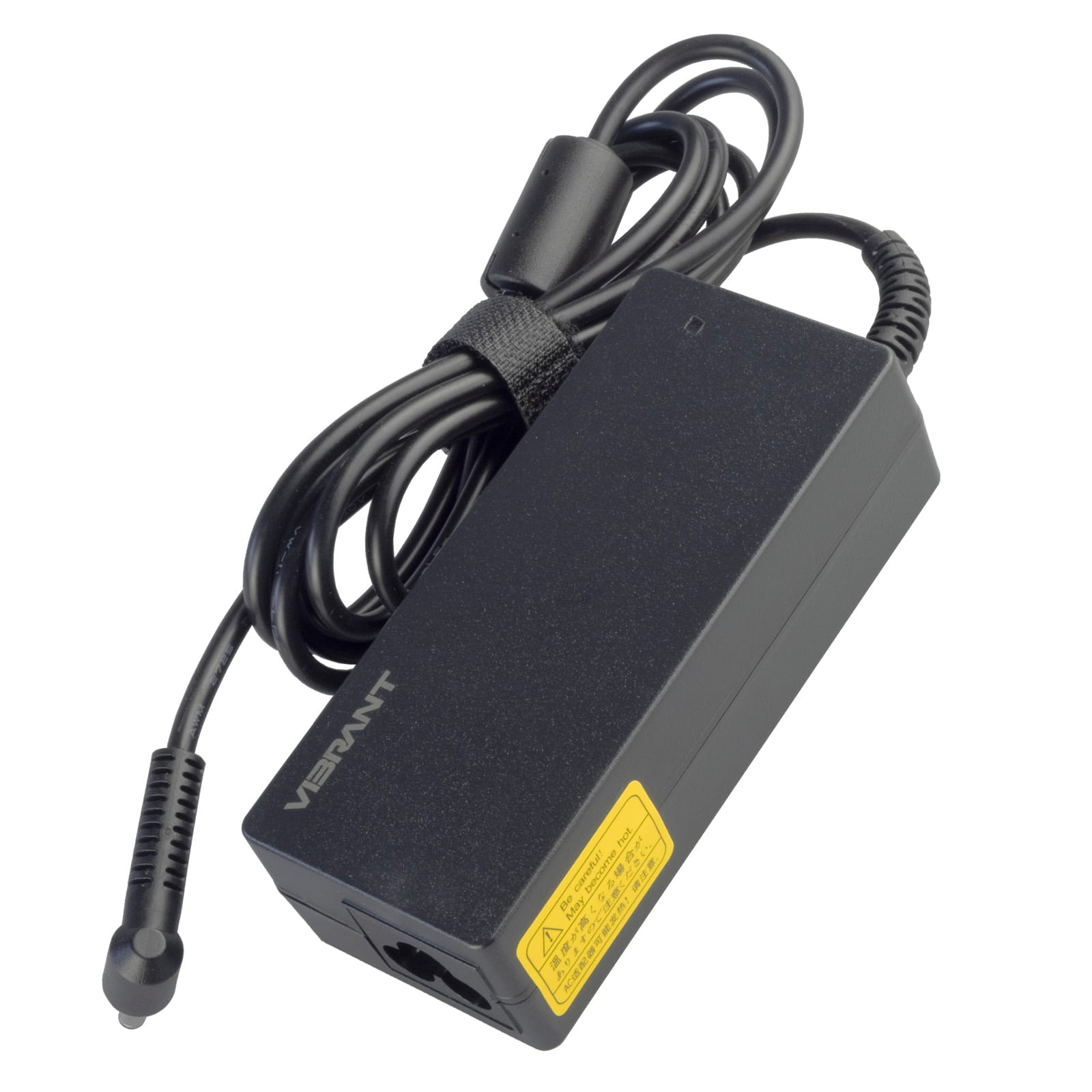
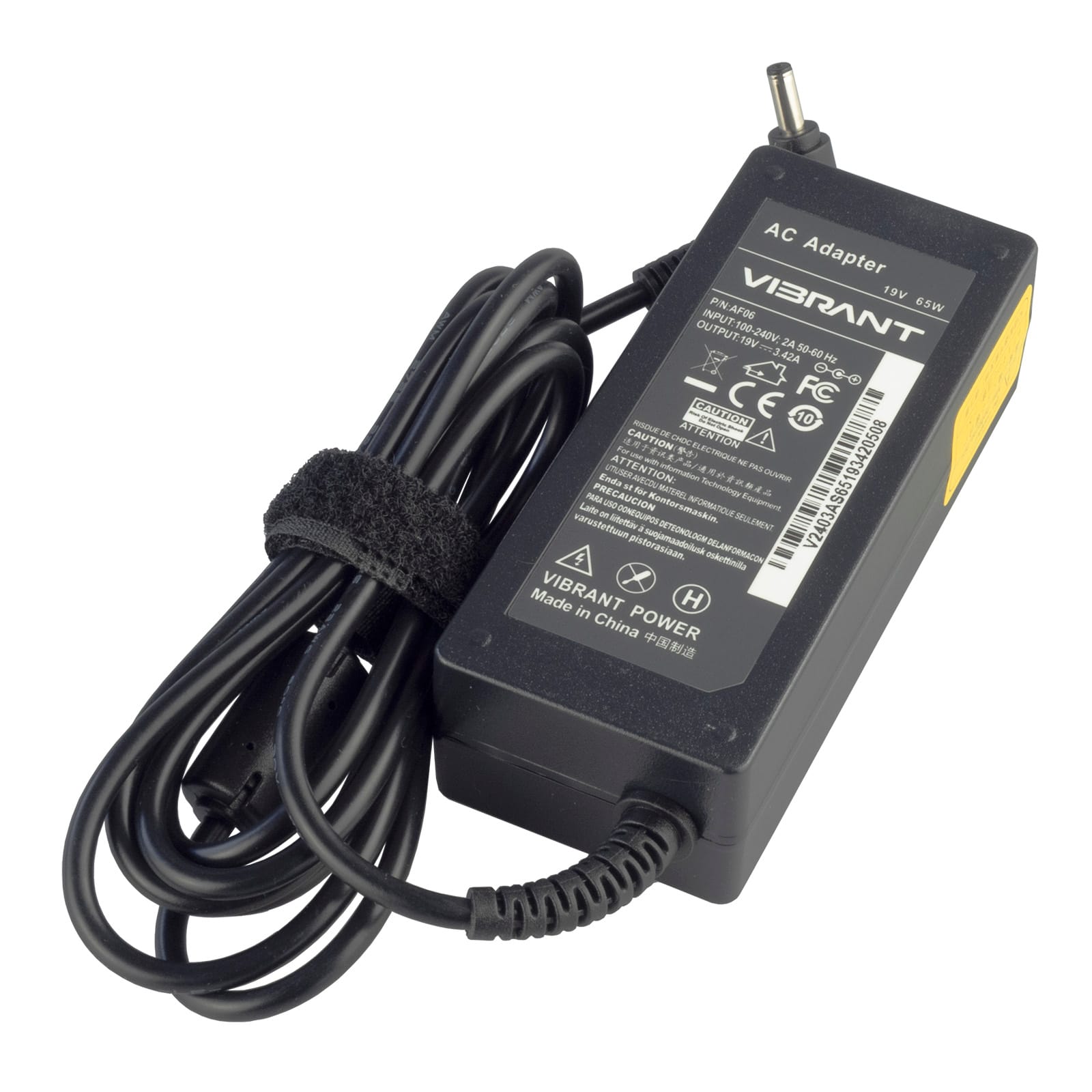
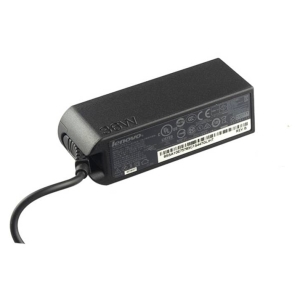
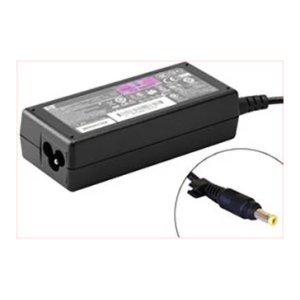
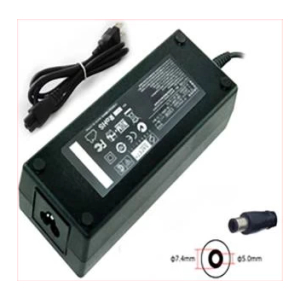
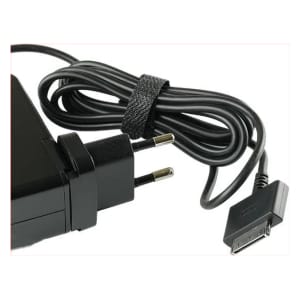
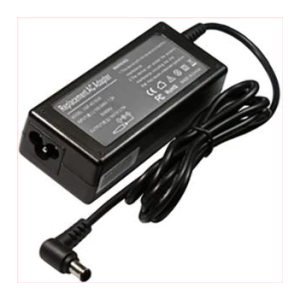
Voltage – 19V,
Ampere – 3.42A,
Maximum Capacity – 65W,
Colour – Black,
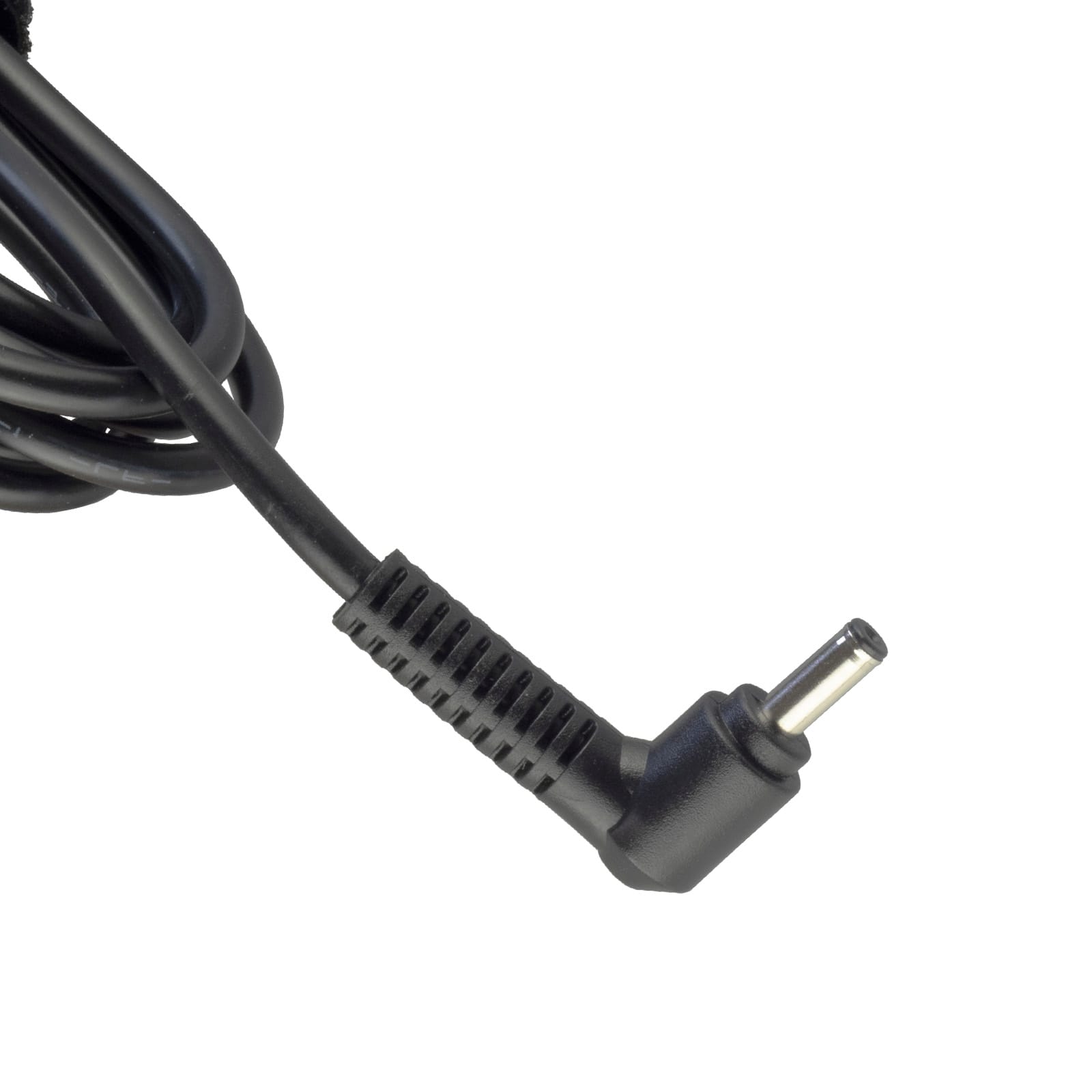
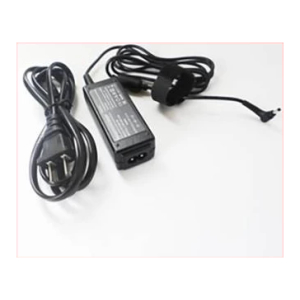
Connector Tip Dimension – 4.0mm/1.35mm round tip
Compatible Part Numbers
ASUS
ADP-45AW A, ADP-33AW C, ADP-33AW Z, ADP-65AW A, EXA1206UH, 65W19V, 0A001-00044600, 0A001-00344500,
0A001-00340200 , 0A001-00340400, 0A001-00441200 , ADP-65DW C, PA-1330-39, W15-065N1B, ADP-45BW C, AD883020,
010-1LF, AD890026, 0A001-00049200, AD883220, 010H-3LF, AD2066020, 0A001-00236400, ADP-65DW Z, 0A001-00230800, PA-1330-53
Compatible Devices
ASUS
Zenbook UX21A, Zenbook UX31A, Zenbook UX32A, Zenbook UX32V, Zenbook UX32VD, Zenbook UX301, Zenbook U38N, Zenbook U38DT,
Zenbook UX42VS, Zenbook UX50, Zenbook UX52VS, Taichi 21, Vivobook F201E, Vivobook Q200E, Vivobook S200E, Vivobook X200CA,
Vivobook X201E, Vivobook X202E, X553S, X553SA, X553M, Zenbook UX305, Zenbook UX305L, Zenbook UX305LA, Zenbook UX305UA,
Zenbook UX303U, Zenbook UX303L, ZenBook UX310UA, Zenbook UX330U, Zenbook UX330UA, Zenbook 13 UX331UA, Zenbook UX331UA,
Zenbook UX360, Zenbook UX360CA, Zenbook UX360UA, Zenbook UX560U, Transformer Book Flip TP300L, Transformer Book Flip TP300LA,
Transformer Book Flip TP301U, Transformer Book Flip TP301UA, VivoBook Flip TP301, VivoBook Flip TP501, X453m, F200m, F200CA, F200MA ,
A540L, B8430ua, F541, F541N, F541NA, F541SA, F541U, F541UA, F541UV, F541S, F541SC, K541U, K541UA, UX360CA, F556, F556U, F556UA,
X556UA, X540, X540L, X540LA, X540S, X540SA, X541S, X541SA, X541N , X541U, S510UA, X541UA, F540, F540S, F540UP, A540LA, A541N, A541S,
A541SA, A541SC, A541UA, ZenBook UX305U, VivoBook 15 X542UN-GQ213T, S510U, R541U, F553M, X507M, ZenBook UX302LG, X554LA, X540NA,
E203NAH, VivoBook Flip 12 TP202NA, VivoBook Flip 12 TP202N, VivoBook Flip 12 J202NA, VivoBook Flip 12 J202N, TP202NA, TP202N, J202NA,
J202N, E402NA, VivoBook 15 X540UAR, X540M, VivoBook F510U, VivoBook F510UA, ZenBook 14 UX433FN, ZenBook UX433FN, ZenBook UX430U,
ZenBook UX303UA, X543NA, X509JB, X543U, VivoBook TP412U, VivoBook 15 X51f, X509F
ASUS – DSL-AC68U, RT-AC68U
Tips for Choosing and Using a Replacement Charger
Always match the voltage and connector tip size to your original charger exactly – a mismatched voltage or tip can damage your device even if it appears to fit. A replacement rated at a higher wattage than the original is safe to use, since your device only draws the current it needs; never go lower than the original wattage.
Inspect the cable and connector tip periodically for fraying, bending or corrosion, and unplug the charger when it isn’t in use to help it last longer. If your laptop isn’t charging, check that the tip is fully and securely inserted before assuming the charger itself has failed.
Reviews
There are no reviews yet.