


Description
Specifications
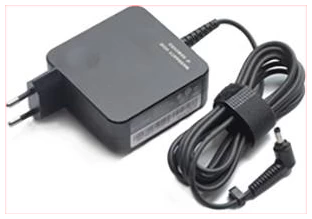
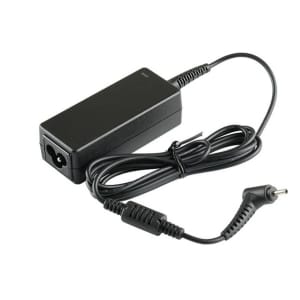
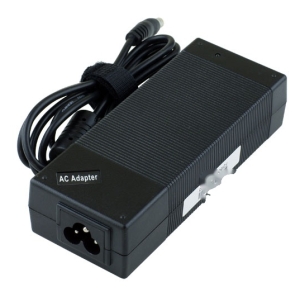
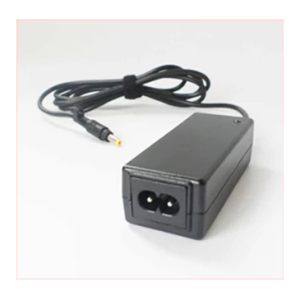
Voltage – 10.5V,
Ampere – 1.9A,
Maximum Capacity – 20W,
Colour – Black,
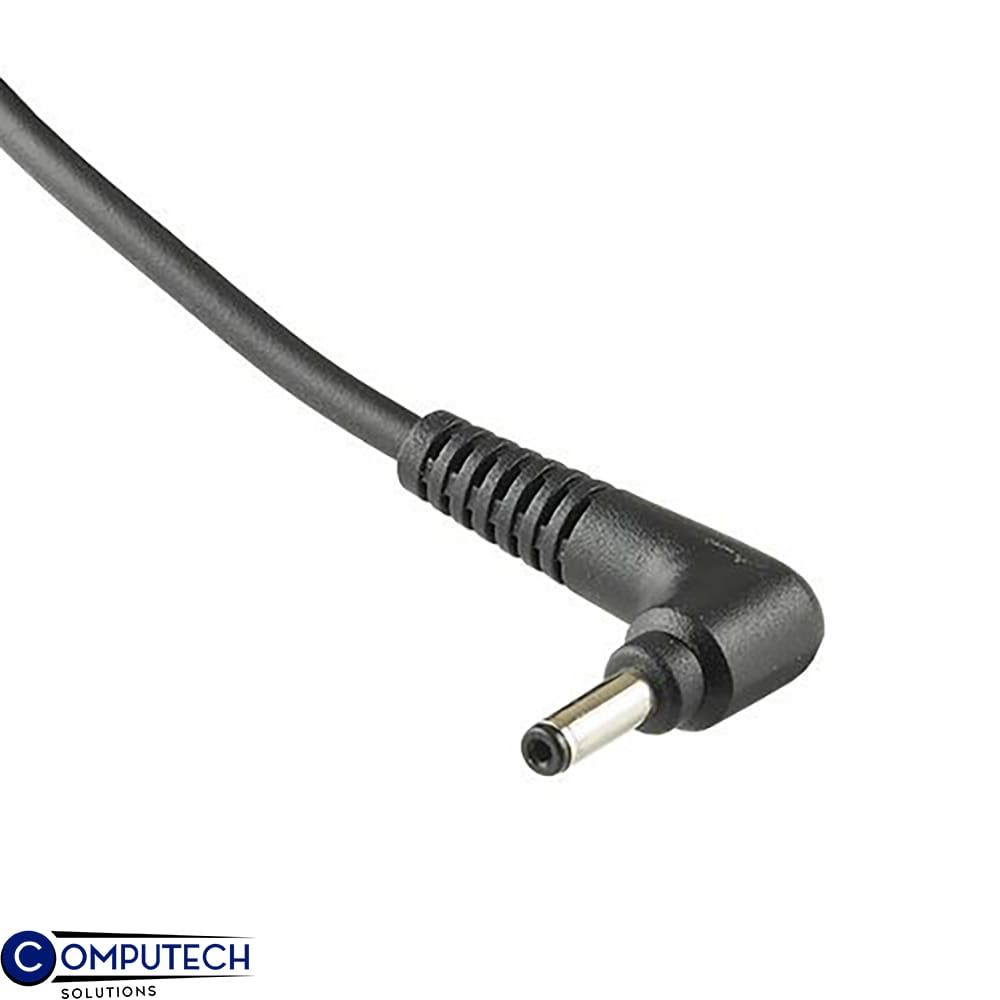
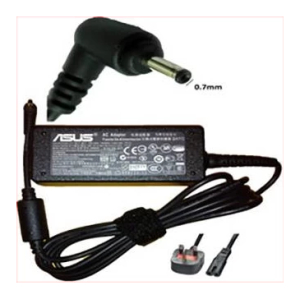
Connector Tip Dimension – 4.8mm/1.7mm
Compatible Part Numbers
Lenovo
- ADS-25SGP-06
- AN2005WE
- DYHB05030W1EU
Prestigio
- A241-0503000E
Compatible Devices
Lenovo
- Ideapad 100S-11IBY 80R20029VN
- Ideapad 100S-11IBY 80R2002HGE
- Ideapad 100S-11IBY 80R2003UUS
- Ideapad 100S-11IBY 80R2003WUS
- Ideapad 100S-11IBY 80R2003XUS
- Ideapad 100S-11IBY 80R2005DSA
- Ideapad 100S-11IBY 80R20066UA
- Ideapad 100S-11IBY 80R20076MH
- Ideapad 100S-11IBY 80R20079MH
- Ideapad 100S-11IBY 80R2008HGE
- Ideapad 100S-11IBY 80R2008JGE
- Ideapad 100S-11IBY 80R200AVIH
- Ideapad 100S-11IBY 80R200BSSA
- IdeaPad Miix 300-10iby
- Ideapad Miix 310-10ICR 80SG0008GE
- Ideapad Miix 310-10ICR 80SG000AGE
- Ideapad Miix 310-10ICR 80SG000EGE
- Ideapad Miix 310-10ICR 80SG000HSP
- Ideapad Miix 310-10ICR 80SG0015GE
- Ideapad Miix 310-10ICR 80SG0019GE
- Ideapad Miix 310-10ICR 80SG001FUS
- Ideapad Miix 310-10ICR 80SG001GUS
- Ideapad Miix 310-10ICR 80SG001LUK
- Ideapad Miix 310-10ICR 80SG002ACK
- Ideapad Miix 310-10ICR 80SG002PMJ
- Ideapad Miix 310-10ICR 80SG004JSA
- Ideapad Miix 310-10ICR 80SG006AGE
- Ideapad Miix 310-10ICR 80SG006BFR
- Ideapad Miix 310-10ICR 80SG006EGE
- Ideapad Miix 310-10ICR 80SG006FUK
- Ideapad Miix 310-10ICR 80SG006GMB
- Ideapad Miix 310-10ICR 80SG006HMH
- Ideapad Miix 310-10ICR 80SG0068SA
- Ideapad Miix 310-10ICR 80SG006QGE
- Ideapad Miix 310-10ICR 80SG0096FR
- Ideapad Miix 310-10ICR 80SG0098GE
- Ideapad Miix 310-10ICR 80SGS00500
- Miix 320-10icr Type 80XF
- IdeaPad Miix 300-10IBY Type 80NR
Mecer
- Z140
- Z140c
Connex
- SlimBook L1470-BAY
- Slim Book L1470-BAY
- Trend Book L1415-BAY
Nextbook
- NEXT1012BCP
Tips for Choosing and Using a Replacement Charger
Always match the voltage and connector tip size to your original charger exactly – a mismatched voltage or tip can damage your device even if it appears to fit. A replacement rated at a higher wattage than the original is safe to use, since your device only draws the current it needs; never go lower than the original wattage.
Inspect the cable and connector tip periodically for fraying, bending or corrosion, and unplug the charger when it isn’t in use to help it last longer. If your laptop isn’t charging, check that the tip is fully and securely inserted before assuming the charger itself has failed.
Reviews
There are no reviews yet.