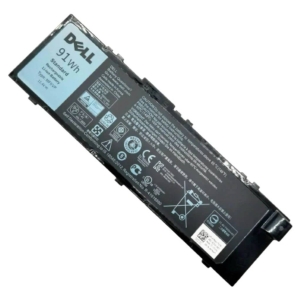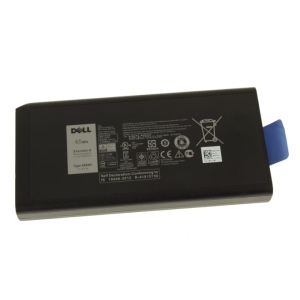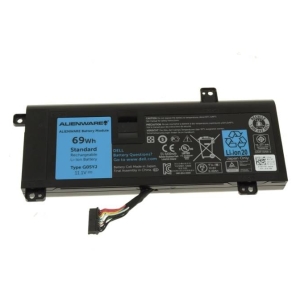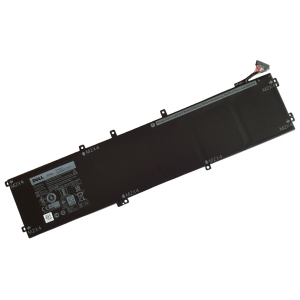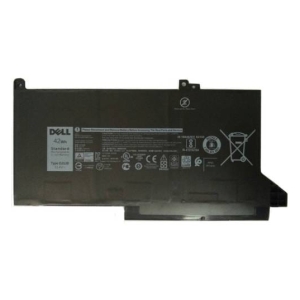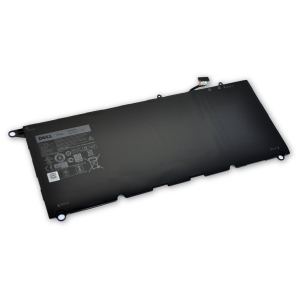


Description
Specifications
Compatible Dell Laptops:
-G Series G3 3579, G3 3779, G5 5587, G7 7588
-Inspiron 17 (7778) 2-in-1, 15 (7579) 2-in-1, 17 (7779) 2-in-1, 15 (7577), 15 (7573) 2-in-1, 15 (7570), 17 (7773) 2-in-1, 15 (7586) 2-in-1, 17 (7786) 2-in-1
-Latitude 13 (3380), 3480, 3580, 3590, 3490, 3400, 3500
-Vostro 15 (7570), 15 (7580)
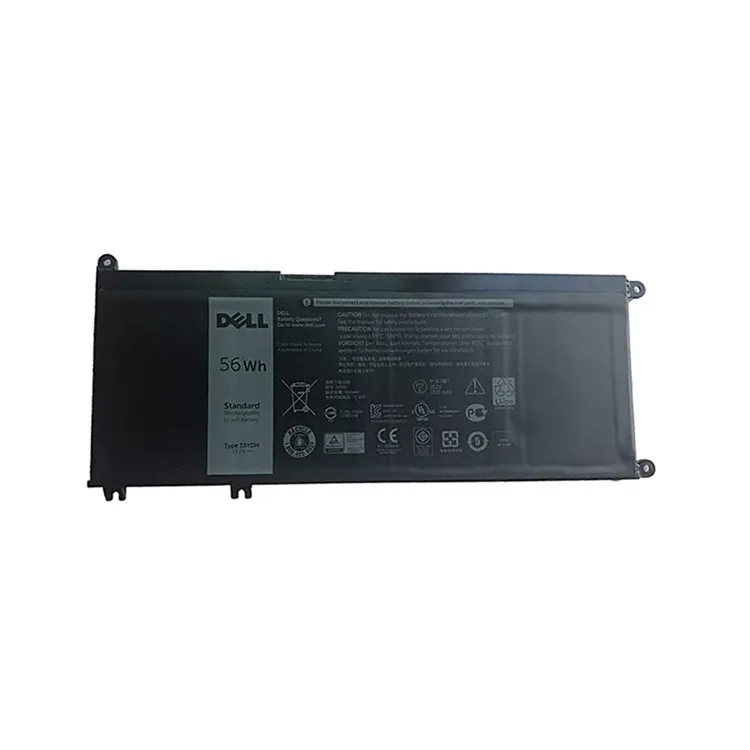
Rechargeable Li-ion Battery
Rating: 15.2V 4-Cell
High Capacity: 56WHr
Type 33YDH, 033YDH
DP/N: 99NF2; W7NKD; 7FHHV
IMPORTANT NOTE:
Match your part number before ordering- some of these laptops will require a smaller 3-cell battery if shipped with a 2.5″ storage drive. Give us a call if you’re not sure which battery to select.
Dell shipped some of the above systems with different battery types, that have different battery connecting cables. It is important you get the same battery type as your original.
This listing is for the battery type requiring the shorter battery connecting cable. You can match your part number or contact us if your not sure which battery to select.
Compatible Devices
- G3 15 3579
- G3 17 3779
- G5 15 5587
- G7 15 7588
- Inspiron 15 7570
- Inspiron 15 7573 2-in-1
- Inspiron 15 7577
- Inspiron 15 7579 2-in-1
- Inspiron 15 7586 2-in-1
- Inspiron 17 7773 2-in-1
- Inspiron 17 7778 2-in-1
- Inspiron 17 7779 2-in-1
- Inspiron 17 7786 2-in-1
- Latitude 3380
- Latitude 3400
- Latitude 3480
- Latitude 3490
- Latitude 3500
- Latitude 3580
- Latitude 3590
- Vostro 15 7570
- Vostro 15 7580
- G-Series G3 3579
- G-Series G3 3779
- G-Series G5 5587
- G-Series G7 7588
- Inspiron 7570
- Inspiron 7786 2-in-1
- Latitude 13 (3380)
Tips to Extend Your Battery’s Lifespan
1. Keep it cool – heat is the biggest cause of battery wear, so avoid leaving your Dell laptop in direct sun, a hot car, or on soft surfaces that block the vents.
2. Avoid charging to 100% every time – Dell Power Manager’s battery extender/optimized mode limits charging to around 80%, which can roughly double your battery’s usable lifespan.
3. Don’t let it run flat – regularly draining the battery to 0% wears it out much faster than topping up before it gets critically low.
4. Store at around 50% charge – if you won’t be using the laptop for a few weeks or more, store it half-charged in a cool, dry place rather than fully charged or fully empty.
5. Go easy on fast charging – rapid chargers generate extra heat, so standard charging (especially overnight or while idle) is gentler on the battery over time.