
Description
Specifications
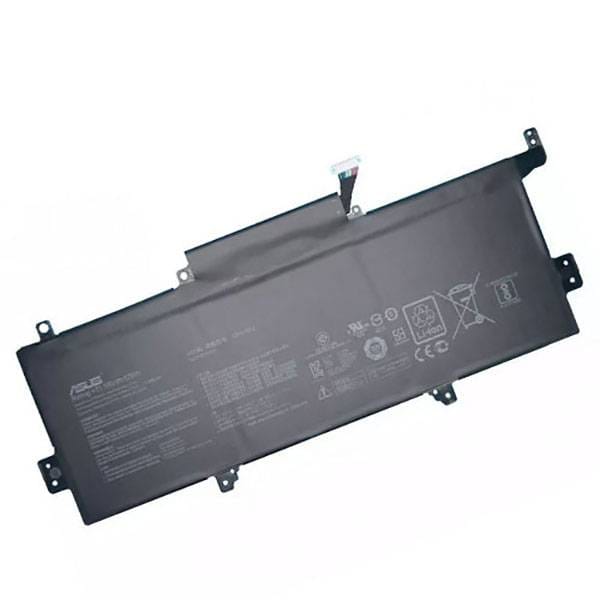
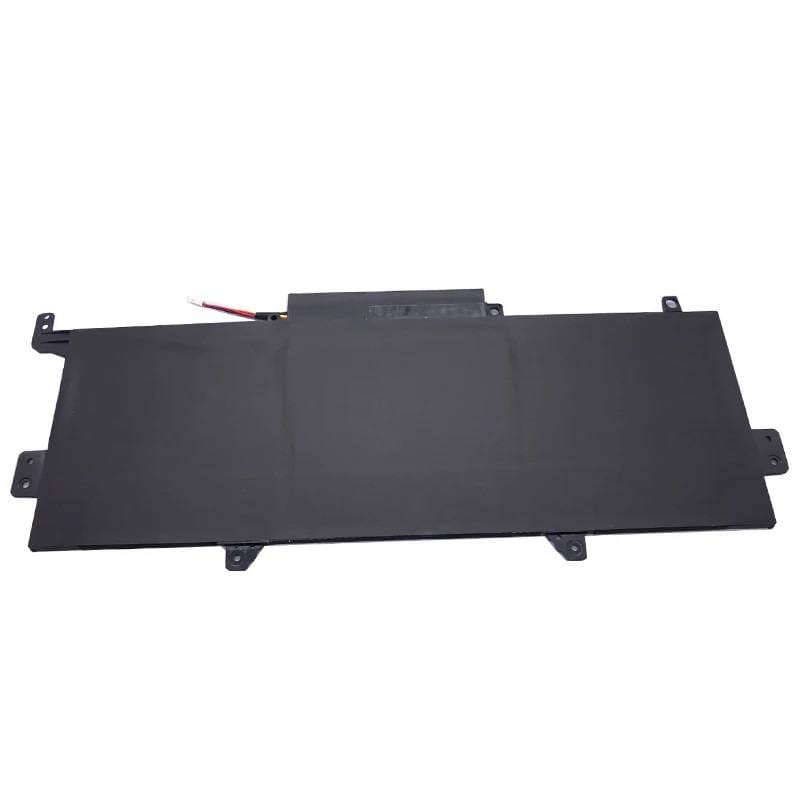
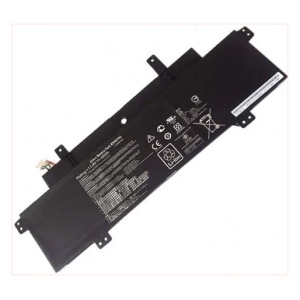
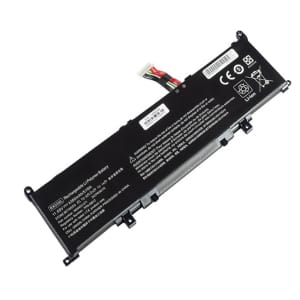
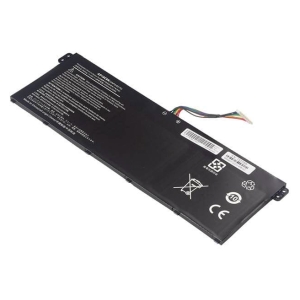
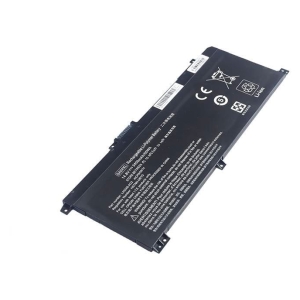
Asus Zenbook UX330, UX330UA, UX330UA-1A, UX330UA-1B, UX330UA-1C Series, C31N1602 Laptop Battery, 11.55 V 49400mAh/57Wh
Voltage 11.55V,
Capacity 4940mAh/57Wh
Number of Cells/type (Li-Polymer)
Colour Black,
Compatible Part Numbers
- C31N1602
- 0B200-02090000
Compatible Devices
- Zenbook UX330UA-FB161T
- Zenbook UX330UA-GL192
- Zenbook UX330UA-FB019T
- Zenbook UX330UA-FC115T
- Zenbook UX330UA-FB025T
- UX330UAK
- Zenbook UX330UA-FC006T
- Zenbook UX330UA-AH54
- Zenbook UX330UA-FB109T
- Zenbook UX330UA-GL191T
- Zenbook UX330UA-FB038T
- Zenbook UX330UA-FC300T
- Zenbook UX330UA-FC034T
- Zenbook UX330UA-FB308R
- Zenbook UX330UA-FB149T
- Zenbook UX330UA-GL246T
- Zenbook UX330UA-FB157T
- Zenbook UX330UA-FC078T
- Zenbook UX330UA-FB100T
- Zenbook UX330UA-FB239T
- Zenbook UX330UA-FB018R
- Zenbook UX330UA-GL196T
- Zenbook UX330UA-FB061T
- Zenbook UX330UA-FC080T
- Zenbook UX330UA-FB259R
- Zenbook UX330UA-FB316T
- Zenbook UX330UA-FC004T
- Zenbook UX330UA-AH55
- Zenbook UX330UA-FB114T
- Zenbook UX330UA-FC118T
- Zenbook UX330UA-FB212T
- Zenbook UX330UA-DS74
- Zenbook UX330UA-FC031T
- Zenbook UX330UA-AH5Q
- Zenbook UX330UA-FB142T
- Zenbook UX330UA-GL194T
- Zenbook UX330UA-FB088T
- Zenbook UX330UA-FC059T
- Zenbook UX330UA-FB089T
- Zenbook UX330UA-FB284T
- Zenbook UX330UA-GL244T
- Zenbook UX330UA-FB064T
- Zenbook UX330UA-FC079T
- Zenbook UX330UA-FB276T
- Zenbook UX330UA-FB260T
- UX330UA-1C
- UX330UA-1A
- UX330UA-1B
- Zenbook UX330UA
- UX330UA
Tips to Extend Your Battery’s Lifespan
1. Keep it cool – heat is the biggest cause of battery wear, so avoid leaving your Asus laptop in direct sun, a hot car, or on soft surfaces that block the vents.
2. Avoid charging to 100% every time – many modern laptops have a battery care or conservation mode in their power settings that limits charging to around 80%, which can roughly double your battery’s usable lifespan.
3. Don’t let it run flat – regularly draining the battery to 0% wears it out much faster than topping up before it gets critically low.
4. Store at around 50% charge – if you won’t be using the laptop for a few weeks or more, store it half-charged in a cool, dry place rather than fully charged or fully empty.
5. Go easy on fast charging – rapid chargers generate extra heat, so standard charging (especially overnight or while idle) is gentler on the battery over time.


Reviews
There are no reviews yet.