Description
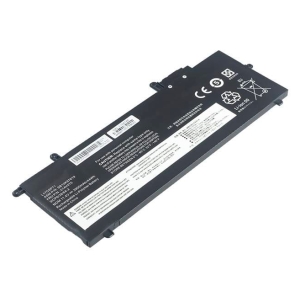
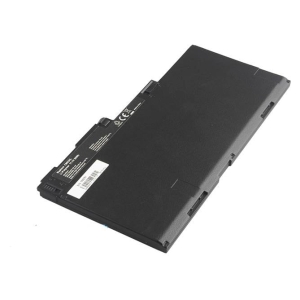
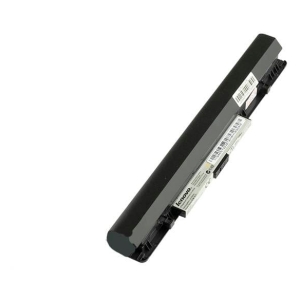
There are 2 different versions of Dell G91J0 V6W33 battery: BATDL13201A and BATDL13202A. Please make sure the shape of your original battery matches ours.
Specifications
G91J0 0MGCM5 0FH3K2 Battery for Dell Inspiron 5310 3511 5510 5410 5518 Latitude 3320 3520 3420 (11.4V 38Wh 3-Cell Li-Poly)
Voltage 11.4V,
Capacity 3300mAh/38Wh
Number of Cells/type (Li-Polymer) 3
Colour Black,
Compatible Part Numbers
- G91J0
- 0MGCM5
- MGCM5
- 0FH3K2
- PG8YJ
Compatible Devices
- Inspiron 5310
- Inspiron 3511
- Inspiron 5510
- Inspiron 5410
- Inspiron 5518
- Inspiron 3510
- Inspiron 3515
- Inspiron 5418
- Latitude 3320
- Latitude 3520
- Latitude 3420
- Vostro 5510
- Vostro 5410
- Vostro 3510
- Vostro 3515
- Vostro 3511
- Inspiron 5515
- Vostro 5310
- Vostro 5515
- Inspiron 15 3511
Tips to Extend Your Battery’s Lifespan
1. Keep it cool – heat is the biggest cause of battery wear, so avoid leaving your Dell laptop in direct sun, a hot car, or on soft surfaces that block the vents.
2. Avoid charging to 100% every time – Dell Power Manager’s battery-extender/primarily-AC-use setting can cap charging around 50-80%, which can meaningfully extend your battery’s usable lifespan.
3. Don’t let it run flat – regularly draining the battery to 0% wears it out much faster than topping up before it gets critically low.
4. Store at around 50% charge – if you won’t be using the laptop for a few weeks or more, store it half-charged in a cool, dry place rather than fully charged or fully empty.
5. Go easy on fast charging – rapid chargers generate extra heat, so standard charging (especially overnight or while idle) is gentler on the battery over time.