
Description
Specifications
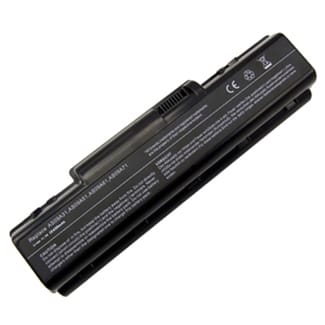
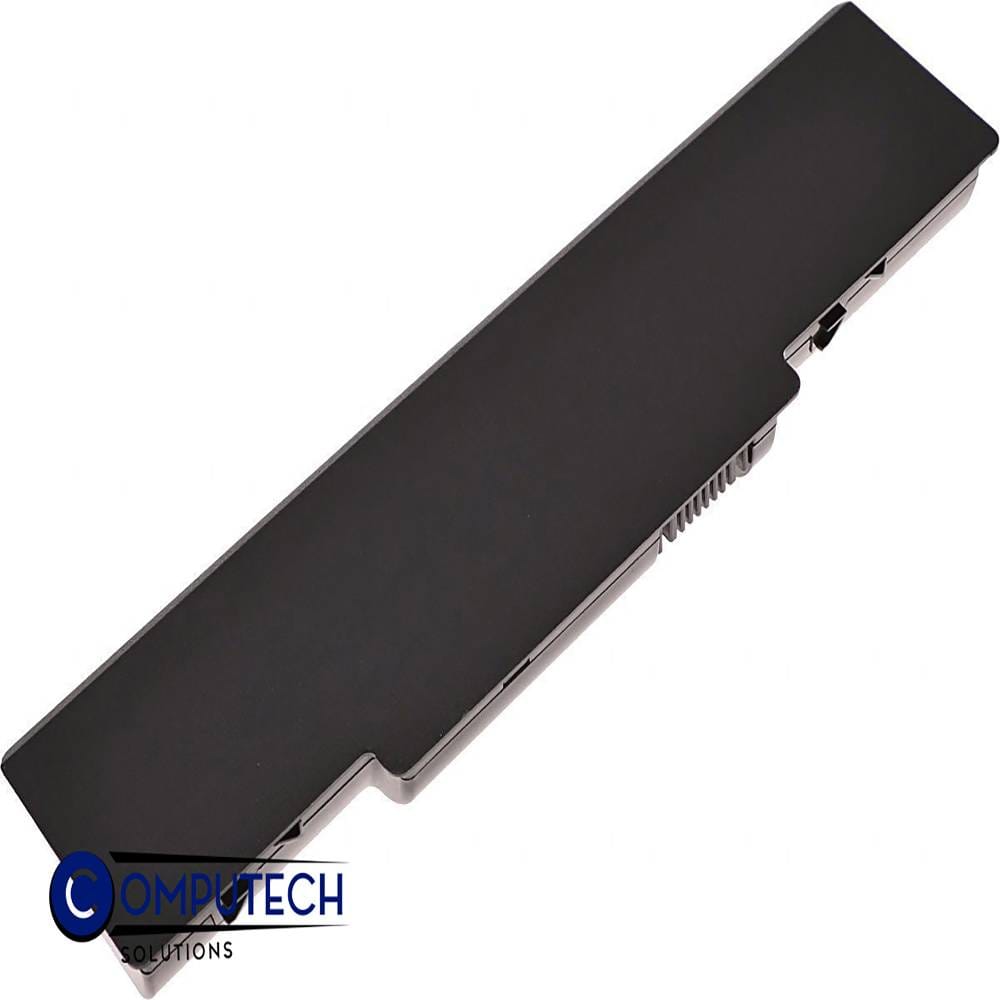
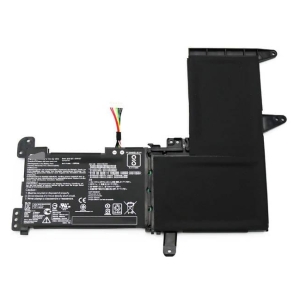
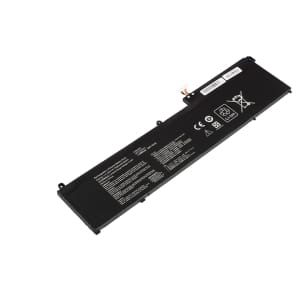
10.8V 56Wh 6-Cell Battery for Gateway NV52 NV53 NV54 NV56 NV58 NV78 NV5215U NV5387U NV5614U NV5820U NV7802U Acer Aspire 4732 4732Z (P/N:AS09A31 AS09A51 AS09A61 AS09A71)
Voltage 10.8V,
Capacity 5200mAh/56Wh,
Number of Cells/type 6,
Colour Black,
Compatible Part Numbers
- AS09A31
- AS09A41
- AS09A51
- AS09A56
- AS09A61
- AS09A71
- AS09A73
- AS09A75
- AS09A90
Compatible Devices
- NV52
- NV5207U
- NV5211U
- NV5212U
- NV5213U
- NV5214U
- NV5215U
- NV5216U
- NV53
- NV5302U
- NV5331U
- NV5332U
- NV5333U
- NV5334U
- NV5335U
- NV5336U
- NV5337U
- NV5356U
- NV5362U
- NV5369ZU
- NV5370U
- NV5373U
- NV5376U
- NV5378U
- NV5380U
- NV5381U
- NV5383U
- NV5384U
- NV5385U
- NV5386U
- NV5387U
- NV5388U
- NV5389U
- NV5390U
- NV54
- NV5421U
- NV5423U
- NV5425U
- NV5435U
- NV5453U
- NV5462U
- NV5465U
- NV5468U
- NV5469ZU
- NV5470U
- NV5471U
- NV5473U
- NV5474U
- NV5478U
- NV56
- NV5602U
- NV5606U
- NV5610U
- NV5614U
- NV5615U
- NV58
- NV5807U
- NV5810U
- NV5814U
- NV5815U
- NV5820U
- NV59
- NV5911U
- NV5913U
- NV5915U
- NV5917U
- NV5918U
- NV5921U
- NV5922U
- NV5923U
- NV5925U
- NV5926U
- NV5927U
- NV5928U
- NV5929U
- NV5930U
- NV5931U
- NV5932U
- NV5933U
- NV5934U
- NV5935U
- NV5936U
- NV5937U
- NV78
- NV7802U
- TC73
- TC74
- TC78
- TC79
- Aspire 4732
- Aspire 4732Z
- Aspire 4732Z-452G32Mnbs
- Aspire 5732Z
- Aspire 5732Z-4280
- Aspire 5732Z-433G25Mn
- Aspire 5732Z-4392
- Aspire 5732Z-443G25Mn
- Aspire 5732Z-443G32Mn
- Aspire 5732Z-444G32Mn
- Aspire 5732Z-4510
- Aspire 5732Z-4598
- Aspire 5732Z-4855
- Aspire 5732Z-4867
- Aspire 5732ZG
Tips to Extend Your Battery’s Lifespan
1. Keep it cool – heat is the biggest cause of battery wear, so avoid leaving your Gateway laptop in direct sun, a hot car, or on soft surfaces that block the vents.
2. Avoid charging to 100% every time – many modern laptops have a battery care or conservation mode in their power settings that limits charging to around 80%, which can roughly double your battery’s usable lifespan.
3. Don’t let it run flat – regularly draining the battery to 0% wears it out much faster than topping up before it gets critically low.
4. Store at around 50% charge – if you won’t be using the laptop for a few weeks or more, store it half-charged in a cool, dry place rather than fully charged or fully empty.
5. Go easy on fast charging – rapid chargers generate extra heat, so standard charging (especially overnight or while idle) is gentler on the battery over time.


Reviews
There are no reviews yet.