
Description
Specifications
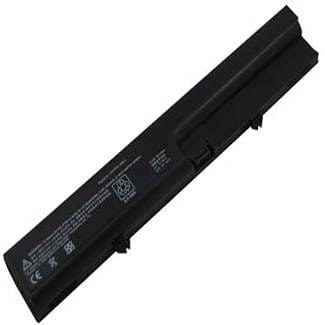
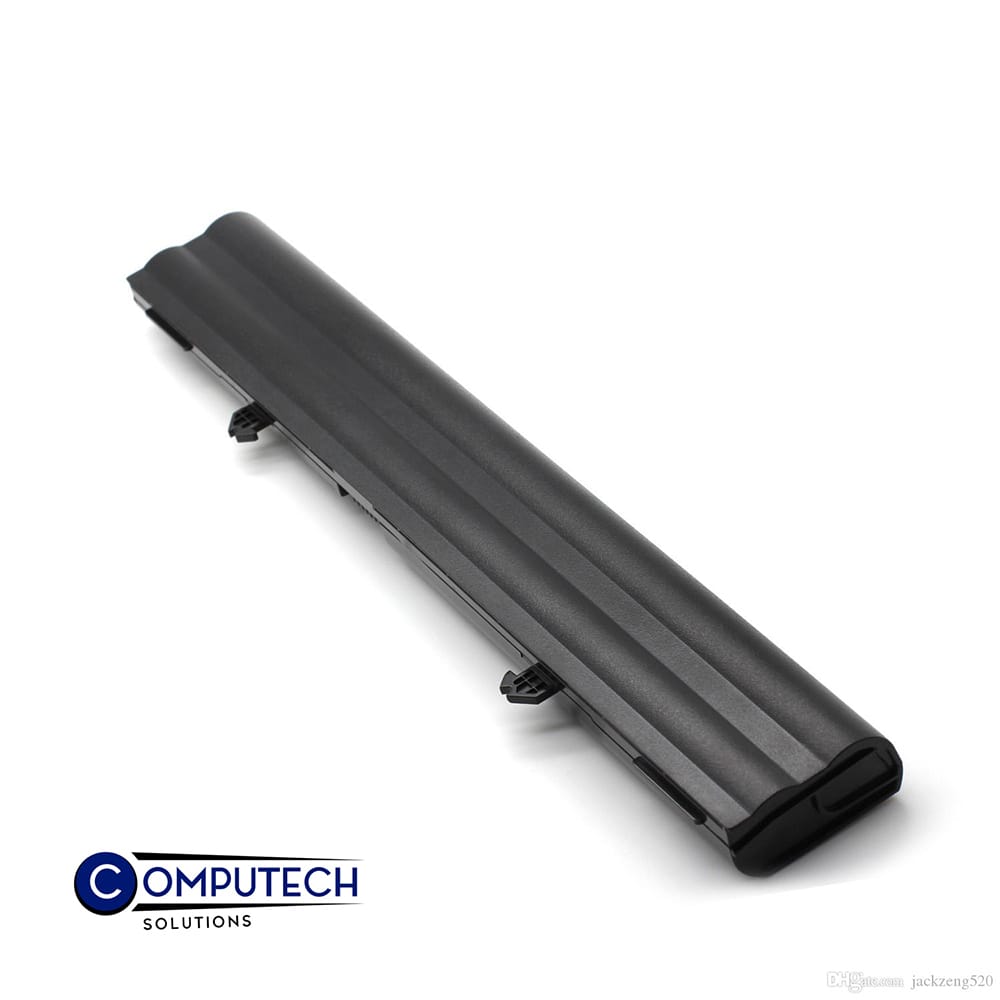
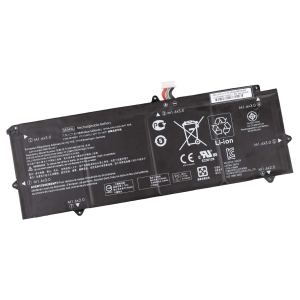
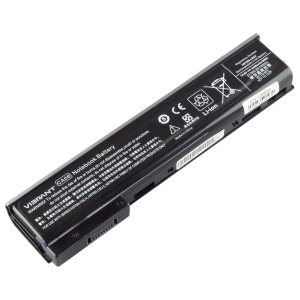
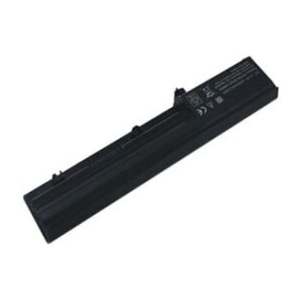
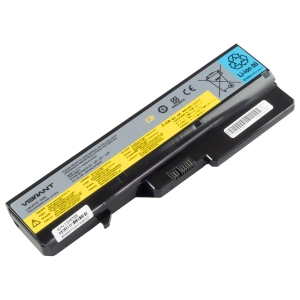
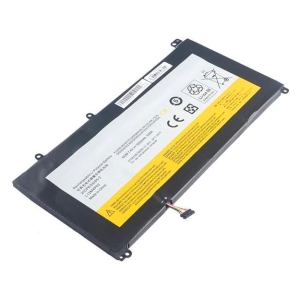
10.8V 4400mAh/48Wh 6-Cell Battery for HP Compaq 6520s 6530s HP 540 541 Compaq 510 516 (P/N: HSTNN-DB51 HSTNN-OB51 KU530AA 451545-261 456623-001)
Voltage 10.8V,
Capacity 4400mAh/48Wh,
Number of Cells/type 6,
Colour Black,
Compatible Part Numbers
- 451545-261
- 451545-361
- 451568-001
- 456623-001
- 484785-001
- 500014-001
- 572186-001
- 572189-001
- GJ655AA
- HSTNN-DB51
- HSTNN-IB62
- HSTNN-OB51
- KU530AA
Compatible Devices
- 540
- 541
- 510
- 511
- 515
- 516
- Business NoteBook 6520S
- Business NoteBook 6530S
- Business NoteBook 6531S
- Business NoteBook 6535S
- Business NoteBook 6720S
- Business NoteBook 6720S/CT
- Business NoteBook 6820S
Note:For those who are looking for replacement battery for HSTNN-OB51, please make sure our battery’s shape is similar to
your original HP battery’s and check your laptop model to see if it matches with one of the fit models we list out above.
Tips to Extend Your Battery’s Lifespan
1. Keep it cool – heat is the biggest cause of battery wear, so avoid leaving your HP laptop in direct sun, a hot car, or on soft surfaces that block the vents.
2. Avoid charging to 100% every time – HP Battery Health Manager (in the BIOS or HP Support Assistant) lets you cap charging around 50-100% depending on how you use the laptop, which can meaningfully extend your battery’s usable lifespan.
3. Don’t let it run flat – regularly draining the battery to 0% wears it out much faster than topping up before it gets critically low.
4. Store at around 50% charge – if you won’t be using the laptop for a few weeks or more, store it half-charged in a cool, dry place rather than fully charged or fully empty.
5. Go easy on fast charging – rapid chargers generate extra heat, so standard charging (especially overnight or while idle) is gentler on the battery over time.

Reviews
There are no reviews yet.