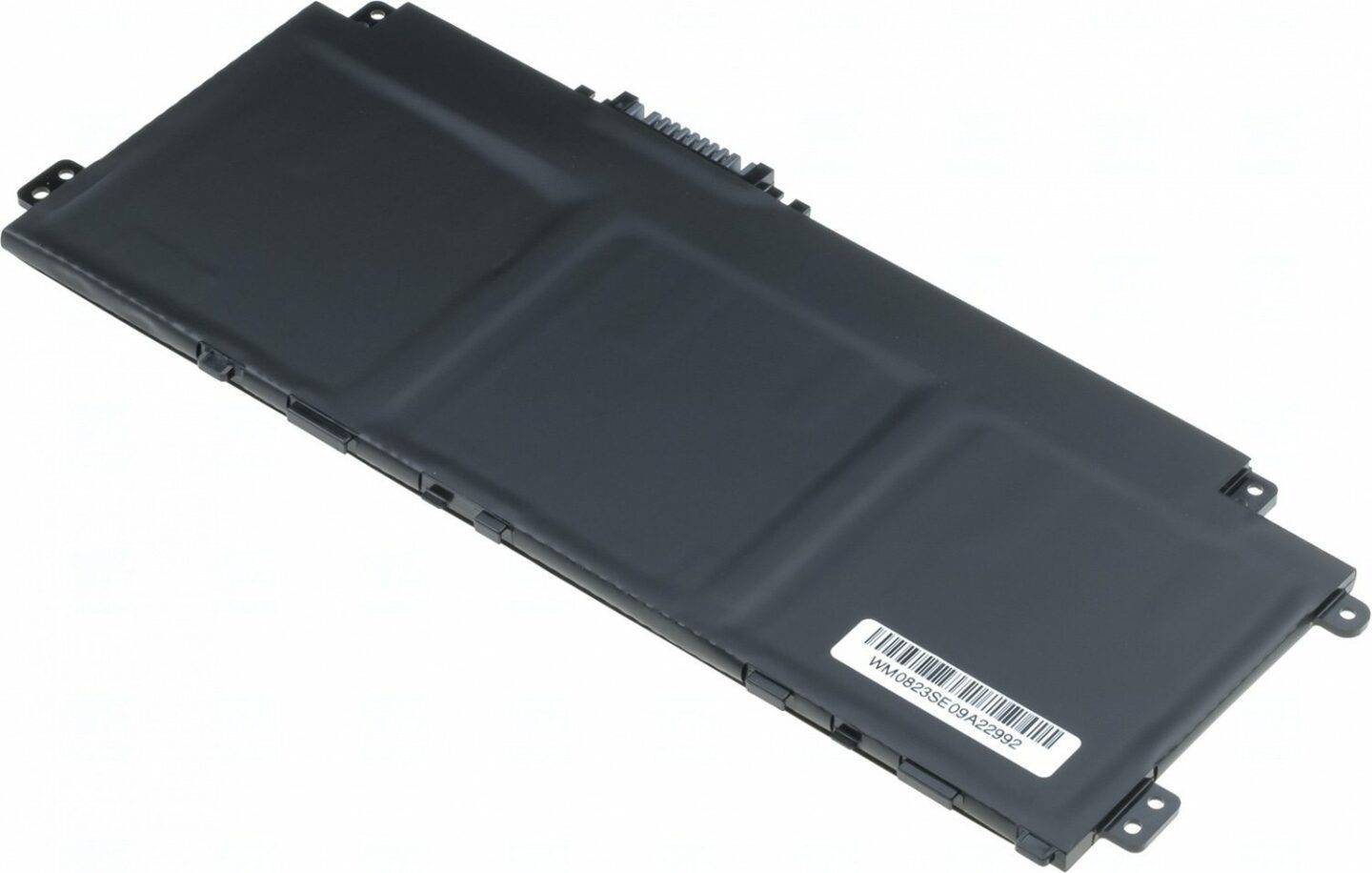


Description
Specifications
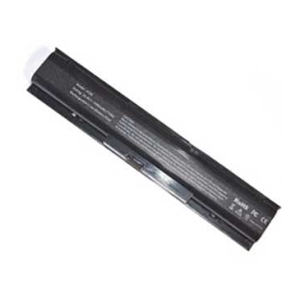
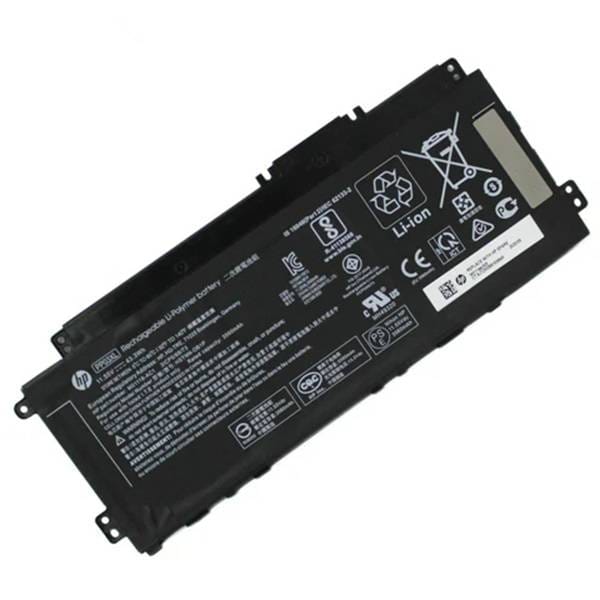
HP Pavilion X360 13-BB, 14-DV, 14-DK, 15-EH, 14M-DW, PP03XL, PV03XL Laptop Battery 11.55V 3560mAh/43.3Wh
Voltage 11.55V,
Capacity 3560mAh/43.3Wh
Number of Cells/type 4-Cell (Li-Polymer)
Colour Black,
Compatible Part Numbers
- PP03XL
- PV03XL
Compatible Devices
- HP Pavilion X360 13-BB
- 14-DV
- 14-DK
- 15-EH
- 14M-DW
- 13-bb0000
- 14m-dw0000
- 14-dk0000
- 15-eh0000
- Pavilion x360 14-dv
- Pavilion x360 14-dw
- Pavilion x360 14m-dw
Tips to Extend Your Battery’s Lifespan
1. Keep it cool – heat is the biggest cause of battery wear, so avoid leaving your HP laptop in direct sun, a hot car, or on soft surfaces that block the vents.
2. Avoid charging to 100% every time – many modern laptops have a battery care or conservation mode in their power settings that limits charging to around 80%, which can roughly double your battery’s usable lifespan.
3. Don’t let it run flat – regularly draining the battery to 0% wears it out much faster than topping up before it gets critically low.
4. Store at around 50% charge – if you won’t be using the laptop for a few weeks or more, store it half-charged in a cool, dry place rather than fully charged or fully empty.
5. Go easy on fast charging – rapid chargers generate extra heat, so standard charging (especially overnight or while idle) is gentler on the battery over time.