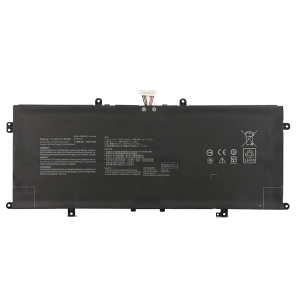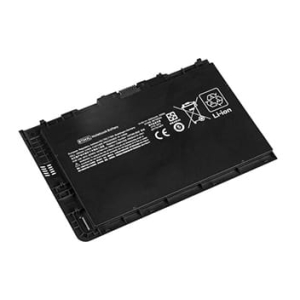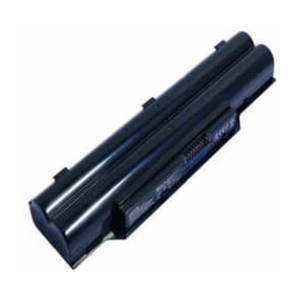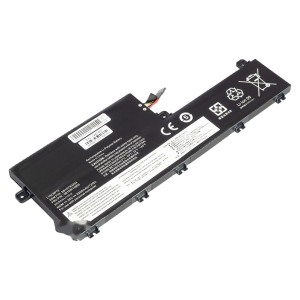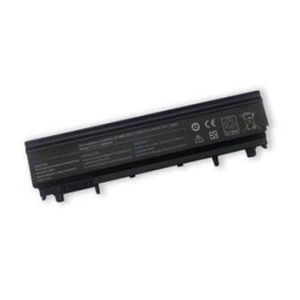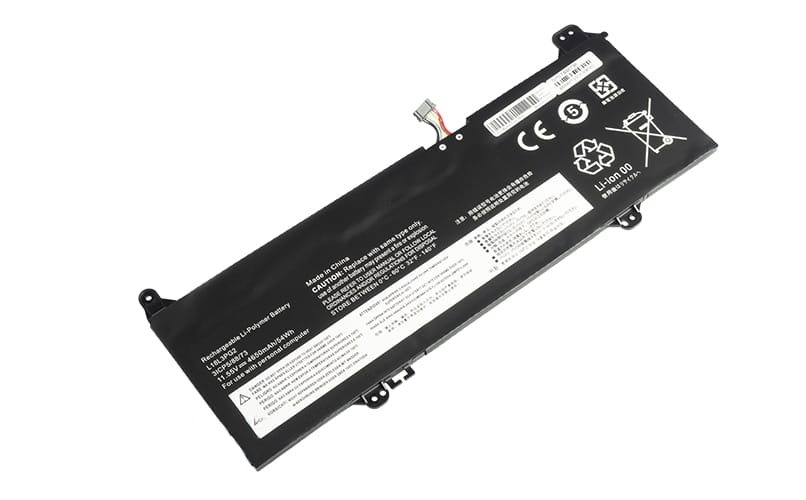
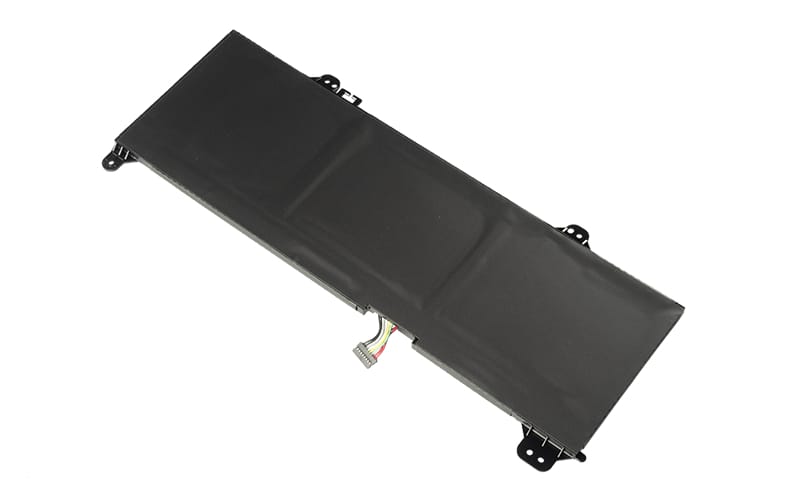


Description
Specifications
Voltage 11.55V,
Capacity 4650mAh/54Wh,
Number of Cells/type 3 (Li-Poly),
Colour Black,
Compatible Part Numbers
Lenovo
- L18M3PG2
- L18D3PG2
- L18L3PG2
- L18C3PG2
Compatible Devices
Lenovo
- Chromebook S345-14AST
How to Check Your Laptop Battery Health
Method 1: Use Windows Battery Report
This is one of the best ways to see the actual condition of your battery.
Step 1 — Open Command Prompt
- Press Windows + R.
- Type
cmd. - Press Enter.
Step 2 — Generate a battery report
Type:
powercfg /batteryreport
Then press Enter.
Windows will create a battery health report, usually saved as:
C:UsersYourNamebattery-report.html
Step 3 — Open the report
Copy the location shown in Command Prompt and paste it into your web browser.
Look for these two figures:
- Design Capacity — the battery’s original capacity when new.
- Full Charge Capacity — how much capacity the battery can currently hold.
Step 4 — Calculate battery health
Use:
Battery Health % = Full Charge Capacity ÷ Design Capacity × 100
For example:
- Design Capacity: 50,000 mWh
- Full Charge Capacity: 40,000 mWh
Battery health:
40,000 ÷ 50,000 × 100 = 80%
So the battery has approximately 80% of its original capacity remaining.
What do the results mean?
Battery Health General condition
90–100% Excellent
80–89% Good
70–79% Showing some wear
Below 70% Consider replacing the battery
Very low capacity / unexpected shutdowns Battery replacement may be advisable