
Description
Specifications
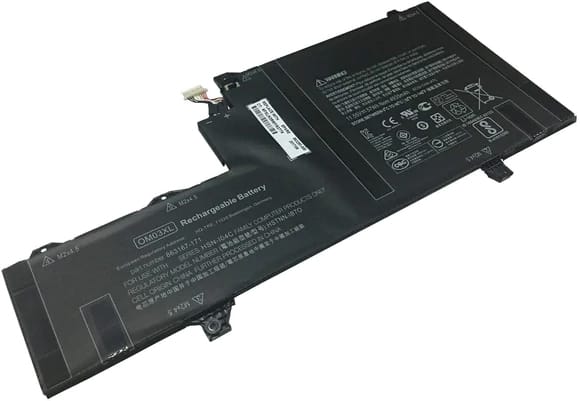
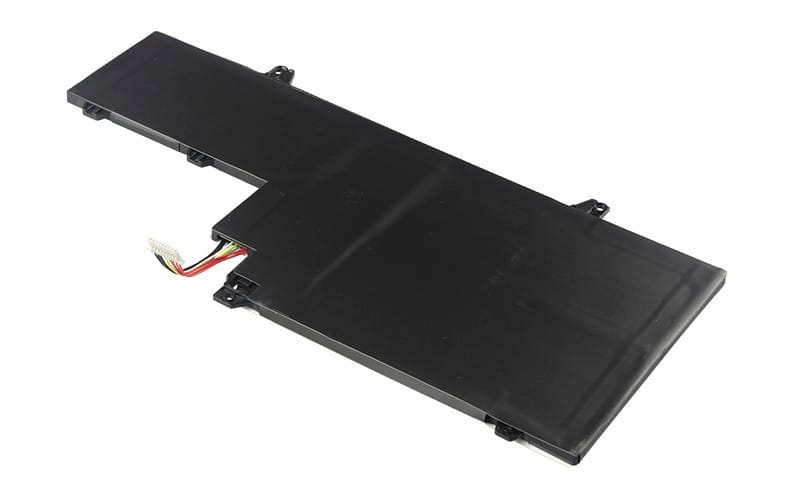
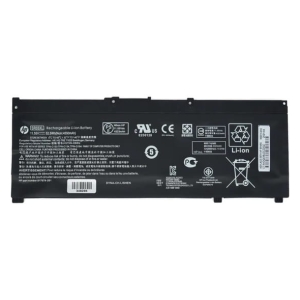
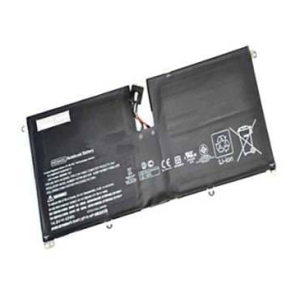
OM03XL 863167-171 HSTNN-IB70 863167-171 Battery for HP EliteBook X360 1030 G2 (11.55V 44Wh 3-Cell Li-Poly)
Voltage 11.55V,
Capacity 3800mAh/44Wh,
Cells 3(li-Poly),
Colour Black,
Compatible Part Numbers
- HSTNN-IB7O
- 863167-171
- OM03XL
- HSTNN-IB70
- 863167-1B1
- 863280-855
Compatible Devices
- EliteBook X360 1030 G2
Tips to Extend Your Battery’s Lifespan
1. Keep it cool – heat is the biggest cause of battery wear, so avoid leaving your HP laptop in direct sun, a hot car, or on soft surfaces that block the vents.
2. Avoid charging to 100% every time – HP Battery Health Manager (in the BIOS or HP Support Assistant) lets you cap charging around 50-100% depending on how you use the laptop, which can meaningfully extend your battery’s usable lifespan.
3. Don’t let it run flat – regularly draining the battery to 0% wears it out much faster than topping up before it gets critically low.
4. Store at around 50% charge – if you won’t be using the laptop for a few weeks or more, store it half-charged in a cool, dry place rather than fully charged or fully empty.
5. Go easy on fast charging – rapid chargers generate extra heat, so standard charging (especially overnight or while idle) is gentler on the battery over time.


Reviews
There are no reviews yet.