


Description
Specifications
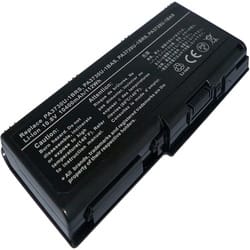
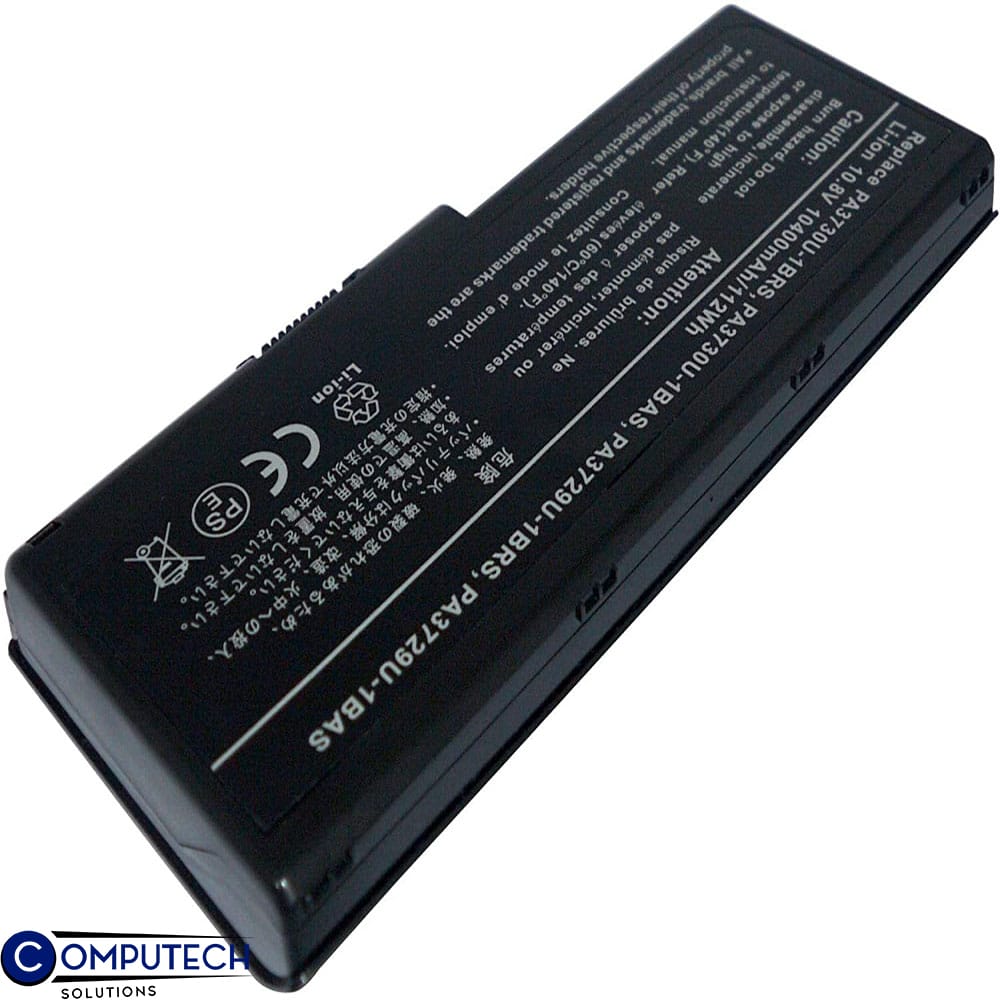
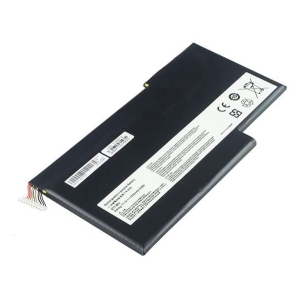
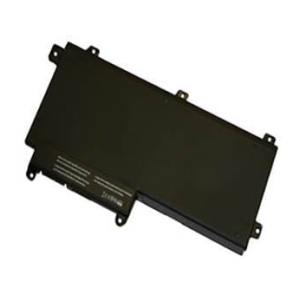
Toshiba Qosmio X500 X505, Toshiba Satellite P500 P505 P505D, Voltage 10.8V, Capacity 10.4Ah/112Wh, Number of Cells/type 12, Colour Black, Compatible part number PA3730U-1BRS, PA3730U-1BAS, PABAS207
Compatible Devices
- Qosmio X500
- Qosmio X505
- Satellite P500
- Satellite P505
- Satellite P505D
- Qosmio G60
- Qosmio 90LW
- Qosmio 97K
- Qosmio 97L
- Qosmio G65
- Qosmio G65W
- Qosmio X500-03L
- Qosmio X500-04N
- Qosmio X500-058
- Qosmio X500-067
- Qosmio X500-06C
- Qosmio X500-10Q
- Qosmio X500-10T
- Qosmio X500-10V
- Qosmio X500-10W
- Qosmio X500-10X
- Qosmio X500-116
- Qosmio X500-11D
- Qosmio X500-11M
- Qosmio X500-11Q
- Qosmio X500-122
- Qosmio X500-125
- Qosmio X500-128
- Qosmio X500-12D
- Qosmio X500-12F
- Qosmio X500-12N
- Qosmio X500-12V
- Qosmio X500-134
- Qosmio X500-13R
- Qosmio X500-140
- Qosmio X500-148
- Qosmio X500-149
- Qosmio X500-14C
- Qosmio X500-14D
- Qosmio X500-14W
- Qosmio X500-167
- Qosmio X500-Q840S
- Qosmio X500-Q895S
- Qosmio X500-Q900S
- Qosmio X500-Q930X
- Qosmio X500-S1801
- Qosmio X500-S1811
- Qosmio X500-S1812
- Qosmio X500-S1812X
- Qosmio X505-Q8100X
- Qosmio X505-Q8102X
- Qosmio X505-Q8104X
- Qosmio X505-Q830
- Qosmio X505-Q832
- Qosmio X505-Q850
- Qosmio X505-Q860
- Qosmio X505-Q862
- Qosmio X505-Q865
- Qosmio X505-Q870
- Qosmio X505-Q875
- Qosmio X505-Q879
- Qosmio X505-Q880
- Qosmio X505-Q882
- Qosmio X505-Q885
- Qosmio X505-Q887
- Qosmio X505-Q888
- Qosmio X505-Q890
- Qosmio X505-Q892
- Qosmio X505-Q893
- Qosmio X505-Q894
- Qosmio X505-Q896
- Qosmio X505-Q898
- Satellite P500-01C
- Satellite P500-01R
- Satellite P500-024
- Satellite P500-025
- Satellite P500-026
- Satellite P500-12D
- Satellite P500-12F
- Satellite P500-14L
- Satellite P500-1CG
- Satellite P500-1DT
- Satellite P500-1DW
- Satellite P500-1DX
- Satellite P500-1DZ
- Satellite P500-1F8
- Satellite P500-BT2G22
- Satellite P500-BT2G23
- Satellite P500-BT2N20
- Satellite P500-BT2N23
- Satellite P500-ST2G01
- Satellite P500-ST5801
- Satellite P500-ST5806
- Satellite P500-ST5807
- Satellite P500-ST6821
- Satellite P500-ST6822
- Satellite P500-ST6844
- Satellite P500D-ST5805
- Satellite P505-S8002
- Satellite P505-S8010
- Satellite P505-S8011
- Satellite P505-S8020
- Satellite P505-S8022
- Satellite P505-S8025
- Satellite P505-S8940
- Satellite P505-S8941
- Satellite P505-S8945
- Satellite P505-S8946
- Satellite P505-S8950
- Satellite P505-S8970
- Satellite P505-S8971
- Satellite P505-S8980
- Satellite P505-ST5800
- Satellite P505D-S8000
- Satellite P505D-S8005
- Satellite P505D-S8007
- Satellite P505D-S8930
- Satellite P505D-S8934
- Satellite P505D-S8935
- Satellite P505D-S8960
Compatible Part Numbers
- PA3729U-1BAS
- PA3729U-1BRS
Tips to Extend Your Battery’s Lifespan
1. Keep it cool – heat is the biggest cause of battery wear, so avoid leaving your Toshiba laptop in direct sun, a hot car, or on soft surfaces that block the vents.
2. Avoid charging to 100% every time – many modern laptops have a battery care or conservation mode in their power settings that limits charging to around 80%, which can roughly double your battery’s usable lifespan.
3. Don’t let it run flat – regularly draining the battery to 0% wears it out much faster than topping up before it gets critically low.
4. Store at around 50% charge – if you won’t be using the laptop for a few weeks or more, store it half-charged in a cool, dry place rather than fully charged or fully empty.
5. Go easy on fast charging – rapid chargers generate extra heat, so standard charging (especially overnight or while idle) is gentler on the battery over time.
Reviews
There are no reviews yet.