


Description
Specifications
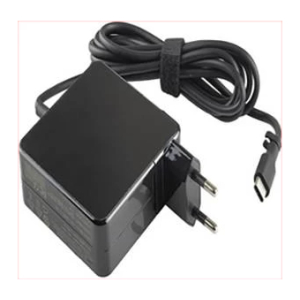
Voltage – 20V/15V/12V/9V/5V
Ampere – 3A/3.5A
Maximum Capacity – 65W,
Colour – Black,
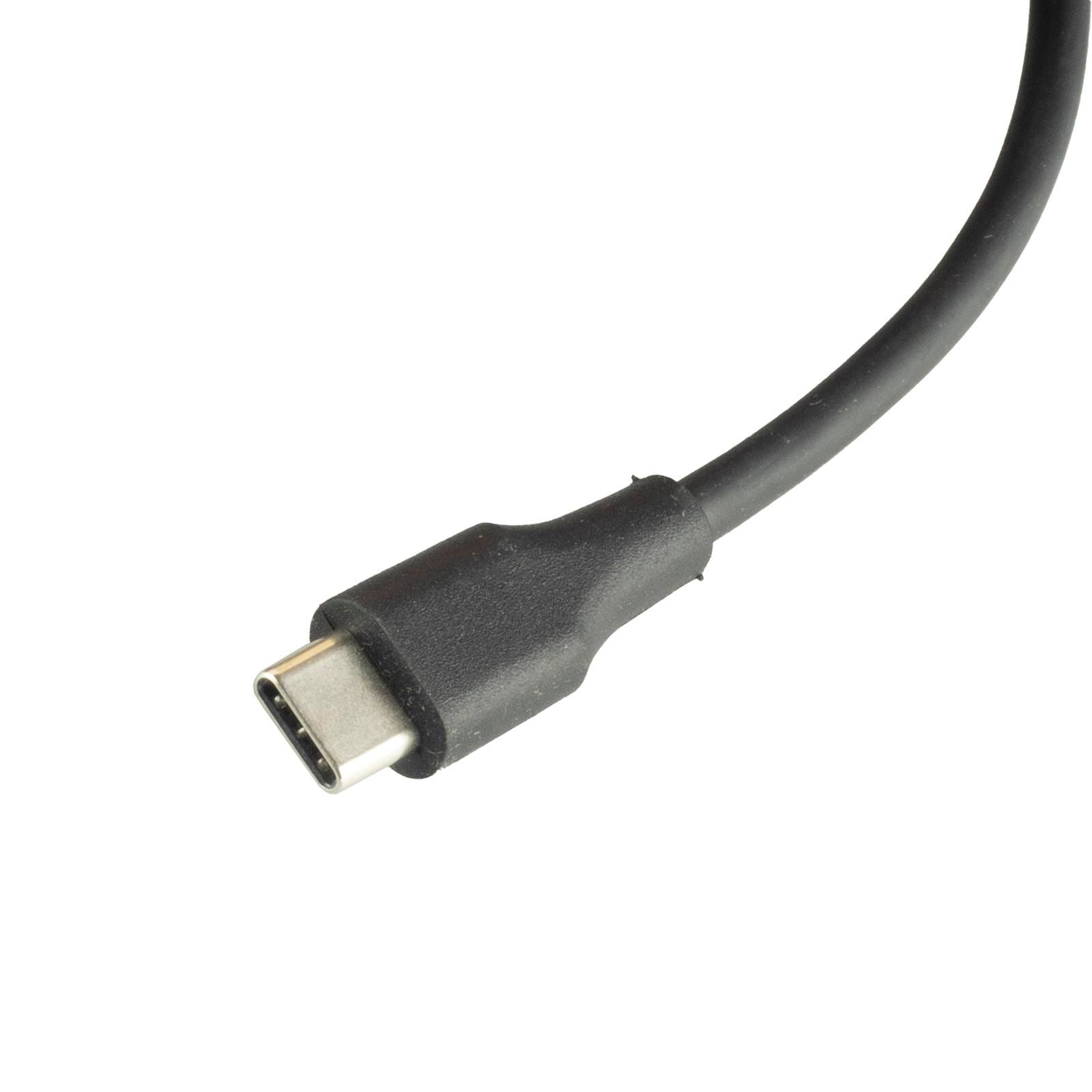
Connector Tip Dimension – USB-C
Compatible Part Numbers
- 01FR026
- SA10M13950
- 5A10W86250
- 02DL124
- SBB0S70256
- SA10R16917
- ADLX65YSDC3A
- 02DL151
- ADLX65YCC3D
- ADLX65YDC3D
- ADLX65YLC2D
- ADLX65YCC3A
- ADLX65YCC2A
- ADLX65YLC3A
- ADLX65YLC2A
- ADLX65YLC3D
- ADLX65YDC2D
- ADLX65YCC2D
- ADLX65YSCC2A
- ADLX65UDGU2A
- ADP-65JH DB
- L04540-007
- L04650-850
- L67440-001
- L43180-005
- JJV9D
- WMDHR
- 0A001-00699100
Compatible Devices
- Lenovo 0 Yoga 730-13IWL Type 81JR
- ThinkPad E15 Type 20RD
- ThinkPad E15 Type 20RE
- ThinkPad E15 Gen 2 Type 20TD
- Latitude 5410
- Latitude 7420
- XPS 13 9320
- XPS 13 9305
- XPS 13 9310
- XPS 13 9315
- EliteBook 840 G9
- Spectre x360 13-aw0017ni
- ProBook 650 G8
- ProBook 4 G1a
- Chromebook C214MA
- Expertbook B1502
- Expertbook B1 B1502
- MateBook D 14 2021
- NbD-WDH9
- Yoga 730-13IWL Type 81JR
- Tecra X40-D-16R
- Aspire Lite 14
- AL14-31P-37JX
- AL14-31P-35XW
- N23G1
Tips for Choosing and Using a Replacement Charger
Always match the voltage and wattage to your original charger exactly – USB-C chargers negotiate power with your laptop, so a mismatched or underpowered charger may charge slowly or not at all. A replacement rated at a higher wattage than the original is safe to use, since your device only draws the power it needs; never go lower than the original wattage.
Inspect the cable and USB-C connector periodically for wear, bent pins or debris, and unplug the charger when it isn’t in use to help it last longer. If your laptop isn’t charging, check that the USB-C connector is fully and securely inserted before assuming the charger itself has failed.



Reviews
There are no reviews yet.