
Laptop battery drain disrupts your workflow, especially during loadshedding. When your device dies mid-task, frustration sets in fast. You can extend laptop battery life with smart habits and the right gear from Computech Solutions. This guide breaks down simple steps and reliable products to keep your laptop powered longer and your work uninterrupted. Learn more about battery-saving tips.
Easy Battery-Saving Habits
Boosting your laptop’s battery life doesn’t require major changes. Adopt simple practices for lasting power.
Optimize Windows Power Settings
Windows offers built-in settings to help conserve battery life. Start by accessing the Control Panel and selecting ‘Power Options’. Choose a power plan that suits your needs, like ‘Power Saver’, which reduces the system’s performance but increases battery life. Adjust settings like screen brightness and sleep mode timers to further save energy. Regularly updating your operating system also helps, as updates often include efficiency improvements.
Utilize macOS Battery Health Tools
Mac users can benefit from macOS’s battery health features. Access the ‘Energy Saver’ preferences from System Preferences. Here, you can adjust settings such as screen dimming and automatic graphics switching. These tweaks can significantly reduce power consumption. Keeping your macOS updated ensures you benefit from the latest battery management tools provided by Apple.
Reduce Battery Drain Techniques
Reducing battery drain involves small adjustments. Lower your screen brightness to the minimum comfortable level. Disable Bluetooth and Wi-Fi when not in use, as they consume power even when idle. Close unnecessary applications running in the background. These steps can extend your laptop’s operational time, especially during critical tasks.
Essential Laptop Battery Care
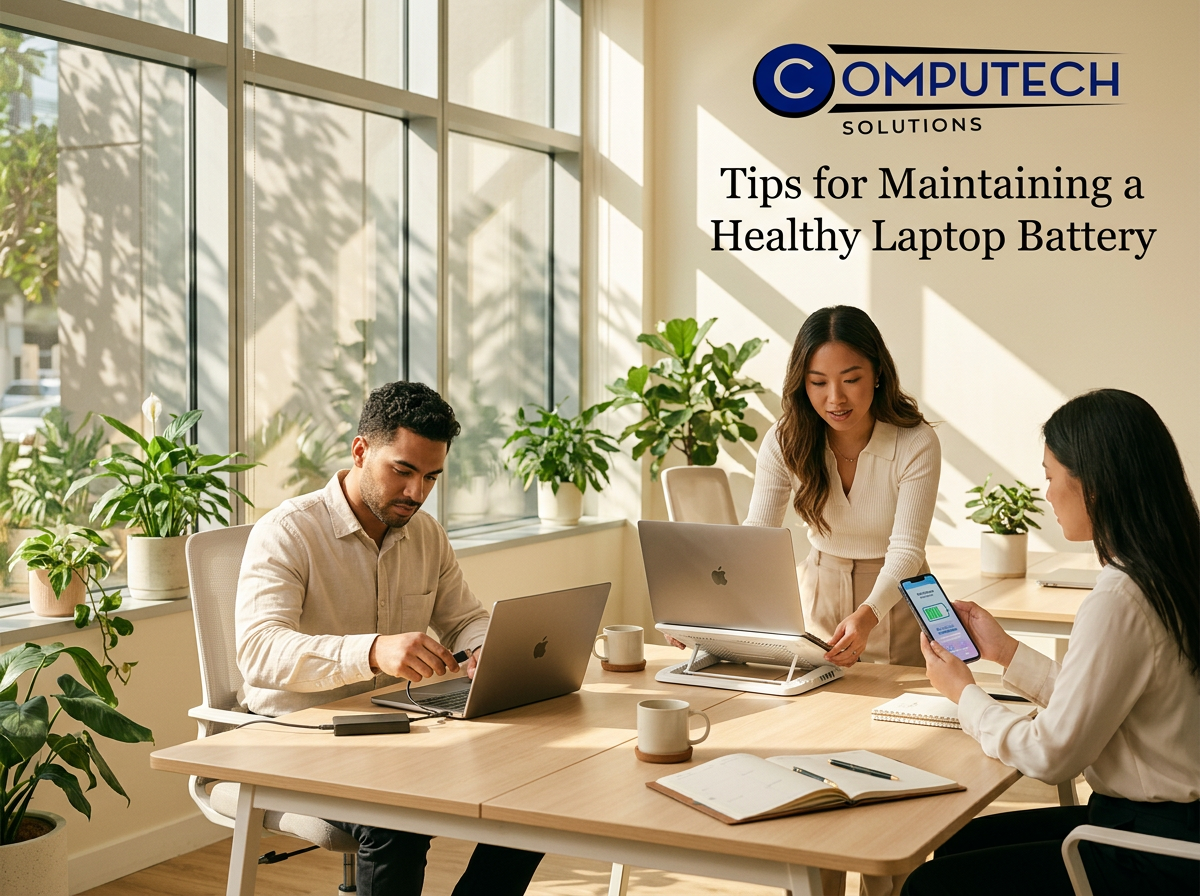
Proper battery care is crucial for longevity. Follow these tips to maintain a healthy battery.
Importance of Battery Calibration
Battery calibration ensures accurate battery percentage readings. To calibrate, let the battery fully discharge, then recharge it to 100% without interruptions. This process should be done every few months to keep your battery’s performance optimal. Calibration aligns the battery’s charge with its power level, ensuring reliable performance.
Best Practices for Charger Use
Charger use can impact battery health. Use only compatible chargers to avoid damage. Avoid overcharging by unplugging once fully charged. It’s also beneficial to charge your laptop before it drops below 20% to prevent deep discharges that can degrade battery cells. Keep your charging port and charger clean and dust-free for efficient charging.
Sourcing Quality Generic Laptop Batteries
High-quality generic batteries can be a cost-effective alternative. Ensure compatibility with your laptop model. Check for reliable suppliers like Computech Solutions, known for their durable replacements. Quality batteries offer similar performance to original ones, extending your laptop’s usability without breaking the bank.
Backup Power Solutions for Loadshedding
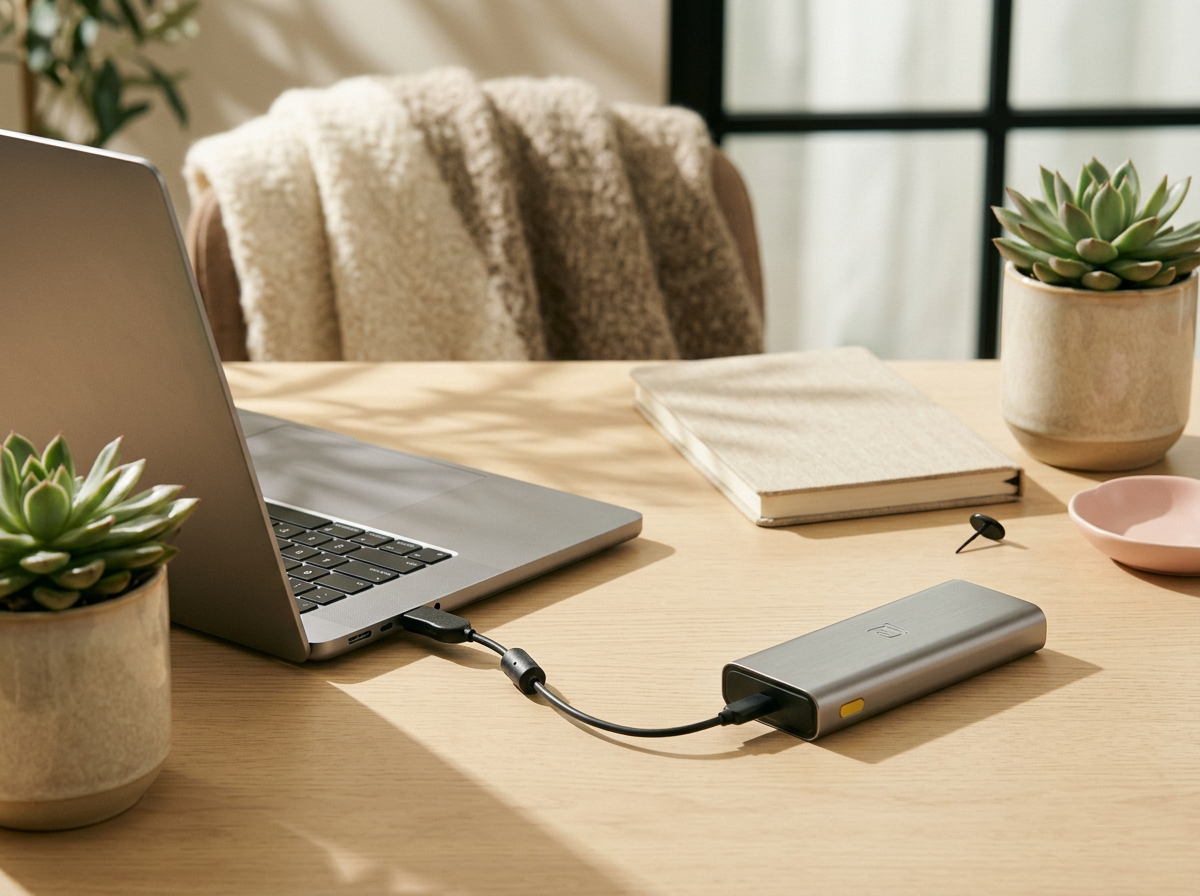
Loadshedding can be disruptive. Prepare with reliable backup solutions.
UPS and Inverter Benefits
Uninterruptible Power Supplies (UPS) and inverters provide essential backup during power cuts. A UPS offers immediate power, preventing sudden shutdowns. Inverters can supply power for extended periods, allowing you to continue working seamlessly. Investing in these devices ensures you stay productive even during outages.
Choosing the Right Loadshed Backup
Selecting the right backup depends on your needs. A UPS is ideal for short outages, while an inverter is better for longer disruptions. Consider the power requirements of your devices to choose a suitable capacity. Ensuring compatibility with your laptop and other devices guarantees effective power backup.
Computech Solutions’ Product Offerings
Computech Solutions offers a range of backup solutions. From UPS to inverters, they provide reliable options for maintaining productivity. Their high-quality products ensure peace of mind during loadshedding. Explore their offerings to find the best fit for your needs, and enjoy uninterrupted work sessions.
Frequently Asked Questions
How can I extend my laptop’s battery life?
To extend battery life, adjust power settings, lower screen brightness, and disable unnecessary features like Bluetooth. Regular updates and power management tools help optimize battery use.
What is the importance of battery calibration?
Calibration ensures accurate battery level readings. It involves fully discharging and recharging your battery, aligning the charge indicator with actual power levels for better performance.
Why choose generic laptop batteries?
Quality generic batteries offer cost-effective alternatives without sacrificing performance. They provide similar longevity and reliability as original batteries, expanding your laptop’s usability.
What are the benefits of using a UPS or inverter?
UPS and inverters provide backup power during outages. They prevent data loss from sudden shutdowns and allow continued device use, ensuring productivity during loadshedding.
How do I choose the right backup power solution?
Consider the duration of loadshedding and your device’s power needs. A UPS suits short outages, while an inverter supports longer disruptions. Ensure compatibility with your devices for effective backup.
Act now to secure essential IT technology and power solutions before year-end.
