
Upgrade your laptop the smart way: choose the right cable for safe, reliable power
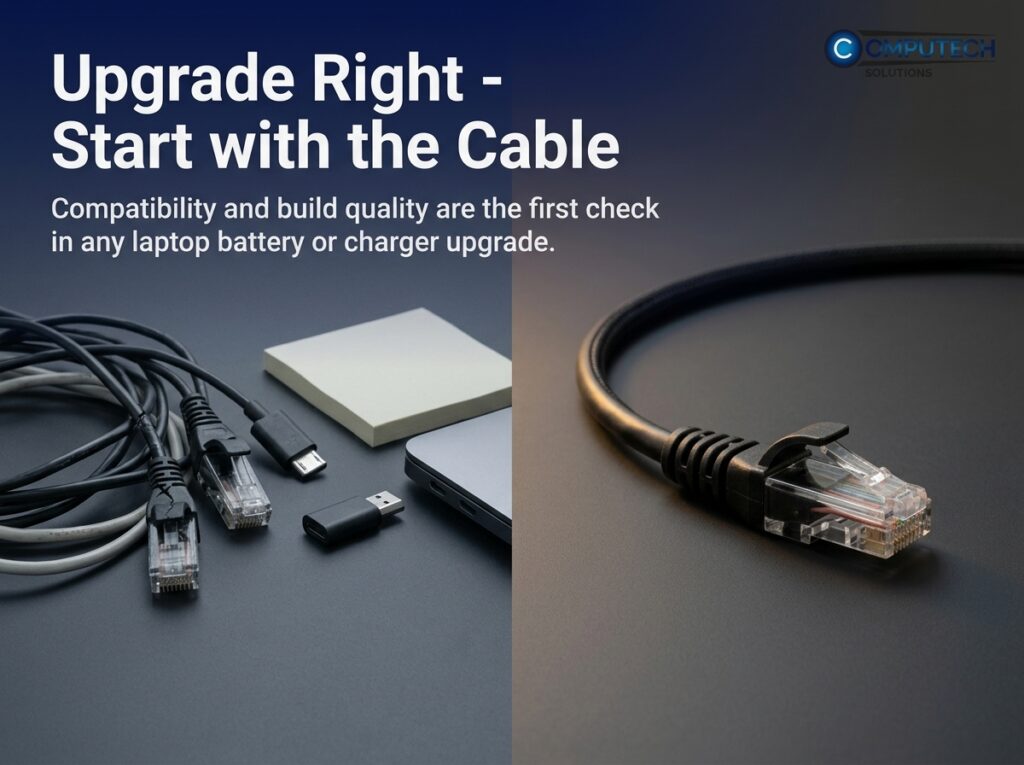
Choose a laptop cable matching your device’s wattage, connector type, and quality to ensure safe, efficient charging, prevent overheating, and prolong cable lifespan with features like shielding and strain relief.
A solar backup system keeps your laptops and routers running during power cuts so your workday does not freeze

A solar backup system ensures laptops and routers stay powered during outages, maintaining productivity with eco-friendly, quiet, and efficient energy storage tailored to your device needs.
Myth-busting: Cheap cables and adapters slow you down, heat your kit, and waste energy
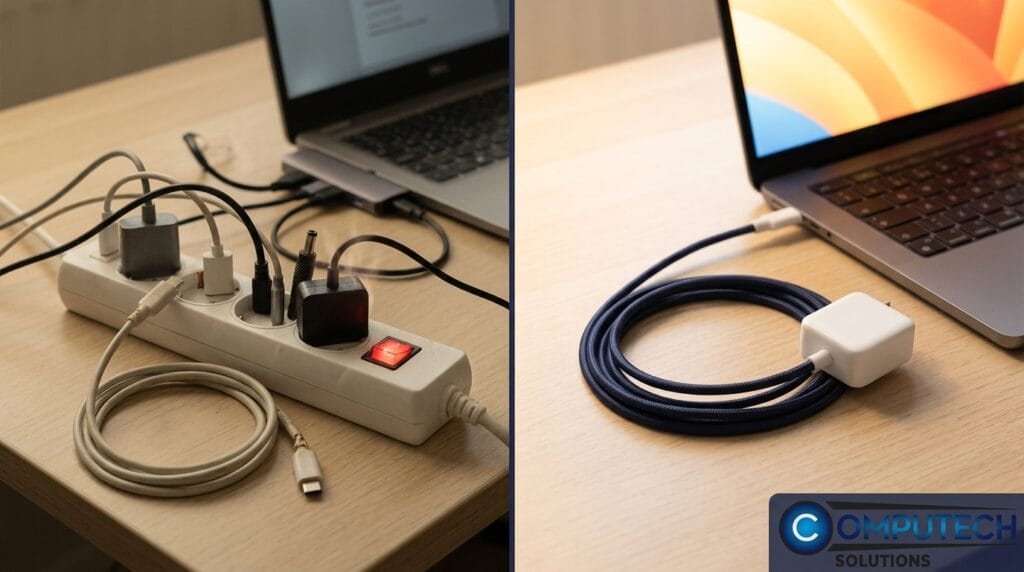
Cheap cables and adapters often cause slow data transfer, device overheating, and energy waste. Investing in quality USB-C PD 100W cables from trusted sources like Computech Solutions ensures device safety, efficiency, and cost savings.
Reliable backup solutions help protect systems before problems occur

Reliable backup power solutions like UPS, inverter trolleys, and solar kits prevent downtime, protect IT systems during outages and loadshedding, and ensure year-end productivity.
Instant Power Bridge: The UPS That Keeps Your Laptop and Router On When the Lights Go Out
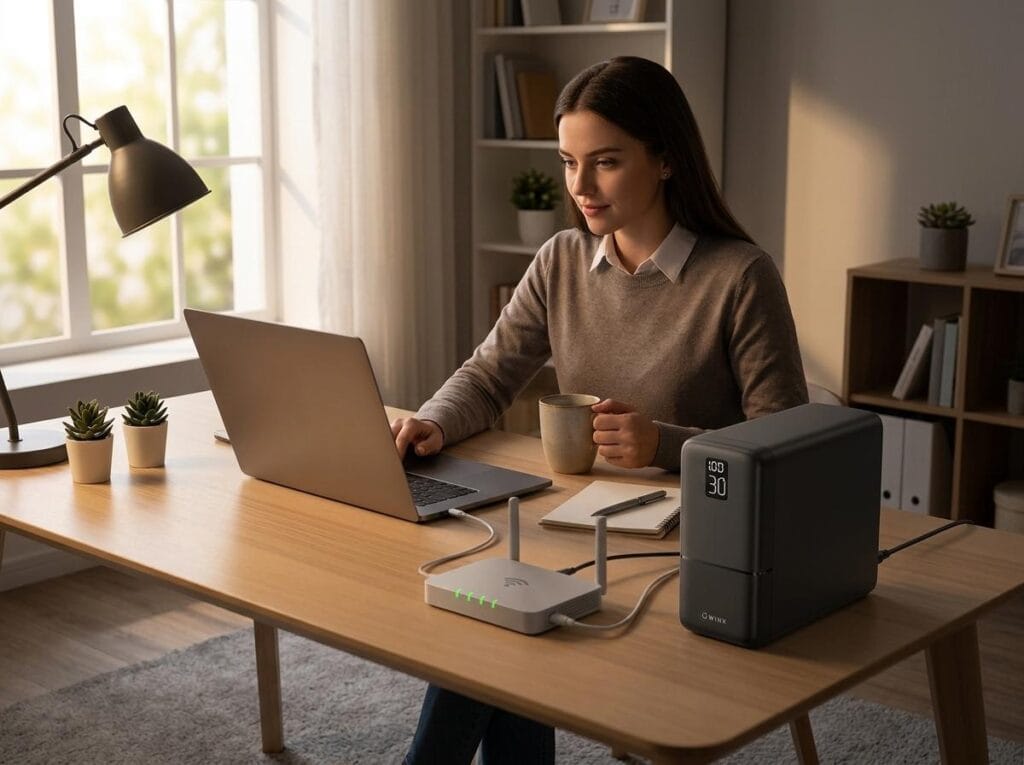
A reliable UPS ensures instant power to laptops and routers during outages, preventing work disruption. Choose 650-1000VA models with AVR and surge protection. Year-end deals available at Computech Solutions.
Turn Off Smart Charging in Windows 11: Restore Your Full Battery Life

Windows 11’s Smart Charging limits laptop battery charge to 80% to preserve battery health. Disable it in ‘Power & Battery’ settings to restore full charge, or replace the battery via Computech Solutions.
Battery saver mode Android: Quick wins and the real fix for all‑day power
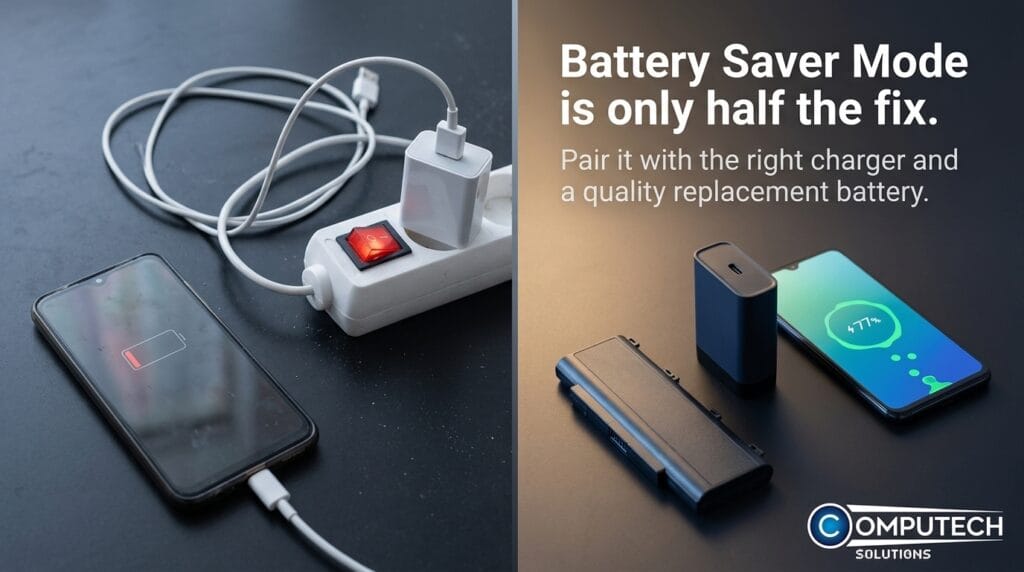
Battery saver mode on Android extends battery life by limiting background activity and dimming the screen but isn’t a permanent fix. Combine it with screen/connection tweaks, quality chargers, or battery replacement for all-day power.
How to Turn Off Battery Saver on Android (Fast Fix + Power Tips)
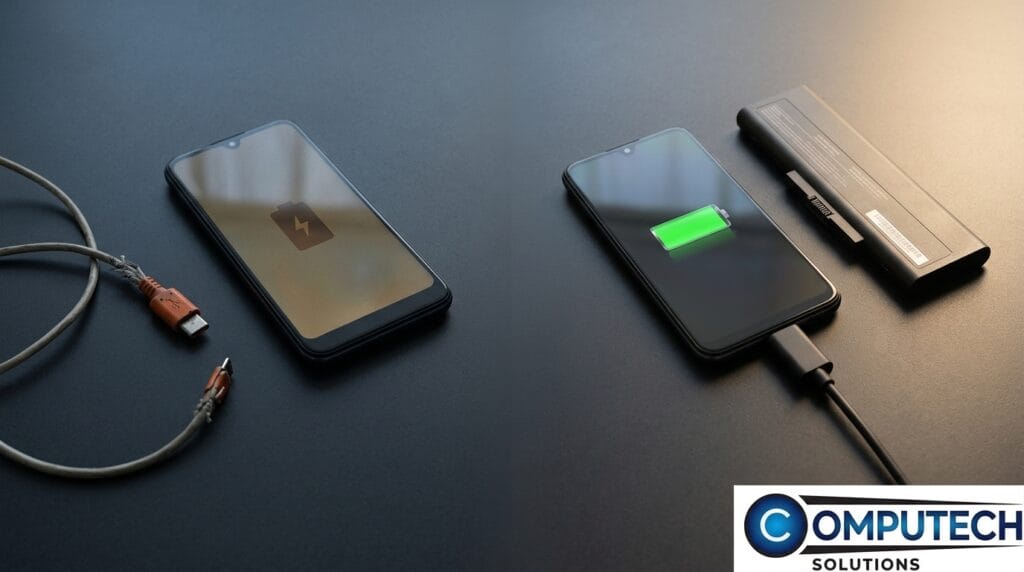
To turn off Android battery saver, go to Settings > Battery > Battery Saver and toggle off. Frequent activation may indicate battery or charger issues. Use quality USB-C fast chargers and power banks to improve performance and reliability.
How to Turn Off Battery Saver on iPhone: Fix Low Power Mode Fast
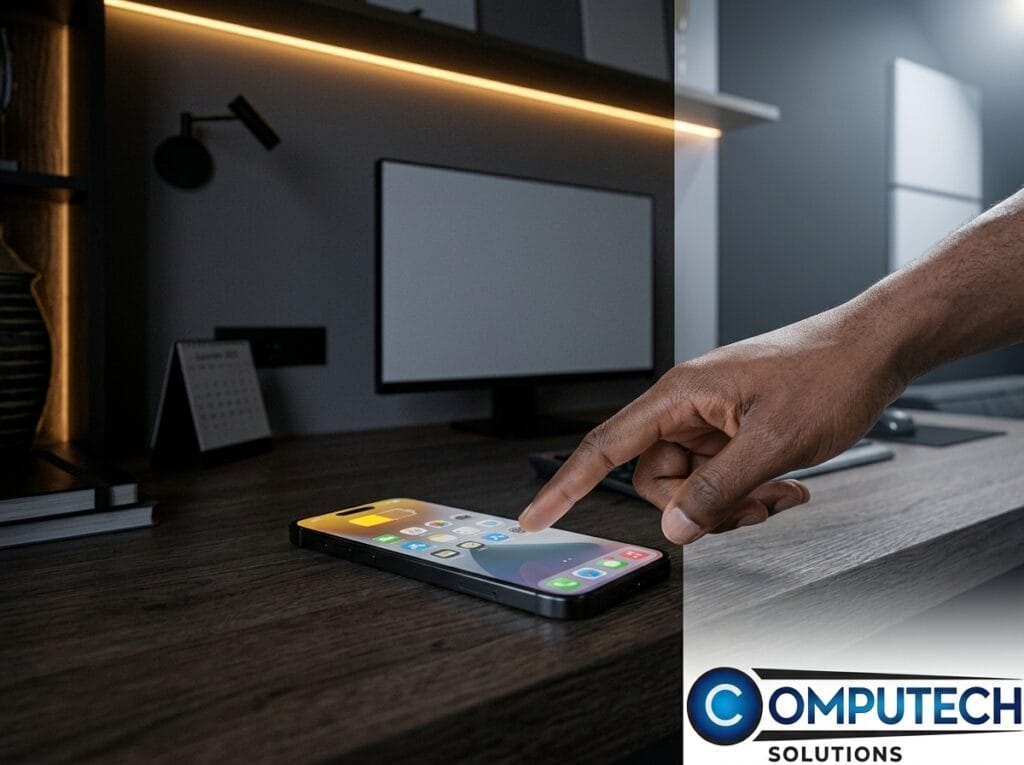
Turn off iPhone Low Power Mode via Settings > Battery to restore full performance. Check battery health; replace if below 80%. Use quality chargers and power banks to maintain efficiency.
Check Battery Health for Dell Laptops Before Your Machine Dies Mid-Task
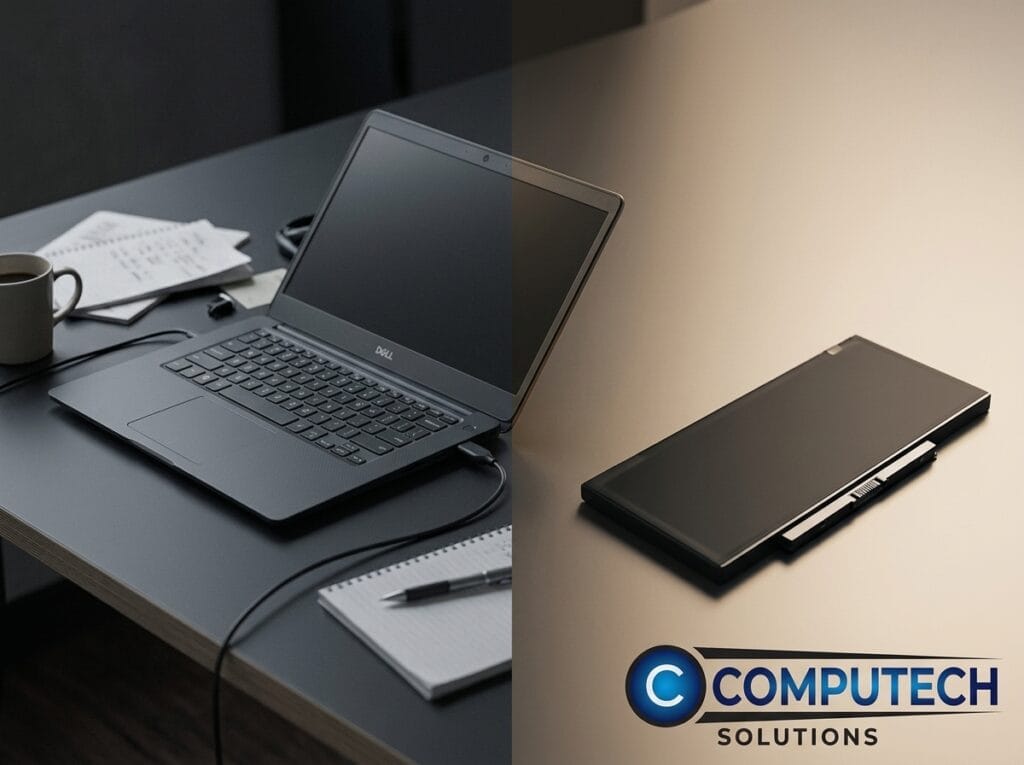
Learn to check Dell laptop battery health using Windows Battery Report, Dell Power Manager, or BIOS diagnostics to avoid sudden shutdowns. Choose reliable generic replacements from Computech Solutions.