
Laptop battery failure can bring your work or study to a sudden halt, especially during loadshedding. Choosing the right replacement is key to staying powered up without hassle. This guide walks you through checking voltage, watt-hour ratings, and connector types so you can replace your laptop battery with confidence. Find your perfect match from Computech Solutions, enjoy nationwide delivery, and keep your device running smoothly even when the power cuts hit. https://www.youtube.com/watch?v=QIPvT7-5o-k
Identifying the Right Battery
Finding the right laptop battery can be tricky, but knowing what to look for makes the job easier. Let’s dive into the essential factors that ensure you get the perfect fit.
Key Specs to Consider
Start by checking the voltage and watt-hour (Wh) ratings on your current battery. These numbers need to match your new battery to avoid any power issues or potential damage. The voltage, usually printed on the battery, is crucial to check. It generally ranges from 10.8V to 14.8V depending on the laptop. The watt-hour, indicating battery capacity, helps determine how long your device will run on a single charge. Aim for a similar or slightly higher Wh rating for more usage time. Remember, matching these specs ensures smooth operation and prevents unexpected shutdowns.
Understanding Battery Compatibility
Compatibility is key to a successful battery replacement. Match the connector type and form factor of your old battery with the new one. Even if the voltage and Wh ratings are perfect, a different connector will leave you stuck. Check the battery bay and ensure it supports the battery’s size and connector type. Some laptops have built-in locks that only fit specific shapes. Avoid surprises by verifying these details before purchasing. For detailed visual guidance, you can refer to this battery replacement guide.
Choosing a Reliable Supplier
When it comes to buying a new battery, choosing a trustworthy source is vital. A reliable supplier like Computech Solutions offers high-quality generic replacements that provide great value. These batteries meet quality standards and ensure your laptop runs efficiently. Plus, Computech Solutions provides nationwide delivery, so you can receive your battery quickly and easily, wherever you are in South Africa.
Safe Installation and Calibration

After identifying the right battery, it’s time to install it correctly to ensure longevity and performance. Let’s explore the steps for safe installation and calibration.
Preparing for Installation
Before starting, shut down your laptop and unplug it from any power source. Gather the necessary tools like a screwdriver and a soft cloth to clean any dust from the battery bay. Ensure your workspace is static-free to avoid damaging the sensitive components. Once you’re set, remove the old battery by unlocking the latches or screws holding it. Keep these parts safe as you may need them for the new battery.
Step-by-Step Installation Guide
Insert the New Battery: Slide the new battery into the bay, ensuring it aligns correctly with the connectors.
Secure the Battery: Use the screws or latches to lock the battery in place. A firm click usually indicates it’s secure.
Power On: Plug the laptop back into the charger and turn it on to check if the battery is recognized.
For additional assistance, check out this step-by-step installation guide.
Calibrating for Optimal Performance
Calibrating your new battery helps it deliver optimal performance. To do this, fully charge the battery to 100%, then unplug and use your laptop until it completely discharges. Recharge it to full capacity again without interruptions. This process helps the battery gauge accurately reflect its actual capacity. Performing calibration every few months keeps your battery healthy and improves its lifespan.
Beat Loadshedding with Backup Solutions
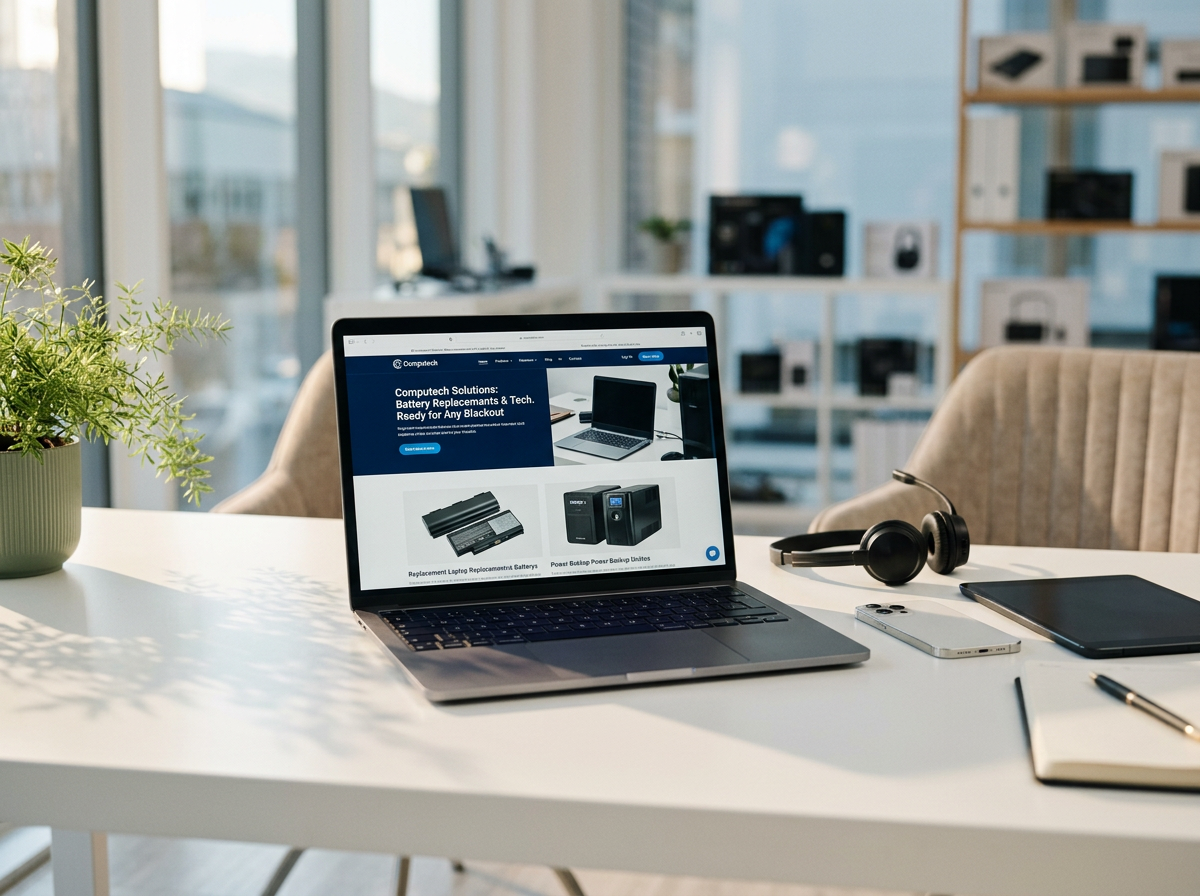
Loadshedding can disrupt your productivity, but having backup power solutions can keep you connected and working. Let’s explore some options.
Benefits of Mini UPS for Routers
A mini UPS is a small device that provides backup power to your router during outages. It ensures uninterrupted internet connectivity, allowing you to stay online even when the power is out. With a typical backup time of up to four hours, a mini UPS is perfect for handling short loadshedding periods. It’s a simple and cost-effective solution to keep your digital life running smoothly.
Exploring Solar Backup Options
Solar backup systems offer a sustainable and reliable solution for longer outages. By converting sunlight into electricity, these systems provide power to your home or office without relying on the grid. Solar panels, paired with batteries, can store energy for use when needed, ensuring you have continuous power. Investing in a solar setup not only helps during loadshedding but also reduces your carbon footprint.
Additional Backup Power Tips
To maximize your backup power options, consider these tips:
Use energy-efficient devices to extend backup time.
Keep your backup systems regularly maintained for optimal performance.
Plan your energy usage to prioritize essential devices during outages.
By following these steps, you can effectively manage loadshedding and minimize its impact on your daily routine.
Frequently Asked Questions
1. How do I know if a battery is compatible with my laptop?
Check the battery’s voltage, watt-hour rating, and connector type. They must match your laptop’s specifications for compatibility. Additionally, verify with your laptop’s model number for a precise match.
2. Why is calibrating a new battery important?
Calibration helps the battery gauge accurately reflect the actual capacity, ensuring optimal performance. It improves the battery’s lifespan by preventing inaccurate readings and unexpected shutdowns.
3. Are generic replacement batteries reliable?
Yes, high-quality generic replacements from trusted suppliers like Computech Solutions meet industry standards, offering performance similar to original batteries at a lower cost.
4. How can a mini UPS help during loadshedding?
A mini UPS provides backup power to essential devices like routers, ensuring you stay connected online for several hours during outages. It’s a cost-effective solution for maintaining internet access.
5. What are the benefits of a solar backup system?
Solar backup systems provide sustainable power during long outages, reducing reliance on the grid. They help in maintaining energy independence and lowering carbon footprints through renewable energy.
Act now to secure essential IT technology and power solutions before year-end.
