
When your laptop won’t turn on or the battery won’t charge, every minute counts. Waiting at a busy service desk might slow you down when what you really need is the right replacement part fast. At Computech Solutions, we know the quickest fix often starts with swapping a dead battery, worn charger, or faulty DC power jack — not just a generic check. Keep reading to find out why choosing a specialist over a broad service counter could get you back to work sooner. Learn more here.
Geek Squad at Best Buy vs Specialist Parts
The frustration of a laptop that won’t power up leads many straight to big-box stores. It’s easy to see why: they promise convenience and a one-stop solution. Yet, this isn’t always the fastest route to a fix.
The Appeal of Big-Box Stores
Walking into a large store like Best Buy, you might think you’ve got all bases covered. They have a wide range of services, which makes them seem like a safe bet. You can browse while you wait, and there’s always a chance to pick up extra gadgets.
However, these stores often prioritize breadth over depth. Generic checks can overlook specific issues like a failing battery or charger. This can mean longer wait times and potentially more appointments. If your laptop’s problem is power-related, you might leave without the part you really need.
When to Seek Specialist Parts
That’s where a specialist shines. If the issue is with your laptop’s power components, a specialist can offer targeted solutions fast. They focus on specific parts, such as batteries and chargers, which means they know exactly what to look for.
At Computech Solutions, our priority is getting you the right part quickly. A specialist not only identifies the problem but provides the exact replacement you need, whether it’s a battery or a charger. This focus can save you time and hassle.
Common Laptop Power Issues
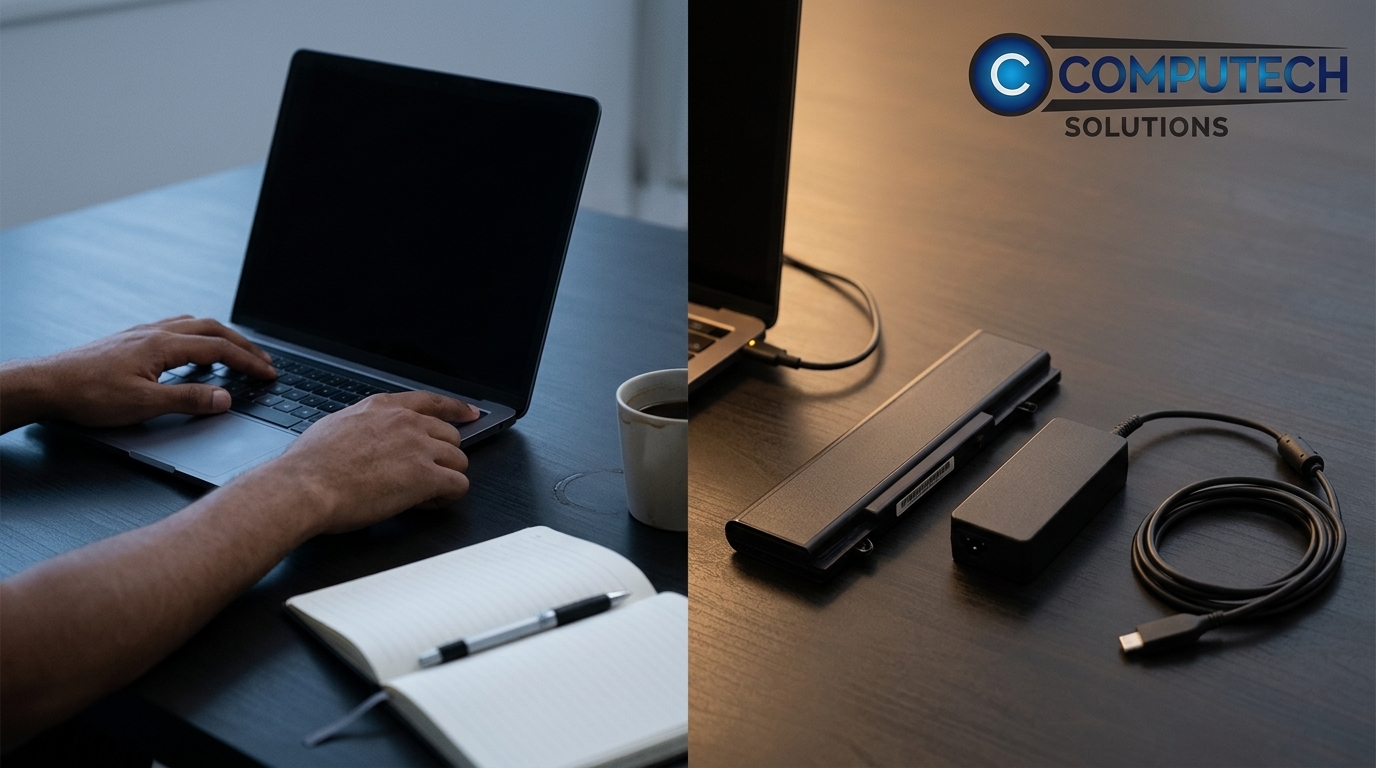
Laptops often face power issues that seem complex but are easy to resolve with the right approach. Recognizing these common problems is the first step to a speedy solution.
Identifying the Real Problem
When your laptop won’t turn on, it’s tempting to assume the worst. But often, the solution is simpler than you think. A dead battery, a faulty charger, or a loose DC power jack can all mimic more serious issues.
You might find that replacing a single component resolves the problem. Checking these elements first can prevent unnecessary service appointments. Knowing what to look for can make all the difference.
Quick Fixes for Dead Laptops
Start by testing your charger with another device. If it works, the issue may lie elsewhere. Next, inspect the DC jack for any visible damage. If the battery isn’t holding charge, it might be time for a replacement.
These steps can quickly pinpoint the problem, allowing you to act fast. Instead of waiting for a general service, you can address the issue directly. This approach saves time and gets your laptop back up and running.
Choosing the Right Solution
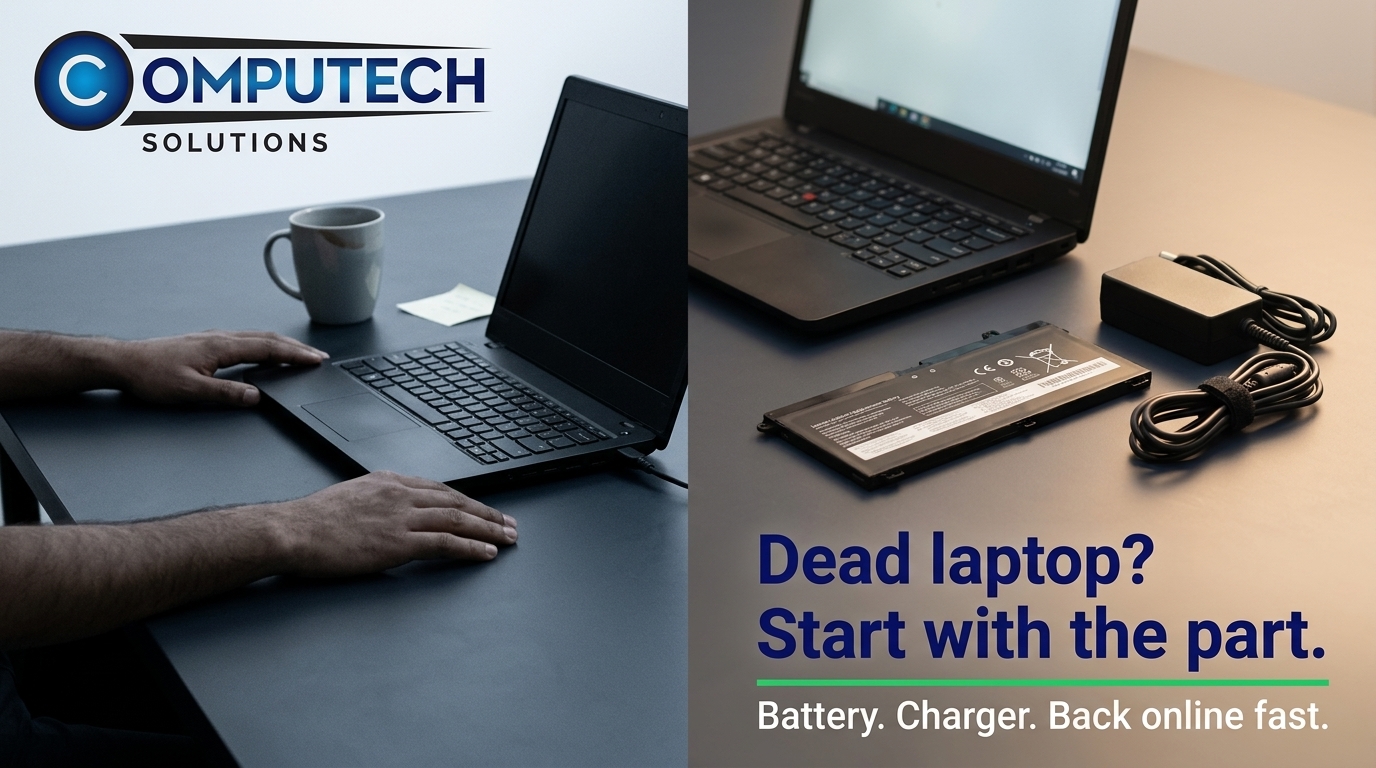
Deciding between a general service and a specialist can be tricky. But when time and precision matter, a specialist is often the best choice.
Benefits of Specialist Parts
Specialist parts offer several advantages. They are typically more cost-effective and readily available. Instead of waiting for a generic part, you can get the specific one you need, often with better performance.
At Computech Solutions, we offer high-quality generic parts that match original equipment. This means you get reliable, affordable replacements without compromising on quality. Our focus is on getting you back to work quickly and efficiently.
Fast, Reliable Service in South Africa
In South Africa, finding reliable service and parts can be challenging, especially with load shedding. Computech Solutions offers nationwide delivery, ensuring you receive what you need, wherever you are.
We prioritize customer satisfaction and understand the urgency of your needs. Our team is ready to assist with expert advice and prompt service. Whether it’s a laptop charger replacement or a backup system for load shedding, we have you covered.
Frequently Asked Questions
Why won’t my laptop turn on even when plugged in?
Your laptop might not turn on due to a faulty charger or battery. Check if the charger works with another device. If it does, the battery or DC jack might need replacing.
What should I do if my laptop battery is not charging?
First, try a different charger. If the issue persists, the battery may be dead. Replacing it with a high-quality generic battery from a specialist can solve the problem.
How can I tell if my laptop charger is broken?
A broken charger often won’t power any device. Test it with another laptop or phone. If it doesn’t work, it’s time for a replacement.
Choosing the right part and avoiding generic fixes can save you time and frustration. At Computech Solutions, we’re committed to helping you find the right solution quickly.
