
Many laptop upgrades fail before they begin because the cable gets overlooked. Yet, the laptop cable often determines if your setup runs safely and charges properly. Choosing the right charger lead with the correct wattage and build quality keeps your device protected and performing as expected. Let’s start by checking how to pick a cable that matches your laptop’s needs for back-to-school tech or everyday use.
Importance of the Right Laptop Cable
Ensuring your laptop runs smoothly starts with the right cable. Many overlook this step, but it plays a crucial role in performance and safety.
Impact on Laptop Performance
Your laptop’s performance can hinge on the cable you use. A mismatch can lead to slower charging or even harm the device. The right cable ensures that your laptop charges at the speed it’s supposed to, maintaining battery health. For example, a USB‑C PD 100W cable can support faster charging rates, preventing your laptop from stalling during power-intensive tasks.
Additionally, the correct cable can prevent overheating. Excess heat can slow down your laptop or cause unexpected shutdowns. Investing in a cable that matches the specifications of your laptop helps avoid these problems. Most people think any cable will do, but choosing the right one makes all the difference.
Ensuring Device Safety
Device safety is a top concern when selecting a laptop cable. Using the wrong cable can result in overcharging or short-circuiting. This not only poses a risk to your device but also to your personal safety. For instance, an 18AWG cable provides the right thickness for safe power delivery, reducing risks.
A good practice is to check if your cable has a strain relief. This feature reinforces the cable ends, preventing fraying and potential hazards. Safety isn’t just about the cable itself. It’s about ensuring a reliable and safe power flow to your laptop.
Choosing the Perfect Cable
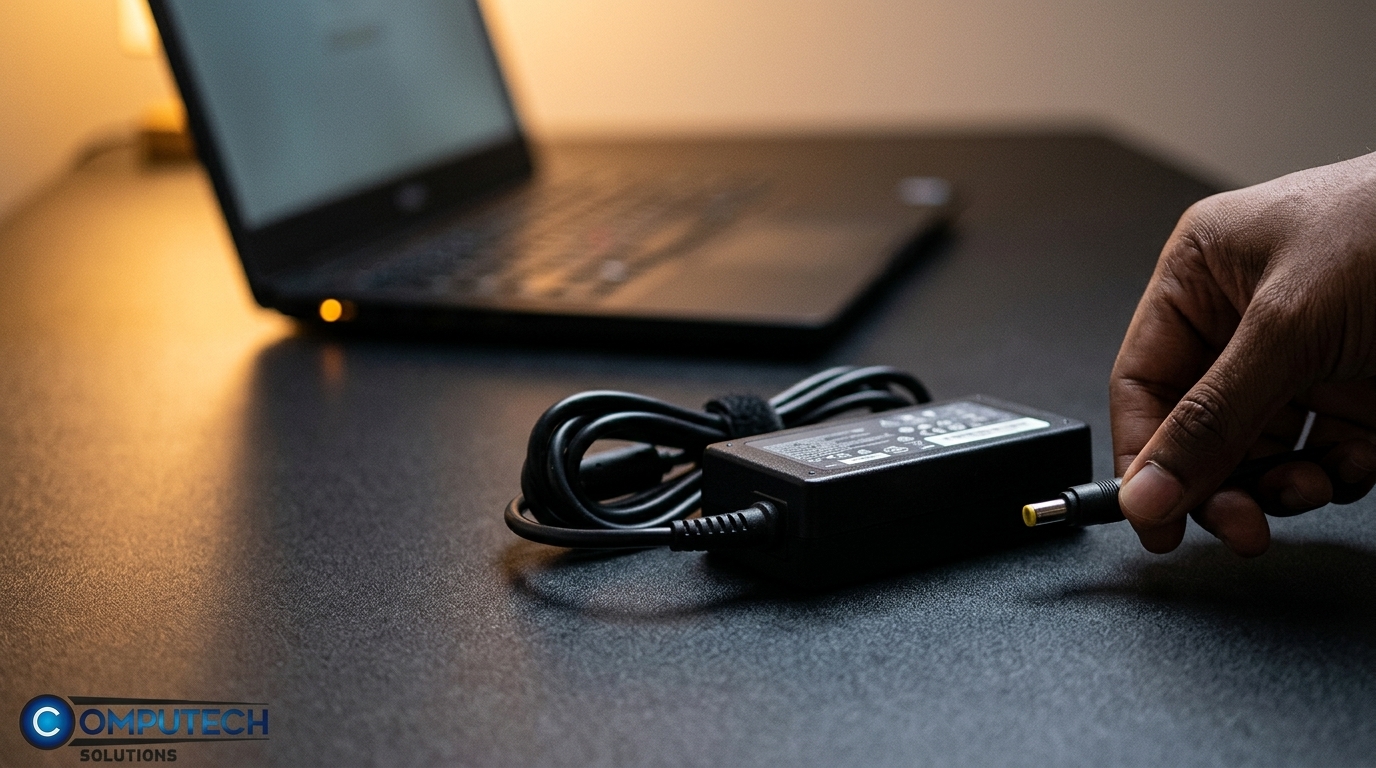
Selecting the perfect cable involves more than just grabbing the first one you see. It requires understanding compatibility and quality to ensure optimal performance.
Understanding Compatibility Checks
Compatibility is crucial when choosing a laptop cable. Many assume any cable will work, but that’s not the case. Your laptop may require a specific connector type, such as a DC barrel connector or a E‑marker cable. Always match the cable to your laptop’s power port.
Before purchasing, do a compatibility check. Look for cables that match the wattage and voltage your laptop requires. This ensures your device receives the correct power level. Resources like this laptop charger compatibility guide can help you find the right match.
Assessing Build Quality
Build quality is equally important in cable selection. A well-made cable lasts longer and provides safer use. Look for cables with strong outer sheaths and quality connectors. These features protect against wear and tear, extending the cable’s lifespan.
Shielded cables offer additional protection by reducing interference from external sources. This means fewer connection issues and more stable performance. Investing in a cable with good build quality ensures your laptop runs smoothly without interruptions.
Practical Cable Selection Guide
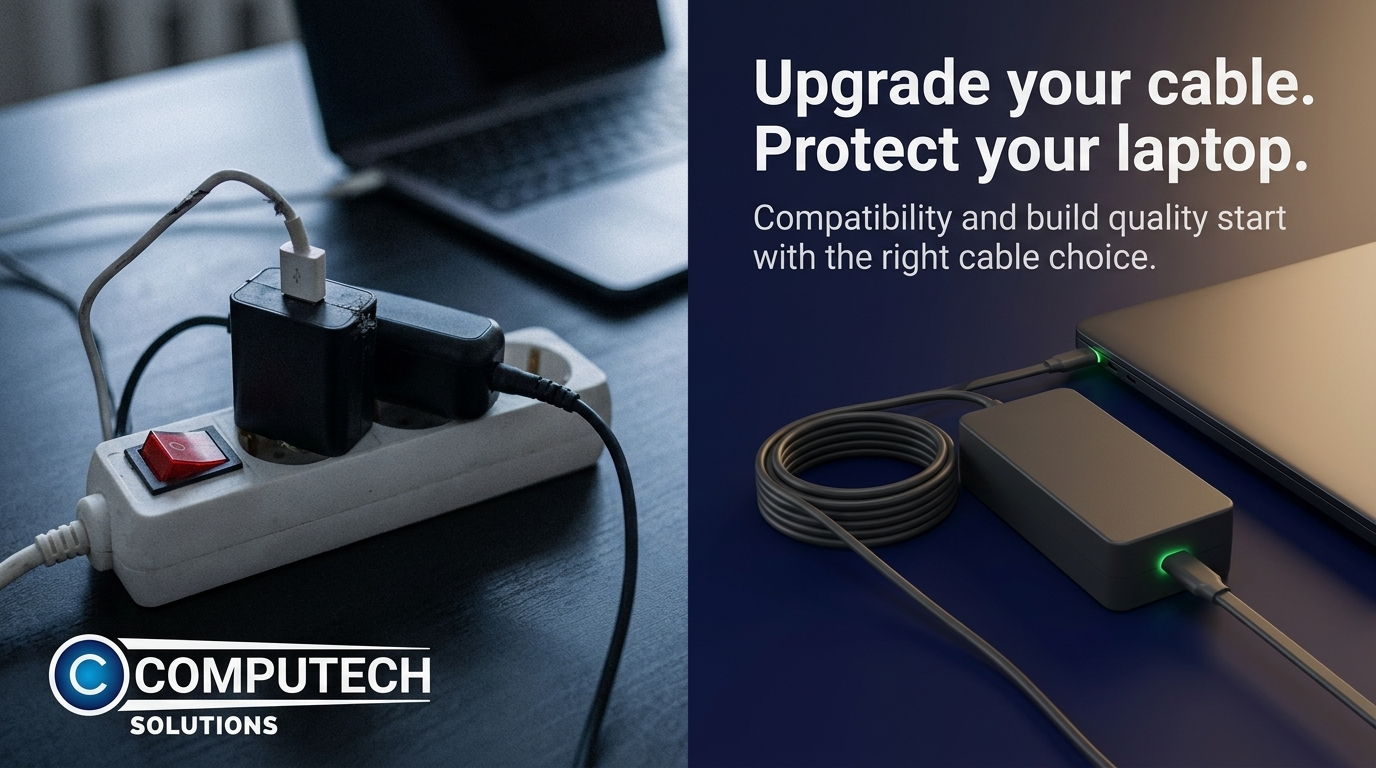
When faced with numerous options, a practical guide can simplify your decision. It’s essential to understand wattage, cable types, and additional benefits.
Evaluating Wattage and Amperage
Choosing a cable involves understanding wattage and amperage. These factors dictate how well the cable supports your device. A mismatch can lead to underperformance or damage. Always check your laptop’s requirements: a wattage and amperage match is crucial.
For example, a cable supporting USB‑C PD 100W is ideal for high-power laptops. This ensures your device charges effectively, even during heavy use. Consider consulting experts or resources like this guide for more insights.
Benefits of Shielded and Strain Relief Cables
Choosing shielded and strain relief cables offers significant benefits. Shielded cables reduce signal interference, ensuring consistent performance. This is essential when using peripherals or working in areas with multiple devices.
Strain relief enhances durability by protecting cable ends from bending. This prevents damage and prolongs the cable’s life. Investing in these features isn’t just about buying a cable; it’s about purchasing peace of mind. Consider your daily use and opt for a cable that meets those demands.
Frequently Asked Questions
What type of cable should I use for my laptop?
Check the power requirements of your laptop. Match the cable’s wattage and connector type to ensure compatibility and safe charging.
Why is a strain relief feature important?
Strain relief protects the cable from bending and fraying, extending its life and ensuring safety during use.
Can I use any charger lead with my laptop?
No, always use a cable that matches your laptop’s power specifications to avoid damage and ensure efficient charging.
What is the benefit of a shielded cable?
Shielded cables reduce interference, providing stable performance and better protection against signal disruptions.
How do I know if a cable is overheating?
Check for excessive heat during use. If the cable feels too hot, it may not be suitable for your device’s requirements.
