
A laptop that cuts out just when you need it most isn’t the problem—it’s often the cable or laptop power adaptor letting you down. Many users waste time and money chasing faults caused by the wrong fit or worn connectors. At Computech Solutions, matching the right cable or adaptor restores steady power and smooth performance. Run our quick compatibility checklist, pick the right USB‑C PD charger 100W or barrel‑tip charger 19V 65W, and Add to cart for reliable use this back-to-school season. The same troubleshooting applies if it’s your home network acting up — a loose network cable or mismatched adaptor can be just as disruptive as a failing charger.
Spotting the Weak Link
A reliable laptop is only as strong as its weakest connection. Spot those weak links by understanding common cable and adaptor issues and how they affect your device’s performance.
Identifying Cable and Adaptor Issues
When your laptop suddenly powers off or struggles to charge, the culprit is often a faulty cable or adaptor. These components endure wear and tear, leading to loose connections or even complete failure. A quick check of your cables for visible damage, such as fraying or bent connectors, can reveal these issues. Testing different cables with your device can also help pinpoint whether the cable or adaptor is at fault.
Common Connectivity Complaints
Many users experience frustrating interruptions due to poor connections. Frequent complaints include devices not charging, power cuts during use, and slow charging times. Often, these problems stem from a mismatch between the device and the cable or adaptor. Ensuring compatibility with your laptop’s power requirements is essential to avoid these issues and maintain smooth operation.
The Cost of Poor Connections
Ignoring these connectivity issues can lead to bigger problems. Faulty connections not only disrupt your workflow but can also damage your device over time. Repeatedly using a faulty cable may lead to costly repairs or even the need for a new laptop. Investing in a quality replacement early can save you from these expenses and keep your device running efficiently.
Signs Your Network Cable Might Be the Problem
Connection trouble isn’t always about power — sometimes it’s your network cable or adaptor. Frequent drop-outs, slow data transfer that doesn’t match your line speed, and a flickering screen when you nudge a cable are all classic signs of a loose or worn connection. A quality Cat6 Ethernet cable gives a faster, more stable wired connection than most ageing cables still in use, and it’s worth swapping out before assuming your router or laptop itself is at fault.
Making the Right Choice
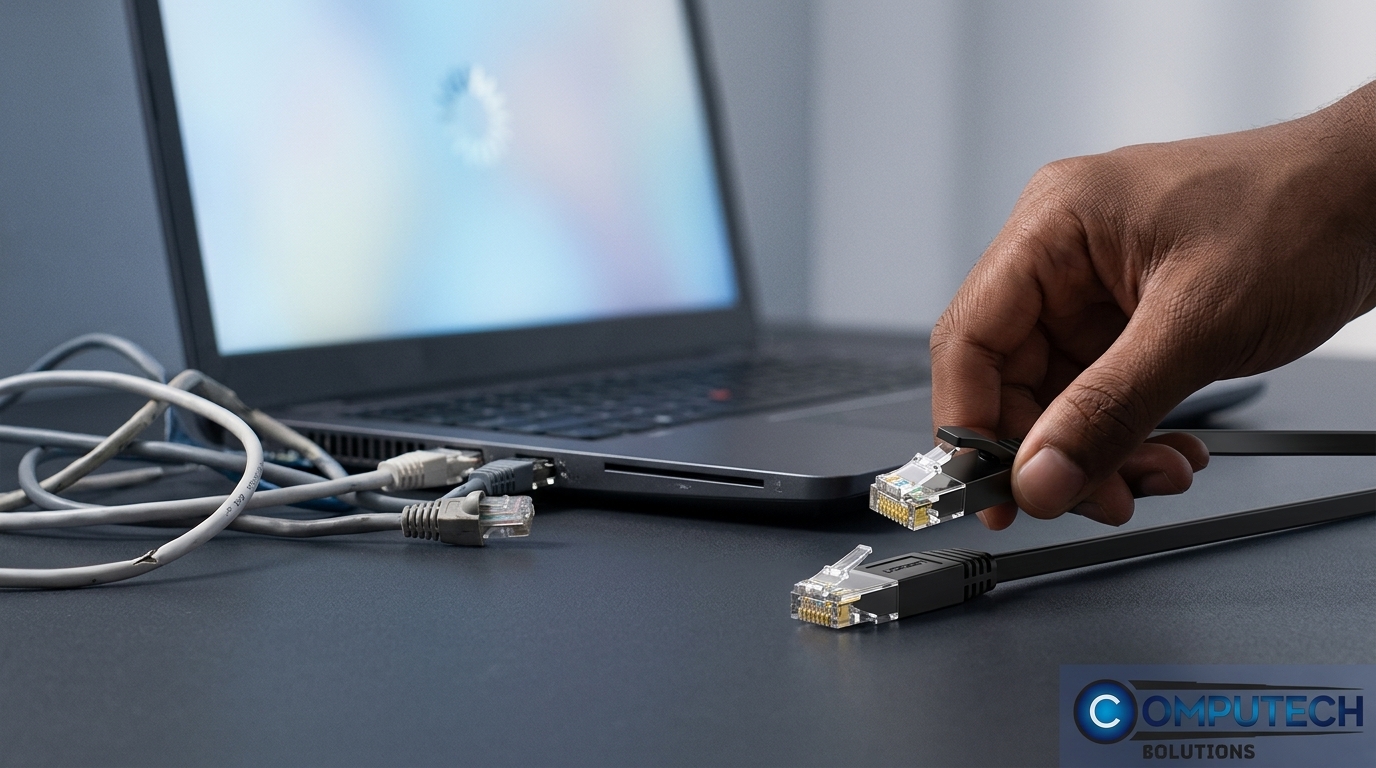
Choosing the right cable or adaptor doesn’t have to be daunting. Here’s how to ensure you make a smart choice that keeps your device running smoothly.
Benefits of Quality Cables and Adaptors
Quality cables and adaptors offer several advantages: consistent power delivery, reduced risk of device damage, and longer lifespan. By opting for a reliable product, you reduce the chances of unexpected downtime and enhance your laptop’s performance. These products are designed to meet specific device requirements, ensuring a stable connection every time.
Compatibility Checks for Smooth Use
To avoid compatibility issues, start with a simple checklist: know your device’s power specifications and match them with the correct cable or adaptor. For example, a USB‑C PD charger 100W or a barrel‑tip charger 19V 65W could be the ideal fit for your needs. Carefully checking these specifications ensures you select a compatible product, leading to hassle-free operation.
Risks of Cheap Alternatives
Opting for a cheaper alternative might seem tempting, but it often leads to more harm than good. Poorly made products can cause overheating, unreliable connections, and even permanent damage to your laptop. Spending a bit more on a quality product is an investment in the longevity and safety of your device.
Backup Power for Load Shedding
Weak connections often show up worst during load shedding, when devices are already running on backup power. A compact GaN laptop charger draws less overhead than a bulky OEM brick, and pairing it with a small UPS for your router keeps your internet up when the power drops. For a full backup setup, see our Solar Inverters for Pretoria Load Shedding buyer’s guide.
Smart Swaps for Back-to-School
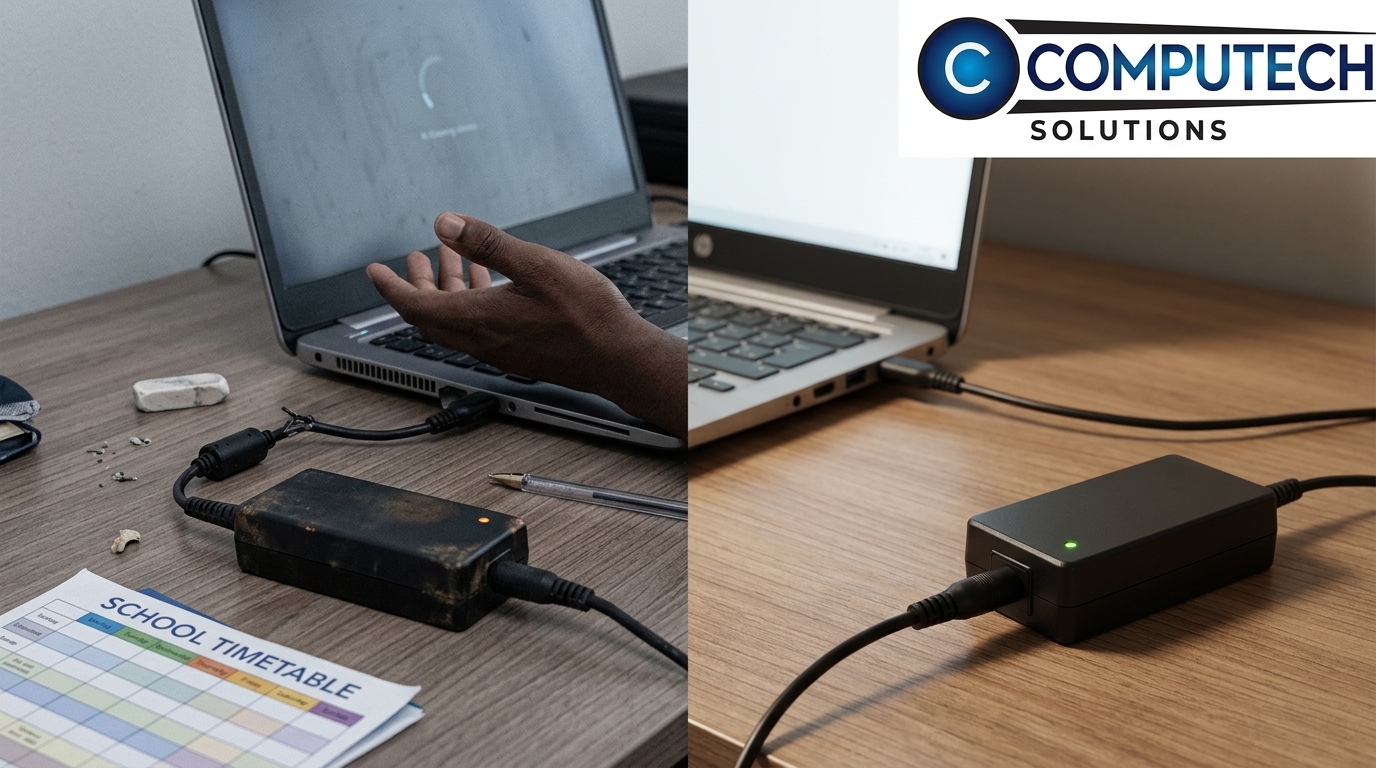
Prepare for the new school year by making smart choices with your tech accessories. Discover top picks and deals that ensure dependable performance all year round.
Top Picks for Dependable Performance
For dependable performance, our top picks include the USB‑C cable fast charge options and robust HDMI 2.1 cable 4K. These products are designed to provide consistent power and connectivity, ensuring your device runs smoothly without interruptions. Investing in these high-quality choices means less hassle and more productivity.
Limited Time Offers and Discounts
Take advantage of limited-time offers and discounts available this season. Whether you’re looking for a replacement laptop charger in South Africa or a generic laptop charger, now is the perfect time to upgrade your accessories. Keep an eye out for special deals that make high-quality products more affordable.
Nationwide Delivery from Computech Solutions
Enjoy the convenience of shopping from home with nationwide delivery across South Africa. Computech Solutions ensures your product arrives safely and promptly, no matter where you are. Trust in our reliable service to meet all your tech accessory needs, from cables to advanced adaptors.
Frequently Asked Questions
What should I check if my laptop isn’t charging?
Check your cable and adaptor for visible damage. Test with another compatible cable to identify if the issue lies with the adaptor.
How do I choose the right adaptor for my laptop?
Refer to your laptop’s power specifications. Match them with the correct adaptor, such as a USB‑C PD charger 100W or barrel‑tip charger 19V 65W.
Are generic laptop chargers safe to use?
Yes, as long as they meet the required specifications and quality standards. A reliable generic charger can be a cost-effective solution.
Why is my laptop charging slowly?
Slow charging can result from a low-quality cable or an adaptor not supplying the necessary power. Ensure compatibility for optimal charging.
What are the risks of using a cheap replacement cable?
Cheap cables can cause overheating, unreliable connections, and damage to your device. Investing in quality products is safer for your equipment.
Which type of Ethernet cable is best for my home network?
A Cat6 Ethernet cable is ideal for most home networks, offering fast and reliable wired connectivity — just make sure you choose the right length for your setup.
