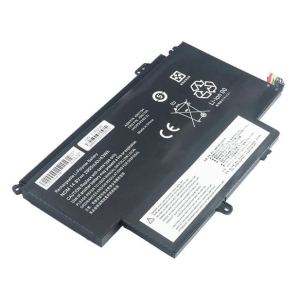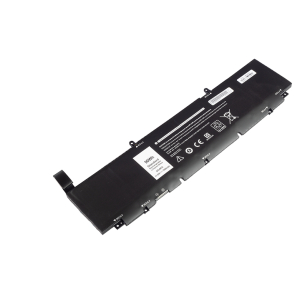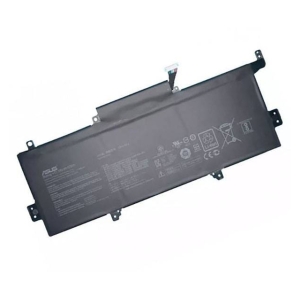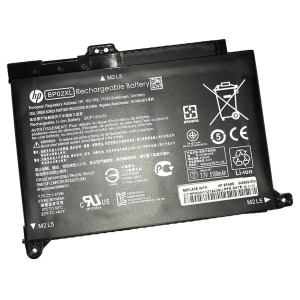


Description
Specifications
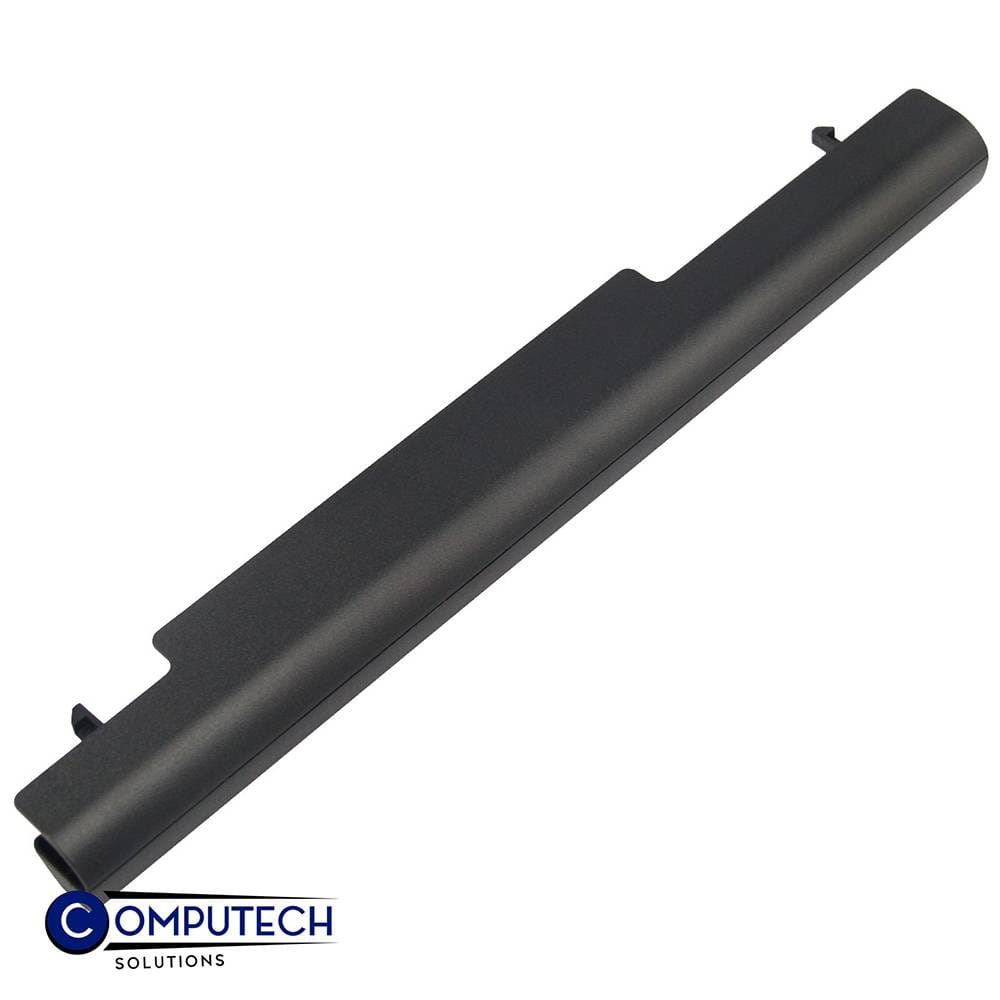
Voltage 14.4V,
Capacity 2600mAh/37Wh,
Number of Cells/type 4,
Colour Black,
Compatible Part Numbers
- A31-K56
- A32-K56
- A41-K56
- A42-K56
- K56LM2H
- 0B110-00180000
Compatible Devices
- A46
- A56
- K46
- K56
- R505
- K56CB
- K56CM
- K56V
- R405 Ultrabook
- R405C
- R405CA
- R405CB
- R405CM
- R405V
- R505C
- R505CA
- R505CB
- R505CM
- R550 Ultrabook
- R550C
- R550CA
- R550CM
- S40 Ultrabook
- S40C
- S40CA
- S40CB
- S40CM
- S405 Ultrabook
- S405C
- S405CA
- S405CB
- S405CM
- S46
- S46C
- S46CA
- S46CB
- S46CM
- S505 Ultrabook
- S505C
- S505CA
- S505CB
- S505CM
- S550 Ultrabook
- S550C
- S550CA
- S550CM
- VivoBook S550
- VivoBook S550C
- VivoBook S550CA
- VivoBook S550CM
- S56 Ultrabook
- S56C
- S56CA
- S56CB
- S56CM
- U48 Ultrabook
- U48C
- U48CA
- U48CB
- U48CM
- U58 Ultrabook
- U58C
- U58CA
- U58CB
- U58CM
- V550 Ultrabook
- V550C
- V550CA
- V550CM
Tips to Extend Your Battery’s Lifespan
1. Reduce Screen Brightness and Disable Backlight
Lower brightness:
Dim your laptop’s screen as much as possible to conserve significant power.
Turn off keyboard backlighting:
If your keyboard has a backlight, turn it off to prevent unnecessary power drain.
This video explains how to adjust screen brightness and other settings to extend laptop battery life:
2. Manage Connectivity and Peripherals
Disable Wi-Fi and Bluetooth:
Turn off wireless connections when you’re not actively using them to stop the laptop from searching for signals.
Disconnect unused peripherals:
Unplug external devices like USB drives, webcams, or disc drives, as they consume power while connected.
3. Optimize Software and System Settings
Close background apps:
Close applications and browser tabs you’re not using to reduce background processes that drain power.
Use Battery Saver Mode:
Activate your operating system’s battery saver mode to automatically adjust settings for lower power consumption.
Check for power-hungry apps:
Use your laptop’s built-in tools to identify and manage apps that are consuming the most power.
4. Ensure Proper Ventilation and Cooling
Keep the battery cool: Overheating can degrade battery health and performance.
Maintain airflow: Place your laptop on a firm, flat surface to allow for proper airflow and prevent it from getting too hot.
5. Adjust Power and Sleep Settings
Shorten sleep and screen-off timers:
Set your laptop to sleep or turn off its screen after a shorter period of inactivity.
Use power-saving plans:
Switch to a “power saver” plan in your computer’s power settings to fine-tune energy consumption.