


Description
Specifications
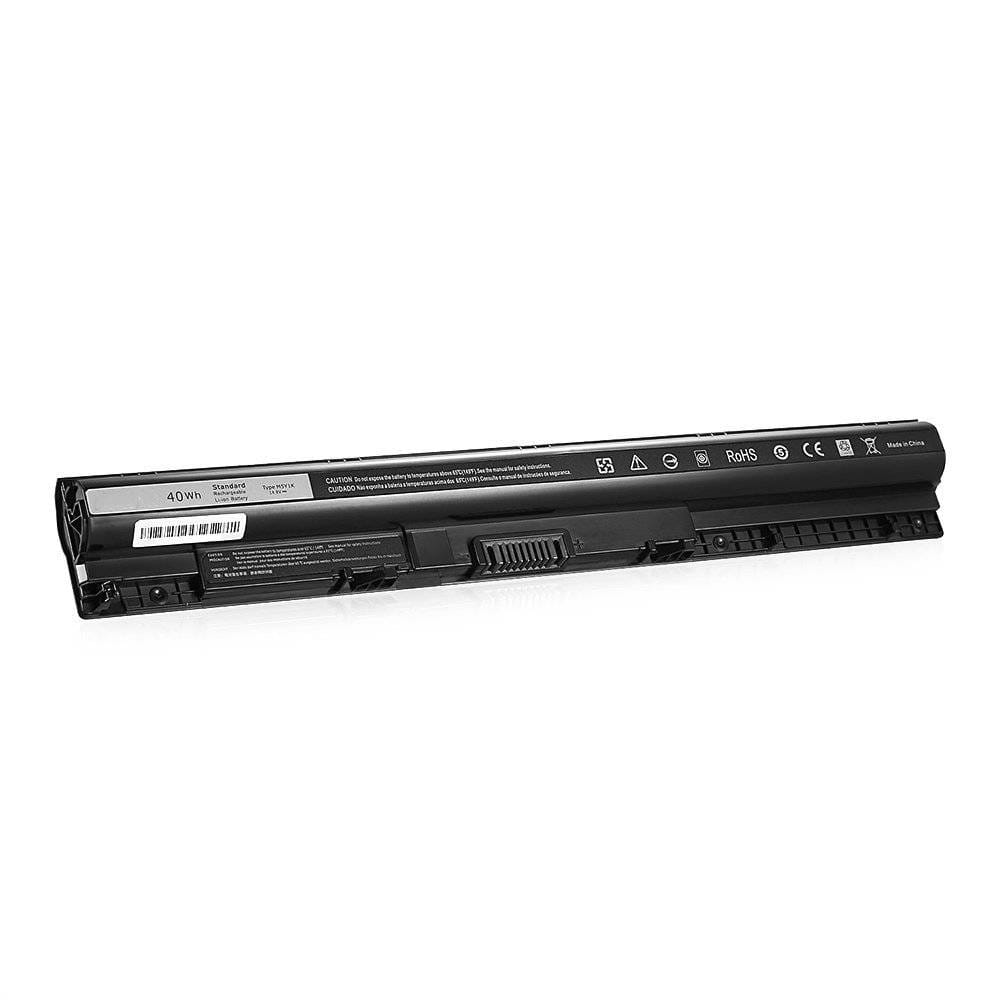
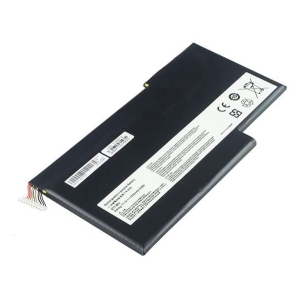
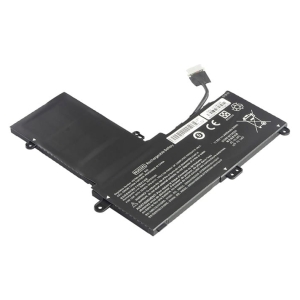
Genuine DELL INSPIRON 15-5000, 15-3451, 15-5558, 15-3000 SERIES, ZWXJ, M5Y1K – 6 Month Warranty
Description
Specifications:
– Voltage: 14.8V
– Capacity: 2750MAH/40WH
Number of Cells 4-Cell,
– Colour: Black
ORIGINAL MODEL NUMBERS:
– IP3451BAT, M5Y1K, 3451, DE 3451-T-4S1P
SUITABLE MODELS:
Dell Inspiron
– 5558, 3458, 3558, 3551, 5558, 3451, 5758
DELL Vostro
– 3458, 3558
What’s in the box
1 x Replacement Battery
Compatible Devices
- Inspiron 14 3451
- Inspiron 14 3452
- Inspiron 14 3458
- Inspiron 14 3459
- Inspiron 14 3467
- Inspiron 15 3551
- Inspiron 15 3552
- Inspiron 15 3558
- Inspiron 15 3559
- Inspiron 15 3565
- Inspiron 15 3567
- Inspiron 14 5452
- Inspiron 14 5458
- Inspiron 14 5459
- Inspiron 15 5551
- Inspiron 15 5552
- Inspiron 15 5555
- Inspiron 15 5558
- Inspiron 15 5559
- Inspiron 17 5755
- Inspiron 17 5758
- Inspiron 17 5759
- Vostro 14 3458
- Vostro 14 3459
- Vostro 14 3468
- Vostro 15 3558
- Inspiron 14 (3465)
- Inspiron 14 (3468)
- Inspiron 14 (3473)
- Inspiron 14 (3476)
- Inspiron 14 (5455)
- Inspiron 14 (5468)
- Inspiron 14 3462
- Inspiron 15 (3555)
- Inspiron 15 (3568)
- Inspiron 15 (3573)
- Inspiron 15 (3576)
- Inspiron 15 (5566)
Tips to Extend Your Battery’s Lifespan
1. Keep it cool – heat is the biggest cause of battery wear, so avoid leaving your Dell laptop in direct sun, a hot car, or on soft surfaces that block the vents.
2. Avoid charging to 100% every time – Dell Power Manager’s battery extender/optimized mode limits charging to around 80%, which can roughly double your battery’s usable lifespan.
3. Don’t let it run flat – regularly draining the battery to 0% wears it out much faster than topping up before it gets critically low.
4. Store at around 50% charge – if you won’t be using the laptop for a few weeks or more, store it half-charged in a cool, dry place rather than fully charged or fully empty.
5. Go easy on fast charging – rapid chargers generate extra heat, so standard charging (especially overnight or while idle) is gentler on the battery over time.




Reviews
There are no reviews yet.