
Most laptop owners underestimate how crucial laptop battery compatibility is when picking replacements. You might think any battery or charger branded for your model will work fine. The truth is, even slight mismatches in voltage, connector size, or model number cause costly failures and returns. Read on for the essential checklist that ensures your new part fits perfectly, keeps your laptop running smoothly, and saves you time and hassle this back-to-school season. Learn more about choosing the right charger for your HP laptop here.
Understanding Laptop Battery Compatibility
When your laptop battery needs a change, getting the right one can seem tricky. Understanding voltage and wattage, checking model numbers, and ensuring polarity match are critical.
Importance of Voltage and Wattage
Voltage and wattage are vital for your laptop’s performance. A battery with incorrect voltage or wattage may harm your laptop or shorten battery life. Always check these specifications.
When looking for a replacement laptop battery in South Africa, ensure the voltage and wattage match your original battery. This not only keeps your laptop safe but also extends its life. Remember, a slight mismatch can lead to overheating or damage.
Checking the Model Number
Finding the right battery starts with your laptop’s model number. This number ensures the battery fits your device correctly. Look for your model number on your laptop’s bottom or under the battery.
Once you have the model number, compare it with potential replacements. A precise match means the battery will fit perfectly, reducing the risk of returns. It’s a simple step but one that can save you from unnecessary headaches.
Ensuring Polarity Match
Polarity indicates the direction of electric flow in a battery. If this is wrong, your device won’t function, or worse, it could be damaged. Always confirm that the polarity of your new battery aligns with your laptop’s requirements.
A quick check of the polarity signs (usually marked as + and -) on your current battery can guide you. Matching these signs ensures that the battery will power your laptop correctly and safely.
Selecting the Right Laptop Charger
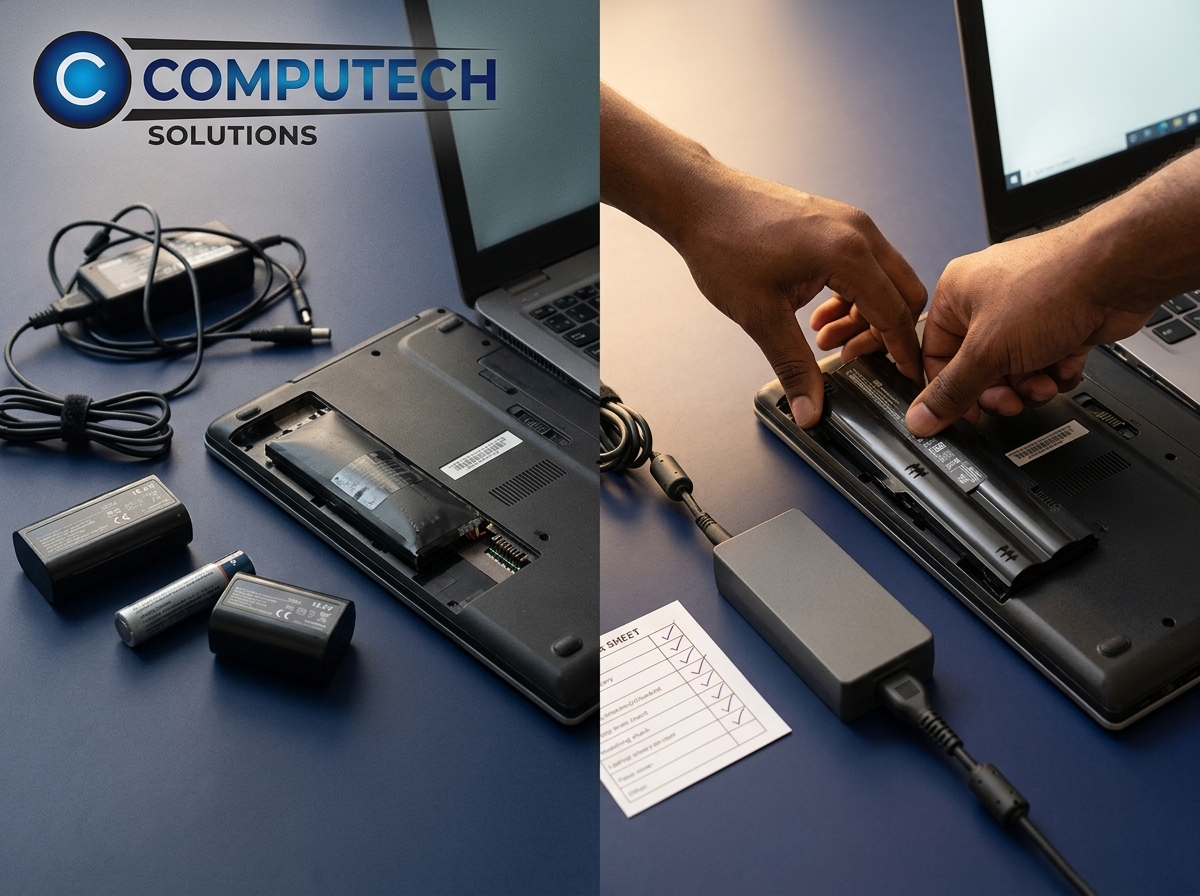
Choosing a laptop charger involves more than just plugging it in. Understanding DC connector tip size, matching OEM specs, and avoiding pitfalls are all part of the process.
DC Connector Tip Size Explained
The connector tip size is a small but crucial detail. If this doesn’t fit, your charger is useless. Measure the diameter of your original charger’s tip or refer to your laptop’s manual for this information.
A charger with the wrong tip size won’t deliver power correctly. Ensure the new charger matches your laptop’s socket to avoid connection issues. This small step guarantees that your device will charge efficiently.
Matching OEM Specifications
OEM specifications are the original standards set by the manufacturer. These specs ensure that your charger will work as intended. Always compare these details when selecting a charger.
By matching OEM specs, you ensure the charger delivers the right power to your laptop. This not only charges your device quickly but also prolongs its lifespan. A reliable charger means fewer interruptions in your work or study.
Avoiding Common Pitfalls
Buying a charger might seem simple, but there are common mistakes to avoid. Choosing the wrong voltage, wattage, or connector type can lead to charger failure.
To avoid these pitfalls, follow a checklist that includes voltage, wattage, connector size, and OEM specs. This method reduces the risk of buying a charger that doesn’t work or harms your laptop.
Making a Reliable Purchase
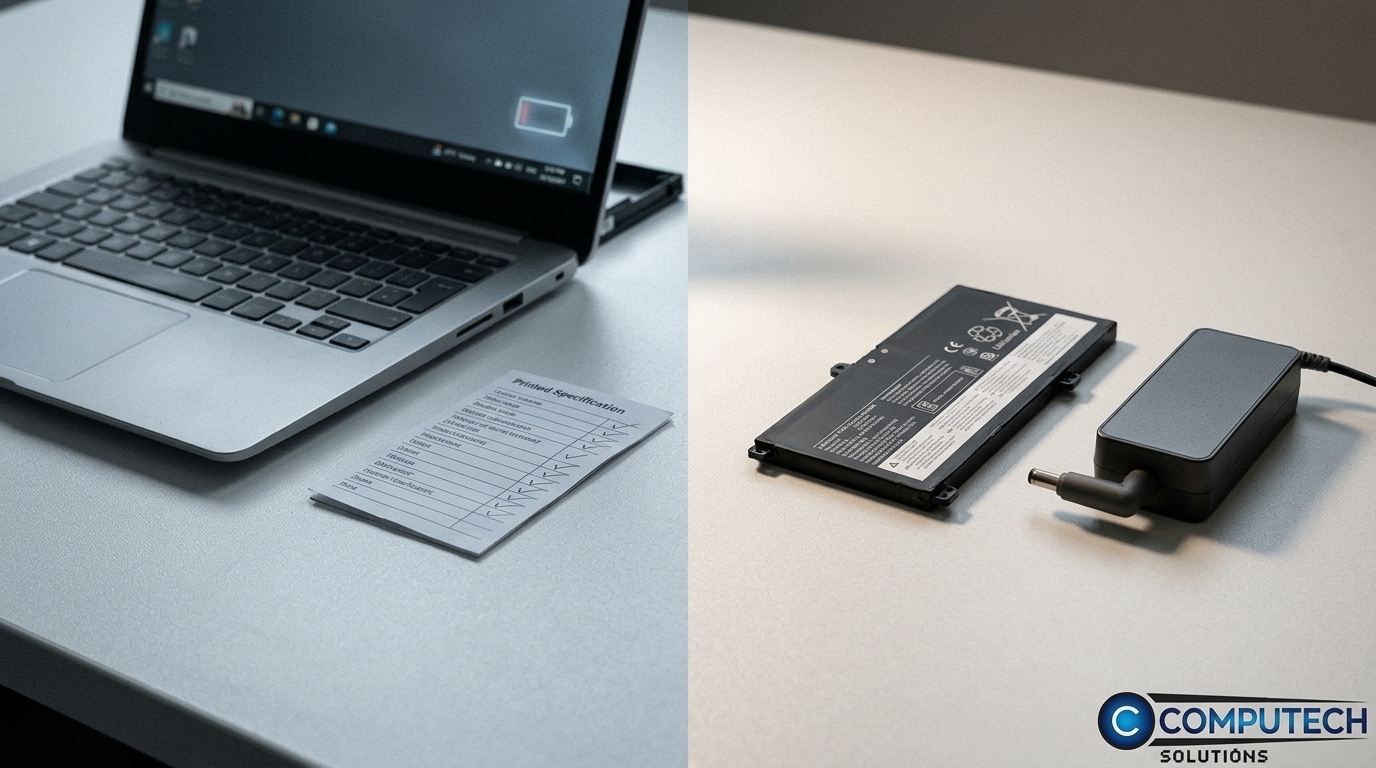
Making an informed decision when buying generic parts can save you money and ensure quality. The benefits of high-quality generic parts and Computech Solutions’ support are worth considering.
Benefits of High-Quality Generic Parts
High-quality generic parts offer great value. They often match the performance of branded parts but at a lower cost. These parts are designed to meet the same specifications as the originals.
Opting for a high-quality generic charger can keep your laptop running smoothly while saving money. It’s a smart choice for those who need reliability without the hefty price tag.
Computech Solutions’ Expert Support
When you choose Computech Solutions, you get more than just a product. You receive expert support to guide you through your purchase. Our team ensures you find the right battery or charger for your needs.
With nationwide delivery and a focus on customer service, Computech Solutions stands out as a trusted source for laptop parts in South Africa. Our goal is to provide you with confidence in your purchase and ongoing tech support.
Back to School Tech Deals and Discounts
The back-to-school season is the perfect time to upgrade your laptop parts. At Computech Solutions, we offer tech deals and discounts that cater to students and professionals alike.
Our special offers make it easier to get what you need for less. Don’t miss out on high-quality parts at a fraction of the cost. Shop now for reliable products and exceptional service.
Frequently Asked Questions
How can I ensure my new battery is compatible with my laptop?
Check the voltage, wattage, and model number of your current battery. These specifications should match any replacement you consider. Ensuring these match guarantees the battery will work correctly.
Why is it important to check the DC connector tip size?
The tip size determines if the charger will fit your laptop. A mismatch in size means the charger won’t connect, leading to charging issues. Measure the connector to ensure compatibility.
What are the advantages of buying generic replacement parts?
High-quality generic parts provide performance similar to branded ones but at a lower cost. They meet the same specifications, offering a reliable solution without overspending.
