
When your laptop screen cracks or blacks out, every minute counts. Searching through countless parts that almost fit only wastes time and money. This guide shows you how to identify the exact laptop LCD you need, so you can replace broken laptop screens quickly and order the right part the first time from Computech Solutions. Learn more.
Avoid Wrong Screen Replacements
When your laptop screen suddenly fails, ordering the wrong replacement can lead to more downtime and frustration. Understanding common failures and the risks of incorrect orders is key to avoiding setbacks.
Common Laptop Screen Failures
Laptop screens can fail due to physical damage, internal issues, or manufacturing defects. Cracks, blackouts, and flickering are among the most common problems. If your screen has visible cracks, it’s clear that a physical impact occurred. But if the display suddenly blacks out, it might be an internal issue. Understanding these failures helps in assessing the type of replacement needed.
Risks of Incorrect Orders
Ordering the wrong screen can result in wasted time and money. A mismatched size or incompatible connector can turn a quick fix into a prolonged hassle. The frustration doubles if you have to return the wrong part and wait for a new one. It’s essential to ensure compatibility to avoid these pitfalls. Choosing the right screen the first time keeps your laptop running smoothly and minimizes downtime.
Key Steps for Correct Match
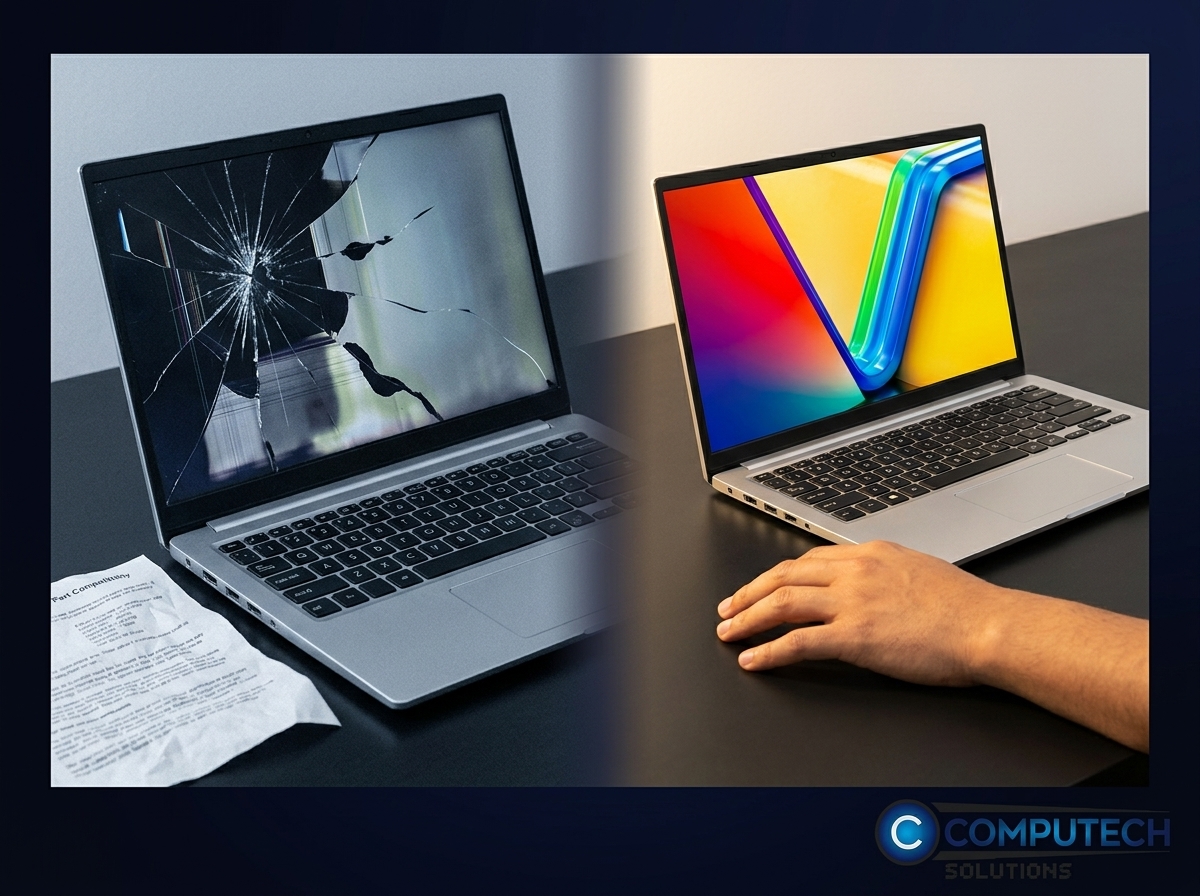
To ensure a perfect match, begin by focusing on your laptop’s specific details. Identifying the model and panel number is vital for a seamless replacement process.
Identify Your Laptop Model
Locate the model number on your laptop. It’s usually found on a sticker beneath the laptop or within the settings menu. This number is crucial to finding the right screen. With this information, you can narrow down your options significantly, ensuring that the screen you order is designed for your specific laptop model.
Check Panel Model Number
The panel model number is another critical piece of information. It’s often found on the back of the screen itself. If you’re unsure how to access it, consider looking up guides or videos for your laptop model. Knowing this number allows you to verify that the new screen will fit and function properly, reducing the risk of errors in your order.
Expert Tips for Quick Selection
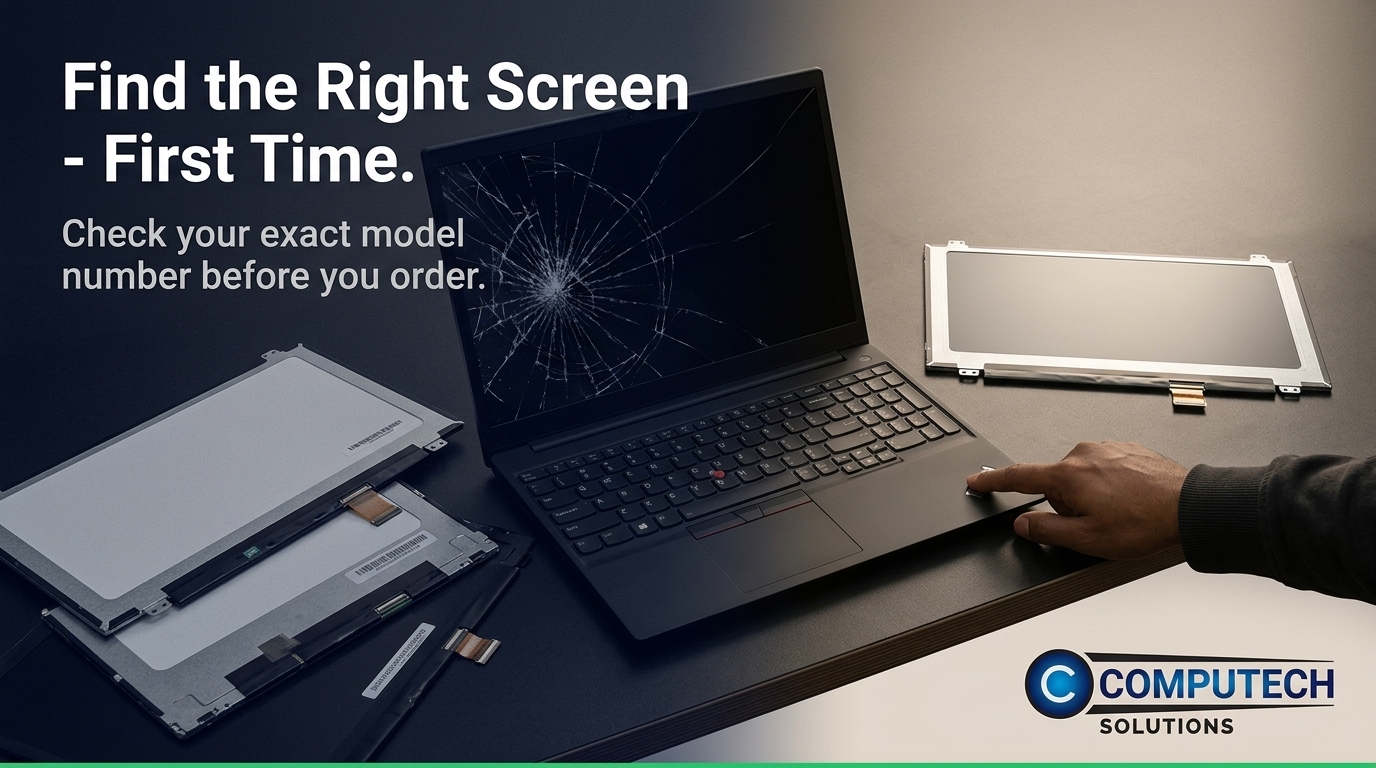
Leveraging expert knowledge can save you time and effort in selecting the right screen. Understanding connector types and finish options like matte or glossy can guide you to the perfect choice.
Understand Connector Types
Connector types are vital in ensuring compatibility. Common connectors include eDP 30-pin and 40-pin. Before ordering, confirm which connector your current screen uses. This ensures that the new screen will connect seamlessly with your laptop’s hardware, avoiding any fitting issues.
Choose Matte vs Glossy Screens
Decide whether you prefer a matte or glossy finish. Matte screens reduce glare, making them ideal for bright environments. Glossy screens offer vibrant colors but can reflect light more easily. Your choice between matte vs glossy depends on your work environment and personal preference. This decision can enhance your viewing comfort and satisfaction with the replacement screen.
Frequently Asked Questions
How can I find the right laptop screen replacement?
Start by identifying your laptop model and panel model number. Check your current screen’s connector type and decide on a matte or glossy finish to suit your needs.
What are common laptop screen failures?
Physical damage, internal issues, and manufacturing defects are common causes. These can result in cracks, blackouts, or flickering.
What risks are associated with ordering the wrong screen?
Ordering the wrong screen can lead to wasted time and money due to compatibility issues. It may also result in prolonged downtime while waiting for the correct part.
How do I check the connector type?
Check your current screen’s connector type by examining the connection point. Common types include eDP 30-pin and 40-pin.
Where can I order the correct laptop screen?
You can find reliable replacement options at Computech Solutions, a trusted supplier for laptop parts.
