
Your HP laptop losing charge before you finish your work is more than just frustrating—it kills your mobility and stalls your day. When your laptop only works when plugged in, that worn-out battery is usually the culprit. A quality HP battery replacement brings your device back to life fast, saving you from a full laptop upgrade. Keep reading to learn how to spot failing batteries and choose the right generic HP laptop battery in South Africa. For tips on how to choose the perfect battery for your laptop, check out this guide.
Recognizing a Failing HP Battery
When your HP laptop starts losing power quickly or only works when plugged in, these are telltale signs of a failing battery. Let’s dive into the details of these symptoms and their effects.
Symptoms of Battery Wear
A failing HP battery often first shows signs through reduced runtime. You might notice your laptop shutting down unexpectedly or the battery percentage dropping rapidly. Another common symptom is physical swelling, where the battery expands, sometimes causing the laptop case to bulge. If you see any of these signs, it’s time to consider a replacement.
You can also run a Windows battery report to monitor the battery’s health, cycle count, and capacity. This tool provides insights into whether the battery can hold a charge effectively or if it’s time for a new one. Remember, a healthy battery is crucial to keep your HP laptop portable and convenient.
Impact on Productivity and Mobility
A degraded battery affects both your productivity and mobility. Being tethered to a power outlet limits where you can work and often interrupts your workflow. Imagine needing to finish an important task but constantly worrying about your laptop dying. A high-quality battery replacement can solve this, letting you work from anywhere without stress.
If your laptop only works when plugged in, you’re not getting the full benefit of its portability. A new battery restores the freedom to use your device on the go, crucial for business travel or working from home. Ultimately, replacing the battery helps maintain your device’s utility and your efficiency.
Choosing the Right Replacement
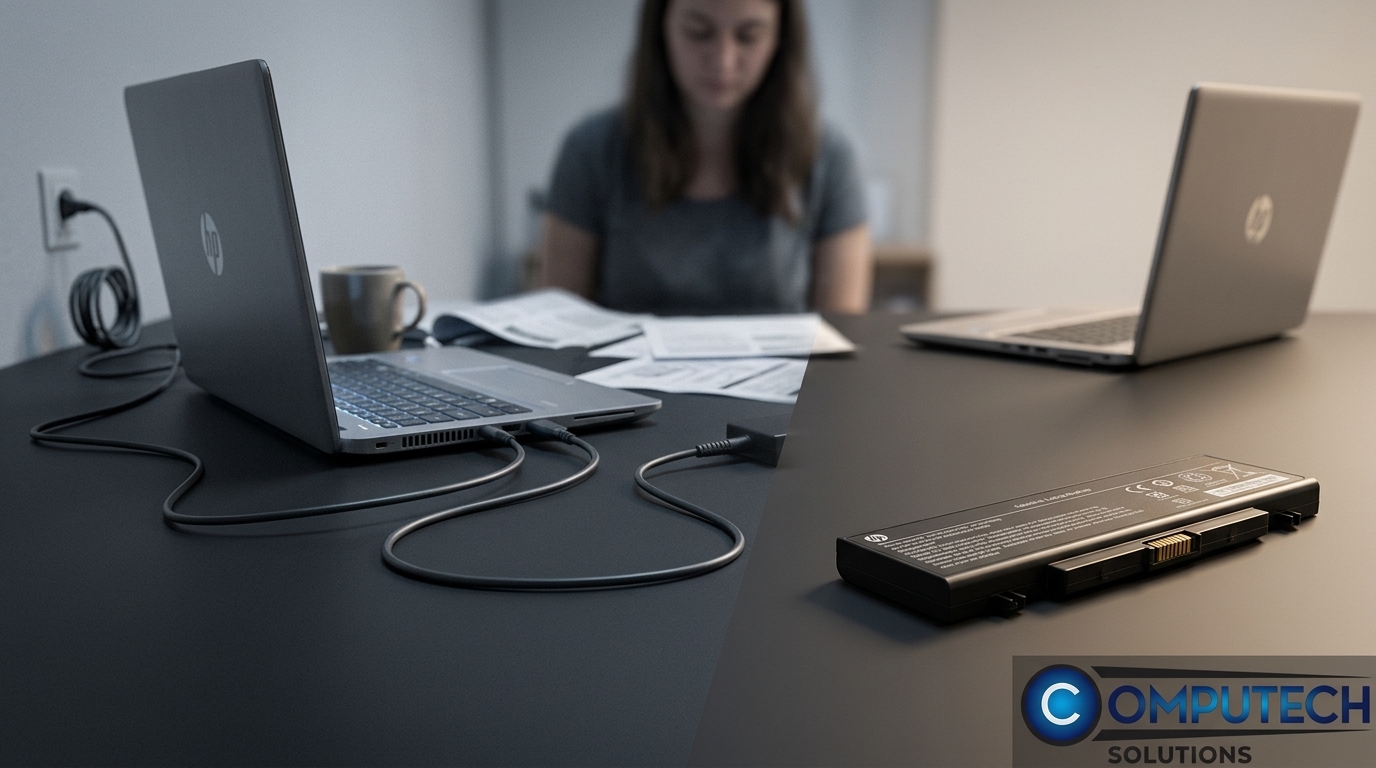
Finding the right battery replacement for your HP laptop is essential. This section will guide you through compatibility checks and the advantages of opting for a quality generic battery.
Compatibility Checks for HP Laptops
Before purchasing a replacement battery, ensure compatibility with your HP model. Check the model number, battery type, and voltage requirements. This information is usually found on the battery itself or in the device manual. Our HP Support, Simplified blog post can help navigate these checks.
It’s also helpful to compare your existing battery’s details with the replacement options available. Some common HP battery models include HS03, HS04, MU06, and HSTNN types, with voltages like 11.1V or 14.8V. Ensuring these match will prevent compatibility issues and protect your laptop’s performance.
Benefits of a Quality Generic Battery
Opting for a quality generic HP laptop battery can offer significant savings without compromising performance. These batteries are manufactured to meet or exceed original specifications, providing reliability and longevity. Another advantage is price: generic batteries often cost less than brand-name counterparts, making them an economical choice.
Quality does not always mean original. High-quality generics can deliver the same level of performance, allowing you to trust your device’s uptime. By choosing a reliable generic battery, you ensure that your laptop remains portable and ready for work.
Quick Installation and Purchase Tips
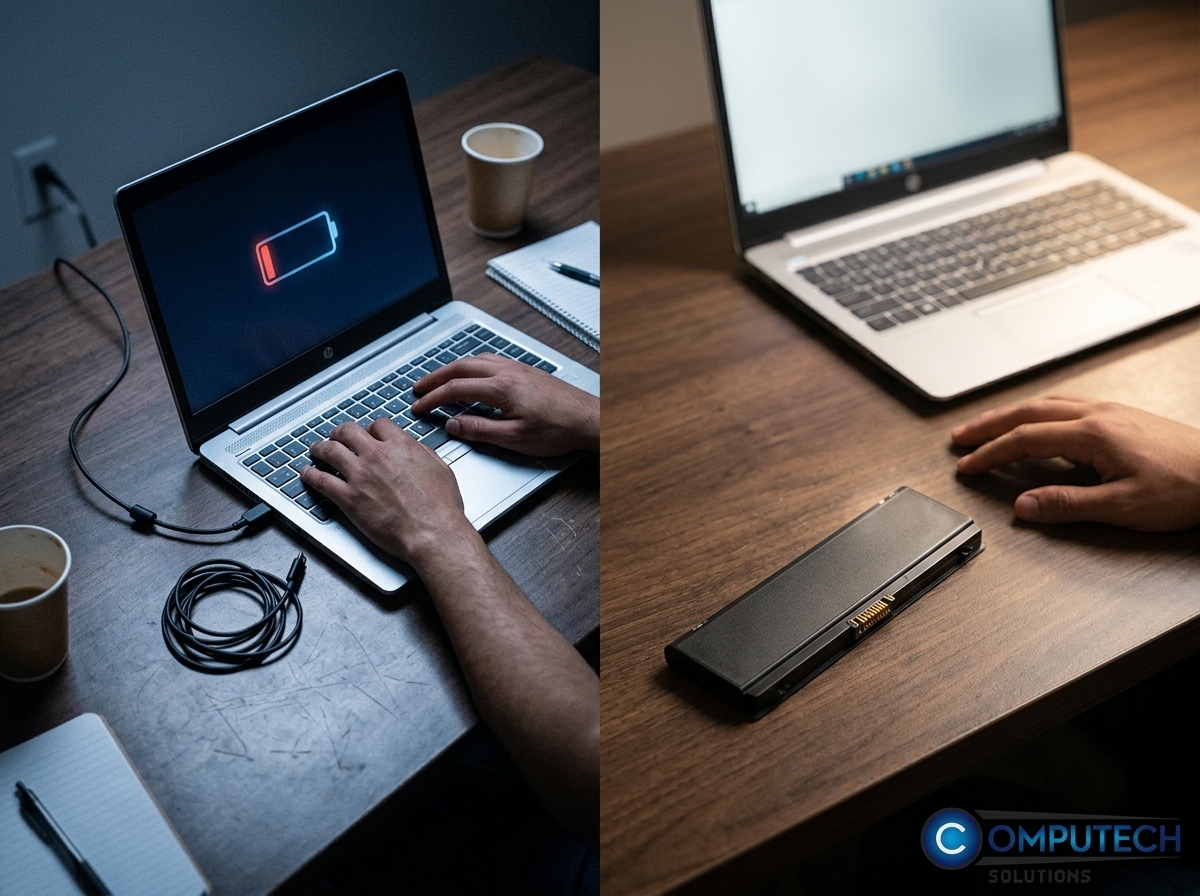
After selecting the right battery, it’s important to know how to install it and where to buy it efficiently. Here’s a quick guide to ensure you get back to work quickly.
Steps to Replace Your Battery
Replacing a laptop battery is simpler than you might think. Follow these steps:
Power Down and Unplug: Turn off your laptop and disconnect it from any power source.
Remove the Old Battery: Most HP laptops have a simple release latch or screws to remove the battery.
Install the New Battery: Align the new battery in place and secure it with the latch or screws.
Power On and Charge: Plug in your charger and let the battery charge completely before first use.
This straightforward process can be done at home without professional help, saving you time and service fees.
Where to Buy and Save 💻
For the best deals on HP laptop batteries in South Africa, consider reputable sellers like Computech Solutions. They offer high-quality generic replacements with nationwide delivery, ensuring you get the battery you need quickly. Checking online reviews and ratings can also help you find a reliable source.
By choosing the right seller, you not only save money but also get peace of mind knowing your battery is dependable. For more insights on choosing laptop batteries, check out this helpful article.
Frequently Asked Questions
What are the signs of a failing HP battery?
Common signs include reduced runtime, unexpected shutdowns, or physical swelling. You may also notice the battery percentage dropping rapidly. Checking with a Windows battery report can confirm its health.
How do I check if a battery is compatible with my HP laptop?
Look for the model number and battery specifications, like type and voltage, on the existing battery or in the device manual. Ensure these match the replacement option.
Are generic HP laptop batteries reliable?
Yes, high-quality generic batteries can match or exceed original specifications, offering reliability at a lower cost. They are designed to work well with HP laptops.
How do I replace my HP laptop battery?
Turn off the laptop, unplug it, remove the old battery using the latch or screws, and install the new one. Charge it fully before first use.
Where can I buy HP laptop batteries in South Africa?
Reputable sellers like Computech Solutions offer quality generic replacements with nationwide delivery, providing a reliable and cost-effective solution.
