
When an HP laptop part fails, the biggest hold-up is finding the exact replacement fast enough to keep your device running. Sorting out the right HP spare part number first cuts ordering mistakes and speeds up repairs. With HP PartSurfer, you’ll identify the correct battery, charger, or component quickly and shop confidently at Computech Solutions to reduce laptop downtime.
Avoid Downtime with HP PartSurfer
When an HP part fails, the downtime can be frustrating. Without the right replacement, your device sits idle. The longer it takes to find the right part, the more your productivity suffers. Understanding the problem is the first step to solving it.
Identify the Problem Quickly
Time is precious. When your laptop stops working, you need to know what’s wrong fast. Maybe it’s the battery, or perhaps the charger isn’t doing its job anymore. Whatever it is, recognizing the issue helps you move forward.
Your HP laptop could give clues: it won’t hold a charge, or it powers down suddenly. Start by checking these signs. Once you know the symptoms, you’re one step closer to fixing it.
Overcome Compatibility Issues
Finding a replacement is just the beginning. You need the right one. Not every part fits every model, and a mismatch can lead to more delays. This is where compatibility becomes crucial.
HP PartSurfer is your tool for matching the exact part to your model. No more guessing. By ensuring compatibility, you reduce the risk of getting the wrong item and facing another round of waiting.
Steps to a Fast Solution
Now that you know the problem and the solution path, it’s about acting fast. Do you have the right model number? Are you sure about the part you need? These are steps to speed up the process.
Get your HP model number ready. This is a vital piece of information that guides you to the correct spare part. With it, the process becomes simpler and faster.
How to Use HP PartSurfer
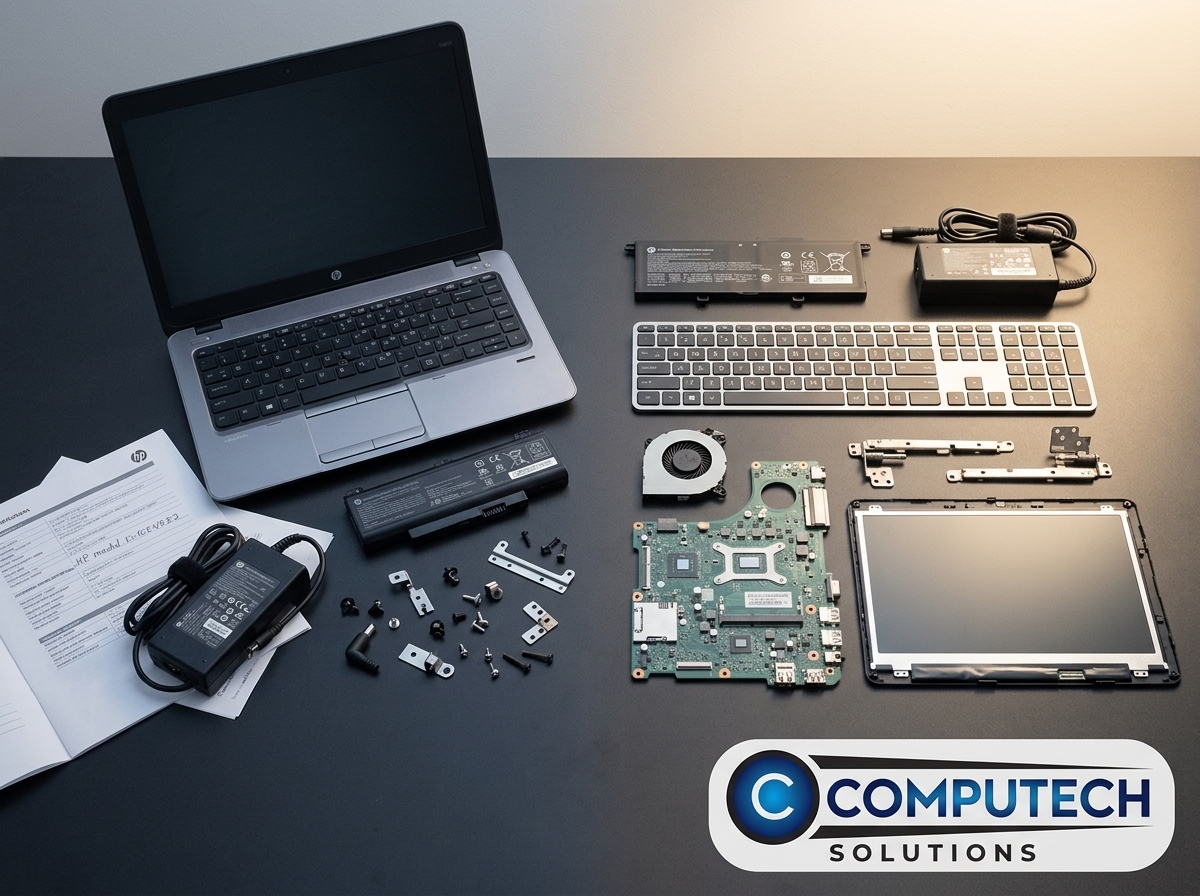
Using the right tools makes a world of difference. HP PartSurfer simplifies the search for the right part. It ensures you get exactly what you need, without the hassle.
Capture Key Identifiers
Before diving into the search, gather your laptop’s key identifiers. You’ll need the model number, product number, and serial number. These details are usually found on the bottom of the laptop or in the battery compartment.
With these in hand, you’re equipped to find the right part. It’s like having a map before setting out on a trip; you know exactly where to go.
Map to Official SPARE Numbers
Once you have your identifiers, the next step is to map them to the official HP SPARE numbers. This step ensures you’re looking at the right parts.
HP PartSurfer makes this easy. Enter your details, and it presents the compatible parts. This tool saves time and ensures accuracy, reducing frustration and speeding up the repair process.
Validate Specifications Before Buying
Before you click ‘buy,’ double-check the specifications. Compare the suggested part with your current one. Make sure everything matches: size, power rating, and connector type.
This final check acts as a safety net. It ensures you don’t end up with something incompatible, saving you from unnecessary returns or exchanges.
Order with Confidence from Computech Solutions
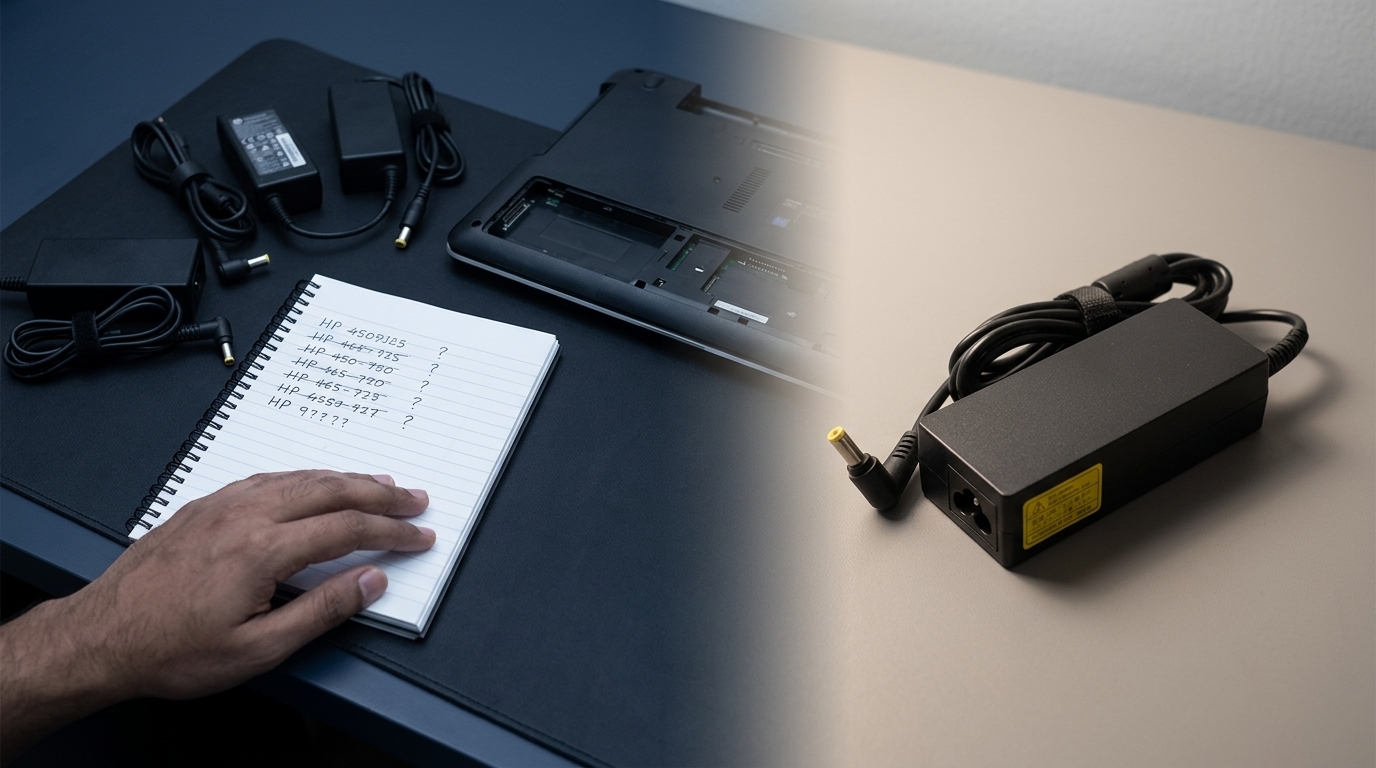
With the right part identified, the next step is purchasing. Computech Solutions offers a seamless experience, ensuring you get your replacement without hassle.
Find the Right Part First Time
Ordering from Computech Solutions means getting the right part on the first try. With expert guidance and a vast selection, they make finding the part easy.
Their team is ready to assist, ensuring you find what you need quickly. This support minimizes downtime and gets your laptop back to work sooner.
Get Back to Work Fast
Nobody likes waiting. With the right part in hand, your repair can be swift. Computech Solutions delivers quickly, so you’re not left in the lurch.
Time is money, and fast delivery gets your device running again. This efficiency is what makes Computech Solutions a reliable choice for your IT needs.
Special Offers and Discounts
Beyond just parts, Computech Solutions offers value. Keep an eye out for special offers and discounts. These deals make it even more appealing to order what you need, when you need it.
With quality parts and competitive pricing, your laptop woes can be resolved affordably. It’s one more reason to choose Computech Solutions for your repair needs.
Frequently Asked Questions
How do I find my HP laptop’s model number?
The model number is typically on the bottom of your laptop or inside the battery compartment. Check there to ensure you have the right details for ordering parts.
What if the part I order doesn’t fit?
Before buying, use HP PartSurfer to verify compatibility. If issues arise, consult Computech Solutions for guidance and support.
Are there discounts available for HP parts?
Computech Solutions often offers special deals. Check their website for current promotions to save on your next purchase.
How quickly can I get a replacement part delivered?
Delivery times depend on your location. Computech Solutions aims for fast dispatch to minimize downtime for your device.
Can I get help finding the right part?
Absolutely! Computech Solutions has a team ready to assist with any questions, ensuring you find the correct part every time.
