
One weak networking cable can wreck your entire workday with dropped calls, slow file transfers, and random freezes. You don’t need to guess which cable fits your setup or settle for patchy connections. This guide shows you how picking the right Ethernet cable—like Cat6 or Cat6a with pure copper conductors and proper shielding—puts an end to interruptions and keeps your workflow steady. Keep reading to find the exact fix that gets you back on track fast. For more information, check out this article.
Identify the Problem
Let’s tackle the root cause disrupting your workflow: weak networking connections. Identifying these issues is the first step to a smoother workday.
Recognising Weak Connections
Weak connections often sneak up unexpectedly. You might notice your video calls freezing or downloads taking forever. Sometimes, it feels like your device is to blame, but the issue is frequently a faulty cable. A poor-quality Ethernet cable can lead to high latency or packet loss, making your network unreliable. Replacing that one weak link with a high-quality cable can dramatically change your network experience.
Common Interruptions and Delays
Ever experienced sudden disconnections during an important call? Or waited endlessly for a file to upload? These aren’t just random events. They are signs of network instability. Such interruptions often result from using cables that aren’t suited for your setup. Whether it’s a Cat5e that can’t handle higher speeds or a damaged connector causing signal interference, recognising these common issues is crucial. Understanding the impact of your current setup paves the way forward.
Choosing the Right Cable
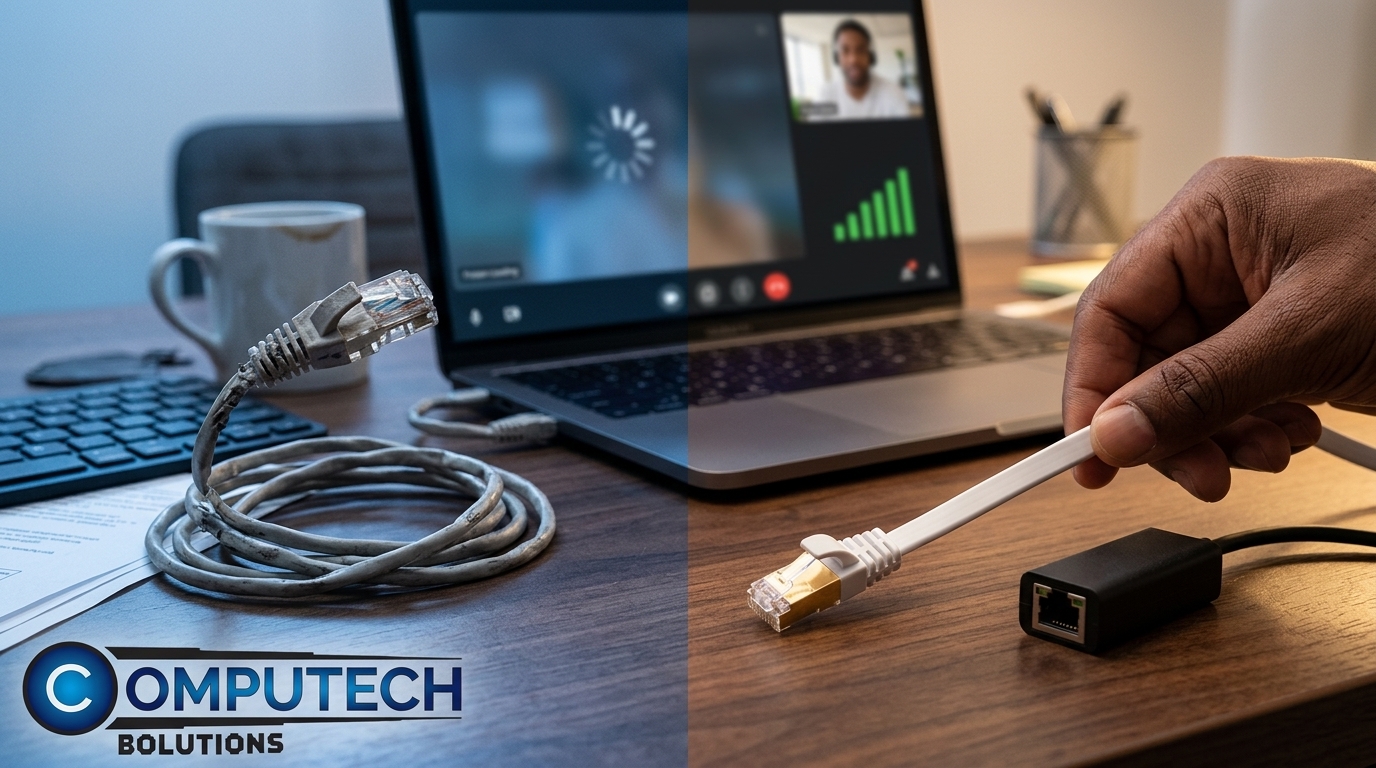
Now that you’ve pinpointed the issues, it’s time to choose the correct networking cable. This section will guide you to match your specific needs.
Match Your Device and Use
Choosing the right Ethernet cable isn’t just about grabbing the first one you see. It’s about understanding your device’s requirements and matching them with the appropriate cable. For high-speed internet, a Cat6 or Cat6a cable is ideal. If you run a VoIP setup, a shielded Ethernet cable can help maintain call clarity. It’s about aligning your cable choice with your current technology. The right cable ensures that each device performs at its best, eliminating unnecessary disruptions.
Understanding Quality Indicators
Quality matters significantly when choosing a cable. Look for pure copper cables instead of copper-clad aluminium. Check for labels like S/FTP or UTP to understand the cable’s shielding. A snagless boot design can protect connectors from damage. Also, consider cables with a low-smoke zero-halogen jacket for safer use. These features ensure durability and reliable performance, reducing issues like EMI and maintaining network stability. Investing in a quality cable means investing in hassle-free workflow.
Making the Upgrade
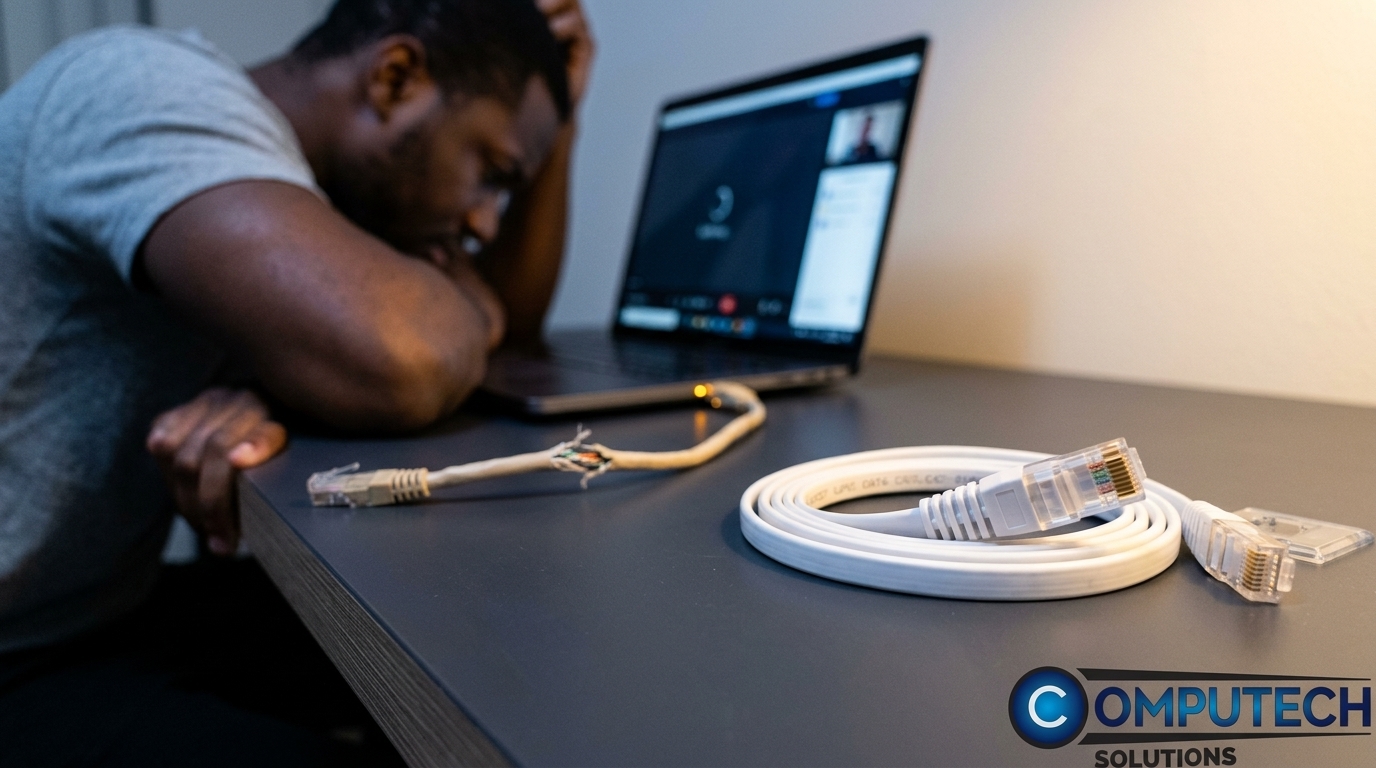
With knowledge of what to look for, you’re ready to make an informed purchase that will enhance your network.
Benefits of Quality Networking Cables
Upgrading to a quality networking cable brings immediate benefits. You’ll enjoy faster file transfers and more stable connections. Video calls become a breeze with less chance of losing signal. Better cables also mean less interference, reducing the risk of packet loss and latency. For professionals, this upgrade translates to increased productivity and fewer technical hiccups. Embrace the confidence of knowing your network is running at full capacity.
Steps to a Smoother Workday
Here’s how you can ensure a seamless experience:
Assess Your Needs: Determine your device’s requirements and the expected network load.
Choose the Right Cable: Select a cable that fits your needs, considering length, shielding, and material.
Test and Install: After purchase, test the cable’s performance before installation. Once satisfied, replace the old cables.
Review Performance: Monitor improvements in your network and make adjustments as needed.
By following these steps, you’re set for a smoother, more productive workday.
Frequently Asked Questions
What are the most reliable Ethernet cables?
The most reliable Ethernet cables are Cat6 and Cat6a cables. They offer high-speed capabilities and excellent shielding options, which reduces latency and packet loss.
How can I identify a weak network connection?
A weak connection often shows symptoms like slow internet speeds, frequent disconnections, or high latency during online activities. It’s essential to check cables for damage and ensure they’re suitable for your device.
Why should I avoid copper-clad aluminium cables?
Copper-clad aluminium cables are less durable and can lead to higher resistance and increased risk of damage. Pure copper cables are more robust and provide better conductivity, ensuring a stable connection.
What is the difference between UTP and S/FTP cables?
UTP cables have no shielding, suitable for less noisy environments, while S/FTP cables have multiple layers of shielding, ideal for reducing interference in high-noise environments.
Does cable length affect network performance?
Yes, longer cables can lead to signal degradation. It’s essential to choose the right length to maintain performance, especially in larger setups or when using high-speed networks.
