

Black Friday: 15% off any laptop battery + charger bought together. Buying a screen? Add adhesive strips and they are free. Ends Monday 30 November.

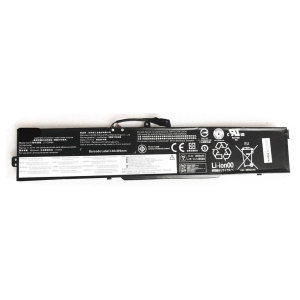
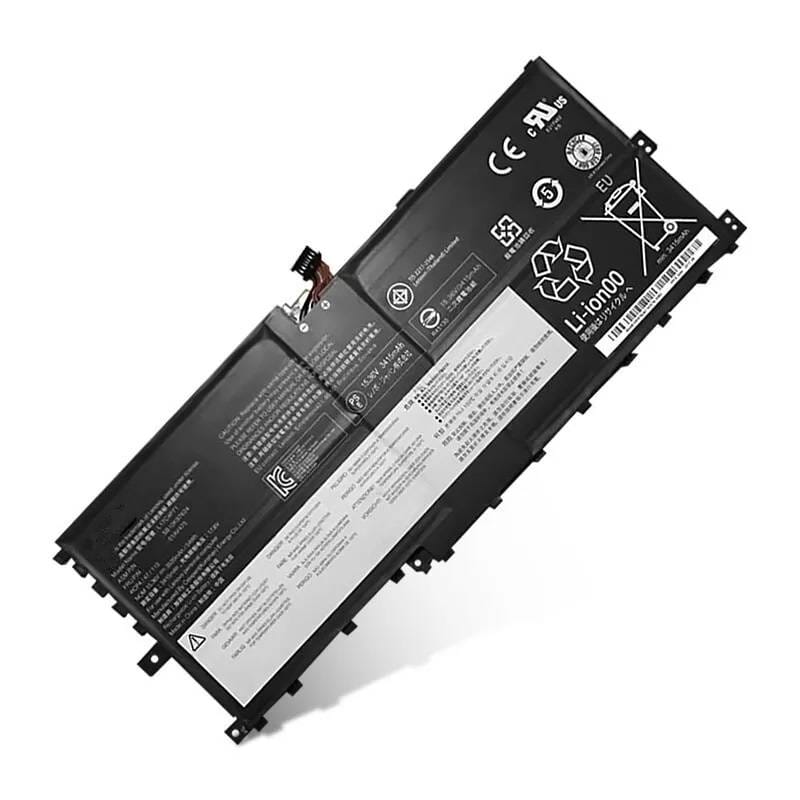
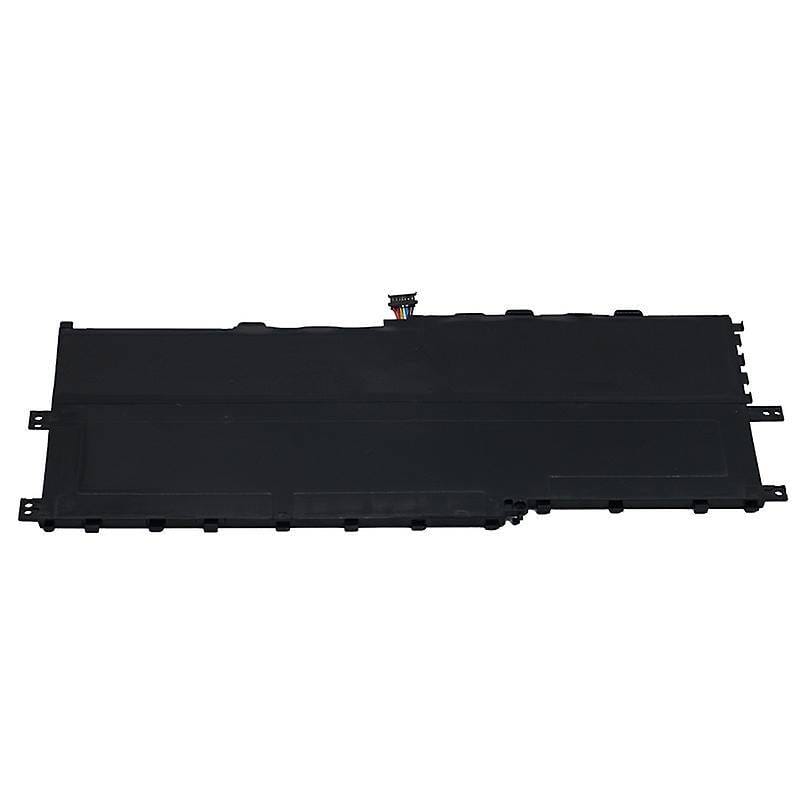
L17C4P71 L17M4P71 L17M4P73 01AV474 Battery for Lenovo ThinkPad X1 Yoga 3rd Gen 2018 (15.2V 44Wh 4-Cell Li-Poly)

Pricing visible is already subject to a 3% discount applicable only to EFT payments.R773.00

Buy Now, Pay Later available at checkout with
  • All prices include VAT
  • Paid before 10am? Dispatched the same day
  • Overnight delivery to major city centres

Images are for illustration only. The actual product may differ slightly.

Secure checkoutVisa and Mastercard acceptedEFTStitch Pay Later
Need the charger too?
Order both together and save 5% on the bundle.
Add matching charger to cart
SKU BATLEN13901A Categories , Tag

NATIONWIDE SHIPPING

We have people placed to serve you all over the country.

ESTIMATED DELIVERY

Usually 2–3 working days to major centres; outlying areas can take longer.
Standard delivery: R130. Items over 25 kg: R350.

HASSLE FREE RETURNS

If a product is faulty, you’ll get a full refund.

SHARE:

Description

Specifications

L17C4P71 L17M4P71 L17M4P73 01AV474 Battery for Lenovo ThinkPad X1 Yoga 3rd Gen 2018 (15.2V 44Wh 4-Cell Li-Poly)
Voltage 15.2V,
Capacity 2900mAh/44Wh,
Number of Cells/type 4(Li-Poly),
Colour Black,


Compatible Part Numbers

Lenovo
  • L17C4P71
  • 17M4P71
  • L17M4P73
  • 01AV474
  • 01AV475

Compatible Devices

  • Lenovo ThinkPad X1 Yoga 3rd Gen (2018)

Tips to Extend Your Battery’s Lifespan

1. Keep it cool – heat is the biggest cause of battery wear, so avoid leaving your Lenovo laptop in direct sun, a hot car, or on soft surfaces that block the vents.
2. Avoid charging to 100% every time – many Lenovo laptops have a battery conservation mode in Lenovo Vantage that limits charging to around 80%, which can roughly double your battery’s usable lifespan.
3. Don’t let it run flat – regularly draining the battery to 0% wears it out much faster than topping up before it gets critically low.
4. Store at around 50% charge – if you won’t be using the laptop for a few weeks or more, store it half-charged in a cool, dry place rather than fully charged or fully empty.
5. Go easy on fast charging – rapid chargers generate extra heat, so standard charging (especially overnight or while idle) is gentler on the battery over time.
RELATED PRODUCTS

Satisfaction Guaranteed

Jason@computech-solutions.co.za

Need Help, Talk To Us

info@computech-solutions.co.za

Delivery Nationwide

dispatch@computech-solutions.co.za