
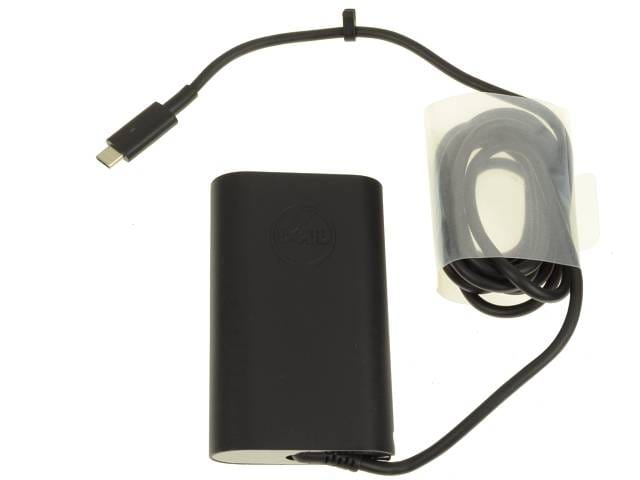
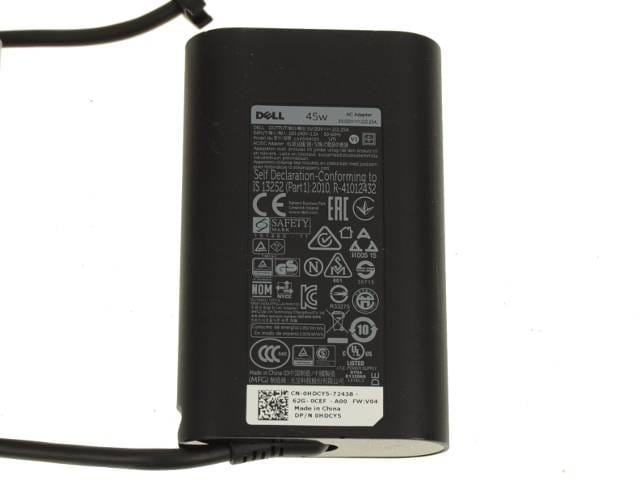
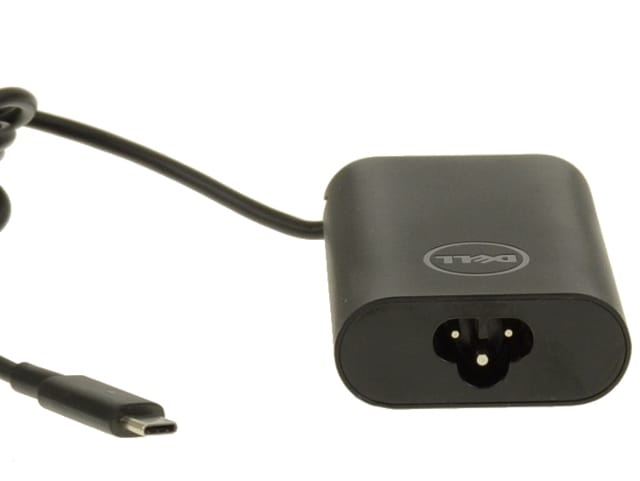


Description
Compatible Devices
Compatible Dell Laptops:
- -XPS 13 (7390)
- -Latitude 7390 2-in-1
- -Latitude 7220 Rugged
- -Chromebook 7486
- -Chromebook 13 (3380)
- 11 (5190)
- 11 (5190) 2-in-1
- -Latitude 13 (7370)
- 5285 2-in-1
- 5289 2-in-1
- 7285 2-in-1
- 5290
- 7390
- 7389 2-in-1
- 7212 Rugged
- 5290 2-in-1
- 7210 2-in-1
- 7200 2-in-1
- -XPS 12 (9250)
- 13 (9370)
- 13 (9380)
- 13 (7390) 2-in-1
- XPS 13 (9300)
- 13 (9365) 2-in-1
- 13 (9310)
- 13 (9310) 2-in-1
Compatible Part Numbers
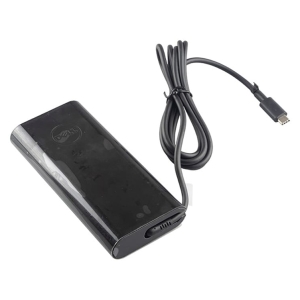
- Dell PN: HDCY5
- 0HDCY5; T6V87; 4RYWW; P13YF
- 1J12J; X2GC2
Specifications
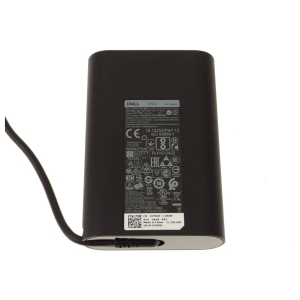
– 100-240V 50/60Hz Input.
– Output 5V/20V – 2A/2.5A
– Dell P/N: HDCY5, 0HDCY5; T6V87
– Model: LA45NM150; HA45NM170; DA45NM170
– 45-watt
– Tip Connector: USB Type C
Tips for Choosing and Using a Replacement Charger
Always match the voltage and wattage to your original charger exactly – USB-C chargers negotiate power with your laptop, so a mismatched or underpowered charger may charge slowly or not at all. A replacement rated at a higher wattage than the original is safe to use, since your device only draws the power it needs; never go lower than the original wattage.
Inspect the cable and USB-C connector periodically for wear, bent pins or debris, and unplug the charger when it isn’t in use to help it last longer. If your laptop isn’t charging, check that the USB-C connector is fully and securely inserted before assuming the charger itself has failed.

Reviews
There are no reviews yet.