
Needing a replacement laptop charger fast can be frustrating—especially when the numbers on the label don’t seem to match your laptop. Guessing the voltage, amperage, or connector size often leads to failed charging or worse, damage to your device. At Computech Solutions, we show you how to verify exact charger specs easily so you can avoid costly mistakes and buy the right power adaptor the first time. Read on to save time and get back to work with confidence.
Understanding Charger Compatibility
When it comes to buying a new charger, understanding its compatibility with your laptop is crucial. This section will guide you through the essential factors ensuring your charger matches perfectly.
The Importance of Voltage Match
A charger must have the same voltage as your laptop. Voltage is the force that drives the electric current through your device. If the voltage is too high or too low, it can damage your laptop or prevent it from charging properly. Always check the voltage on your old charger or your laptop’s specifications to make sure they match.
Why Amperage Rating Matters
The amperage rating indicates how much current a charger can provide. Your new charger should have the same or higher amperage than your original one. A charger with less amperage won’t be able to power your device effectively, leading to slow charging or no charge at all. Make sure to verify this number before making a purchase.
Ensuring Wattage Alignment
Wattage is the overall power a charger can supply, calculated by multiplying voltage and amperage. Using a charger with the wrong wattage can lead to inefficient charging or, worse, damage your laptop. Always aim for the same wattage to ensure optimal performance.
Avoiding Common Mistakes
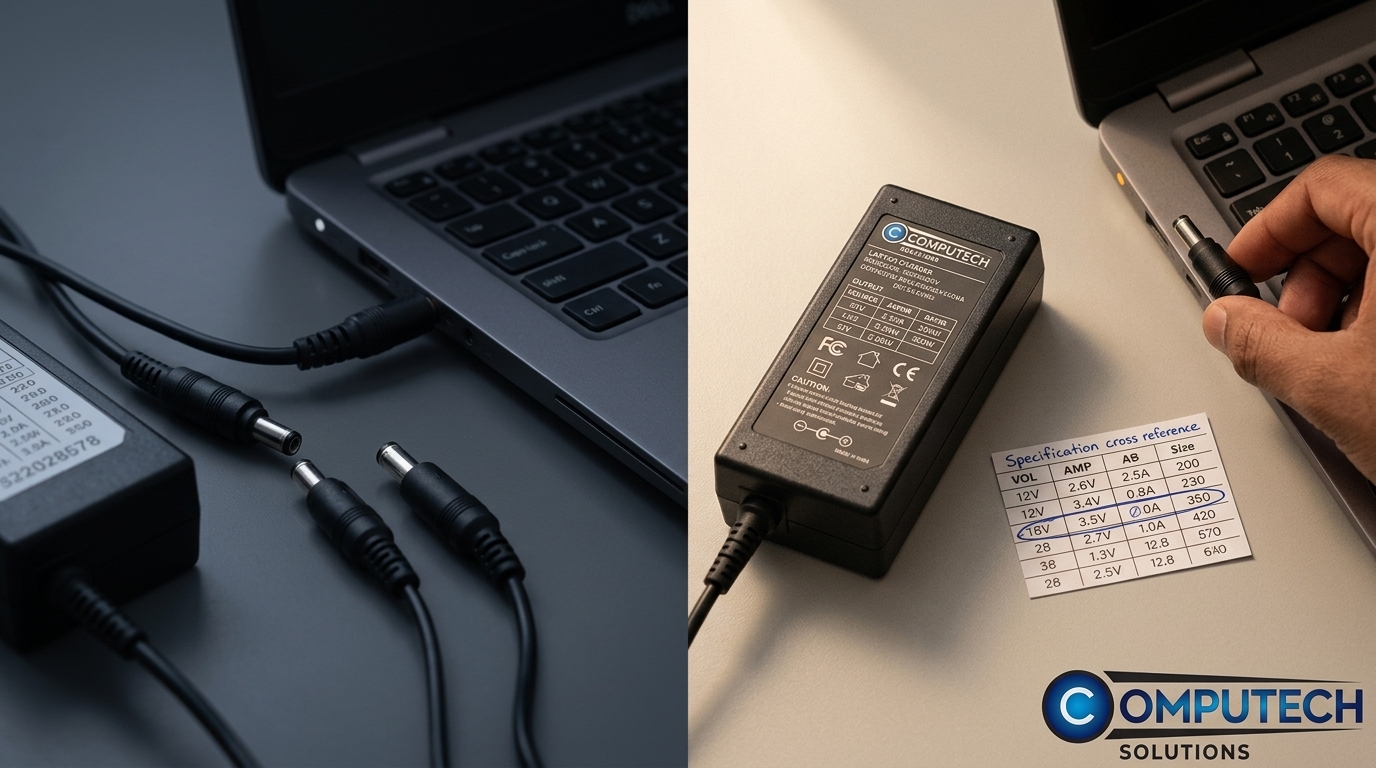
Many people make common mistakes when replacing their laptop chargers. Let’s explore these pitfalls and how you can avoid them.
Identifying the Correct DC Connector Size
The DC connector size is crucial for ensuring a snug fit with your laptop. If it doesn’t fit properly, the charger won’t work. Check the connector size on your old charger or consult your laptop’s manual to get the right measurements.
Checking Charger Tip Size
The charger tip size is another important factor. If the tip is too large or too small, it won’t connect with your laptop’s power port. Ensure you have the correct size by comparing it with your previous charger or by checking the laptop’s specifications.
Verifying Centre Positive Polarity
The polarity of a charger refers to the direction of its electric current. Most laptops require a centre positive polarity. Using a charger with the wrong polarity can damage your device. Double-check this feature to avoid costly repairs.
How to Make the Right Purchase
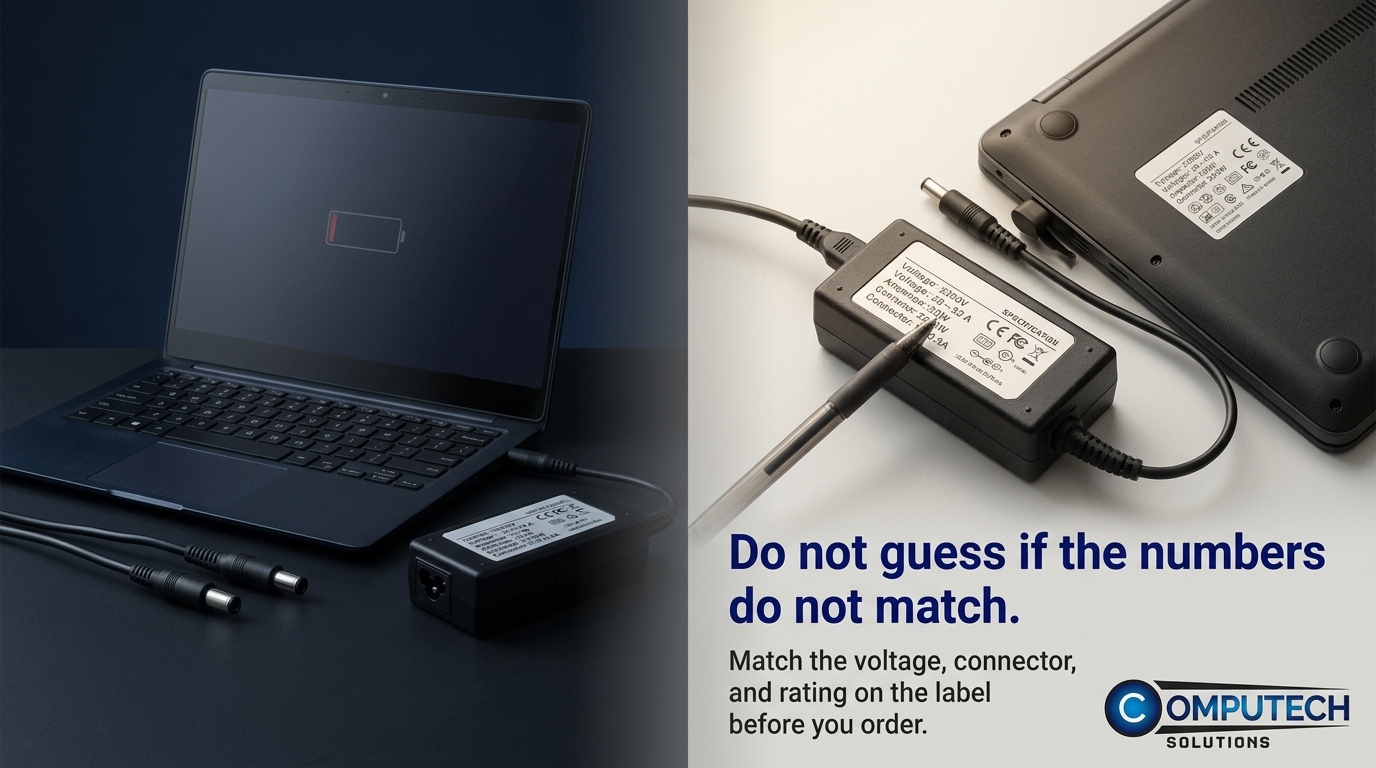
Equipped with the right information, you can confidently pick the perfect charger. Here’s what you need to do.
Steps to Verify Charger Specs
Check the Label: Look for voltage, amperage, and wattage on your old charger or laptop.
Match the Connector: Ensure the connector size and tip fit your laptop.
Confirm Polarity: Verify that the charger has the correct polarity for your device.
Benefits of Using Computech Solutions
Choosing Computech Solutions means selecting high-quality generic chargers that match your needs. With expert advice and dependable products, you’ll find the right fit every time. Our nationwide delivery ensures your charger arrives swiftly and safely.
Frequently Asked Questions
What is the most important factor when choosing a charger?
Voltage is the most critical factor. It must match your laptop’s requirements exactly to prevent damage and ensure proper charging.
Can I use a charger with a higher amperage rating?
Yes, using a charger with a higher amperage is safe, as it will only supply the power your laptop needs. However, never use a charger with lower amperage.
How do I know if the charger tip size is correct?
Compare the tip with your old charger and check your laptop’s specifications to ensure it fits securely in the power port.
By following these guidelines, you can avoid common pitfalls and make a confident purchase that keeps your laptop running smoothly.
