
Waiting for your laptop to boot feels like watching paint dry. That drag in the first minute of your day—opening emails, launching apps—drags productivity down. A simple SSD upgrade South Africa users trust can slash boot times and speed up app launches, breathing new life into your ageing laptop. Keep reading to find out how swapping your old hard drive for a 2.5-inch SATA SSD or M.2 NVMe SSD can make mornings run smoother without breaking the bank. Read more about the benefits of SSDs here.
Start Your Day Faster
Morning Laptop Frustrations
Your laptop seems to take forever to start. Minutes pass as you wait to check emails or open your favourite apps. This delay at the start of your day can be frustrating. But there’s a solution that doesn’t involve buying a new laptop. An SSD upgrade can make these frustrations fade away.
Why SSDs Make a Difference
Switching to an SSD can transform your laptop’s speed. Traditional hard drives can be a bottleneck, slowing everything down. In contrast, SSDs offer much faster data access. This means quicker boot times and snappier app launches. Imagine your laptop starting in seconds instead of minutes. High-speed SSDs are what make this possible.
A Realistic Before-and-After
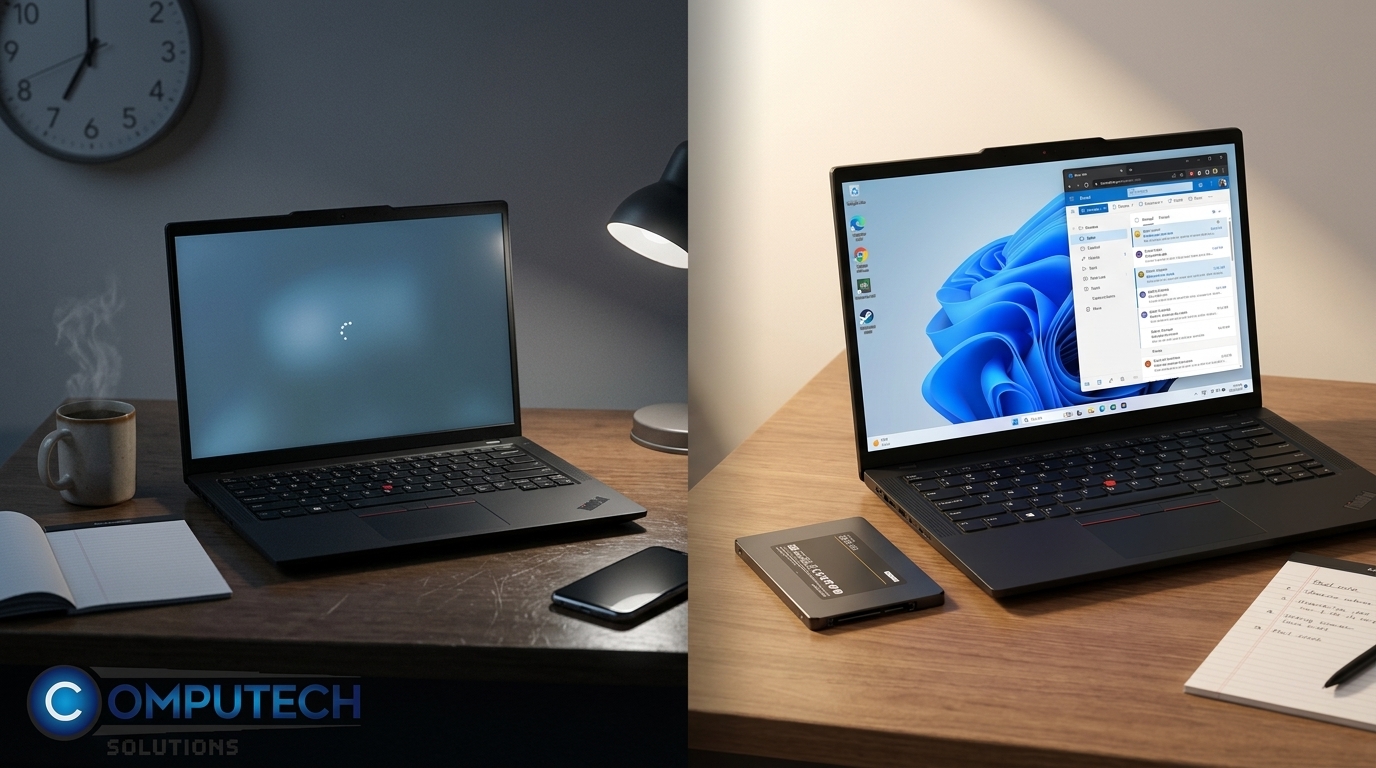
Picture this: you press the power button, and in just 10 seconds, your laptop is ready. That’s the difference an SSD can make. Before upgrading, booting could take a minute or more. After upgrading, it’s almost instant. This simple change gives your laptop a new lease of life, making it feel brand new.
Signs You Need an SSD
Slow Boot Times Explained
Why is your laptop slow to start? Often, the hard drive is the culprit. Mechanical parts in traditional drives take time to spin up. SSDs skip this process, cutting down boot times dramatically. If you’re tired of waiting, an SSD might be your answer.
Recognising App Launch Delays
Apps that used to open fast now take ages. This is another sign your hard drive is holding you back. By upgrading to an SSD, you can enjoy faster app launches. This means less waiting and more doing. It’s a noticeable improvement.
Common Laptop Bottlenecks
Your laptop might seem slow for several reasons. A full hard drive, running many apps at once, or outdated hardware can all slow you down. But often, the hard drive is the key bottleneck. Upgrading to an SSD addresses this directly, offering a straightforward solution.
The Upgrade Process
Choosing the Right SSD
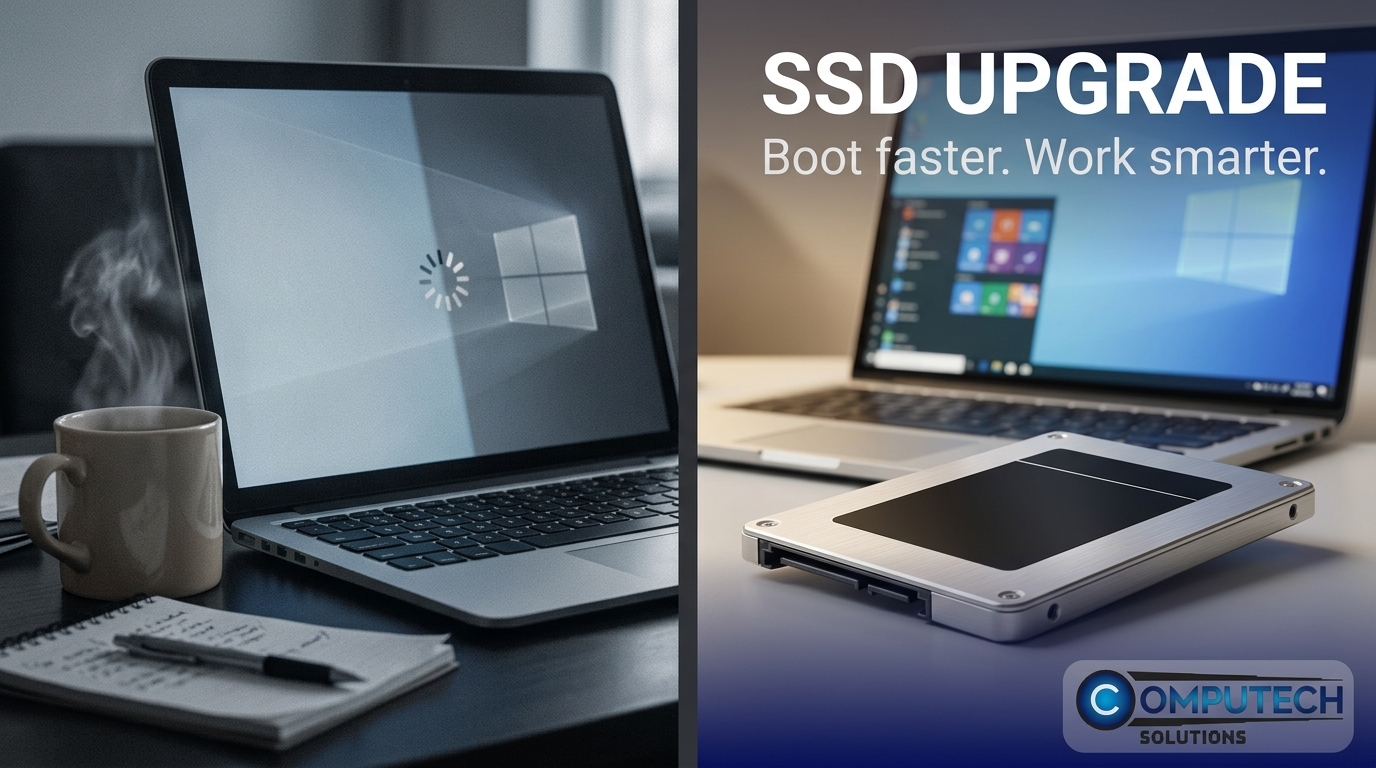
Selecting the right SSD depends on your laptop’s compatibility. Most laptops use either a 2.5-inch SATA SSD or an M.2 NVMe SSD. The choice affects installation and speed. M.2 drives tend to be faster, but both options significantly improve performance. Make sure to check your laptop’s specifications before buying.
SSD Installation Steps
Installing an SSD is simpler than you might think. First, back up your data. Next, replace the old drive with the SSD. Finally, install your operating system or clone your existing drive. Many find this process straightforward, but professional help is available if needed.
Nationwide Delivery and Services
Computech Solutions offers nationwide delivery of SSDs, ensuring you can upgrade wherever you are in South Africa. Plus, with expert services, you can get help with installation and data cloning. This way, you can enjoy a hassle-free upgrade and a faster laptop.
Frequently Asked Questions
How much faster is an SSD compared to a hard drive?
SSDs are typically up to 10 times faster than traditional hard drives. This speed difference makes booting and launching apps much quicker.
Will upgrading to an SSD improve my laptop’s battery life?
Yes, SSDs use less power than traditional hard drives, which can help extend your laptop’s battery life.
Can I install an SSD myself?
Many people successfully install SSDs themselves by following online guides. However, professional installation services are available if you’re unsure.
How do I know if my laptop is compatible with an SSD?
Check your laptop’s specifications or consult your manufacturer’s website. Most modern laptops support SSD upgrades, but it’s essential to confirm compatibility.
What should I do with my old hard drive after upgrading?
Your old hard drive can be repurposed as an external storage device with the right enclosure, providing additional backup space.
