
A Dell laptop that still powers on might already be failing when it comes to battery life. You lose precious time, miss meetings, and watch your momentum slip away without warning. Learn how to check Dell battery health now, spot early warning signs, and choose a reliable generic replacement battery from Computech Solutions before your laptop shuts off mid-task.
Recognizing Battery Health Issues
When your Dell laptop seems fine but can’t hold a charge, it’s time to investigate. Unreliable battery health can disrupt your day. Knowing what to check helps prevent surprise shutdowns.
Dell Battery Health Check Methods
Start by exploring simple methods to assess your battery’s condition. Use built-in tools to understand your battery’s wear level. These tools reveal crucial statistics about your battery’s health. They help you decide if it’s time for a change.
Common Warning Signs to Watch
Watch for key indicators that your battery needs attention. Short runtimes and unexpected shutdowns are major signs. If your laptop shuts off when unplugged or the power drops when the cable moves, these are clear signals. Addressing these early can save you from a failed battery.
Performing a Battery Health Check
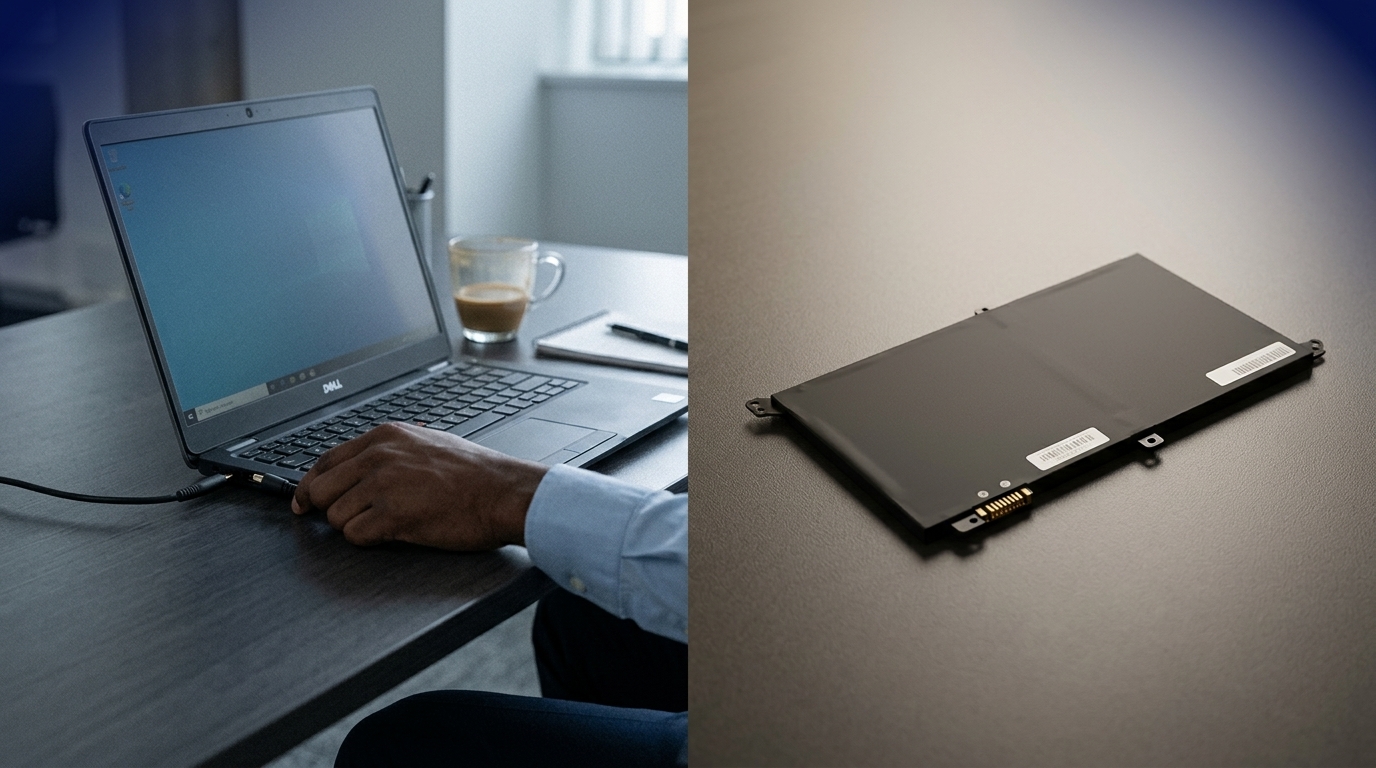
Knowing how to check your battery health is essential. Let’s look at three effective ways to do this on your Dell laptop.
Using Windows Battery Report
The Windows Battery Report is a handy tool. To access it, open Command Prompt and type powercfg /batteryreport. This generates a report saved on your computer. The report offers detailed insights, including capacity history and battery life estimates.
The report shows how your battery performs over time. By examining this data, you can spot trends in your battery’s performance. If the full charge capacity drops significantly, it’s a sign your battery may need replacing soon.
Dell Power Manager Insights
Dell Power Manager is a specialized tool for managing your laptop’s power. It provides detailed battery information. Download and install it from Dell’s website to start. Once installed, navigate to the Battery Information tab.
Here, you’ll find insights on battery health status and settings to extend battery life. Use this tool to set customized charge thresholds. Proper management can prolong your battery’s efficiency.
Dell BIOS Diagnostics Tips
Accessing the BIOS diagnostics is another method to check battery health. Restart your laptop and press F12 when the Dell logo appears. Choose the Diagnostics option from the menu.
The tool runs a series of tests on your hardware, including the battery. It identifies potential issues and provides a detailed report. Use this report to decide if further action is needed for your battery.
Choosing the Right Replacement Battery
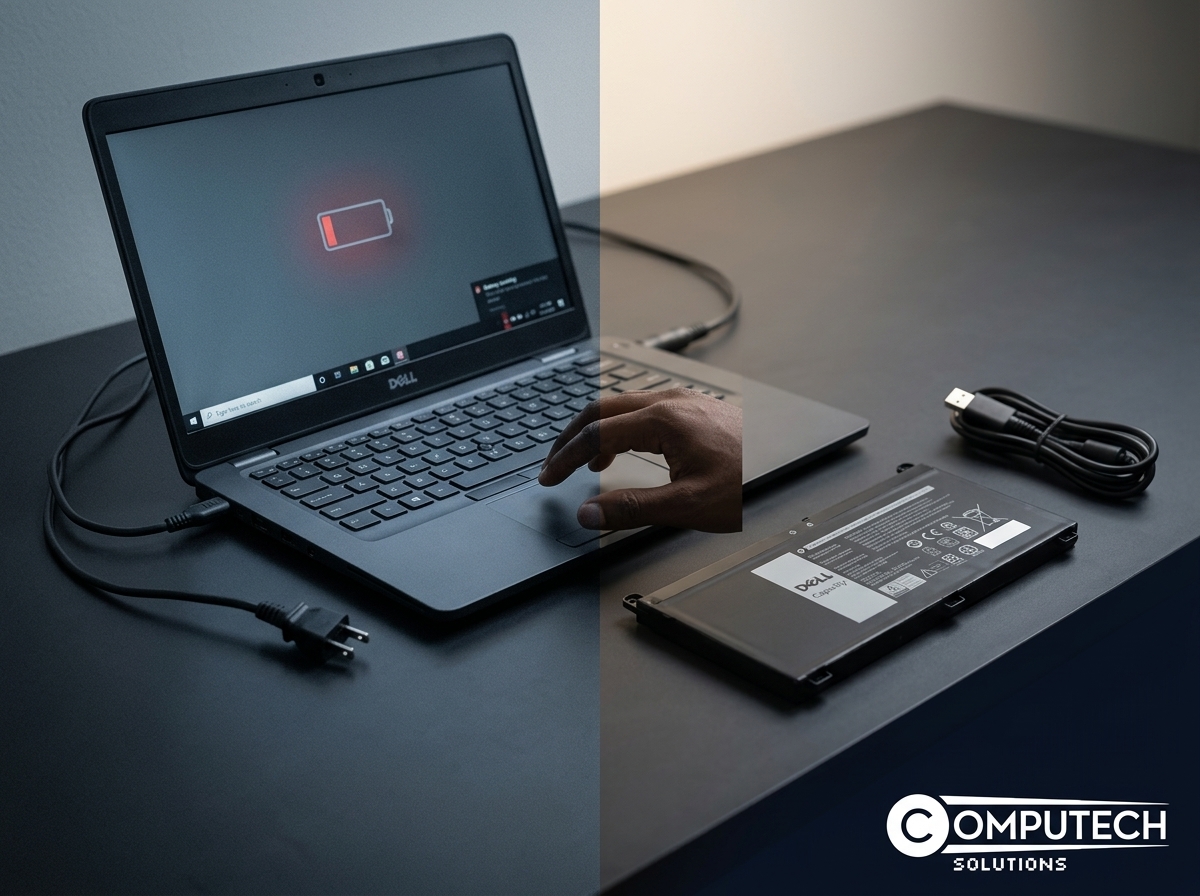
Once you know your battery needs replacement, choosing the right one is crucial. Let’s explore the key points in selecting a reliable battery.
Signs It’s Time for a Replacement
If your laptop can’t hold a charge or powers off suddenly, it’s time for a new battery. A swollen battery is another indicator. Check for physical changes regularly.
Another sign is if your laptop only works when plugged in. These are clear signals that a battery replacement is needed.
Benefits of Generic Dell Batteries
Generic Dell-compatible batteries are a cost-effective option. They offer performance similar to original batteries at a lower price. Computech Solutions provides high-quality generic replacements.
These batteries undergo rigorous testing to ensure reliability. They are designed to meet or exceed the original specifications of Dell batteries.
Buying Dell Laptop Battery Online
Purchasing a battery online is convenient. Visit Computech Solutions for a wide range of generic Dell batteries. Their selection ensures you find the right fit for your needs.
Online shopping offers the convenience of delivery to your doorstep. Look for reviews and ratings to ensure quality and compatibility with your device.
Frequently Asked Questions
How do I know if my Dell battery is swollen?
Check the battery compartment for bulging. A swollen battery may cause the laptop’s case to appear misshapen or difficult to close.
What is the Windows Battery Report?
The Windows Battery Report is a diagnostic tool that analyzes battery performance and health. It provides a detailed report on usage and capacity.
Where can I buy a replacement Dell battery?
You can purchase a replacement battery from Computech Solutions, which offers a variety of high-quality generic options online.
Is it safe to use a generic battery for my Dell laptop?
Yes, if purchased from a reputable source like Computech Solutions. Their generic batteries meet high standards for safety and performance.
Why does my Dell laptop shut off when unplugged?
This issue often indicates a failing battery that can’t hold a charge. Checking the battery health using the Windows Battery Report or Dell Power Manager is recommended.
