
Turn Off Smart Charging in Windows 11: Restore Your Full Battery Life

Windows 11’s Smart Charging limits laptop battery charge to 80% to preserve battery health. Disable it in ‘Power & Battery’ settings to restore full charge, or replace the battery via Computech Solutions.
BatteryInfoView Guide: Diagnose a Dying Laptop Battery and Get the Right Replacement Fast

BatteryInfoView helps diagnose failing laptop batteries showing signs like quick drain or shutdown when unplugged. Choose compatible, high-quality generic replacements from trusted suppliers like Computech Solutions for reliable, cost-effective power restoration.
Battery saver mode Android: Quick wins and the real fix for all‑day power
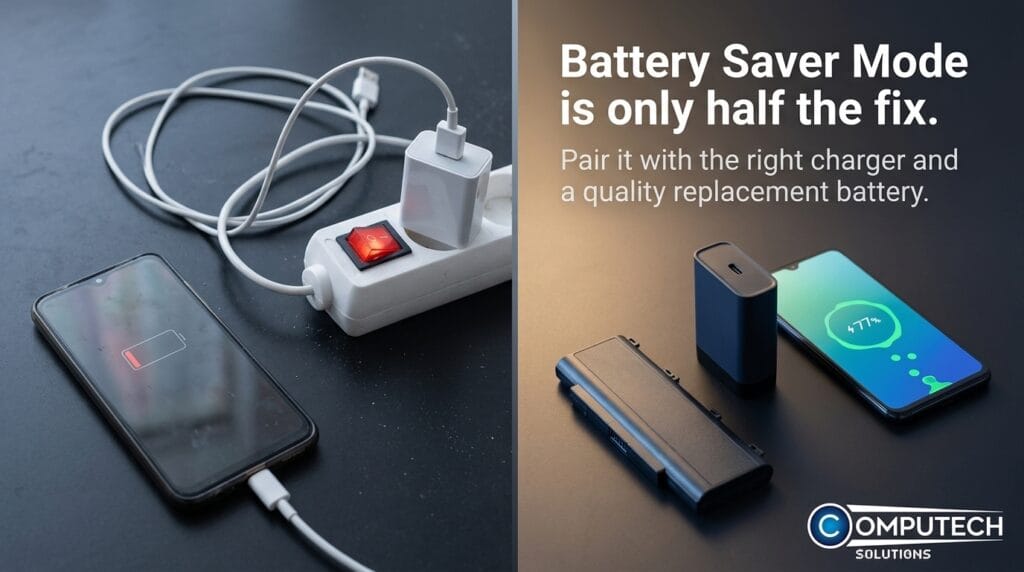
Battery saver mode on Android extends battery life by limiting background activity and dimming the screen but isn’t a permanent fix. Combine it with screen/connection tweaks, quality chargers, or battery replacement for all-day power.
How to Turn Off Battery Saver on Android (Fast Fix + Power Tips)
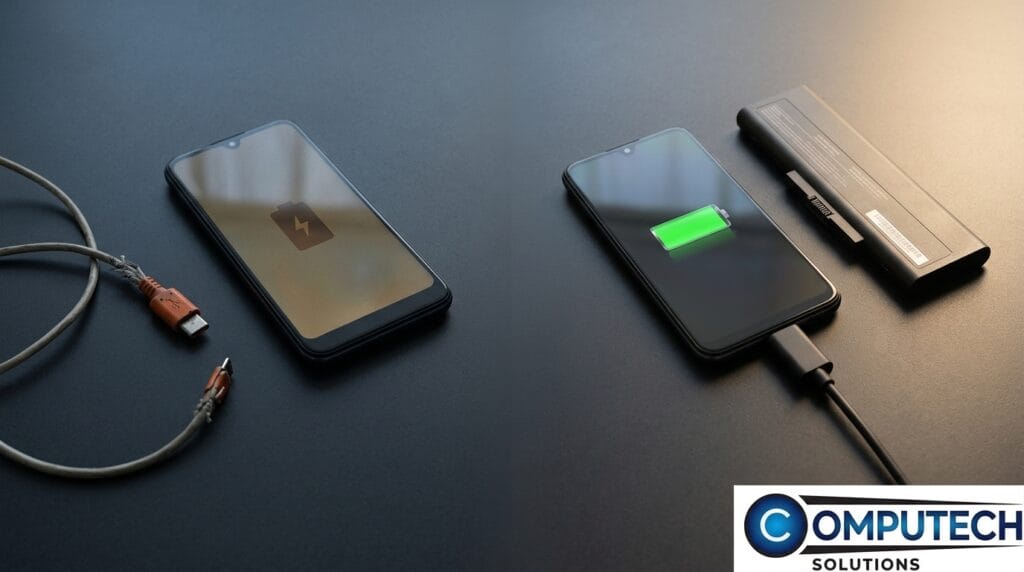
To turn off Android battery saver, go to Settings > Battery > Battery Saver and toggle off. Frequent activation may indicate battery or charger issues. Use quality USB-C fast chargers and power banks to improve performance and reliability.
Check Battery Health for Dell Laptops Before Your Machine Dies Mid-Task
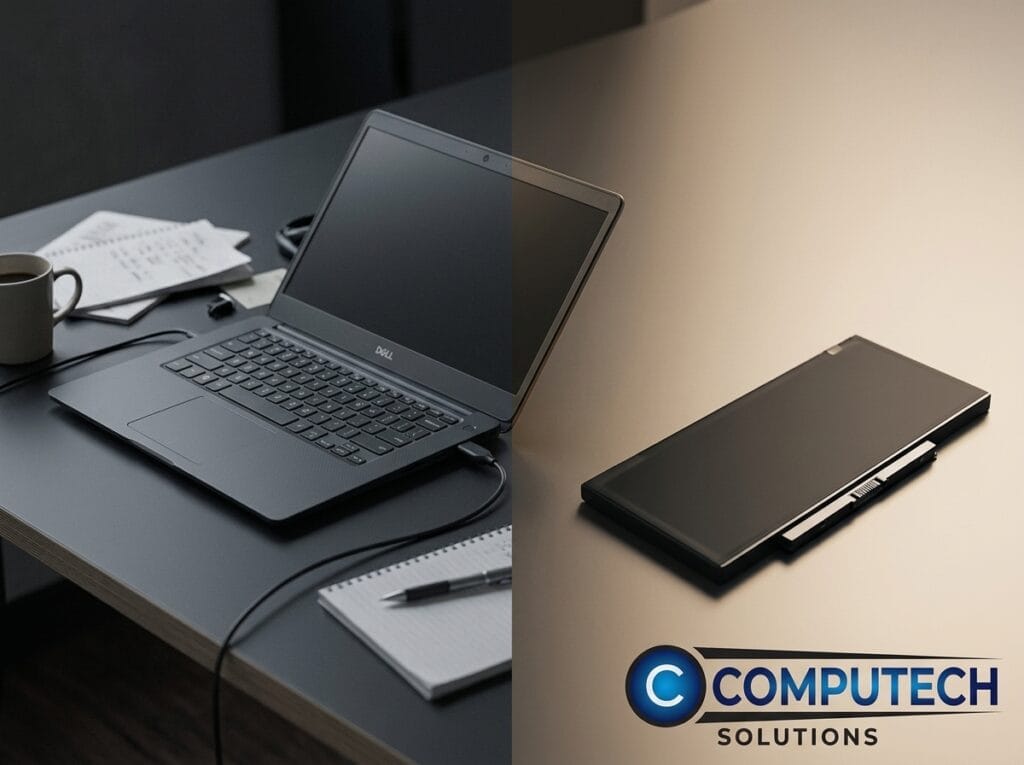
Learn to check Dell laptop battery health using Windows Battery Report, Dell Power Manager, or BIOS diagnostics to avoid sudden shutdowns. Choose reliable generic replacements from Computech Solutions.
Turn Off Battery Saver Fast – And Fix the Real Power Problem

Learn to quickly disable battery saver on Windows 10/11 to restore laptop speed. Persistent issues often signal battery or charger problems; Computech Solutions offers quality replacements and solar backups in South Africa.
The Practical Buyer’s Guide to Laptop Batteries, Chargers, and Parts (South Africa)

This guide helps South African buyers find compatible laptop batteries, chargers, and parts, emphasizing safety, loadshedding backups, compatibility, and nationwide delivery for hassle-free laptop power solutions.
How to Choose Reliable IT Components for Long‑Term Stability

Choose 80 PLUS Gold PSUs with Japanese capacitors, motherboards with 12+ VRM phases, ECC RAM, high-TBW NVMe TLC SSDs, pure sine wave inverters, LiFePO4 batteries, and Cat6 cables for long-term PC stability.
Stop Downtime: What to Check Before a Device Failure Disrupts Your Work

Prevent device failure by regularly checking SMART drive health, replacing laptop batteries, using surge protectors, and installing UPS inverters for load-shedding. Upgrade to SSDs and quality chargers.
Stop Downtime Before It Starts: Your Pre‑Failure Device & Power Checklist

Prevent device downtime with proactive checks: maintain batteries, use surge protectors, invest in UPS/inverters, upgrade to SSD/NVMe, and ensure reliable connectivity. Shop Computech Solutions.
Neglected Batteries, Chargers, and Cables: Small Issues That Become Big Repairs
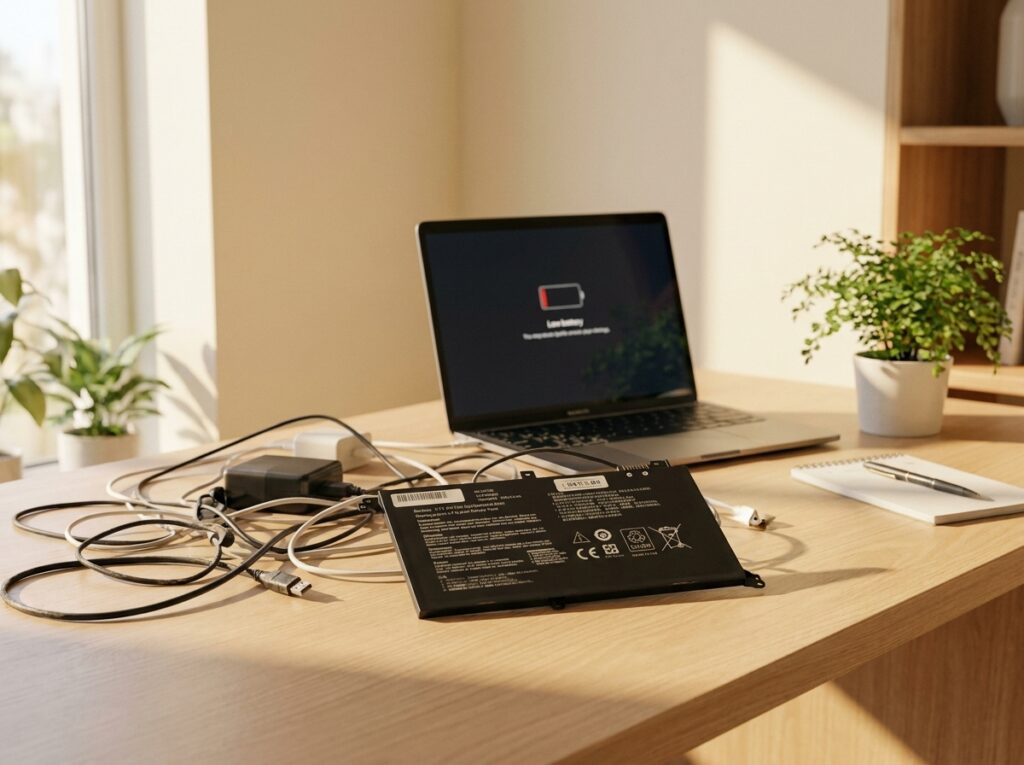
Neglecting laptop batteries, chargers, and cables can cause overheating, hardware damage, and fire risks. Computech Solutions offers quality replacements, DC jack repairs, and expert advice to prevent costly repairs.
The Hidden Costs of Ignoring Laptop Maintenance and Power Protection
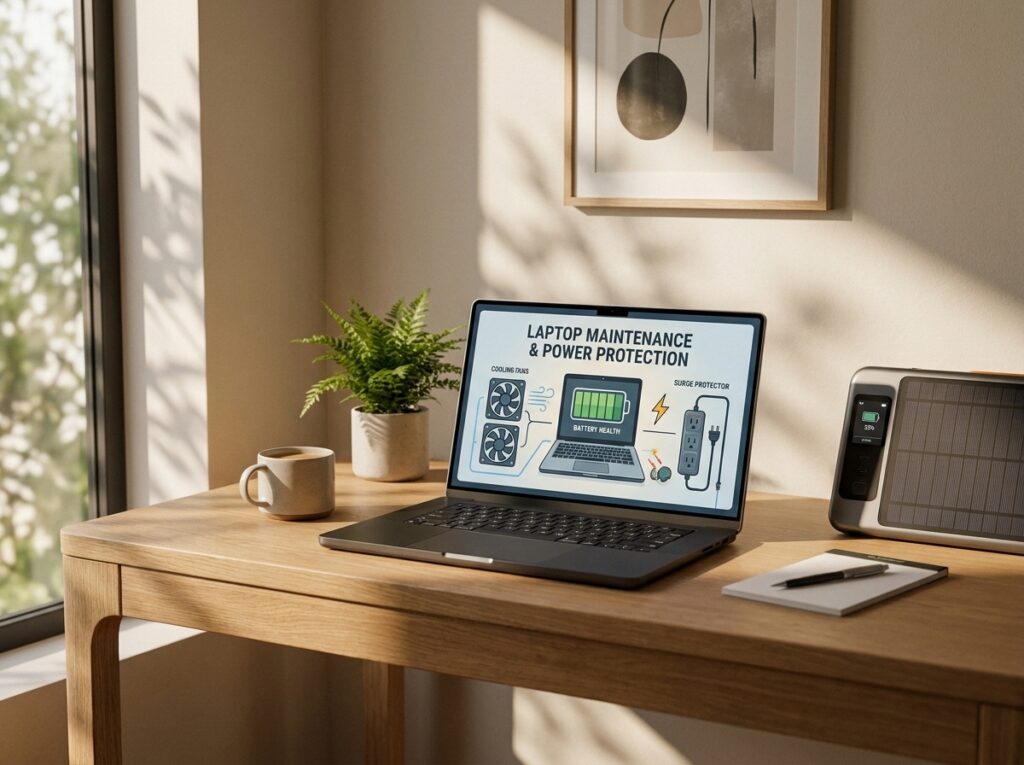
Ignoring laptop maintenance and power protection risks overheating, hardware failure, and data loss. Regular cleaning, surge protectors, UPS, and quality replacements from Computech Solutions ensure device longevity and reliability.