
Most HP users in South Africa face downtime from broken parts or power cuts. Waiting days for repairs or the wrong component only adds to frustration. Computech Solutions offers fast HP support in South Africa with quality HP-compatible batteries, chargers, LCDs, and backup power—all delivered nationwide. Keep your HP laptop or desktop running smoothly and beat loadshedding with our trusted, ready-to-ship products.
For those dealing with power issues, our replacement laptop batteries provide a reliable solution to power through loadshedding.
Fast Fixes for HP Users
When your HP device is on the fritz, quick solutions make all the difference. Here’s how to get everything back on track without fuss.
Quick Troubleshooting Tips
Start with simple checks to save time and effort. Ensure your device is plugged in and receiving power. A loose connection can mimic more serious issues. Next, try restarting your device. This can resolve many software glitches. If these steps don’t help, you might need to look at the specific hardware.
HP Laptop Repair Essentials
Laptop troubles can often be traced to the battery or charger. A faulty battery might not hold a charge, while a worn-out charger won’t power your laptop. Replacing these components with high-quality alternatives can restore your device’s functionality. Our HP-compatible products offer a reliable fix.
HP Desktop Support Basics
For desktop users, the problem might lie in the power supply or internal components. Check for any unusual sounds, as these can indicate hardware failure. If the issue persists, it might be time to consult an expert. Our team is ready to guide you to the perfect solution.
Quality Parts for Every Need
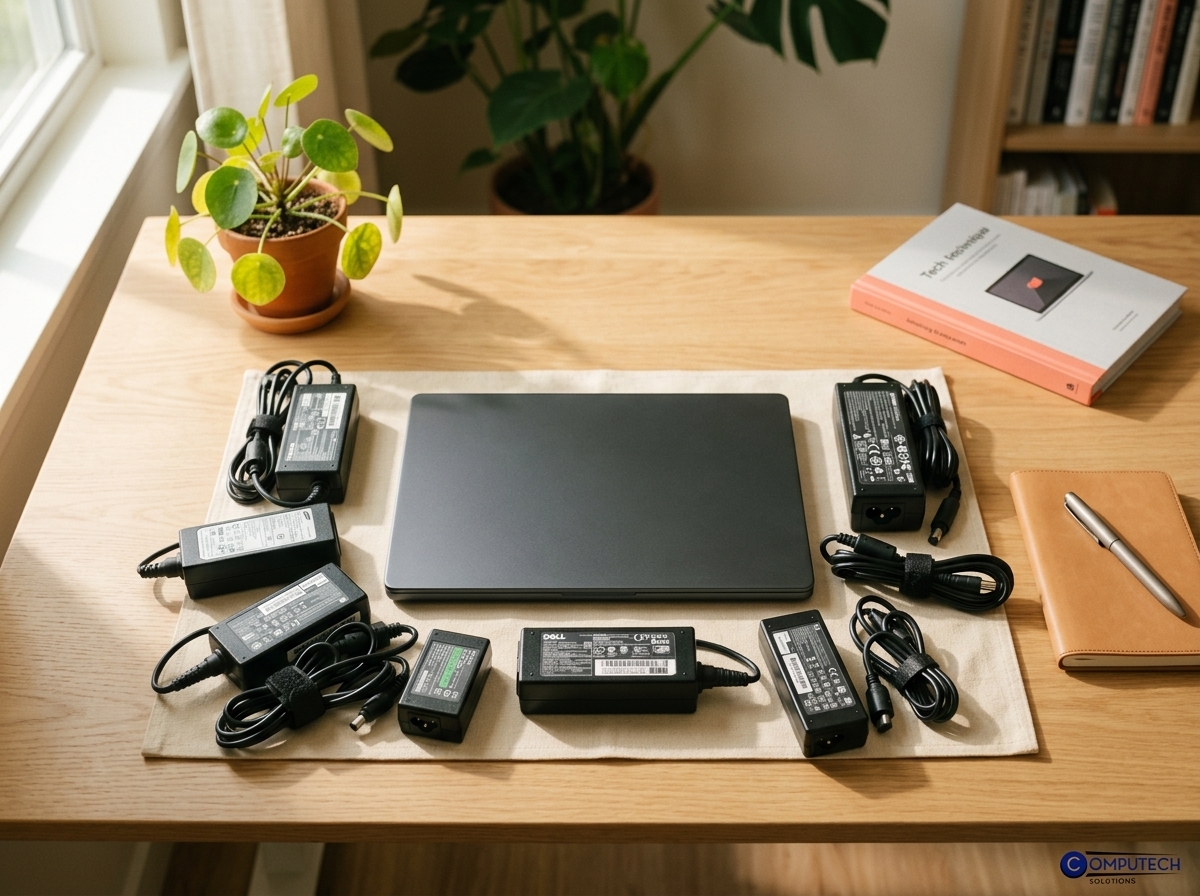
Finding the right part is crucial for a lasting repair. We offer a range of high-quality replacements to fit your HP needs.
HP Battery Replacement Guide
When your battery doesn’t last as it should, it’s time for a replacement. Look for a battery that matches your model for the best performance. Our selection includes reliable HP battery replacements to keep you powered up.
HP Laptop Charger Options
A malfunctioning charger can bring your productivity to a halt. Choosing the right charger ensures your laptop receives the power it needs. Our range includes options for different HP models, ensuring you find the perfect fit.
HP LCD Screen Replacement Steps
Cracked or malfunctioning screens are frustrating but fixable. Replacing the screen requires careful handling and the right tools. If you’re not comfortable doing it yourself, our team can assist in finding the right screen and guidance on replacement.
Power Backup Solutions
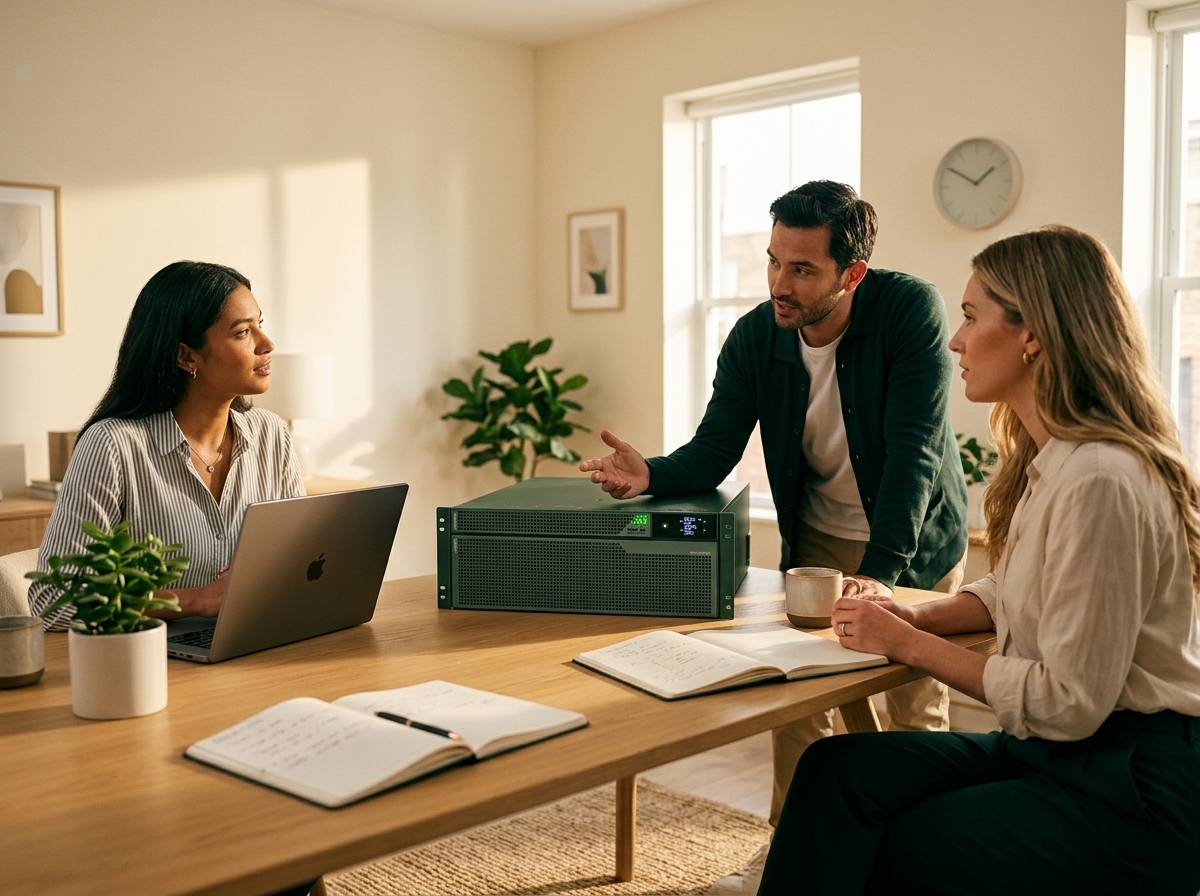
Tired of losing work due to power cuts? Backup solutions can keep you running smoothly during loadshedding.
Loadshedding Backup Power Strategies
Loadshedding can disrupt your day, but having a backup power strategy can make a big difference. Consider portable power banks for short outages or a more robust backup solution for extended interruptions.
UPS for Laptops and Inverter Options
Uninterruptible Power Supplies (UPS) can save your work from sudden power loss. An inverter is another option, providing longer power duration. Both ensure your HP laptop remains operational through loadshedding.
HP Laptop Service and Support 🌟
For ongoing support, our service team is ready to help. Whether it’s troubleshooting, part replacements, or backup solutions, we’re here to keep your HP devices in top condition.
Frequently Asked Questions
How can I improve my HP laptop’s battery life?
To extend your battery life, reduce screen brightness, close unnecessary apps, and unplug devices when not in use. Regularly check for system updates that can enhance performance.
What should I do if my HP laptop won’t turn on?
First, ensure your charger is working and properly connected. If it still won’t turn on, try a hard reset by holding the power button for 10 seconds. If the problem persists, it might require professional repair.
Where can I find replacement parts for my HP device?
You can find a range of quality replacement parts at Computech Solutions. Our inventory includes batteries, chargers, and screens compatible with various HP models.
How do I choose the right UPS for my laptop?
Select a UPS that matches your laptop’s power requirements. Consider the runtime you need during outages and check the UPS’s wattage to ensure compatibility.
What are the benefits of using a power inverter?
A power inverter provides extended power during outages, allowing you to continue using your laptop. It’s ideal for longer interruptions and offers peace of mind during loadshedding.
Act now to secure essential IT technology and power solutions before year-end.
