
BatteryInfoView Guide: Diagnose a Dying Laptop Battery and Get the Right Replacement Fast

BatteryInfoView helps diagnose failing laptop batteries showing signs like quick drain or shutdown when unplugged. Choose compatible, high-quality generic replacements from trusted suppliers like Computech Solutions for reliable, cost-effective power restoration.
Skip the Geek Squad Appointment: Fast Laptop Power Fixes from Computech Solutions

Computech Solutions offers fast same-day dispatch of quality laptop batteries, chargers, and backup power options in South Africa, helping you quickly fix power issues without delays or guesswork.
Laptop Battery Replacement: Stop the Shutdowns. Get Portable Again.
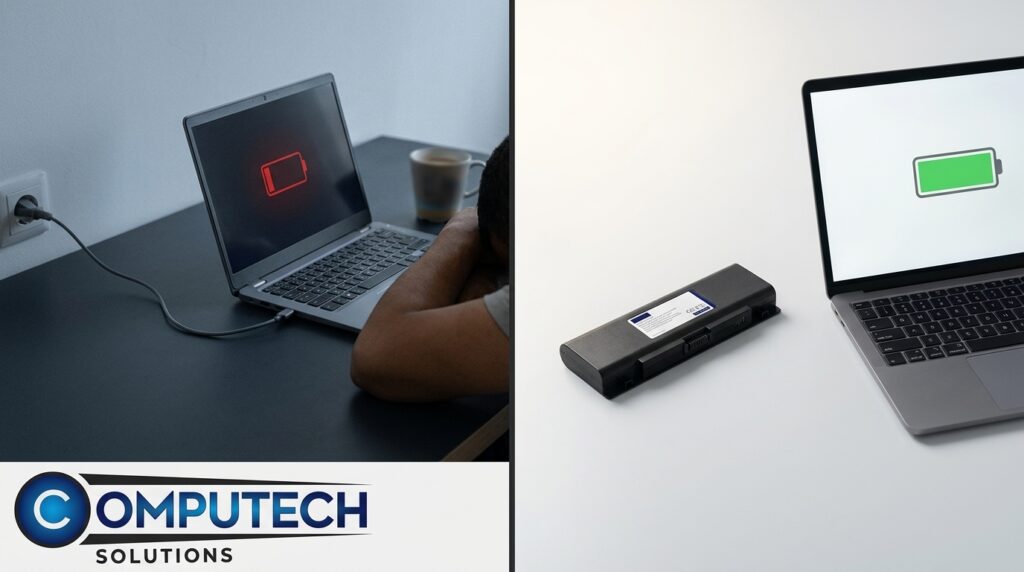
Computech Solutions offers high-quality generic laptop battery replacements to restore portability and prevent shutdowns. Fast nationwide delivery and expert support available.
How to Run an HP Warranty Check in Minutes (SA Guide) + What to Do Next

This SA guide explains how to quickly check your HP warranty using the serial number, details HP Care Packs, offers solutions for out-of-warranty devices, and promotes Computech Solutions for repairs, parts, and loadshedding backups.
HP Support Made Simple: Fast Fixes, Quality Parts, and Power Backup from Computech Solutions

Computech Solutions offers fast, nationwide HP support in South Africa with quality batteries, chargers, LCDs, and power backup solutions to combat loadshedding and minimize downtime.
Replacement Laptop Battery South Africa: Power Through Loadshedding

Choose a compatible, high-capacity replacement laptop battery in South Africa to stay powered during loadshedding. Get 10% off with code POWERUP at Computech Solutions.
Laptop Battery Compatibility Made Easy: Find the Right Fit and Power Up
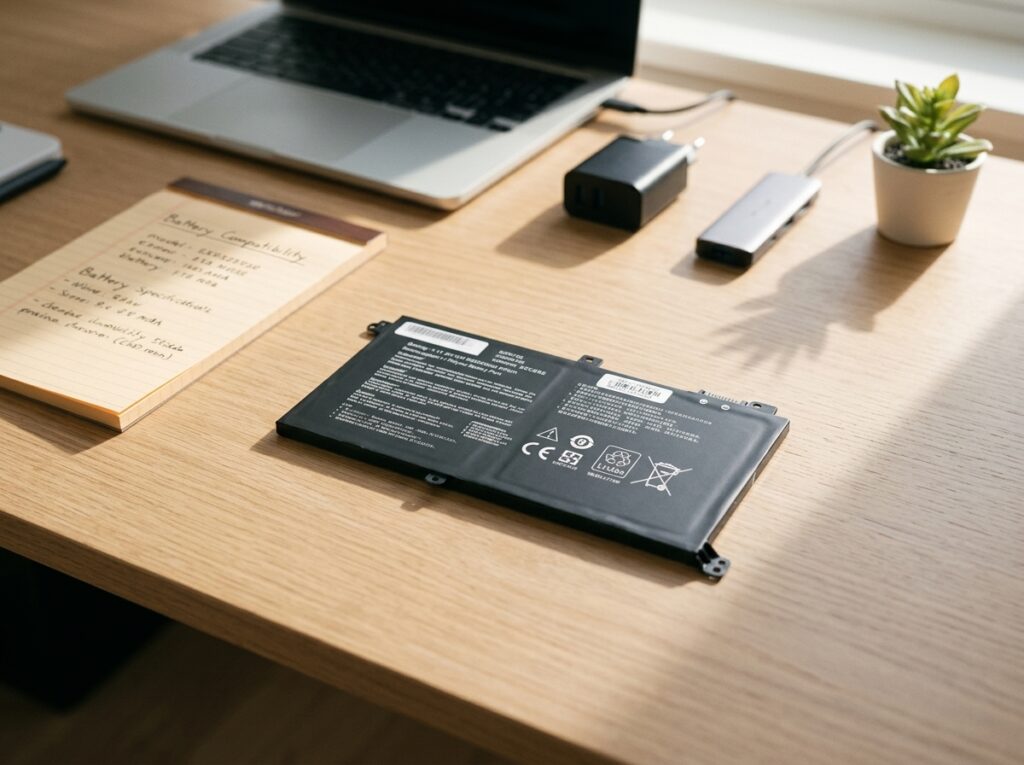
Find the right laptop battery by matching model/part numbers, voltage, capacity, and connector shape. Use Computech Solutions for trusted products, fast South African delivery, and expert support.
Stop Downtime Before It Starts: Your Pre‑Failure Device & Power Checklist

Prevent device downtime with proactive checks: maintain batteries, use surge protectors, invest in UPS/inverters, upgrade to SSD/NVMe, and ensure reliable connectivity. Shop Computech Solutions.
Stop Downtime Before It Starts: Your Pre‑Failure Device Checklist

Prevent device failures with proactive checks: SMART drive health, fan cleaning, thermal fixes, and power backups like UPS, solar, or inverters. Upgrade batteries, SSDs, and RAM for reliability and speed.