
Device failure can halt your work in seconds. One missed sign on your PC or laptop can lead to costly downtime. This PC health checklist helps you spot trouble before it hits, covering power backups, battery health, storage upgrades, and surge protection. Stay ahead with Computech Solutions’ range of tested laptop batteries, UPS units for loadshedding, SSD upgrades, and more. Shop essential safeguards now—add to cart and keep your work running smooth. For more on preventive maintenance, check out this preventive maintenance checklist.
Proactive Device Checks

Let’s dive into the basics of keeping your tech running smoothly. By taking charge now, you prevent bigger issues later. Here’s what you should do today.
Preventive Maintenance Tips
To keep your devices in top shape, regular maintenance is key. Start by setting up a simple schedule. Check your computer’s software updates regularly. An updated system often runs more smoothly and securely. Dust can be a silent killer. Open up your desktop case and gently clean out any dust. This enhances airflow and prevents overheating. Don’t forget to back up your data. Use an external drive or cloud service. This way, you won’t lose important files if something goes wrong.
Overlooking these steps might seem harmless now, but it can lead to bigger problems. For more guidance on preventive maintenance, see this useful checklist.
Power Backup Essentials
Imagine working on a critical project and suddenly, the power goes out. Having a backup power source is crucial in such situations. A UPS system can keep your devices running during outages. It gives you enough time to save work and shut down properly. Look for a UPS with enough capacity to power your setup. Battery life and recharge time are important factors to consider.
Consider investing in solar backup solutions. These can provide a sustainable power source during extended outages. Solar power systems are especially useful in South Africa, where loadshedding is common. Don’t wait until it’s too late—secure your power today.
Laptop Battery and Charger Care
Laptop batteries don’t last forever, but you can extend their life with proper care. Charge your battery only when it’s necessary. Avoid leaving your laptop plugged in constantly. This can degrade your battery over time. If your battery isn’t holding charge like it used to, consider a replacement. Computech Solutions offers high-quality replacements that won’t let you down.
Charger issues are also common. Make sure your charger is compatible with your laptop model. A wrong charger can damage your battery. If you see fraying or damage on the cord, it’s time to get a new one. Proper care keeps your laptop running efficiently.
Power Protection Strategies
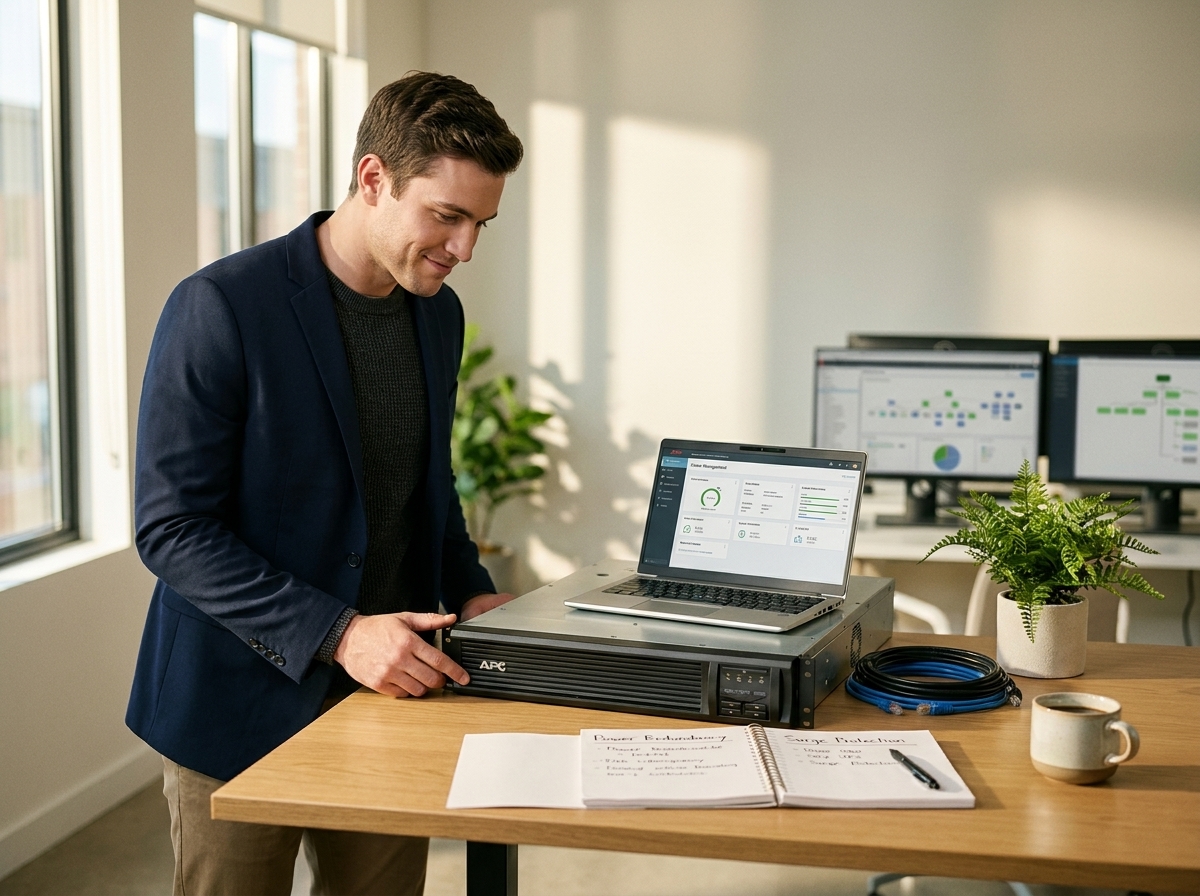
Securing your devices from power surges is just as important as having a backup. Surges can cause irreversible damage, so let’s explore how to protect your devices.
Surge Protector Importance
A surge protector is a small investment that can save you a lot of trouble. It shields your devices from sudden voltage spikes. Look for one with multiple outlets and a high joule rating. This indicates how much energy it can absorb. Don’t confuse a power strip with a surge protector—they aren’t the same. A surge protector is specifically designed to handle power surges.
Most people think they’re safe without one. But, a single surge can ruin your electronics. Protect your investment with a surge protector today. For more on protecting your equipment from failure, read this comprehensive guide.
Choosing the Right UPS
Not all UPS units are created equal. You need one that suits your specific needs. Consider the number of devices you’ll connect and their power requirements. A UPS with a higher VA (volt-ampere) rating can support more devices. Don’t forget to check the runtime. This tells you how long the UPS can support your devices during an outage.
Read reviews and ask for recommendations. Most people buy a UPS without doing research, but a little homework can go a long way. Equip yourself with the right UPS from Computech Solutions.
Inverter Backup Solutions
For more extended power outages, an inverter can keep you going. It converts DC power from batteries into AC power for your devices. Inverters are ideal for homes and small offices. They’re a bit more costly, but the peace of mind is worth it. Look for an inverter that suits your power needs. Some inverters offer solar charging options, which is a great way to harness renewable energy.
With the right setup, you’ll be prepared for any power situation. Most people think they don’t need an inverter until they experience a long outage. Don’t let this be you.
Storage and Connectivity Upgrades
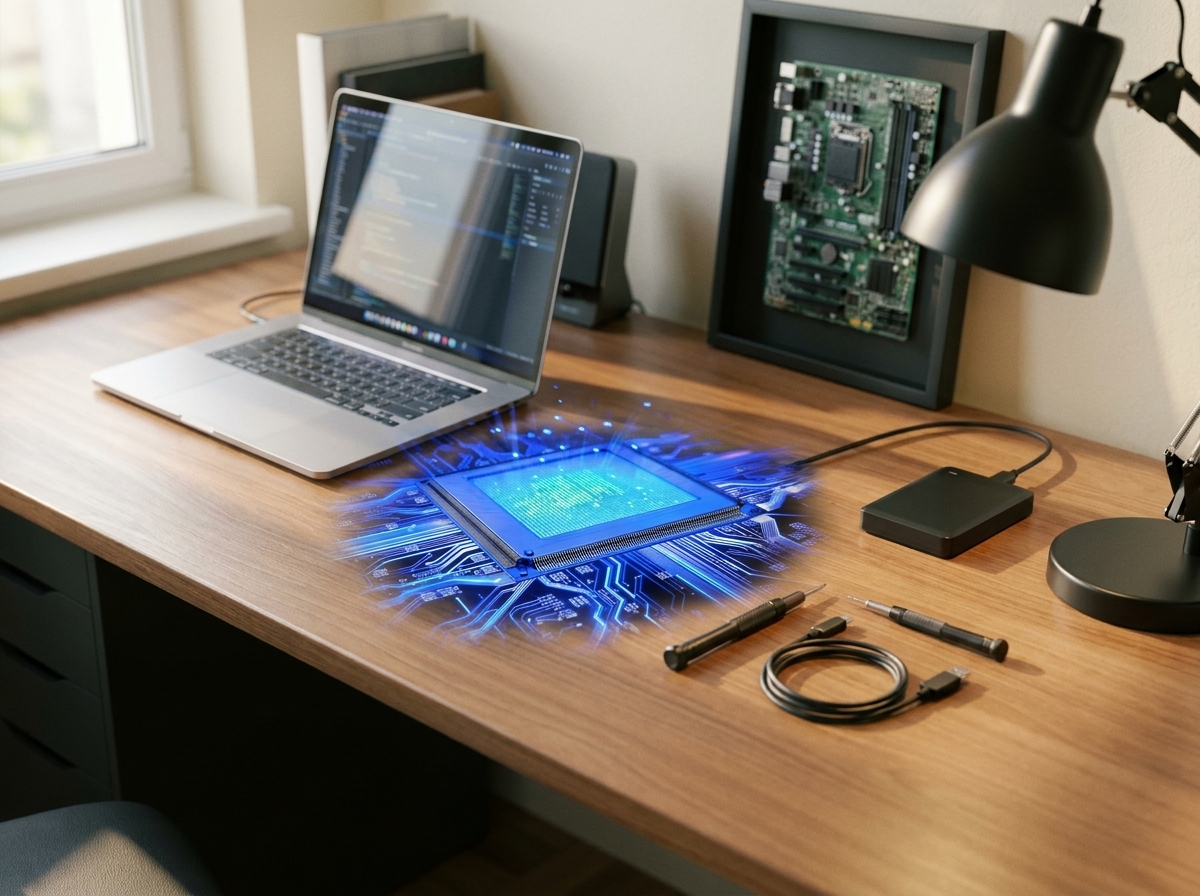
Upgrading your storage and connectivity options can also prevent downtime. Let’s see what options you have to keep your work running smoothly.
SSD and NVMe Options
Switching to an SSD or NVMe drive can make a world of difference. These drives are faster and more reliable than traditional hard drives. An SSD can speed up your boot time and application load times significantly. NVMe drives offer even faster data transfer speeds. If you’re working with large files or applications, an NVMe is a great choice.
Most people underestimate the impact of a slow drive. But upgrading can save you valuable time and frustration. For more on SSD and NVMe upgrades, visit Computech Solutions.
NAS and External SSD Setups
Network-attached storage (NAS) can provide a centralized location for your files. This makes it easier to access them from any device on your network. NAS devices are perfect for small offices or homes with multiple users. They offer security features to protect your data.
External SSDs are also a great option for portable storage. They’re fast and reliable, ideal for backing up important projects. Using both NAS and external SSDs ensures you have multiple backup options. Don’t rely on a single method—diversify your storage solutions.
Networking Cables and Adapters
Good connectivity is essential for smooth operation. Make sure you have the right networking cables and adapters for your setup. CAT6 cables are a reliable choice for fast data transfer. Adapters can help connect devices that lack ports.
Most people overlook the importance of good cables. But a reliable connection can prevent frustrating lags and disconnections. Replace old cables with new ones to maintain consistent performance.
Ending with these proactive steps ensures your devices are ready for any situation. Equip yourself and prevent downtime before it starts.
Don’t risk downtime – protect your systems now.
