
Your laptop powers on when plugged in but dies the moment you unplug it. That sudden stop can ruin meetings, trips, or your work rhythm. Using BatteryInfoView, you can confirm if your battery’s worn out and find a high-quality generic replacement fast. Computech Solutions helps you skip the guesswork so you stay mobile without buying a new laptop. Learn how to repair a laptop battery at home.
Recognizing a Failing Battery
When your laptop suddenly stops working off the plug, it’s frustrating. But you don’t need to panic. By recognizing the signs of battery wear, you can prevent this issue from disrupting your day.
Common Signs of Battery Wear
A common sign your battery might be failing is its inability to hold a charge. If your laptop shuts off once you unplug it, it’s a clear indicator. You might also notice your battery depleting faster than before. This can mean it’s not holding the charge it once did. Another sign is if your laptop takes longer to charge. A healthy battery should charge reasonably quickly, but a worn one will struggle. Lastly, if your laptop feels warm to the touch more often, it might be working harder to compensate for a failing battery.
Using BatteryInfoView for Diagnosis
With BatteryInfoView, you can easily check your battery’s health. This tool provides an in-depth look at your battery’s status. Once installed, open the program to see vital details like the battery’s wear level and capacity. You’ll see if the battery’s health has decreased over time. This insight makes it easier to decide when it’s time to replace your battery. Knowing your battery’s condition can save you time and help you maintain your laptop’s performance.
Choosing the Right Replacement
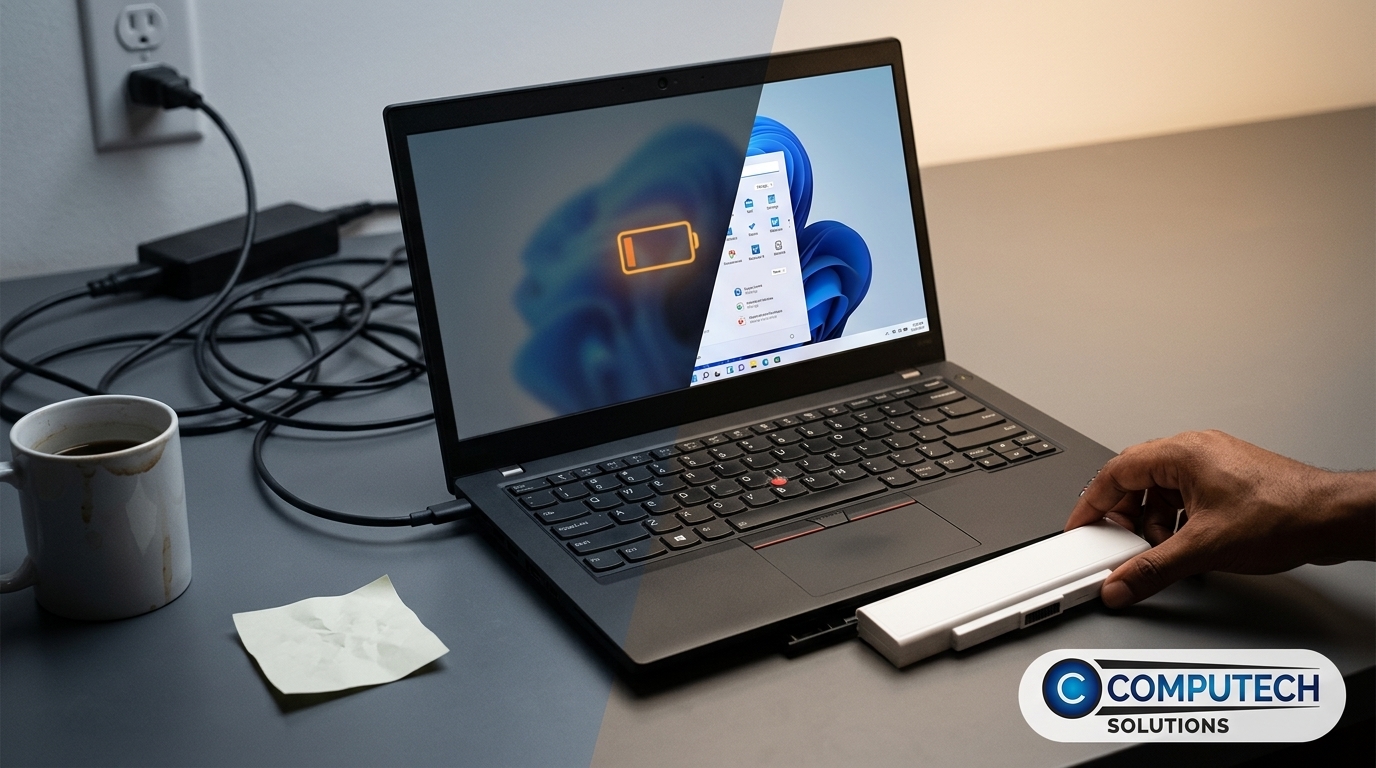
Choosing the right battery replacement can restore your laptop’s portability. It’s not just about finding any battery, but the right one for your needs.
Identifying Compatible Generic Batteries
When selecting a generic battery, compatibility is key. Start by checking your laptop’s model number. This ensures you get the right fit. Generic batteries are a cost-effective alternative to original ones, offering similar performance. Many users find them reliable for regular use. It’s important to choose a battery from a trusted supplier like Computech Solutions. They guarantee high-quality replacements that fit well with many laptop brands, providing peace of mind.
Key Features to Check Before Ordering
Before placing an order, scrutinize the battery’s specifications. Look at the voltage and capacity: these should match your original battery to ensure efficiency. Check the warranty offered, as a good warranty reflects confidence in the product’s quality. Additionally, consider the supplier’s reputation. A company with a track record for quality products is more likely to provide a reliable battery. By focusing on these features, you ensure you’re purchasing a battery that will meet your needs and keep your laptop running smoothly.
Restoring Portability and Power
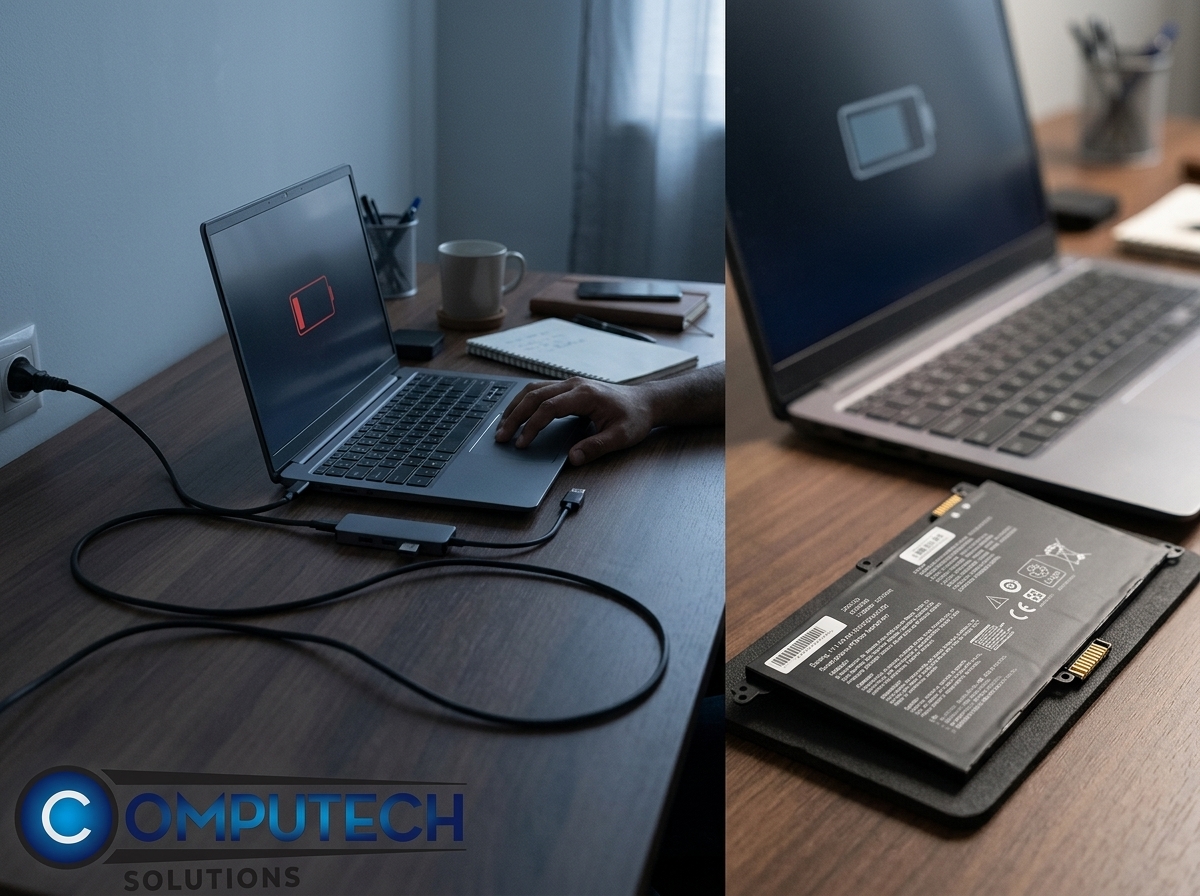
Replacing your battery is just one part of the solution. Proper installation and maintenance will keep your laptop running optimally.
Tips for Safe Installation
Installing your new battery correctly is crucial. First, turn off your laptop and disconnect it from any power source. Remove the old battery by following your laptop manual’s instructions. Carefully insert the new battery, ensuring it fits snugly. Power on your laptop and confirm it’s charging properly. It’s advisable to let the battery charge fully before unplugging it. Safe installation ensures your laptop runs smoothly and extends the lifespan of your new battery.
Benefits of Generic Laptop Batteries
Generic batteries offer several advantages. They are often more affordable than brand-name options, making them a smart choice for budget-conscious users. These batteries are designed to meet or exceed industry standards, providing dependable performance. Many users report satisfaction with their generic batteries, noting their reliability and longevity. By choosing a high-quality generic battery, you can restore your laptop’s portability without the expense of a brand-name product. This allows you to stay productive, whether at home or on the go.
Frequently Asked Questions
How can I tell if my laptop battery needs replacing?
Your battery likely needs replacing if it doesn’t hold a charge or if your laptop shuts down when unplugged. A noticeable decrease in battery life or excessive heat can also indicate a problem.
What is BatteryInfoView, and how does it help?
BatteryInfoView is a tool that provides detailed information about your battery’s health and performance. It helps you diagnose and understand your battery’s wear level and capacity, aiding in the decision to replace it.
Are generic laptop batteries reliable?
Yes, generic laptop batteries are reliable if purchased from reputable suppliers. They often offer similar performance to original batteries at a lower cost, making them a practical choice for many users.
What should I look for when buying a replacement battery?
Look for compatibility with your laptop model, matching voltage and capacity, a solid warranty, and a reputable supplier. These factors ensure you get a quality product.
Where can I buy a generic laptop battery in South Africa?
Computech Solutions offers a range of high-quality generic laptop batteries. They provide nationwide delivery, making it easy to find the right replacement for your needs.
