
Most laptops and desktops slow down by mid-year because their parts get tired or outdated. Upgrading key components like SSDs, RAM, and cooling systems can make your machine run faster and last longer. This laptop upgrade guide shows you practical steps and smart buys to tackle performance drops—and avoid costly replacements. Shop the Mid-year Upgrade Sale now. Add to cart. Save on SSDs, RAM, GPUs, and UPS bundles today. For more insights, check out this guide.
Essential Laptop Upgrades
Revamping your laptop can breathe new life into your device. Let’s look at what you can do to boost its performance and extend its lifespan.
Best SSD for Laptop
Switching to a solid-state drive (SSD) can significantly cut down on load times. SSDs offer faster boot times and quicker file transfers. When picking an SSD, consider capacity and speed. A 512GB SSD is often enough for most users. For a deep dive into choosing the right laptop, explore this comprehensive guide.
DDR4 vs DDR5 RAM
Deciding between DDR4 and DDR5 RAM? It depends on your needs. DDR5 offers higher speeds and more bandwidth, perfect for gaming or graphic design. If you’re doing basic tasks, DDR4 might be enough. Upgrading to DDR5 can future-proof your system, but it’s usually pricier. Consider your budget before making the switch.
NVMe SSD Upgrade
NVMe SSDs are the fastest option available, offering speeds up to five times faster than SATA SSDs. An NVMe drive can load applications in the blink of an eye. To upgrade, make sure your laptop supports NVMe slots. You’ll notice the difference immediately, especially if you multitask with large files.
Desktop Hardware Enhancements
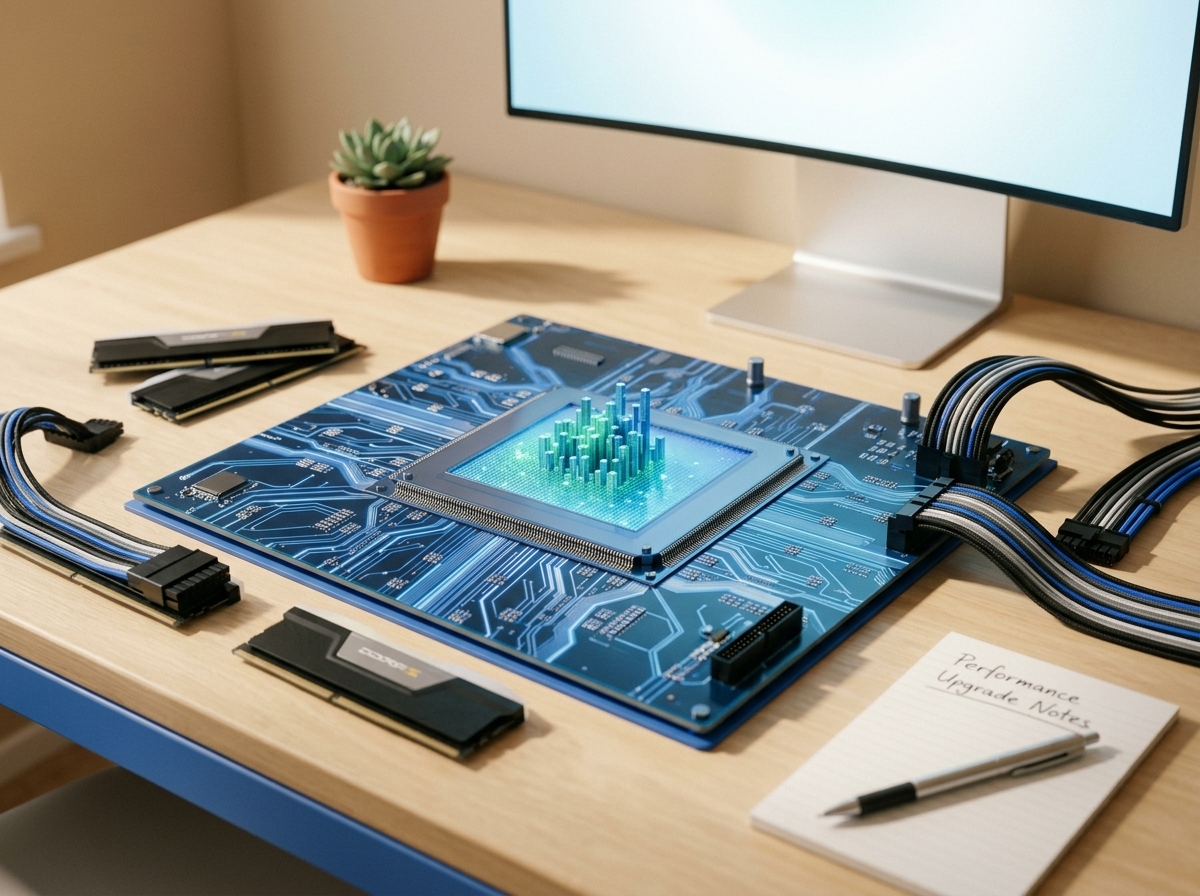
Desktops come with their own set of upgrade opportunities. Let’s dive into some key components you can enhance for better performance.
CPU Upgrade Checklist
Upgrading your CPU might sound daunting, but it’s a game-changer for speed. Start by checking compatibility with your motherboard. Consider factors like core count and clock speed. A higher core count is great for multitasking, while a higher clock speed benefits gaming. Don’t forget to update your BIOS after installation.
GPU Upgrade Tips
For gamers and designers, a GPU upgrade can be the most rewarding. Look for a card with high VRAM and CUDA cores if you’re into heavy-duty graphics. Keep an eye on power requirements and ensure your power supply can handle the new card. Also, check if your case has sufficient space and cooling capabilities.
Thermal Paste and Cooling Fans
These often-overlooked components are pivotal for maintaining optimal performance. Reapplying thermal paste reduces CPU temperatures, while additional cooling fans can improve airflow. This is especially important after upgrading your CPU or GPU. Keeping your system cool helps longevity and enables peak performance.
Power Solutions for Reliability
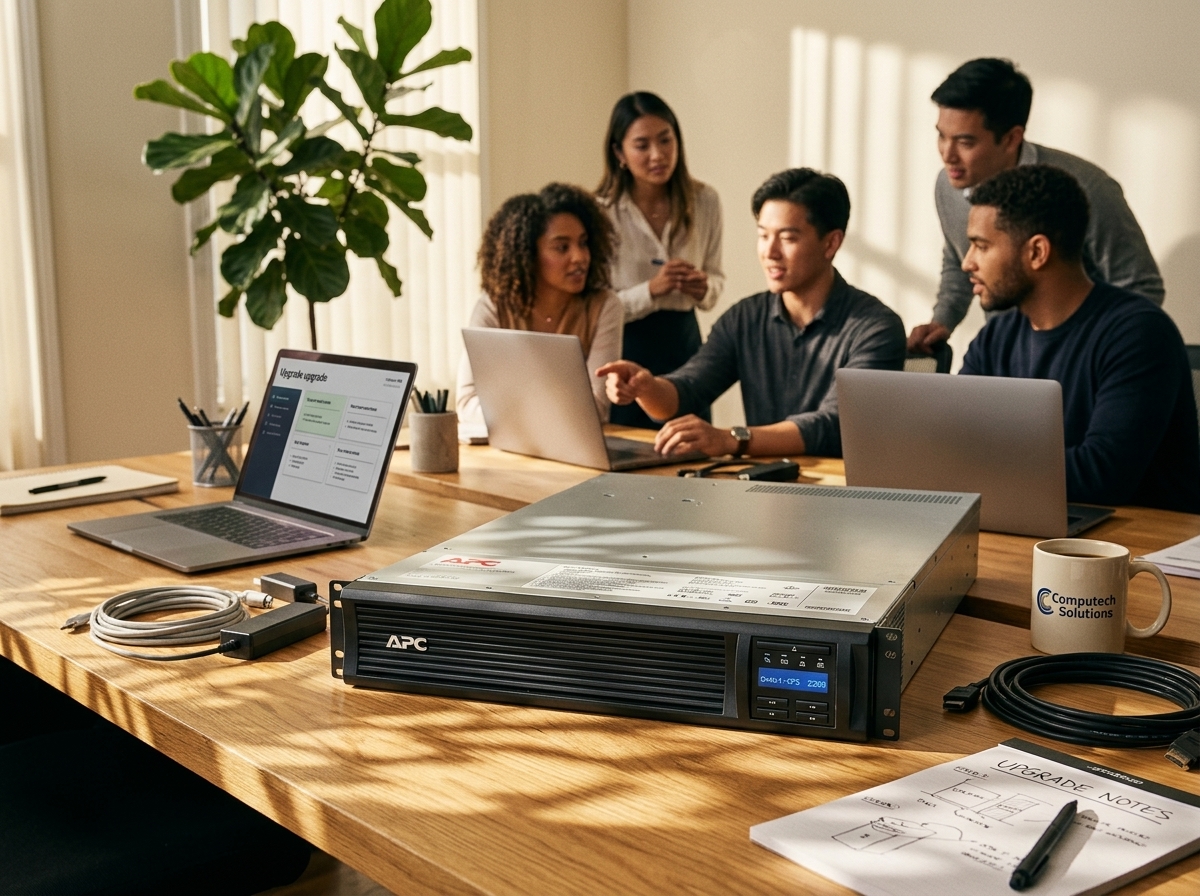
Stable power is crucial, especially with the frequent outages. Here are some solutions to keep your systems running smoothly.
UPS for PC Loadshedding
A UPS (Uninterruptible Power Supply) is a must-have in areas with frequent power cuts. It provides backup power, allowing you to save work and safely shut down. When selecting a UPS, consider the total wattage of your equipment and the runtime you need. A general guideline is to choose a UPS with a capacity 1.5 times that of your system’s power consumption.
Inverter for Home Office
Inverters convert DC power from batteries into AC power, keeping your office running during outages. Look for a pure sine wave inverter for sensitive electronics. Calculate your power load to choose the right capacity. Installing an inverter ensures continuous productivity, making it a wise investment.
Solar Backup for Computers
Solar power offers a sustainable and reliable backup option. Solar panels can charge batteries during the day, providing power even during extended outages. Consider your local weather conditions and space availability when planning a solar setup. A solar backup not only keeps your devices running but also reduces electricity bills.
By following these upgrade tips, you can revitalize your devices and ensure they’re ready for anything. Whether you’re boosting speed with an SSD or securing reliable power with a UPS, these enhancements are worthwhile investments.
Upgrade now during our Mid-year Tech Sale – save on top IT gear.
